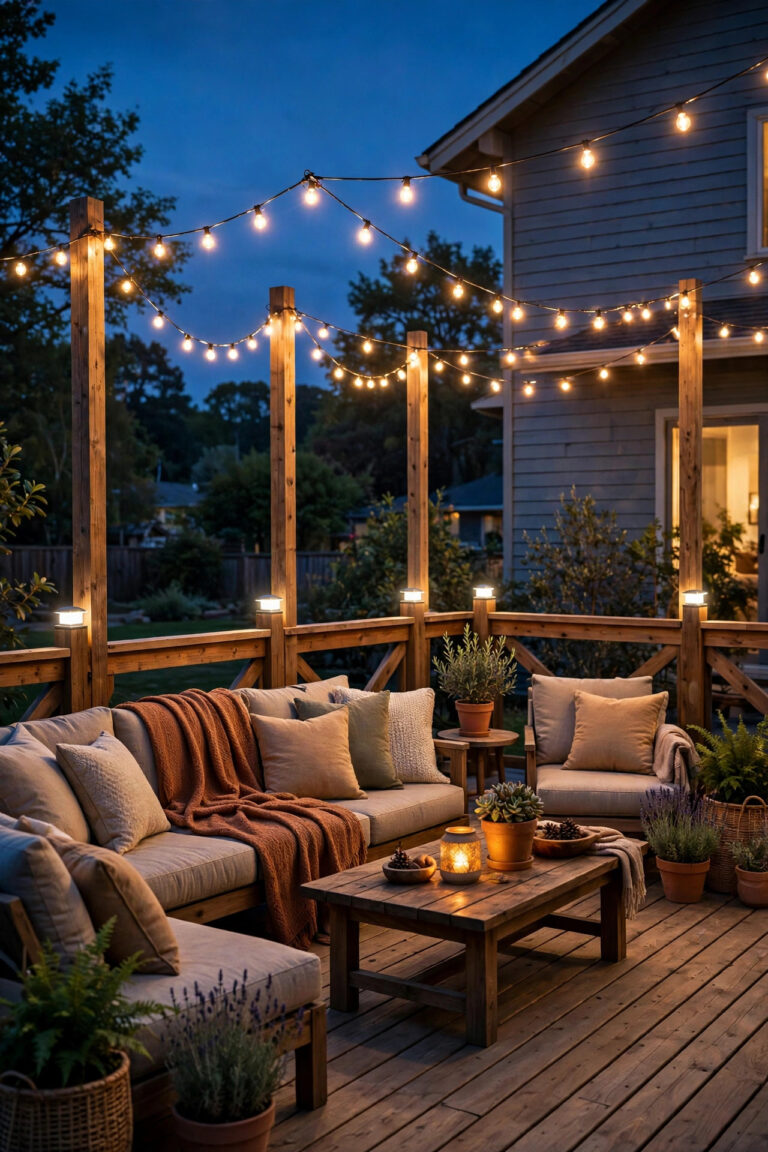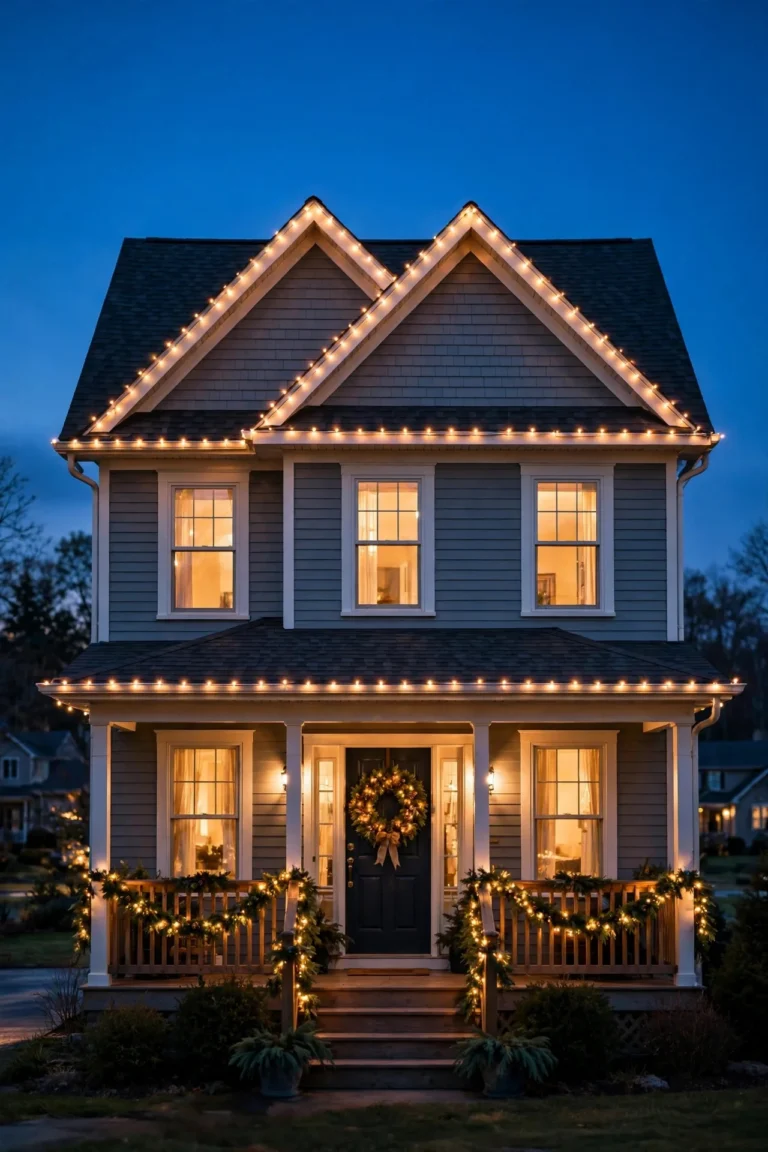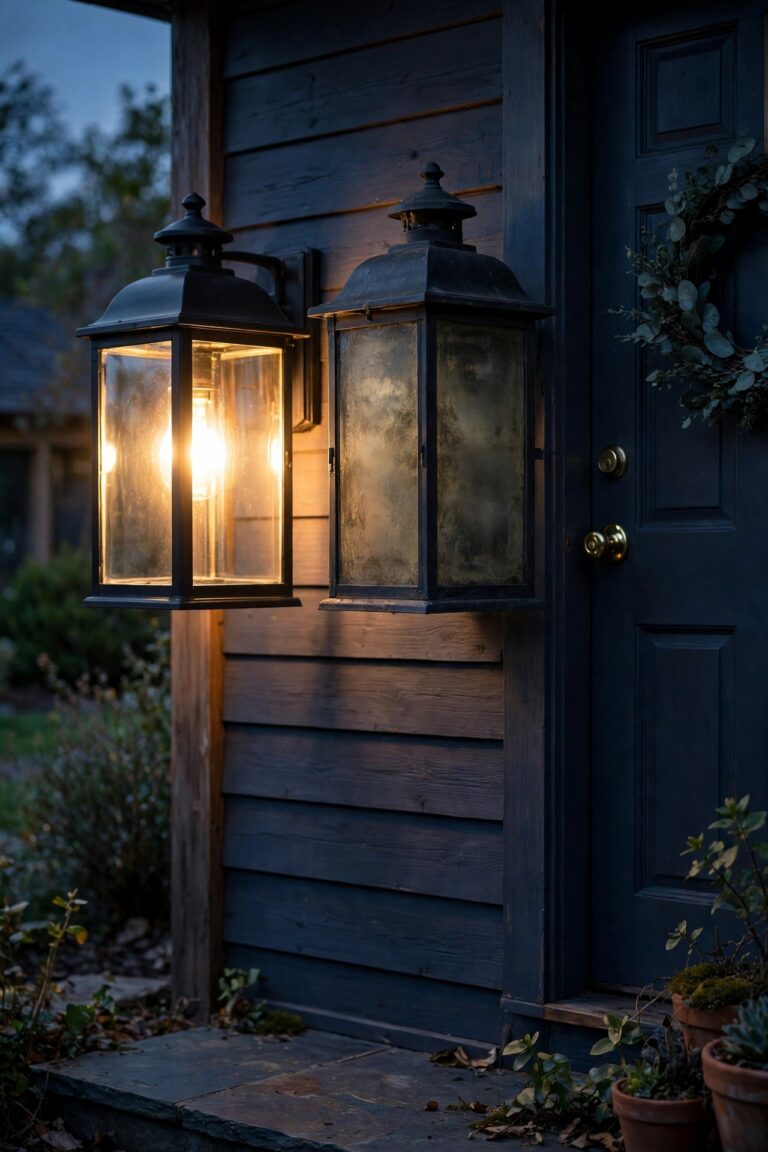
There is a particular kind of frustration every homeowner knows: the motion light that clicks on for every passing car, every moth, every gust of warm air off the driveway — and then somehow sleeps through you carrying groceries across a dark garage apron. Mine did exactly that for one embarrassing winter, and it was never the fixture's fault. It was mine, because knowing how to install a motion sensor light is really two skills: a simple wiring job, and the aiming job nobody reads about. The wiring takes about half an hour. The aiming is what separates a light that guards your home from one that just annoys your neighbors. In this guide, I'll walk you through the whole thing the way I do it now — choosing the right fixture, wiring it safely, mounting it at the height that actually works, and dialing in the sensor so it wakes up for people and ignores everything else. By the end, your light should greet you at the door, watch the driveway, and stay dark the rest of the night — which is the whole point.

The Short Answer
You can install a motion sensor light in 30 to 60 minutes with basic tools: kill the power, remove the old fixture, match three wires (black to black, white to white, ground to ground), mount the new fixture on a gasketed box, then aim the heads and sensor. Mount it 6 to 10 feet high, point the sensor slightly downward, and set sensitivity to medium, duration to one to five minutes, and the photocell to dusk-to-dawn mode. Test it after dark by walking the coverage zone — that ten-minute walk is what makes it right the first time.
How a Motion Sensor Light Actually Works
Most outdoor motion lights use a passive infrared sensor — PIR for short. It doesn't send anything out; it simply watches the scene in front of it for sudden changes in heat. A person walking across your driveway is a warm shape moving against cooler pavement, and that moving heat signature is what trips the switch. Understanding this one idea explains almost every aiming rule in this guide. The sensor is most sensitive to heat moving *across* its field of view, side to side, and noticeably less sensitive to something walking straight toward it.
That infrared eye lives behind a segmented plastic lens, and those little segments are what divide the yard into detection zones. It also explains the classic false alarms: a vent blowing warm air, sun-heated pavement shimmering at dusk, or a big dog can all look like "moving heat." The sensor's partner is a photocell, a tiny light meter that keeps the fixture off during daylight so it only works the night shift. Range, sensitivity, and duration dials — which we'll tune later — simply tell this heat-watching eye how jumpy to be. If you'd like the deeper tour of sensor types and features before you buy, my guide to choosing motion sensor lights walks through all of it.

Choosing the Right Fixture Before You Touch a Wire
A few buying decisions made at the kitchen table will save you a return trip and a second climb up the ladder. Start with the light type. Integrated LED fixtures are the modern default: bright, sealed against weather, and they sip electricity. Replaceable-bulb fixtures cost less up front and let you swap bulbs, but every socket is a place water can eventually reach. For most porches and garages, I recommend integrated LED and done.
Next, decide how the sensor should behave. A standard motion light is dark until triggered — best for side yards and security spots. A dual-brightness fixture glows dimly all night, then snaps to full brightness when it senses motion; that's the one I love over a front door, because the porch never looks abandoned. Dusk-to-dawn-only fixtures skip the sensor entirely and simply burn from sunset to sunrise. Then check the honest specs: detection range of 30 to 70 feet, a field of view of 180 to 270 degrees, and an IP65 or wet-location rating for anything exposed to rain. Finally, match the finish and scale to your house — a fixture that looks right at noon matters, because you'll see it a thousand times more often than you'll see it lit.
Tools and Materials You'll Need
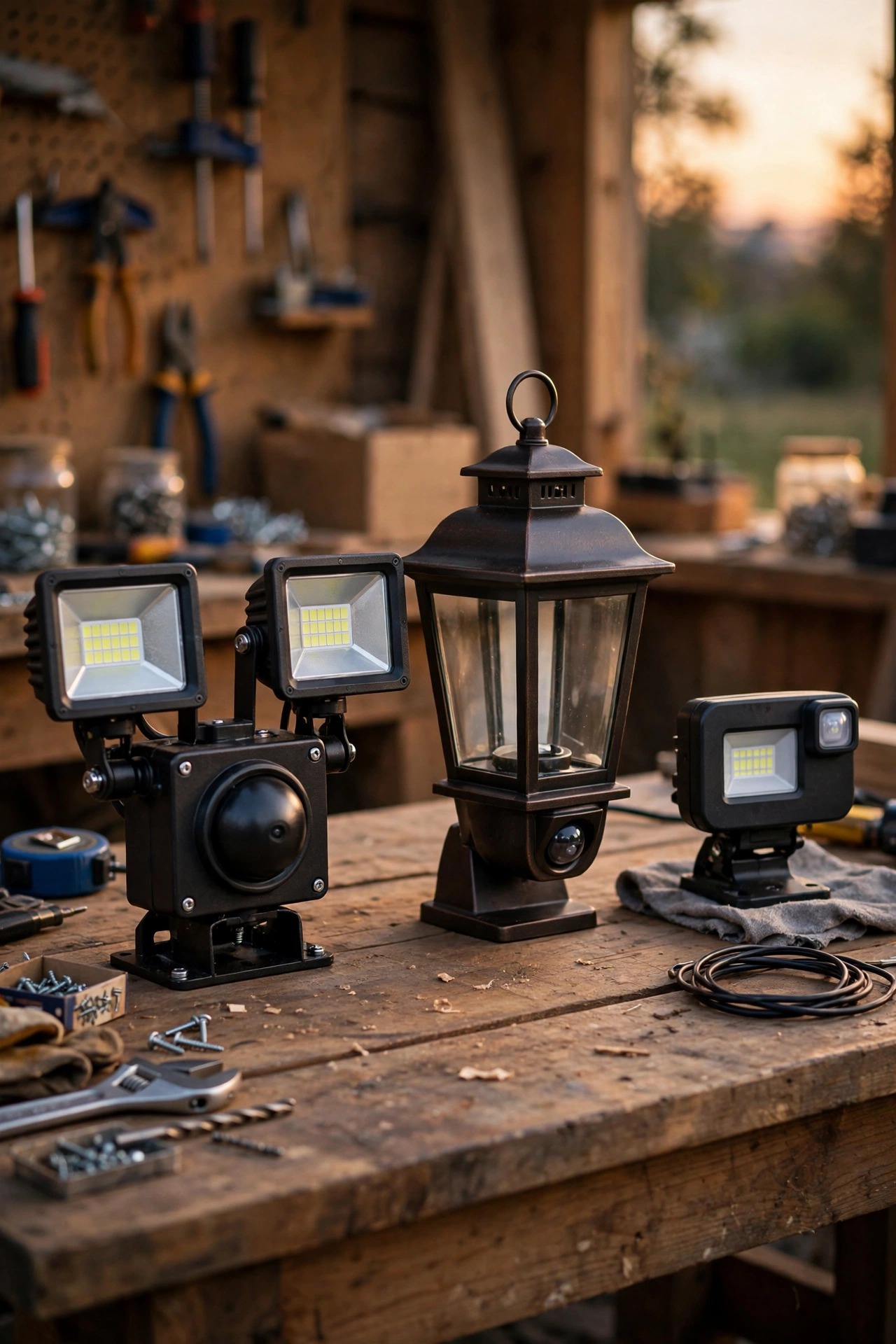
This is a genuinely short list, and gathering it all before you climb up is the difference between a calm project and a wobbly one. You'll need a ladder tall enough to work at the fixture without standing on the top rung, a Phillips and flathead screwdriver, wire strippers, needle-nose pliers, and a non-contact voltage tester — that little pen is non-negotiable for me. Add a drill with bits if the mounting box needs new holes, electrical tape, and a tube of outdoor silicone sealant for the top edge of the mounting plate.
Bring the new fixture's included hardware up with you, plus a handful of wire connectors in case the ones in the box are missing or cracked. A headlamp is a quiet hero here, because your hands will be busy and the porch light you are replacing will, obviously, be off. I also tuck my phone in a pocket for the flashlight and for photographing the old wiring before I touch it — that photo has saved me more than once. If your junction box is old, grab a foam gasket or a new mounting plate while you're at it. One trip up, everything in reach, no drama.

Safety First: Power, Ladders, and Old Wiring
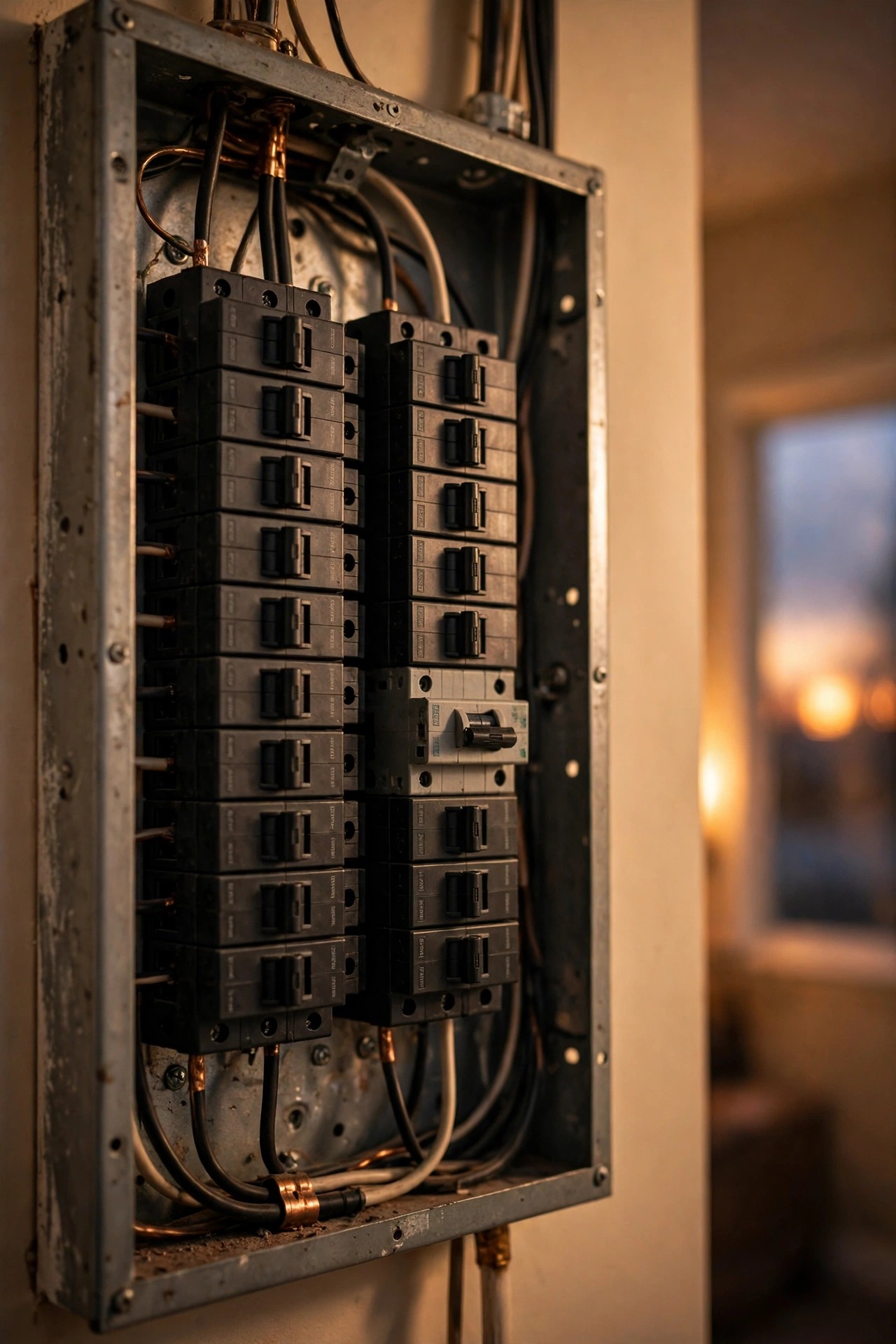
Electricity outdoors deserves a calm, unhurried respect, so let's get the safety ritual out of the way before any wires appear. Step one is always the breaker: find the circuit that feeds the fixture, switch it off, and tape a note over the panel so nobody helpfully restores power while you're holding a wire. Then prove it — test the old fixture's wires with your voltage pen before your fingers go anywhere near them, and test again after you've disconnected things. A switch turned off at the wall is not the same as a dead circuit, especially in older homes with creative wiring histories.
Ladder safety matters just as much. Set it on firm, level ground, keep three points of contact, and never lean out sideways to reach a screw — move the ladder instead, even when it's annoying. If the existing box is rusty, crumbling, or stuffed with brittle, cracked insulation on the wires, that's your sign to stop and call an electrician; a new fixture on rotten wiring is a bad bargain. Everything in this guide assumes a sound box and a simple one-for-one fixture swap, which is the project most of us actually have. Honestly, the ten minutes you spend here are the cheapest insurance in the whole project — everything after it is just turning screws.
Step-by-Step: How to Install a Motion Sensor Light
Here is the full swap, in the order I do it. The whole thing is unhurried, methodical work — put on some music and enjoy it.
1. Kill the power and verify. Breaker off, note on the panel, voltage tester on the old fixture's wires to confirm they're dead.
2. Remove the old fixture. Unscrew the mounting nuts or screws, ease the fixture away from the wall, and photograph the wiring before disconnecting anything. Untwist the wire connectors and set the old fixture aside.
3. Inspect the box. You want a clean, solid junction box with a black (hot), white (neutral), and bare copper or green (ground) wire in good condition. Straighten the wire ends and strip about 3/4 inch of fresh copper if the ends look tired.
4. Prep the new fixture. Thread the fixture's wires through the mounting plate or strap, and attach the strap to the box. Set the sensor dials now, while they're at eye level — medium sensitivity, one-to-five-minute duration, dusk-to-dawn mode.
5. Wire it up. Connect black to black, white to white, and ground to the ground wire or the box's ground screw, using the included connectors. Give each a gentle tug to confirm it holds.
6. Mount and seal. Push the wires neatly into the box (no pinching), seat the fixture on its gasket, tighten the mounting screws, and run a bead of silicone along the top and sides of the plate — leave the bottom edge open so any stray moisture can escape.
7. Restore power and do a daylight test. Most fixtures have a test mode that triggers the light even in daytime. Set it, walk the zone, and confirm the light responds before you fine-tune after dark.

Where to Mount It: Height and Placement Rules
Placement is where good fixtures succeed or fail, and the numbers are simple. Mount a motion sensor light 6 to 10 feet above the ground — high enough that the sensor looks down on its zone at an angle and can't be casually reached or tampered with, low enough that it still sees heat clearly and you can reach it with a reasonable ladder. It also puts the warm glow right where your headlights and your guests arrive, which is honestly where it does the most good. Around 8 feet over a garage door is the sweet spot for most homes.
Think about what the sensor watches, not just what the light hits. Aim coverage at the places people actually cross: the driveway apron, the walkway to the door, the gate, the path to the trash bins. A sensor covering a busy sidewalk or street edge will fire all night, so angle it to keep its zone inside your own property lines. Keep it away from heat sources that fake it out — dryer vents, AC condensers, and sun-baked south walls all cause nuisance trips. Shaded, stable backgrounds make for a calm sensor. My deeper placement guide for outdoor flood lights covers aiming geometry for bigger yards, but the rule of thumb holds everywhere: cover the crossing paths, not the whole street.

Aiming the Sensor and Light Heads
Now the part everyone skips — and the part that decides whether you redo this job in a month. The sensor head and the light heads aim independently, and they have different jobs. The sensor should tilt slightly downward and point at the zone where people cross, remembering that it detects side-to-side movement best. Angle it so visitors cross its view rather than walking straight at it; at a front door, that often means mounting beside the door so guests cross the sensor's gaze as they approach along the walk. If your entry path runs straight at the door, offset the fixture a few feet to one side — a slight angle is all the sensor asks for.
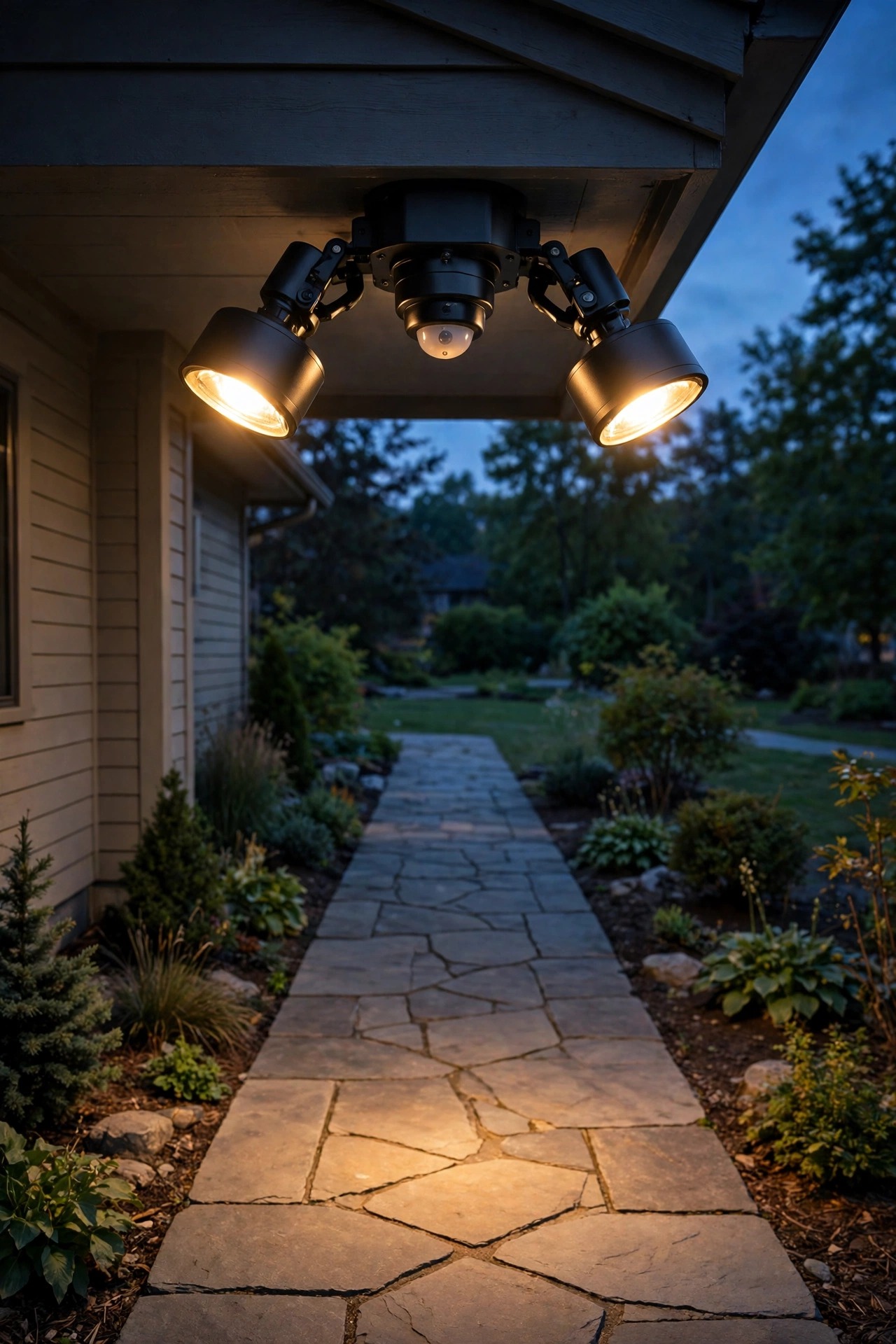
The light heads should wash the area you want illuminated — the door, the driveway, the steps — without blasting sideways into a neighbor's window or straight into drivers' eyes. Cross the beams slightly for even coverage, and keep heads tilted down at roughly 30 to 45 degrees. Then wait for dark and do the walk test: stroll every path a person would take, at a normal pace, and notice where the light wakes up and where it dozes. Adjust, walk again. Fifteen patient minutes here is the entire secret of "aim it right the first time."
Dialing In the Settings: Sensitivity, Duration, and Range
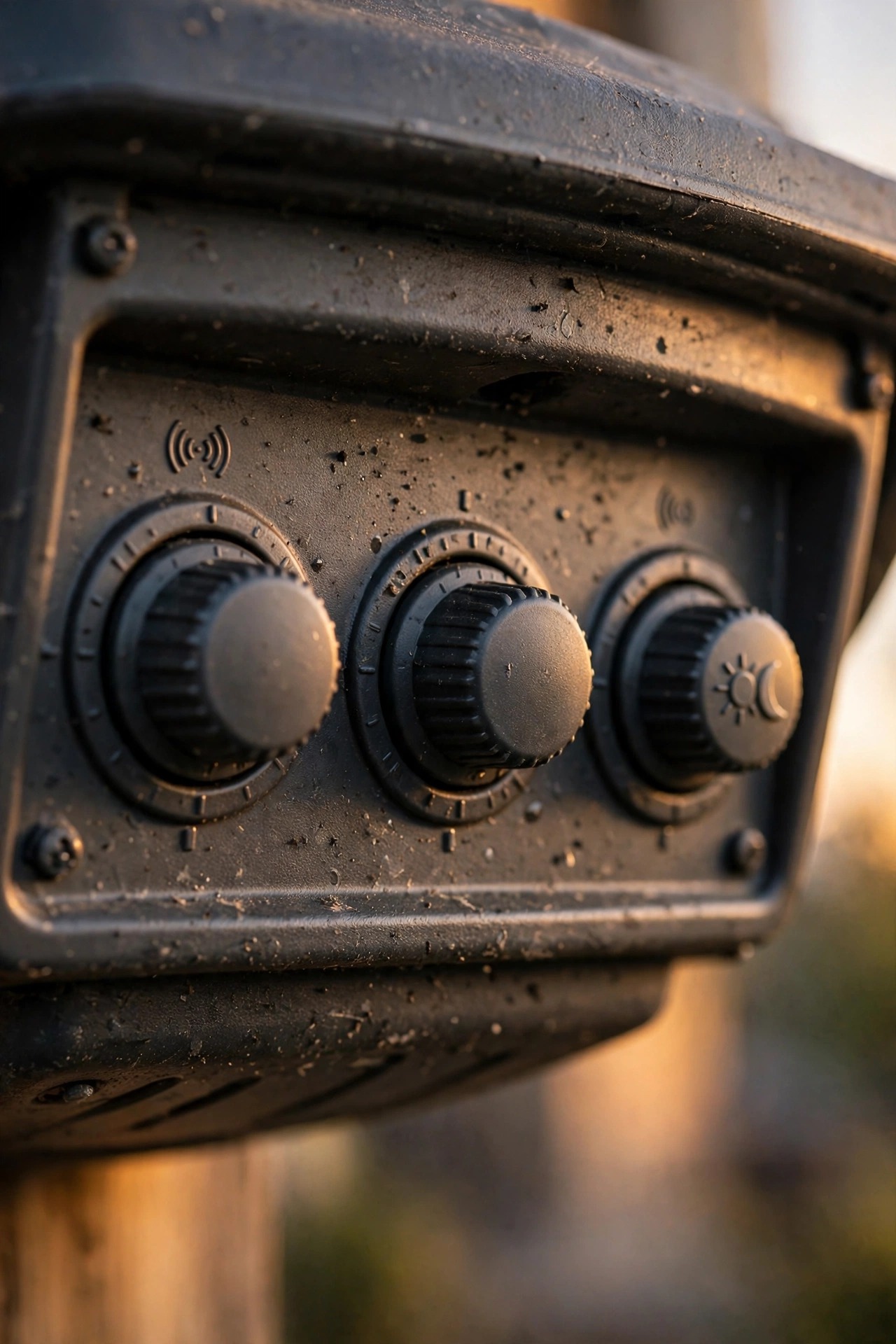
Three little dials (or app sliders, on smart models) turn a generic fixture into *your* fixture, and the factory defaults are rarely right. Sensitivity controls how readily the sensor trips. Start at medium. If the light fires for cats, raccoons, and warm breezes, back it down a notch at a time; if it misses you until you're two steps from the door, nudge it up. Big yards and long driveways want more sensitivity; small porches near a street want less.
Duration sets how long the light stays on after the last detected motion. One to five minutes suits doors and driveways — long enough to find your keys, short enough not to light the street for every dog walker. I use the shortest setting on side-yard lights and longer near the front door. Range and mode come last: many fixtures have a separate range control for how far out the sensor sees, and a photocell mode — keep it on dusk-to-dawn so daylight never triggers the lamp and wastes its life. Make one change at a time, then live with it for two nights before changing anything else. Settings tuned over a few evenings beat an hour of impatient ladder trips.
What It Costs in 2026
Here's the honest math, because this is one of the best-value upgrades in the whole house. A decent integrated LED motion fixture runs $25 to $60 at the home center; larger dual-head floods with 270-degree sensors go $50 to $110, and solar models with no wiring at all sit at $20 to $45. Mid-range is the sweet spot, in my experience — the cheapest sensors are the ones that false-trip you into returning them. If you already have a fixture at the spot — and most of us do — your supply list is basically sealant and maybe wire connectors, another $5 to $15.
Hiring it out changes the picture: an electrician swapping a fixture typically charges $150 to $300, and adding a brand-new location with fresh wiring runs $250 to $500 depending on the run. DIY, you're in for under $75 all-in at most existing spots. Running costs are almost a rounding error: a 20-watt LED that fires a dozen times a night for three minutes each burns roughly 7 kilowatt-hours a year — under a dollar of electricity annually. Compare that to a dusk-to-dawn light burning all night, and the sensor pays for itself while also being the better neighbor. Batteries on solar models are the one recurring cost, a few dollars every year or two.

5 Mistakes That Ruin a Motion Light Installation
After years of my own fumbles and neighbors' confessionals, these are the five classics. Mounting it too high is number one — above 12 feet or so, the sensor's view of a person shrinks and it starts missing people while catching every car roof that rolls past. Aiming the sensor straight down a walkway is next; remember, it catches crossing movement best, so a head-on approach can sneak surprisingly close before tripping it.
Skipping the seal causes the slow failures: water creeps behind the plate, corrodes connections, and the light dies mysteriously in year two. Setting sensitivity to maximum "just to be safe" gives you a disco that fires for heat shimmer, spiders building webs on the lens (a famous one), and every leaf storm in October. And cheaping out on the fixture itself deserves an honorable mention — a bargain sensor with a narrow, patchy detection pattern will frustrate you nightly, while a mid-range one disappears into the background of your life, which is exactly what good security lighting should do. And finally, never testing after dark. Daylight test mode proves the wiring works, but only a real night walk shows you the dead zones, the glare in your own eyes at the door, and the beam landing in the neighbor's bedroom. Ten minutes of walking beats a season of irritation.

How to Install a Motion Sensor Light Your Neighbors Won't Hate
A motion light is a security tool, not a searchlight, and a little courtesy aiming keeps it that way. The rule I follow: all of the light lands on my own property, and the sensor only watches my own ground. Tilt heads down so beams pool on your driveway and walk rather than raking across the street, and choose warm white (2700–3000K) output over harsh blue-white — it's easier on everyone's eyes and looks a hundred times better on a house at night. Your future self, arriving home after dark, will thank you for both choices every single time.
If your lot is tight, shielded fixtures and lower brightness (1,000 to 1,700 lumens is plenty for a door or single garage) keep the peace without giving up security. Cross-check your coverage against your property line during the walk test, and if a beam does stray, a small aim change usually fixes it. My collection of neighbor-friendly security lighting ideas is worth a browse if you're lighting a shared driveway or a zero-lot-line yard. A quick word with the neighbors before you install goes a long way too — people forgive a light they were warned about far more easily than a surprise floodlight at 2 a.m.

Frequently Asked Questions
Can I install a motion sensor light where no fixture exists yet?
You can, but it becomes a bigger project: a new location needs a junction box and wiring run to it, which usually means an electrician and possibly a permit. If you want motion light in a spot with no wiring at all, a solar motion light is the honest shortcut — no wires, decent brightness, and you can mount it this afternoon.
Why does my motion light stay on all the time?
Three usual suspects: the sensor is picking up constant heat movement (a vent, an AC unit, a busy street), the duration or "always on" override mode got set by a quick double-flip of the wall switch, or sensitivity is maxed out. Reset the switch to normal mode, drop sensitivity to medium, and re-aim the sensor away from heat sources — that fixes it almost every time.
How far away will a motion sensor light detect me?
Most residential fixtures detect movement 30 to 70 feet out, depending on the model and how it's aimed, with the longest ranges along the sensor's center line. Real-world range shrinks on very hot nights, when your body temperature is closer to the background air — a completely normal PIR quirk, not a failing fixture.
Does a motion sensor light need a special switch or wiring?
No — a standard fixture swap uses the same three wires as any porch light. Leaving the indoor wall switch "on" powers the sensor full-time so it can do its job; flipping the switch off kills it entirely. If you hate remembering, a simple switch guard keeps little hands and habits from defeating your security light.
Conclusion
Once you've done it once, the whole project demystifies itself: it's a three-wire swap, a gasket, a bead of sealant — and then the part that actually matters, the patient aiming and dialing-in after dark. Knowing how to install a motion sensor light means your home greets you at the door, watches the driveway without watching the whole street, and stays politely dark the rest of the night. Mount it around 8 feet, aim the sensor across the paths people cross, keep sensitivity at medium, and take that ten-minute walk test before you put the ladder away. If you're planning the rest of the yard next, browse my other outdoor lighting ideas — path lights, porch sconces, and solar accents all layer beautifully with a well-aimed motion light standing guard.