Two summers ago I stood at my back fence at nine in the evening, phone in hand, tapping a button and watching exactly nothing happen. The new path lights near the house obeyed instantly. The ones forty feet farther out? Silent. Same brand-new lights, same app — the difference was invisible, and it lived in the radio language each light used to talk. That language is called a protocol, and honestly, it decides more about how your smart yard behaves than the fixtures themselves. If you are weighing wifi vs zigbee outdoor lighting — or wondering where Bluetooth fits at all — this guide untangles the three in plain English. I will walk through how each one handles distance, walls, hubs, dead internet, battery life, and a whole yard full of fixtures, then match each protocol to the parts of the yard where it genuinely belongs, with honest 2026 costs at the end.
The Short Answer
Short version: Wi-Fi talks straight from each light to your router, so it is simple and hub-free, but distance and walls defeat it fast and it drains batteries. Zigbee is a low-power mesh language that needs a small hub; every plugged-in fixture relays the signal for its neighbors, so it crosses big yards gracefully and sips power. Bluetooth skips the network entirely and talks to your phone, which makes it perfect for one porch or patio and wrong for a whole property. Most yards I set up end up with a mesh backbone, a little Wi-Fi near the house, and Bluetooth nowhere it has to stretch.
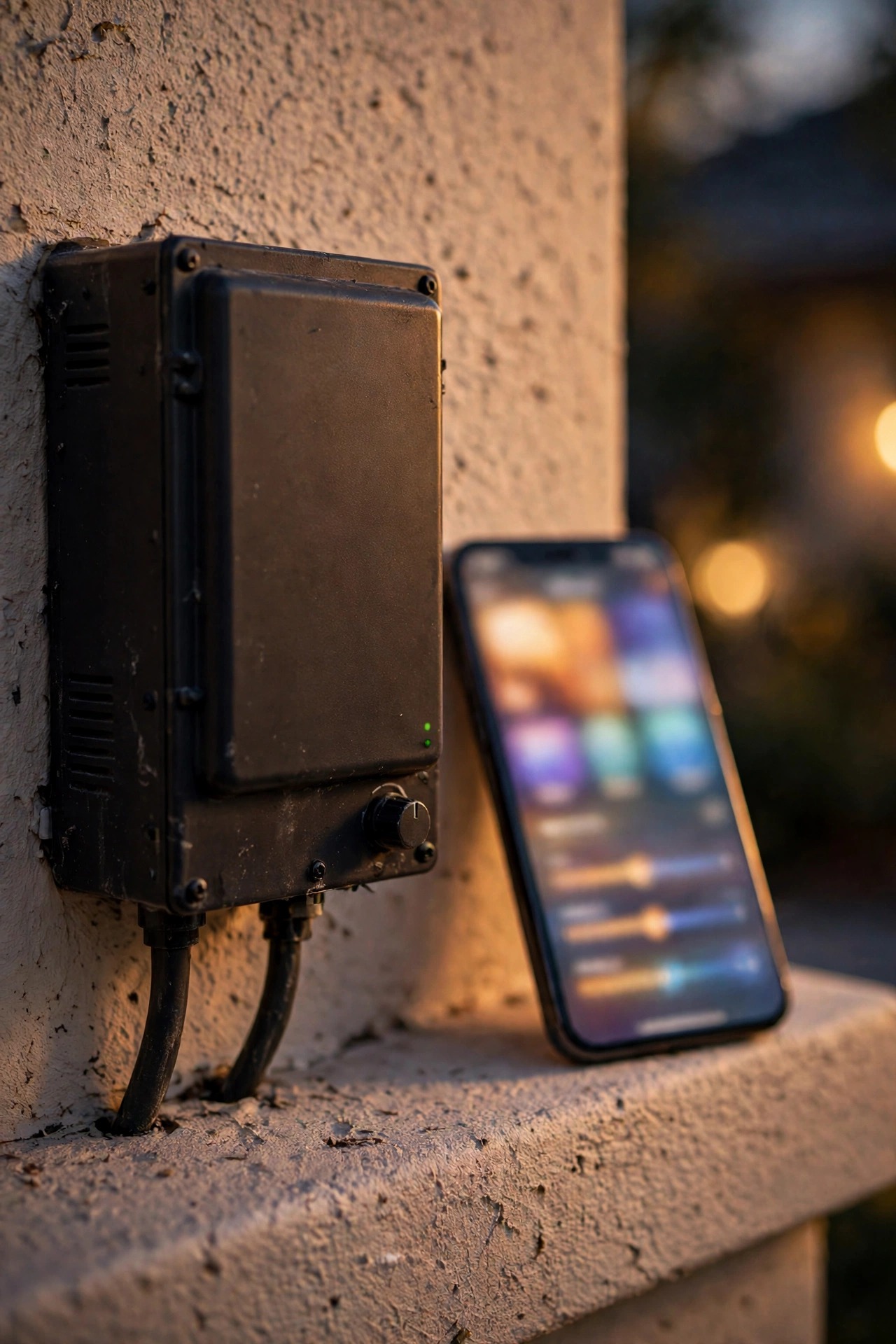
What a Protocol Actually Does in Your Yard
A protocol is just the radio language your lights use to receive orders: turn on, dim to forty percent, shift warmer, follow this schedule. All three languages in this guide ride the same 2.4 GHz radio band, the long-distance lane of home wireless. What differs is who talks to whom, how far a message can travel, and how much power the conversation costs.
Think of it three ways. Wi-Fi is shouting: every light calls directly back to the router, and the router calls straight back, no middlemen. Zigbee is passing a note hand to hand down a line of neighbors until it reaches the right porch. Bluetooth is a conversation with someone standing right beside you — clear, private, and over the moment you walk away.
Why should you care, when the fixtures all promise the same glow on the box? Because outdoors, the conversation is the hard part. Your lights are spread over grass, gravel, and flower beds, separated from the house by brick, siding, and distance. Every frustration people have with smart lighting — the far lights that go offline, the battery that dies by February, the app that spins — traces back to the protocol, not the fixture. Understand the three languages and every spec sheet suddenly reads like plain English.
Wifi vs Zigbee Outdoor Lighting: Range Through Walls and Across a Yard
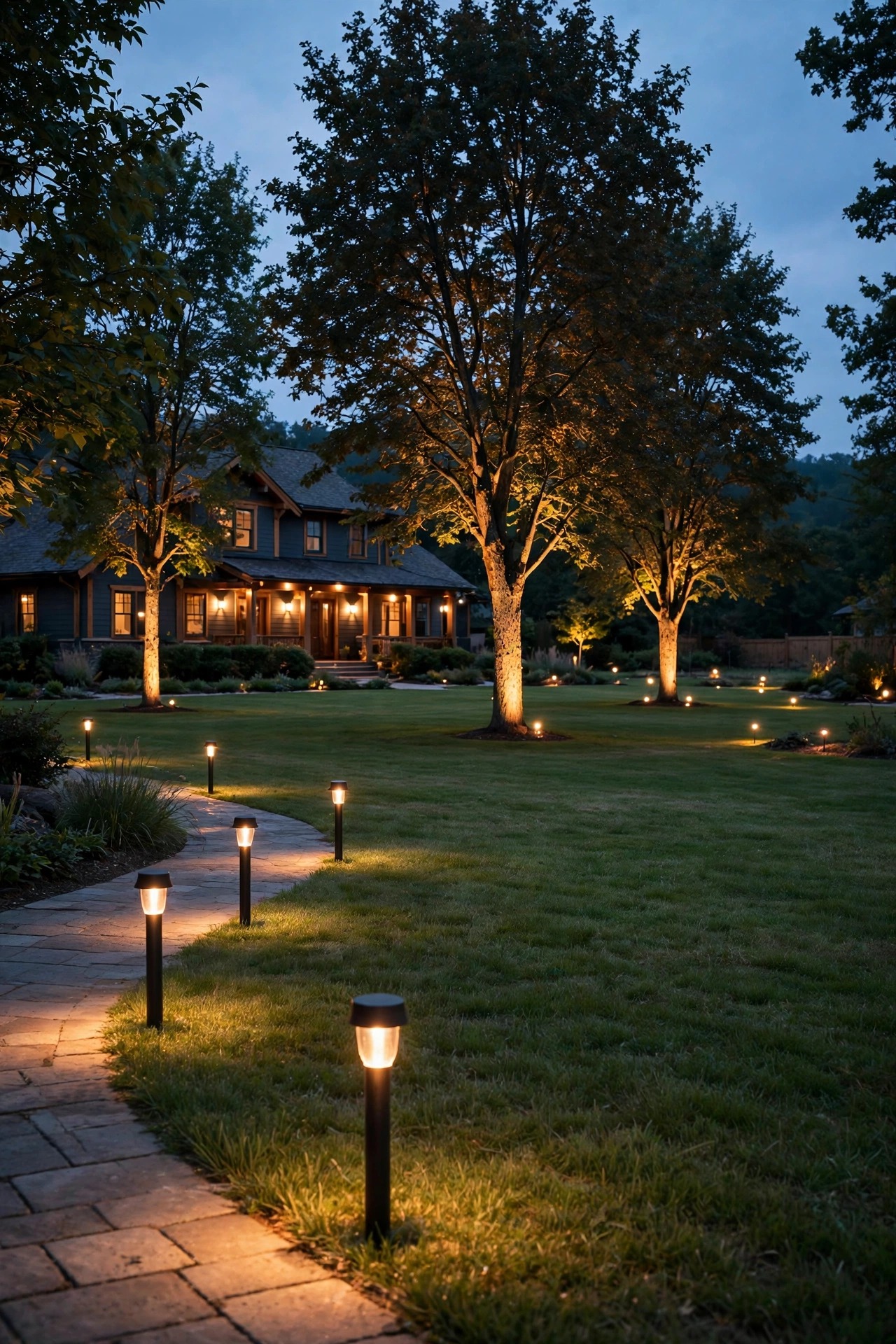
Range is where the wifi vs zigbee outdoor lighting question gets decided for most people, so let us be honest about walls. Your router probably lives inside the house, which means a Wi-Fi signal heading for the yard has to punch through an exterior wall first. Wood and vinyl siding are forgiving. Brick, stone, stucco laid over metal mesh, and foil-backed insulation are not — each can eat a third or more of your signal before it even reaches open air. In practice, a Wi-Fi fixture works happily within about 30 to 60 feet beyond that wall. Past 75 feet, especially with trees and shrubs soaking up signal, fixtures start dropping offline at the worst moments — usually mid-storm, when you wanted them most.
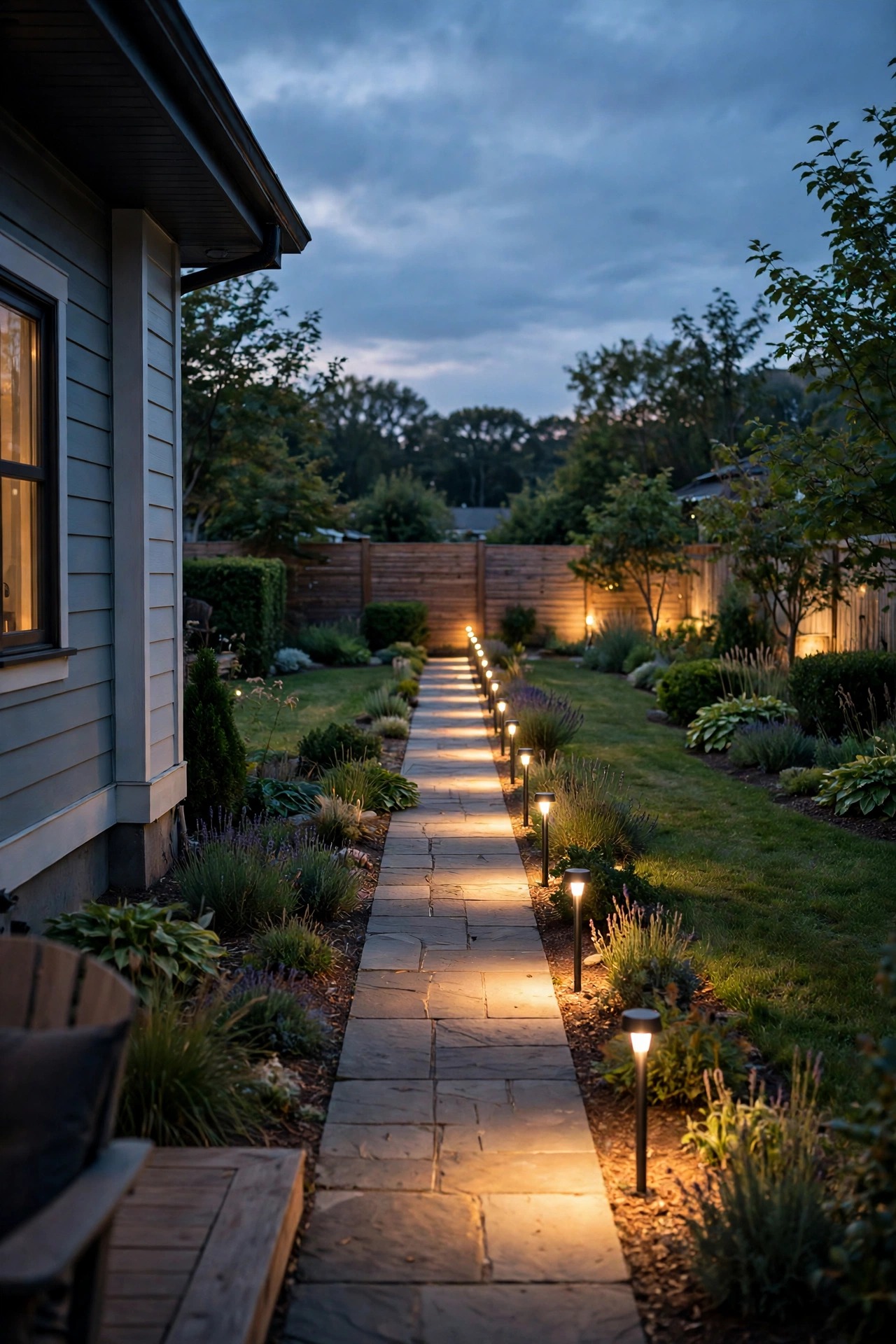
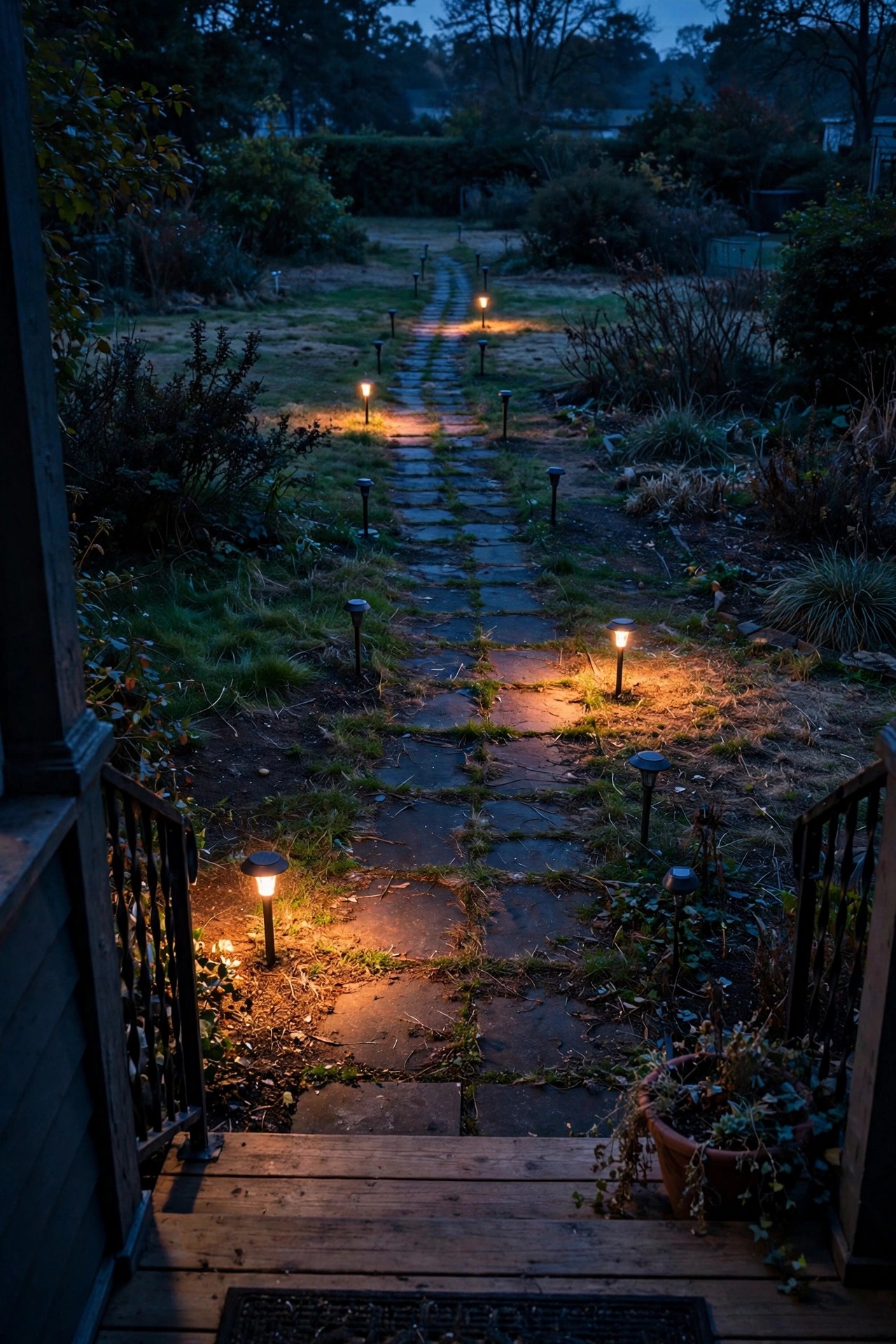
Zigbee flips the problem. Each Zigbee device only needs to reach the next device, typically 30 to 50 feet outdoors, and every fixture plugged into power relays messages along. A run of path lights becomes its own relay line: the command hops fixture to fixture until it arrives at the back fence, calm as you please. The far light never needs to hear the house at all — it only needs to hear its neighbor.
So for raw distance across a real yard, the mesh wins going away. Wi-Fi wins only where the yard is small or the fixture sits close to the house, and there it wins on simplicity, because there is nothing extra to set up.
Mesh vs Point-to-Point: How the Signal Travels and How Much Each Network Holds
Wi-Fi and Bluetooth are point-to-point systems: every device holds its own private connection home, to the router or to your phone. That star shape is tidy, but it has two quiet costs. First, the weakest link rules — one far fixture with a marginal signal misbehaves regardless of how good the others are. Second, capacity lands on one device. A home router juggling laptops and televisions barely notices ten smart bulbs, but somewhere past a few dozen always-connected gadgets, basic routers start dropping things, and the lights are usually the first casualties.
A mesh spreads the work. Zigbee networks are built to hold hundreds of devices, and the traffic hops along whichever route is healthy. If one fixture fails or gets unplugged for the winter, the network quietly routes around it — my favorite mesh trick, and the reason big systems feel calmer than small ones. Adding a fixture in the middle of a run does not just add light; it strengthens the network for everything beyond it.
Bluetooth mostly stays point-to-point between your phone and one fixture at a time, though some newer Bluetooth fixtures can pass messages between close neighbors in a limited relay. Even so, think of Bluetooth capacity in single digits to a couple dozen devices in one sitting area — a gathering, not a crowd. For a whole-yard system, that ceiling arrives fast.

Hub or No Hub: What That Little Box Actually Buys You
The hub question scares people off Zigbee, so let me demystify the box. A hub (sometimes sold as a bridge) is a small unit, about the size of a deck of cards, that plugs into your router with a cable and translates between your home network and the Zigbee mesh. In exchange for that one box, you get three things: your schedules and automations live in the hub itself rather than in some distant server, all your mesh fixtures appear in one app, and the system gains a single brain that keeps every zone coordinated.
Wi-Fi skips the hub — but be clear-eyed about the trade. Your router becomes the hub, and the app account behind your lights becomes the brain. That works beautifully for a handful of fixtures. It gets wobbly when the brain lives in the cloud and your internet hiccups, which the next sections cover.
Bluetooth skips everything: no hub, no router, no account. Your phone is the control center, full stop.
One more decision hides inside this one: where control physically lives. A smart bulb holds its brains in the bulb; a smart switch or plug holds them at the wall or outlet, so the fixture can stay dumb and beautiful. If you are torn between the two approaches, my breakdown of smart switch vs smart bulb outdoors walks through which rooms and porches suit each. Whatever you choose, the protocol underneath still decides how far the orders travel.
Bluetooth: The Small, Close-Range Specialist
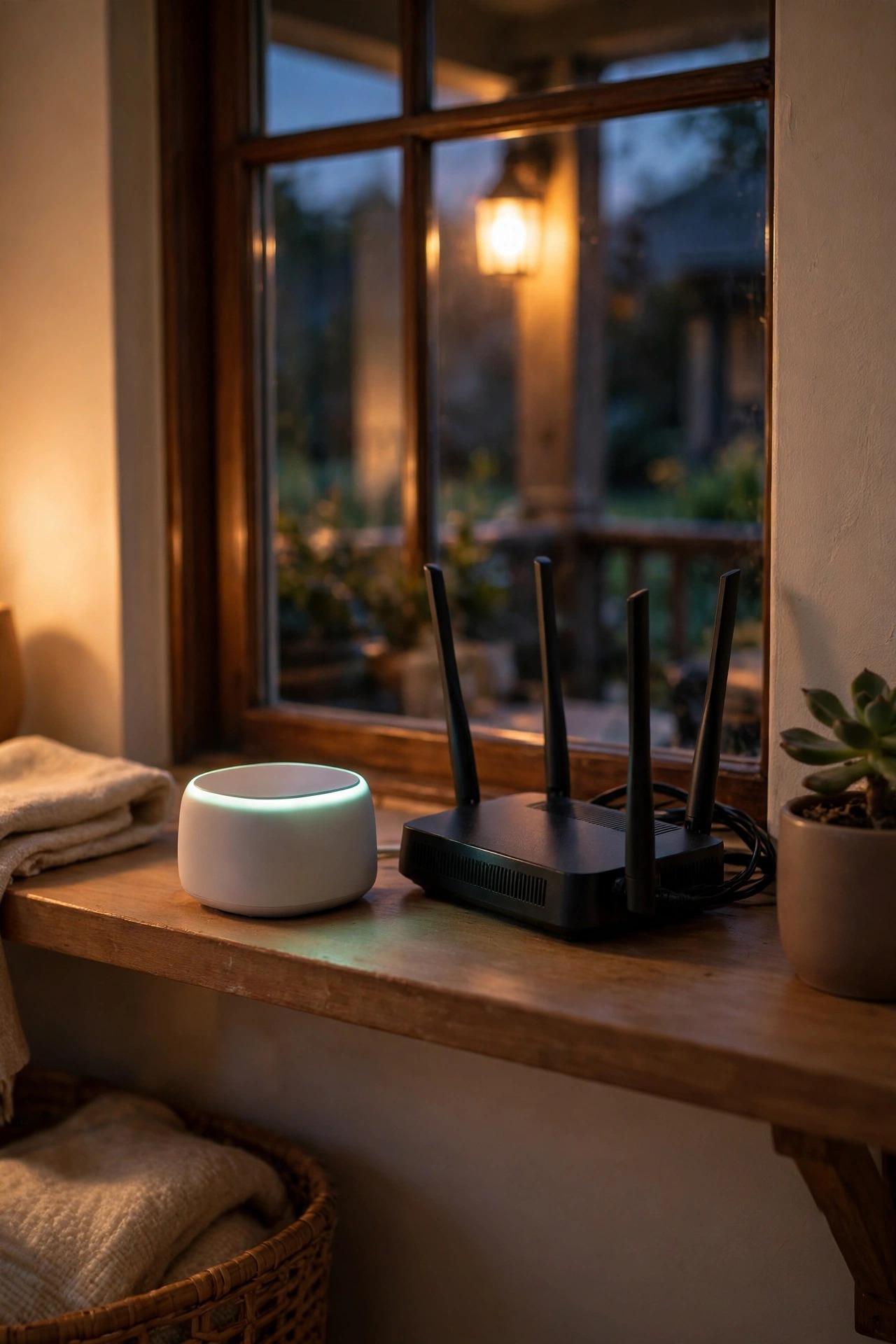
Bluetooth gets dismissed as the weak option, and that is unfair — it is a specialist, and in its specialty it is the easiest of the three. A Bluetooth fixture talks directly to your phone from roughly 30 feet away in open air, less through walls. There is nothing to configure, no account to create, no network password to type with cold fingers. You screw in the bulb or stake the light, open the app standing right there, and it works.
That makes Bluetooth genuinely perfect for one defined zone: a balcony in a rental where you cannot touch the wiring, a fire-pit corner, a single porch fixture, a string of lights over a patio table where you always sit within range. Some Bluetooth fixtures store a simple timer onboard, so the patio can still wake itself at dusk without you.
Now the honest limits. You cannot check or change anything from across town, because your phone is the remote and it has to be there. Automations are thin. Walk to the mailbox and you are out of range. And if your setup grows — a second zone, then path lights, then the driveway — Bluetooth has no graceful way to grow with it. Choose it for one cozy corner and it will never disappoint you. Ask it to run a property and it will, quietly and constantly.

When the Internet Goes Down: What Keeps Working
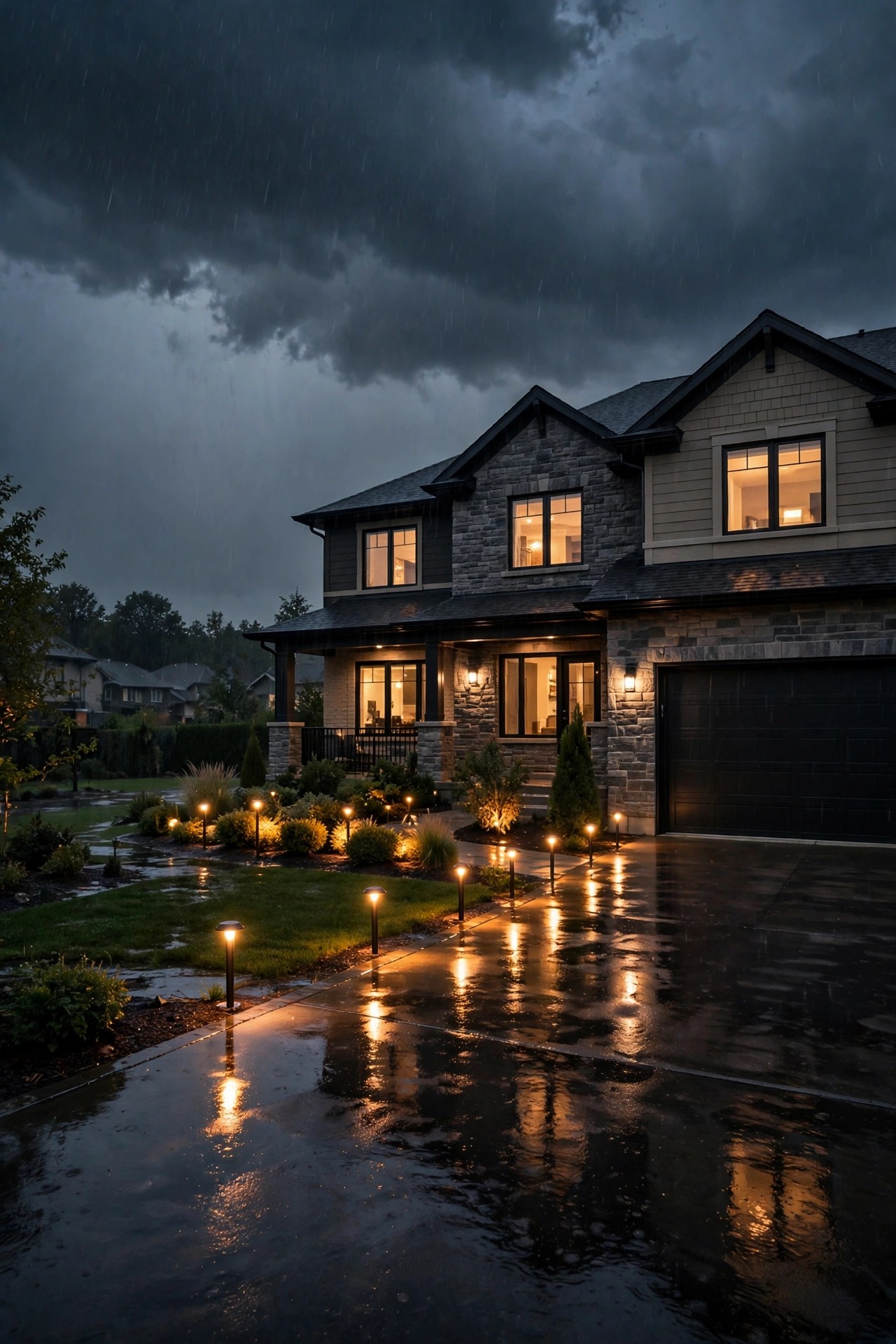
Storm rolls through, the internet drops, and the three protocols reveal their true characters. Wi-Fi lights depend on the cloud behind their app more than most people realize. When the connection dies, many Wi-Fi fixtures simply hold their last state and ignore the app entirely — the porch light that was on stays on, the dark path stays dark, and the wall switch becomes your only control until service returns. Some models keep a stored schedule ticking, but you cannot count on it.
A Zigbee system on a decent hub behaves like a grown-up. The hub thinks locally, inside your house, so sunset schedules keep firing, motion sensors keep triggering the path lights, and scenes run on time with the internet unplugged entirely. What you lose is only the view from away — checking the yard from a hotel room waits for the connection to come back.
Bluetooth, delightfully, does not notice the outage at all, because it never used the internet. The catch is the same as always: you have to be standing there.
If your area loses power or internet a few times a year — and whose does not — this section alone is a strong argument for keeping your main yard system on a local hub.
Power Draw: Why Battery and Solar Devices Hate Wi-Fi
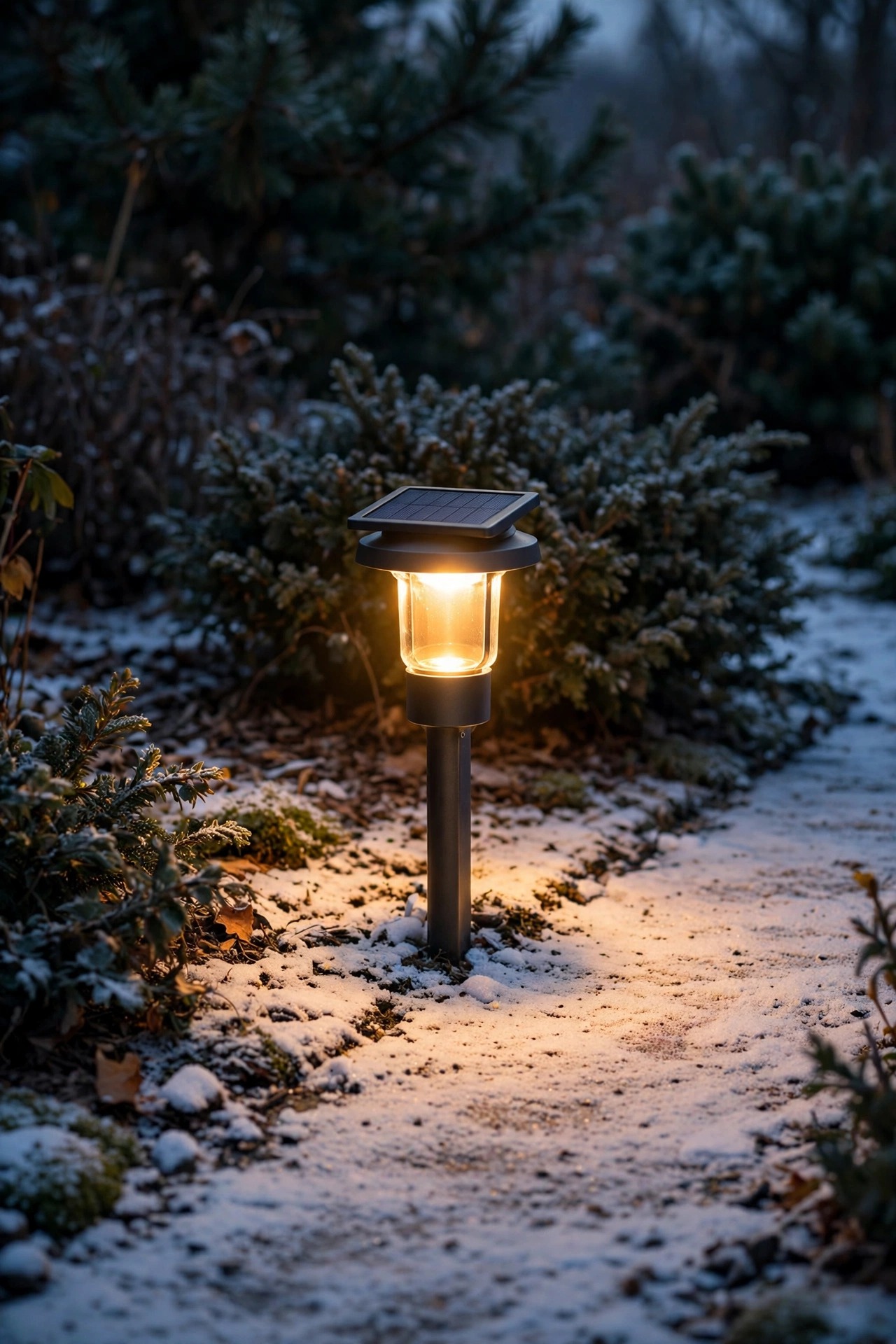
Here is the quietest deal-breaker in smart lighting. A Wi-Fi radio is a hungry listener: it stays awake, holding its connection, sipping power around the clock. On a fixture plugged into house power, that sip is invisible. On a battery or a little solar panel, it is fatal. Battery-powered Wi-Fi fixtures can flatten themselves in a few weeks, and solar smart lights on Wi-Fi spend short winter days charging just to feed the radio, with nothing left for the light itself.
Zigbee was designed for coin cells. Its devices sleep almost all the time and wake for a few thousandths of a second to check in or pass a message. That is why a Zigbee motion sensor can run a year or more on one small battery, and why battery path lights on a mesh stay cheerful through December. Plugged-in Zigbee fixtures sip too — and since they double as the network relays, they earn their keep twice.
Bluetooth Low Energy sips power in the same league as Zigbee, which is why Bluetooth battery fixtures last well; its limits are about control, not appetite.
My rule is simple: if a device lives on a battery or a solar panel, it should speak a low-power language. Wi-Fi is for things with a wire.
Wifi vs Zigbee Outdoor Lighting, Zone by Zone: Where Each Belongs
Time to put it together, because the wifi vs zigbee outdoor lighting answer is rarely either-or. Walk your yard in three territories.
Near the house — the porch bulb, garage sconces, patio string lights — Wi-Fi is in its element: few devices, strong signal, no hub to buy. A pair of smart plugs even turns ordinary string lights smart; my roundup of the best outdoor smart plugs and timers shows the setups I trust out there.
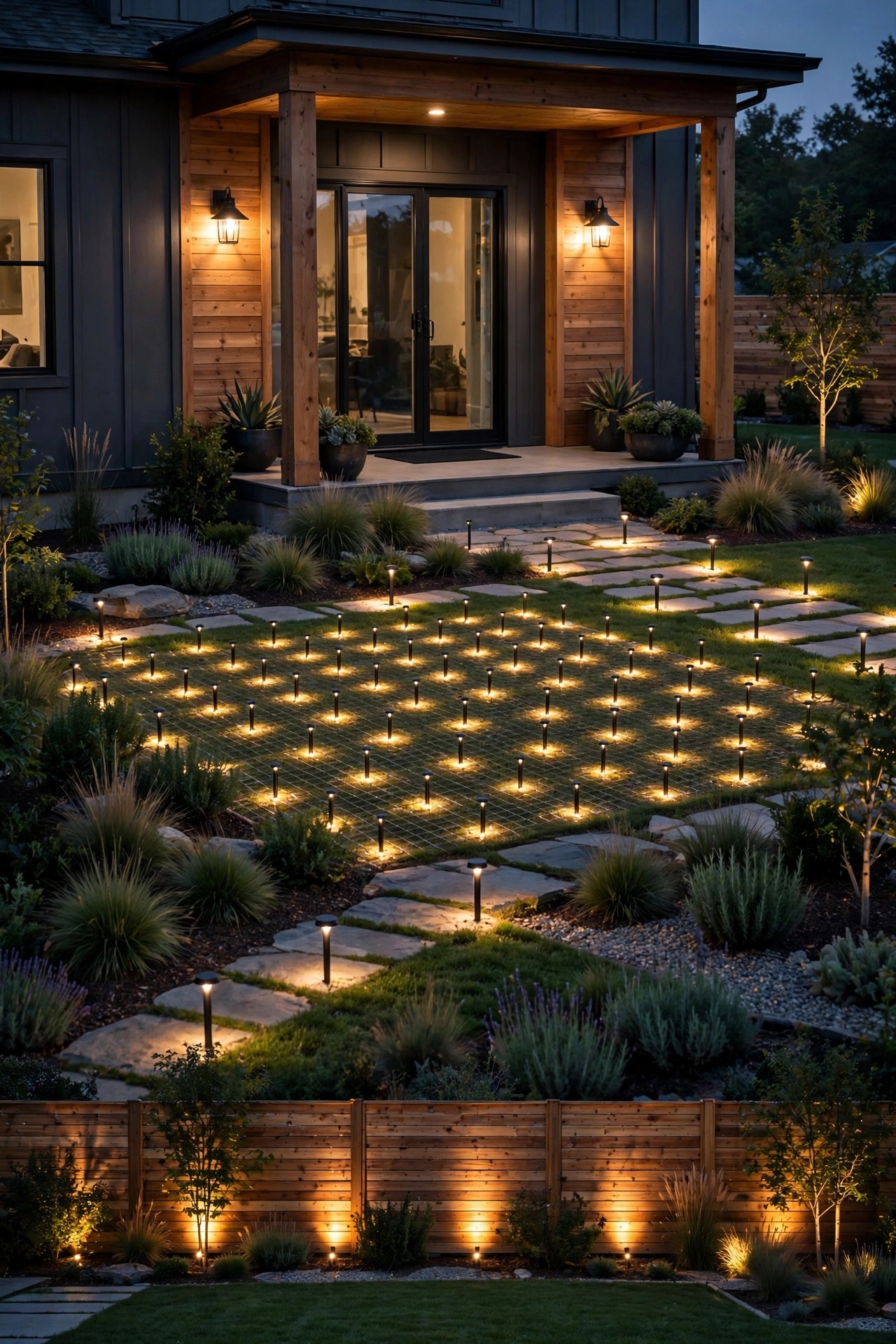
The spread-out system — path runs down the walk, uplights on the far trees, fixtures along both fences, fifteen or more devices in all — belongs on a Zigbee mesh. Every plugged-in fixture extends the network, the hub keeps schedules local, and the far end of the yard stops being a dead zone.
The single close corner — the balcony, the fire pit, a reading chair on the deck — is Bluetooth country, if that corner is truly all you want to automate.
Mixing protocols is not just allowed; it is what most good yards do. The trick is giving each one a territory and keeping a single run of fixtures on a single language — a path split half Wi-Fi, half mesh is a path that argues with itself. For the bigger picture of planning zones and layers, my smart outdoor lighting guide picks up right where this one leaves off.
What It Costs in 2026
Let us price the languages honestly. The Zigbee route starts with the hub: expect roughly $30 to $90, once, for a hub or bridge. Wi-Fi and Bluetooth have no equivalent fee, which is their opening advantage.
Per fixture, the gap is smaller than people expect. Wi-Fi smart bulbs and fixtures generally run about $10 to $18 each. Zigbee bulbs and fixtures land around $12 to $25 each — a modest premium for the mesh radio and the hub ecosystem. Bluetooth bulbs sit at the friendly end, roughly $8 to $15. Smart plugs that make dumb fixtures smart cost about $12 to $20 on any of the three.
Now the totals that actually compare. A six-fixture Wi-Fi setup for a porch and patio comes to roughly $70 to $110 all-in. The same six on Zigbee run about $120 to $200 including the hub — but every fixture you add after that costs no more than Wi-Fi, and the hub never charges you again. A twenty-fixture whole-yard mesh typically totals $300 to $550. Doing that same yard on Wi-Fi can trigger a hidden cost: an outdoor-rated access point or a router upgrade at $80 to $150 to stretch the signal, and the far fixtures may still sulk.
Running costs are a rounding error for all three. A hub draws around 3 watts, which at roughly 17 cents per kilowatt-hour comes to under $5 a year, and each connected fixture idles at under a watt. Choose your protocol for behavior, not for the electric bill.
5 Mistakes That Make a Smart Yard Flaky
1. Choosing fixtures before choosing the protocol. Pretty lights in three incompatible languages is how people end up with four apps and a yard that never quite obeys. Pick the language per zone first, then shop inside it.
2. Believing the range on the box. Those numbers are measured in open air with nothing in the way. Your brick wall, your neighbor-facing stucco, and forty feet of wet shrubbery were not consulted. Halve the claim, then plan.
3. Putting battery or solar devices on Wi-Fi. Covered above, and worth repeating: a hungry radio on a small battery is a February disappointment waiting to happen. Low-power devices deserve a low-power protocol.
4. Mixing languages inside one run. One path, one protocol. A fixture chain split between two systems cannot relay for each other, cannot share a scene cleanly, and will take turns confusing you.
5. Forgetting the 2.4 GHz band. Nearly all smart lighting speaks only on 2.4 GHz, because that band travels farthest. If your router is set to 5 GHz only, or aggressively steers new devices onto 5 GHz, setup fails in ways that look like defective lights. Give the 2.4 GHz band its own name if your router allows it, and half of all smart-lighting headaches vanish.
Frequently Asked Questions
Can I mix Wi-Fi and Zigbee lights in the same yard?
Yes, and most well-run yards do. Give each protocol its own territory — Wi-Fi near the house where the signal is strong, the Zigbee mesh for everything spread across the yard — and keep any single run of fixtures on one language so they can relay and share scenes. Just accept that two systems may mean two apps, unless your hub gathers everything into one place.
Do Zigbee lights keep working when the internet goes out?
Mostly, yes. Because a good hub stores your schedules and automations locally, sunset routines, motion triggers, and scenes keep running during an outage. What you lose is remote control from away and any feature that depends on a cloud account. Local, hub-based control is exactly why mesh systems feel so steady during storm season.
Why do my farthest path lights keep going offline?
Almost always range. On Wi-Fi, the far fixtures are hearing the router through a wall and half a yard of shrubs, and the link fails whenever weather or foliage shifts. On a mesh, the usual culprit is a gap: one long hop with no plugged-in fixture in between to relay. Adding a single mains-powered fixture midway — even a smart plug in a weatherproof box — often cures the whole run.
Is Bluetooth ever the right choice for outdoor lighting?
Absolutely, for one close zone: a rental balcony, a fire-pit corner, a single porch light you control from the chair nearby. It is the fastest setup of the three and needs no hub, no router, and no account. It is the wrong choice the moment you want control from away from home or a system that spans the yard.
Conclusion
The wifi vs zigbee outdoor lighting debate settles itself once you map it onto your own yard: Wi-Fi for the few fixtures hugging the house, a Zigbee mesh for the system that has to cross grass and fences, and Bluetooth for the one cozy corner you control from your chair. Get the languages right and the lights stop being a hobby of troubleshooting and start being what they were supposed to be — a yard that glows on cue. Ready to plan the fixtures themselves? Browse the rest of my outdoor lighting ideas and build your zones one glowing layer at a time.