If you have ever stood in your driveway at midnight, phone in hand, watching a little spinning wheel while your porch light refuses to turn off, you already know the weak point of most smart lighting. It is not the app. It is where the "smart" part physically lives. That is the real question behind smart switch vs smart bulb outdoors: do you put the brains in the wall, where they sit at a comfortable room temperature, or out in the fixture, where summer heat, January cold snaps and driving rain all get a vote? I have run both setups across my porch, garage and patio for three winters now, and the answer surprised me. One approach shrugged off a week below freezing; the other quietly gave up by February. In this guide I will walk you through how each system actually works, what weather really does to the electronics, the Wi-Fi headache nobody warns you about, and the hybrid setup I finally landed on. By the end you will know exactly which to buy for every light around your house. And if you want the bigger picture first, my smart outdoor lighting guide covers the whole landscape.
The Short Answer
Short on time? Here is my honest verdict. For any light that already answers to a wall switch — porch sconces, garage carriage lights, floodlights — choose the smart switch. The electronics live indoors, the wall switch always works for guests and kids, and you can run cheap, replaceable LED bulbs outside. Choose smart bulbs only where you want color, where there is no switch to swap, or for a single accent light. And whatever you pick, fix your outdoor Wi-Fi first: most "unreliable" smart lights are simply starved for signal.
How Each Setup Actually Works
A smart bulb packs everything into the base of the bulb itself: a tiny radio, a dimmer and a small processor, all living inside your porch lantern or floodlight housing. That means the bulb needs constant power to listen for commands. The wall switch has to stay on forever — the moment someone flips it, the bulb goes dark and drops offline until power returns. A smart switch flips the arrangement around. The radio and processor sit inside the wall box, indoors, and the switch controls the whole circuit. The bulb outside stays an ordinary, inexpensive LED that knows nothing about Wi-Fi. You get app control, schedules and voice commands, but the physical switch on the wall still works exactly the way it always has, for everyone, every time. There is also a third cousin worth knowing: the outdoor-rated smart plug, which does the same trick for anything that plugs in, like a lamp post or a string of café lights. Understanding this one difference — brains in the wall versus brains in the bulb — explains almost every reliability story you will ever hear about outdoor smart lighting, including mine. One more practical difference: a smart bulb draws its tiny standby sip of power out at the fixture, around the clock, in all weathers, while a switch draws the same sip indoors where it does no harm and stays easy to reach.
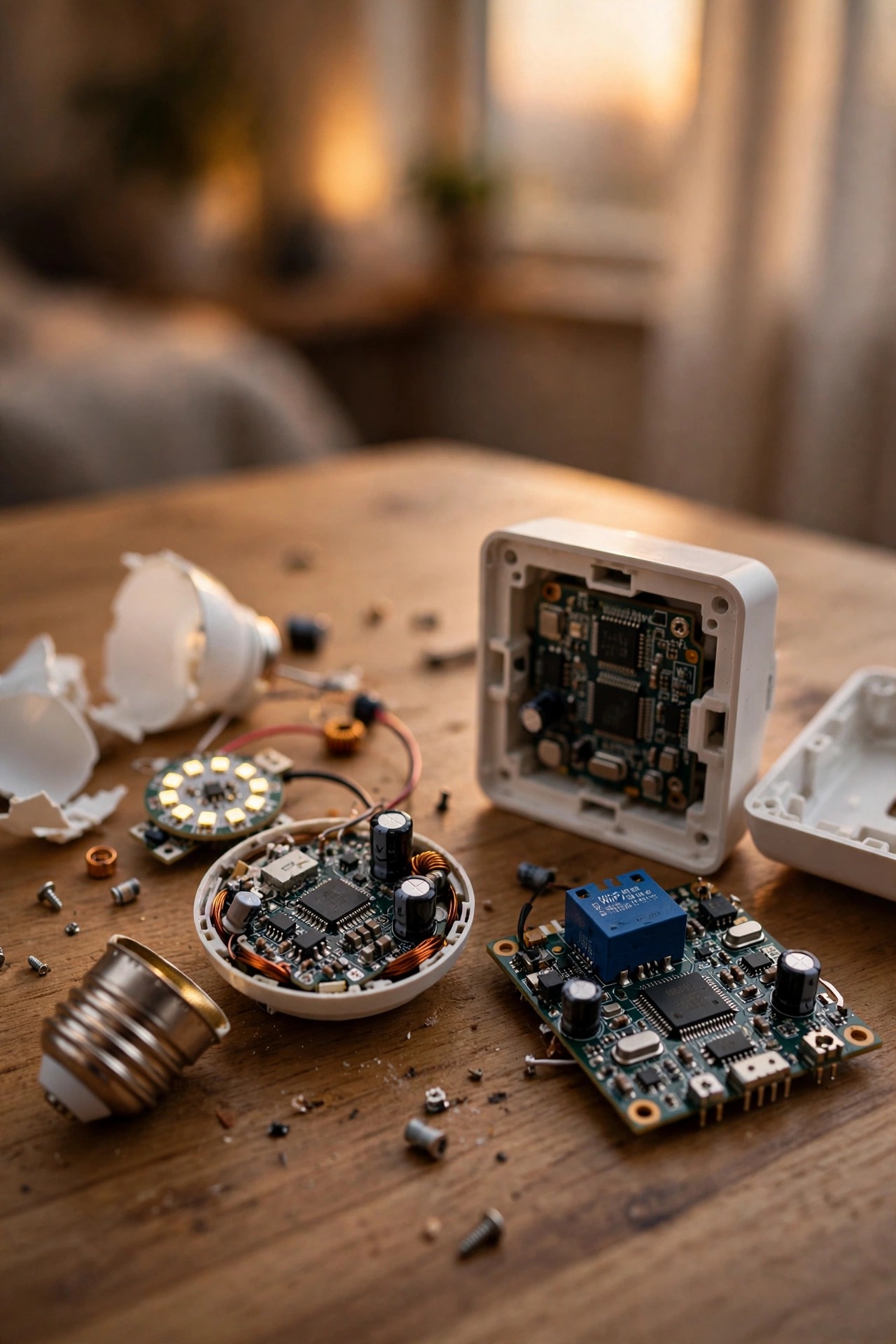
Smart Switch vs Smart Bulb Outdoors: The Honest Head-to-Head
Let me put the two side by side, the way I wish someone had done for me before I bought a six-pack of color bulbs for my porch pair and garage lights.
| Smart switch | Smart bulb | |
|---|---|---|
| Brains live | Indoors, in the wall box | Outdoors, in the fixture |
| Weather exposure | Almost none | Heat, cold, moisture, UV |
| Works at the wall | Yes, always | No — switch must stay on |
| Color effects | No (bulb decides the color) | Yes, full color scenes |
| Cost per fixture | One switch can run many bulbs | Paid again for every bulb |
| When Wi-Fi dies | Wall switch still works | Light stuck on or off |
| Replacement | Switch lasts a decade+ | Bulb replaced every few years |
A few rows deserve emphasis. The weather row is the one that matters most, and I will dig into it next. The cost row surprises people: a single switch controlling a circuit often beats buying smart bulbs one fixture at a time, which the cost section below breaks down honestly. And the wall-control row sounds small until your in-laws are house-sitting, flipping switches, and your carefully scheduled porch light has been offline for a week. Neither column wins everything — that is exactly why my own yard ended up running both, each where it belongs.
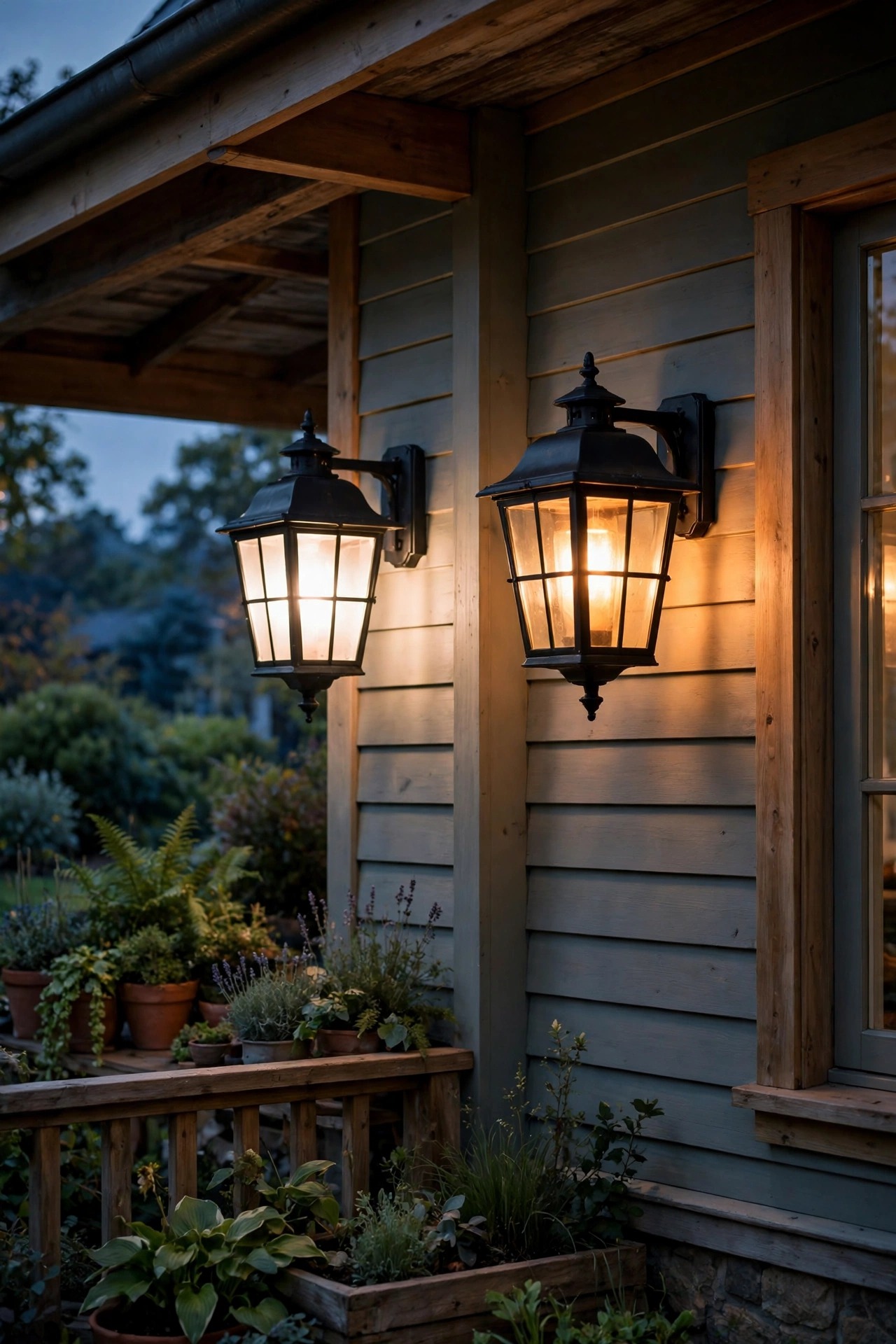
The Weather Problem: What Heat, Cold and Moisture Do to Electronics
Here is what the spec sheets whisper and the marketing shouts over. Most smart bulbs are rated to operate down to about -4°F, and their electronics genuinely dislike the other extreme too. A sealed glass lantern in July sun can bake its contents well past 130°F, and heat is the number-one killer of the little power supplies inside smart bulbs. Many are also not rated for fully enclosed fixtures at all — check the fine print for "suitable for enclosed fixtures" before you screw one into a closed lantern. Cold is sneakier: below freezing, some bulbs get sluggish, miss commands, or flicker at low dim levels. Add condensation cycling in and out of a damp fixture, plus UV slowly yellowing lenses, and an outdoor smart bulb lives a hard life. Realistically I plan on three to five good years from one outside. The smart switch, meanwhile, sits in your wall at the same 68–72°F as you, dry and unbothered, with a working life measured in decades. When a bulb on that circuit eventually dies, it is a plain $4 LED and a two-minute swap — not another $15 smart bulb and a fresh round of app pairing.
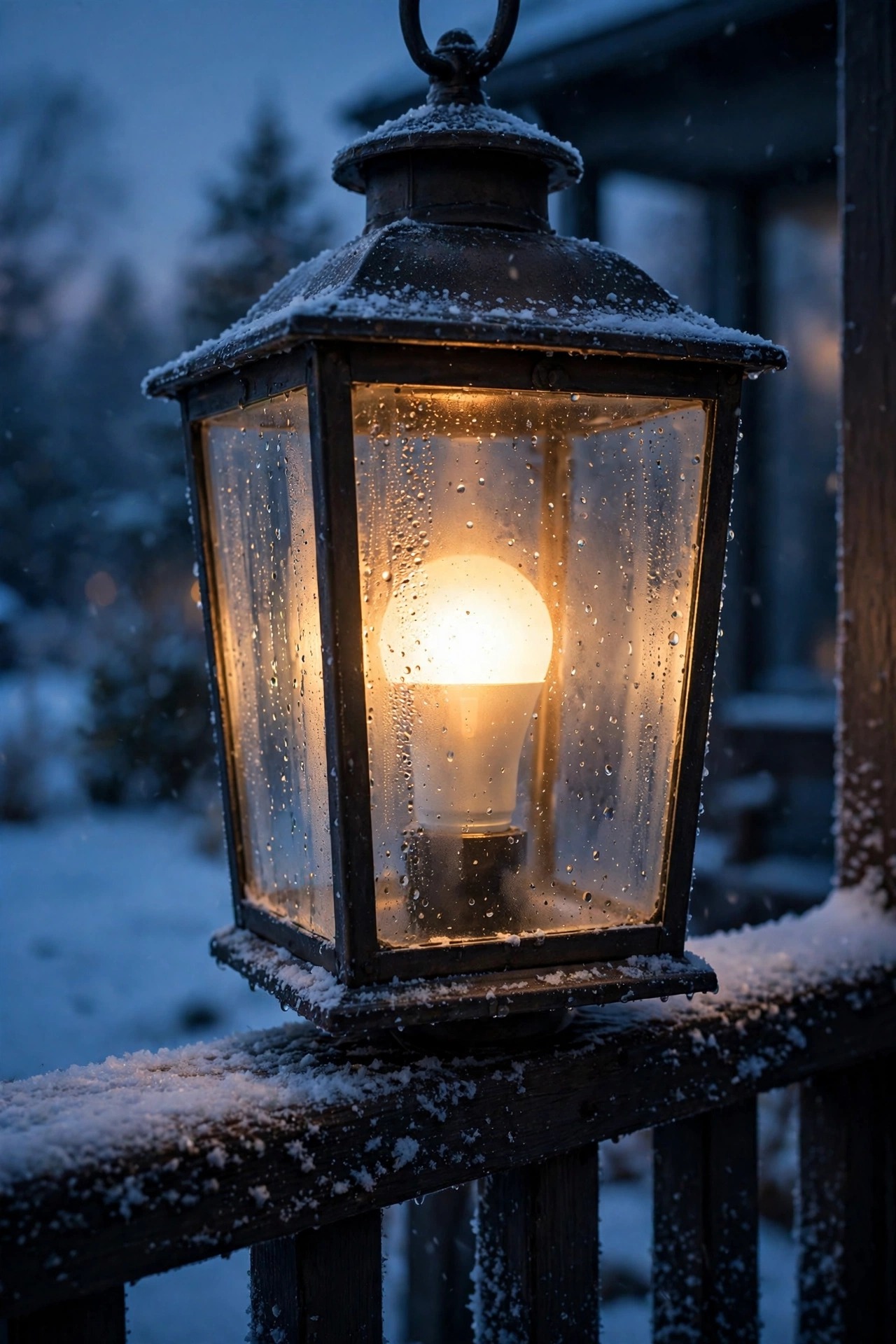
Where Smart Bulbs Earn Their Keep Outdoors
I am not against smart bulbs — I own plenty. They are the right tool in specific spots. Color is the obvious one: orange porch light for Halloween week, warm red and green at Christmas, a soft blue for a summer party. No switch can do that. Bulbs are also perfect where there is nothing to rewire: a lamp post with no accessible switch, a plug-in fixture, or a single lantern you want to experiment with before committing to anything. Renters, this is your option — no wiring changes, everything leaves with you. They are also the gentler learning curve in older homes whose switch boxes lack a neutral wire, a problem I get into below. My advice is to start with one bulb in the porch lantern, live with it for a month, and notice how often someone kills it at the switch. That single experiment tells you more than any review. If you are shopping for fixtures to pair them with, my favorite smart bulb outdoor fixture ideas are the ones with open or well-vented housings, which keep the electronics cooler. They are also brilliant for seasonal displays: a pair of color bulbs in the porch lanterns and one in the lamp post turns the whole front yard festive in about four minutes, with zero ladders and zero rewiring.
Where a Smart Switch Is the Smarter Money
Anywhere one wall switch runs several fixtures, the switch wins on math and on sanity. My garage has four carriage-style lights on a single switch; my soffit has six recessed cans on another. Putting smart bulbs in all ten would have cost a fortune and given me ten separate things to pair, update and replace. One switch per circuit did the whole job, and every bulb out there is a plain LED I can replace at the hardware store in minutes. Switches also keep households peaceful: guests, kids and house-sitters use the wall switch like a normal human, and the light obeys. There is a matching problem with bulbs, too — two smart bulbs bought a year apart often age and dim slightly differently, so a matched porch pair can drift out of sync, while dumb bulbs on one switch always match. Finally, there is security. When the router dies or the internet drops, a smart switch still turns your floodlights on from the wall. A smart bulb with no signal just sits there, whichever state it was last left in. And there is resale peace of mind, too: the next owner gets a house whose lights all work from the wall like normal lights, with the smart schedules as a bonus rather than a puzzle to inherit.

The Wi-Fi Problem Nobody Warns You About
Half the "this bulb is garbage" reviews I read are really Wi-Fi reviews. Your router sits indoors, often at the wrong end of the house, and exterior walls are signal killers — brick, stone veneer, stucco over metal lath and foil-backed insulation all eat range. The smart bulb out by the mailbox or at the far end of the driveway is trying to whisper back through all of that, sometimes from inside a metal fixture housing that acts like a tiny signal cage. The classic symptom: it paired beautifully at noon on your kitchen table, then drops offline every other night in its real home. Before blaming any bulb, stand at the fixture with your phone and check the signal honestly. Fixes that actually work: a mesh Wi-Fi node near the front of the house or in the garage, choosing 2.4 GHz for outdoor gadgets since it reaches farther, or hub-based mesh systems where each device passes the signal along. This is also a quiet point for the switch: it lives indoors, usually within easy range of the router, so the weak link of the whole system simply disappears. Distance lies, too — a bulb thirty feet away through two brick walls is effectively farther from the router than the house across the street is from its own.
Dimming Without the Buzz, Flicker or Dropouts
Dimming is where good setups go to die, so learn the one golden rule: never put a smart bulb on any dimmer switch — smart or dumb. A dimmer starves the bulb's electronics, and the result is buzzing, flickering, random dropouts or a bulb that gives up within the year. Smart bulbs dim themselves, through the app, and need full, clean power at all times. Running the other combination? A smart dimmer switch with ordinary LED bulbs is lovely, but check two things first. Make sure the switch is rated for LED loads — older dimmer designs expected power-hungry bulbs and can misbehave with a handful of efficient LEDs. And keep every bulb on the circuit the same type; mixing bulb models on one dimmer is the fastest route to one flickering while the others behave. My practical routine: buy one bulb, test it on the dimmer for an evening at several brightness levels, then buy the rest of the set once it passes. Five dollars of patience saves a whole circuit of regret. One more trap: a few smart bulbs claim on the box that they tolerate dimmers, but outdoors the combination still ages the electronics faster, especially in the cold — I treat those claims as marketing, not a plan.
Step-by-Step: Putting a Smart Switch in Charge of Outdoor Lights
The pleasant secret of this whole project: the switch you install lives indoors, controlling the outdoor fixture from inside the house. Nothing new goes outside at all. Here is the sequence that works for me.
1. Check for a neutral wire. Open the switch box (breaker off first) and look for a bundle of white wires capped together at the back. Most homes built after the mid-1980s have one; if yours does not, shop specifically for a no-neutral smart switch.
2. Kill the breaker and prove it. Flip the switch, then test the wires with a non-contact voltage tester. Never trust the labels in the panel — mine were wrong twice.
3. Photograph the old wiring before touching anything. Future you will be grateful.
4. Connect line, load, neutral and ground, matching your photo and the switch's diagram, then tuck everything in neatly.
5. Restore power and pair the switch to your app before fully tightening the faceplate, so you are not working against a half-seated switch.
6. Set an astronomical dusk-to-dawn schedule, so the lights track sunset all year on their own.
7. Test all three controls — wall, app and voice — then label the breaker for the next person.
If the box is crowded, the wiring is aluminum, or anything smells scorched, stop and call an electrician. That honesty is part of the guide, not a footnote.

Step-by-Step: Setting Up Smart Bulbs Outside So They Last
If bulbs are your choice for a spot, a careful first hour buys you years of reliability.
1. Choose bulbs honestly rated for the job — look for an outdoor operating range that covers your winters, and "enclosed fixture rated" if your lantern is sealed.
2. Pair each bulb indoors first, in a lamp near the router. Naming and firmware updates go ten times faster with a strong signal.
3. Screw the bulb into its outdoor home, and update its name in the app to the location, not the bulb model.
4. Protect the power. Fit a simple switch guard or a small cover over the wall switch so nobody kills the bulb's power out of habit — this one step fixes most "my bulb is always offline" stories.
5. Stand at the fixture with your phone and run the app. If commands lag or fail, fix the Wi-Fi before blaming the bulb.
6. Set your schedules and scenes, then test at night from the street, where you can actually see the effect.
7. Keep one plain spare LED in a drawer. When a smart bulb eventually dies at 9 p.m. before guests arrive, the porch does not have to stay dark.

Smart Switch vs Smart Bulb Outdoors: Why My Own Yard Runs Both
After three winters of experiments, my yard settled into a pattern I now recommend to everyone: switches for infrastructure, bulbs for decoration. The porch pair, garage lights and backyard flood — the lights that guard, guide and get used every single night — run on smart switches with plain LED bulbs. They are on astronomical schedules through my outdoor lighting timers and automation setup, they work at the wall for anyone, and I have replaced exactly one cheap bulb in three years. The fun layer is different: the patio string lights ride an outdoor smart plug, and one smart bulb in the porch lantern handles holiday color while its twin stays warm white. If a bulb gets cooked by a heat wave or drowned by a storm, I am out fifteen dollars and nobody's safety lighting blinks. That split — reliability where it matters, playfulness where it does not — is the whole lesson of this guide in one sentence. Decide fixture by fixture, not house by house, and you will never fight your own lighting again. When friends ask which single product to buy first, I tell them to smarten the switch that runs the lights they use every single night — that is where the reliability pays you back daily, long before the novelty of color scenes wears off.

What It Costs in 2026
Numbers, honestly, per fixture. A decent smart switch runs $25–$55; no-neutral models sit at the top of that range. If you would rather not touch wiring, an electrician typically charges $125–$250 to swap one switch, less per switch when you do several in one visit. Smart bulbs cost $8–$15 each for warm white and $15–$30 each for full color. That math is why circuit size matters: my six-can soffit in color bulbs would have run $90–$180, versus one $40 switch plus about $12 of plain LED bulbs doing the same job. An outdoor-rated smart plug lands at $15–$25, and if you go the hub route for a mesh system, budget $50–$100 once. Running costs are nearly a rounding error: each always-listening device sips roughly a third to a half a watt, about 30–50 cents a month — but note that twelve smart bulbs sip twelve times, while three switches sip three times for the same yard. Finally, plan replacements truthfully: budget an outdoor smart bulb every three to five years, while a switch should serve a decade or longer, which quietly doubles the bulb route's long-term cost on big circuits. None of this counts your time, either, which is exactly why I favor the route with fewer gadgets to babysit — fewer devices means fewer apps, accounts and firmware updates competing for your attention.
5 Mistakes That Ruin Outdoor Smart Lighting
1. Putting a smart bulb on a dimmer. Buzz, flicker, early death — the dimmer starves the bulb's electronics. Smart bulbs need full power, always. If the fixture hangs on a dimmer you love, swap the bulb plan for a switch plan instead.
2. Sealing a smart bulb in an enclosed lantern. If the bulb is not rated for enclosed fixtures, one August heat wave will cook it. This is the most common early death I see. An open or well-vented housing buys the very same bulb years of extra life.
3. Letting the wall switch stay in the loop. Family and guests will flip it out of pure habit, and the "broken" bulb is just a powered-off one. Use a guard, or better, a switch.
4. Buying smart bulbs for a whole circuit. Six fixtures times $20 a bulb, replaced forever, when one $40 switch controls all six with cheap bulbs. Do that multiplication before you shop, not after the third bulb dies.
5. Blaming the bulb for a Wi-Fi problem. If it drops at night and works on the kitchen table, it is signal, not hardware. Fix the network first — a ten-minute signal check at the fixture will tell you the truth in one evening.
Keeping the System Alive Season After Season
Twice a year, spring and fall, I give the whole setup twenty minutes. I wipe the glass on every fixture — dirty, bug-flecked glass traps heat around a bulb and dims the light you paid for. I check each outdoor fixture for water after the heavy rain season, since a perished gasket will mist the inside of a lantern and corrode contacts. Bulbs get a gentle re-seat; switches get any pending firmware update applied on a quiet afternoon, never the night before a party. After each daylight saving change I walk the schedules once — astronomical timers adjust themselves, but it costs nothing to confirm. And I keep a note in my phone of which circuits are smart-switched and where the GFCI reset lives, because a tripped GFCI after a storm makes the whole smart system look dead when it is only unplugged in disguise. Every couple of years I also glance at the switch boxes themselves — a faceplate that feels warm to the touch or a faint buzzing sound earns an electrician's visit, not a shrug. That is genuinely all of it. The systems that survive weather are not the fanciest ones; they are the ones where the fragile electronics sit somewhere comfortable, and everything outside is simple enough to replace with one hand on a ladder.
Frequently Asked Questions
Can I just use a regular indoor smart bulb outside?
Only in a fully covered, dry-location fixture, and even then it is a gamble. Indoor bulbs are not built for below-freezing nights or the heat of a sun-baked lantern, and most warranties quietly exclude outdoor use. For a porch ceiling or open sconce that never sees rain or real cold snaps, many people get away with it. Anywhere exposed, buy the outdoor-rated bulb — the price gap is smaller than the hassle gap.
What happens to my lights when the Wi-Fi or internet goes down?
A smart switch keeps working at the wall no matter what, and many keep their stored schedules running too. A smart bulb holds whatever state it was last in — on stays on, off stays off — and most can be toggled the old-fashioned way by flipping power off and on. This is the scenario that converted me: during a two-day outage of everything smart in my house, every switch-controlled light behaved like a normal light.
Do smart switches need a neutral wire?
Most do, because the switch itself needs a trickle of power around the clock. Homes built from the mid-1980s onward usually have a neutral bundle in the box. If yours does not, no-neutral smart switches exist and work well, and a few designs draw power through the bulb instead — just confirm compatibility with your LED bulbs before ordering. Checking the box takes five minutes with the breaker off and saves a return trip.
Which is better for floodlights and security lighting?
The switch, and it is not close. Many modern floods are integrated LED fixtures with no bulb to swap at all, so a bulb-based strategy is not even possible. A smart switch (or a motion-sensor fixture on one) gives you schedules, manual override at the wall and full brightness on demand. Save smart bulbs for the fixtures where color and mood are the actual point.
Conclusion
So, smart switch vs smart bulb outdoors — the verdict from three winters of testing is refreshingly simple. Put the brains indoors, in a switch, for every light that works for a living: porch, garage, floods, paths. Put smart bulbs only where color and play are the point, protect their power, and keep them out of sealed, sun-baked fixtures. Fix your Wi-Fi before you blame any of it. Do that, and your lighting will still be behaving itself long after the neighbors' bargain bulbs have flickered their last. If this helped you plan your setup, browse the rest of the site for more outdoor lighting ideas, fixture guides and honest cost breakdowns — your future evenings on the porch will thank you.