
There is a special kind of annoying reserved for the security light that never sleeps. You installed it to flash on when someone walks up the driveway — instead, your motion light stays on all night, glowing over the yard like a tiny stadium while you lie in bed wondering what it's costing you and whether the neighbors have started a group chat about it.
I've been there, honestly. The first motion light I hung over our garage worked perfectly for two years, then one October it simply stopped turning off. No storm, no warning. I nearly replaced it before a patient Saturday-morning ladder session taught me the truth: most of these lights aren't broken at all. They're stuck in a mode, watching the wrong patch of the world a little too eagerly, or blinded by their own glow.
In this guide I'll walk you through every cause I know, in the order you should check them — free fixes first, replacement parts last — plus the exact dial settings I use, a 15-minute diagnostic routine, and what a repair honestly costs in 2026.
The Short Answer
A motion light that won't turn off is almost never dead. In my experience it's one of four things: the fixture got flipped into manual override mode (power blips do this), it's still sitting in test mode from installation day, a sensitivity or timer dial is set far too high, or the sensor is staring at a heat source — a dryer vent, the street, even its own reflected light — and re-triggering itself all night long. Work through the fixes below in order and you'll find yours in about fifteen minutes, no electrician required for the first six.
Why Your Motion Light Stays On All Night: It's Usually a Mode, Not a Malfunction
Before you touch a single dial, it helps to know what the little eye under your fixture actually does. A motion sensor is a passive infrared (PIR) reader — it doesn't see movement the way a camera does. It watches for sudden changes in heat: a warm body crossing a cooler background, a car engine rolling past, sun-baked pavement cooling unevenly after dark. When it spots a heat change big enough, it closes a relay, the lamp fires, and a timer starts counting down. No new heat change before zero? Click, off it goes.
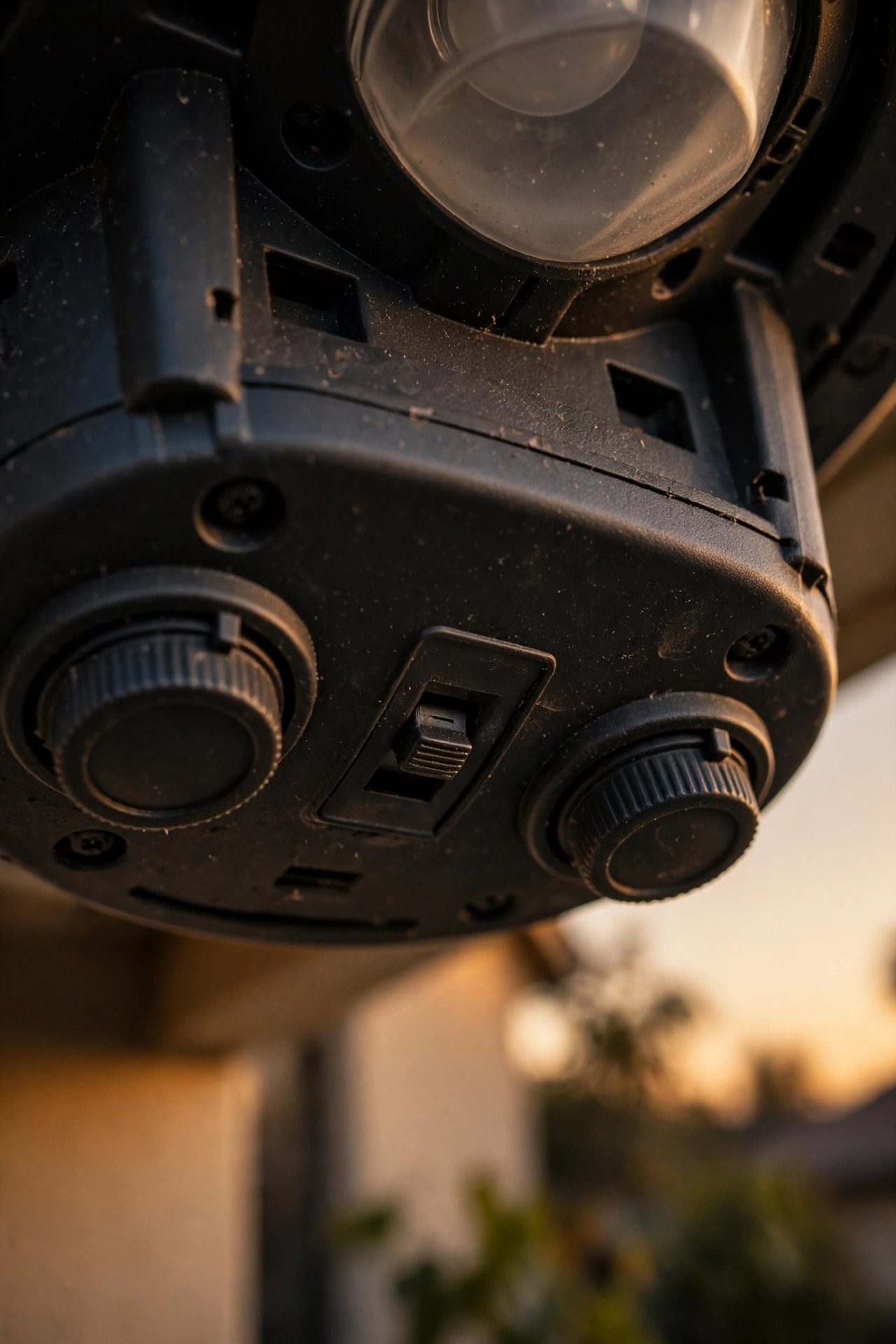
Here's the part nobody tells you at the hardware store: almost every fixture also has operating modes, usually on a tiny slide switch or a mode dial on the underside of the sensor head. The common ones are OFF, TEST, AUTO (normal motion mode), DUSK-TO-DAWN, and some version of manual override. TEST mode keeps the light on for long stretches so you can aim it in daylight. DUSK-TO-DAWN ignores motion entirely and burns from sunset to sunrise. If a bumped switch or a confused mode dial has parked your light in either of those, it will cheerfully burn all night while the sensor itself is perfectly healthy. If you want the deeper tour of how these fixtures think, my guide to motion sensor outdoor lights covers the technology in plain English.
The Three Dials That Run the Show: Sensitivity, Time, and Lux
Nearly every setting that matters lives on three little wheels or sliders underneath the sensor head, and understanding them solves half of all "haunted light" problems before they start.
Sensitivity (often labeled SENS or RANGE) decides how big a heat change has to be, and how far away it can happen, before the light fires. Cranked to maximum, many fixtures can spot a car at 60 or 70 feet — and a cat at 30.
Time (TIME or DELAY) sets how long the lamp stays lit after the last detected movement: 30 seconds on some fixtures, up to 20 minutes on others. This one matters more than people realize. If the time is set to 10 minutes and anything re-triggers the sensor every 9 minutes — a branch, a vent, a passing truck — the countdown never reaches zero and the light simply never turns off.
Lux (sometimes a sun/moon icon) is the photocell threshold: how dark it must be before the sensor arms itself. Set it wrong and the fixture may behave strangely at the edges of the day, though it rarely causes an all-night burn on its own.
My baseline starting point on any new install: sensitivity in the middle, time at 1 to 5 minutes, lux at the factory mark. Adjust one dial at a time from there, and write down what you changed. Future you, standing on a ladder in November, will be grateful.
Fix #1: Escape the Manual Override Trap
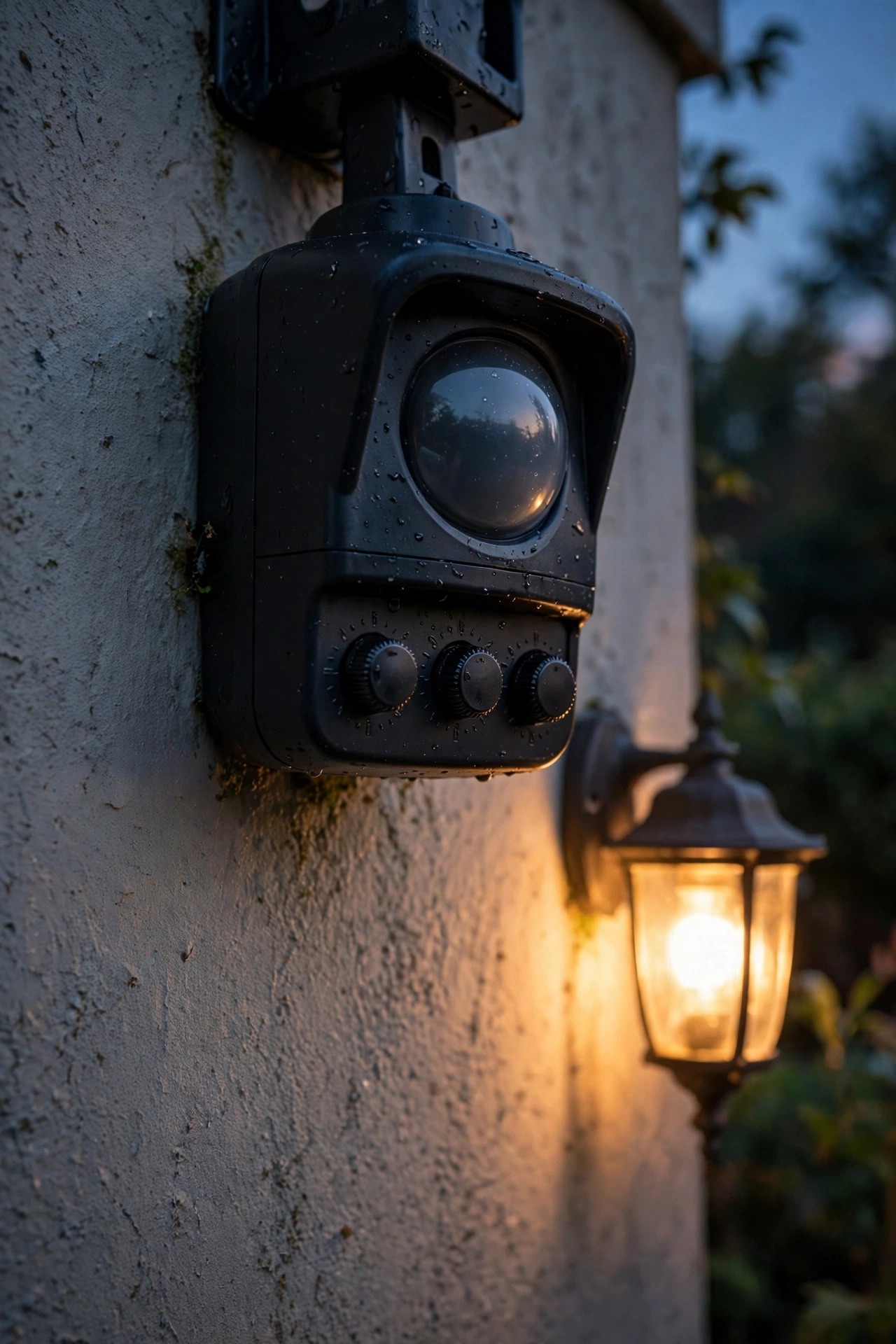
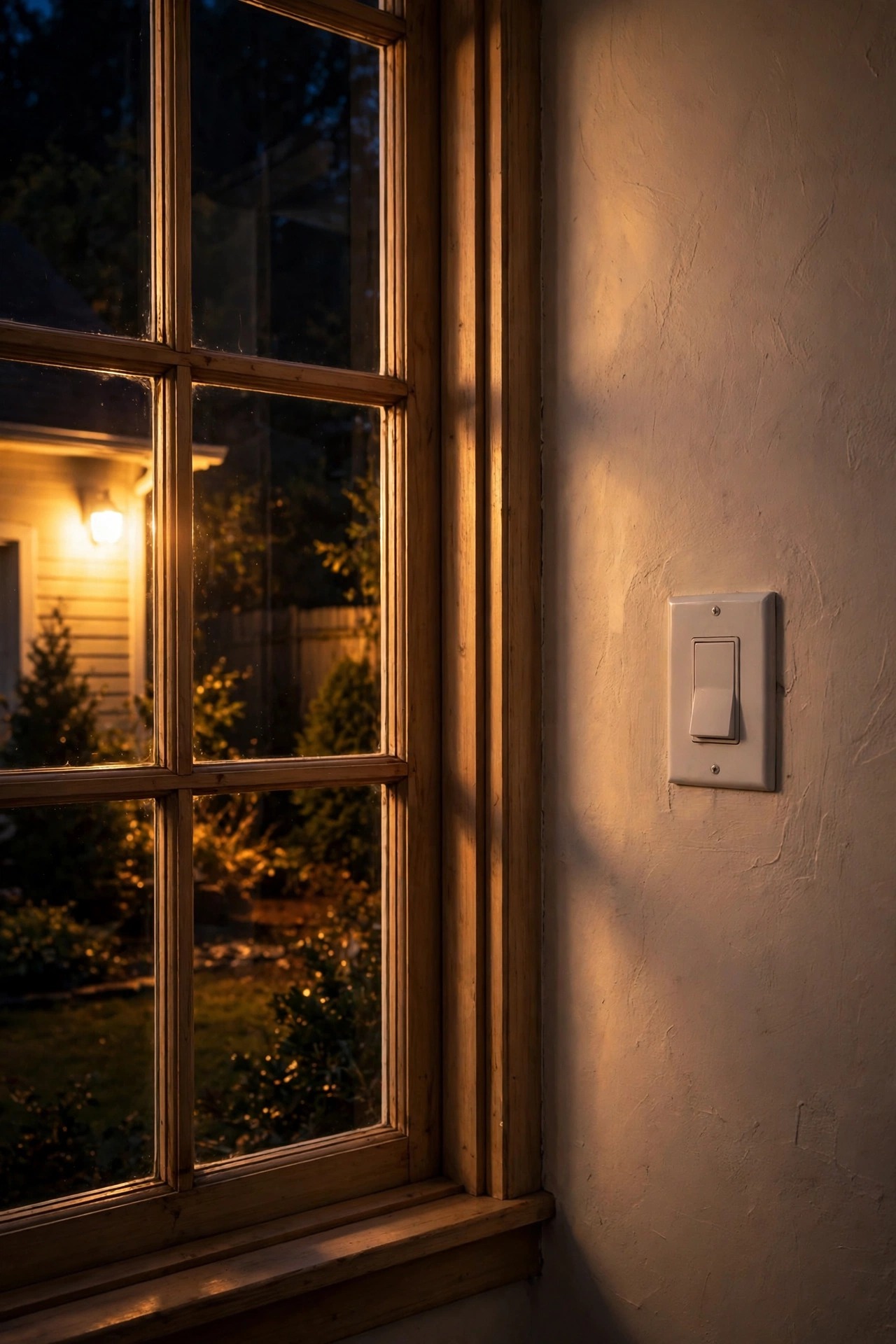
This is the single most common cause I run into, and the easiest to fix — most motion fixtures have a built-in manual override that keeps the light on continuously, and it is astonishingly easy to trigger by accident. The classic sequence is a quick double-flip of the wall switch: off-on-off-on within a few seconds tells the fixture "stay on until I say otherwise." Guess what else produces exactly that pattern? A power outage flickering back to life. A thunderstorm brownout. A utility surge at 2 a.m. Your light isn't broken; it's obeying an order you never meant to give.
The reset is simple:
1. Turn the wall switch OFF.
2. Wait a full 30 seconds — some fixtures want a full minute — so the electronics drain completely.
3. Turn the switch back ON once, firmly, and leave it alone.
The light will usually come on for its normal warm-up cycle, then go back to honest motion duty. The trick is resisting the urge to flip the switch again "to check," because that second flip is what re-arms the override on many models. If your fixture has a remote or an app, check there too — some connected fixtures hold an override in software even after the wall-switch reset.
Fix #2: Sensitivity Set for a Different Planet
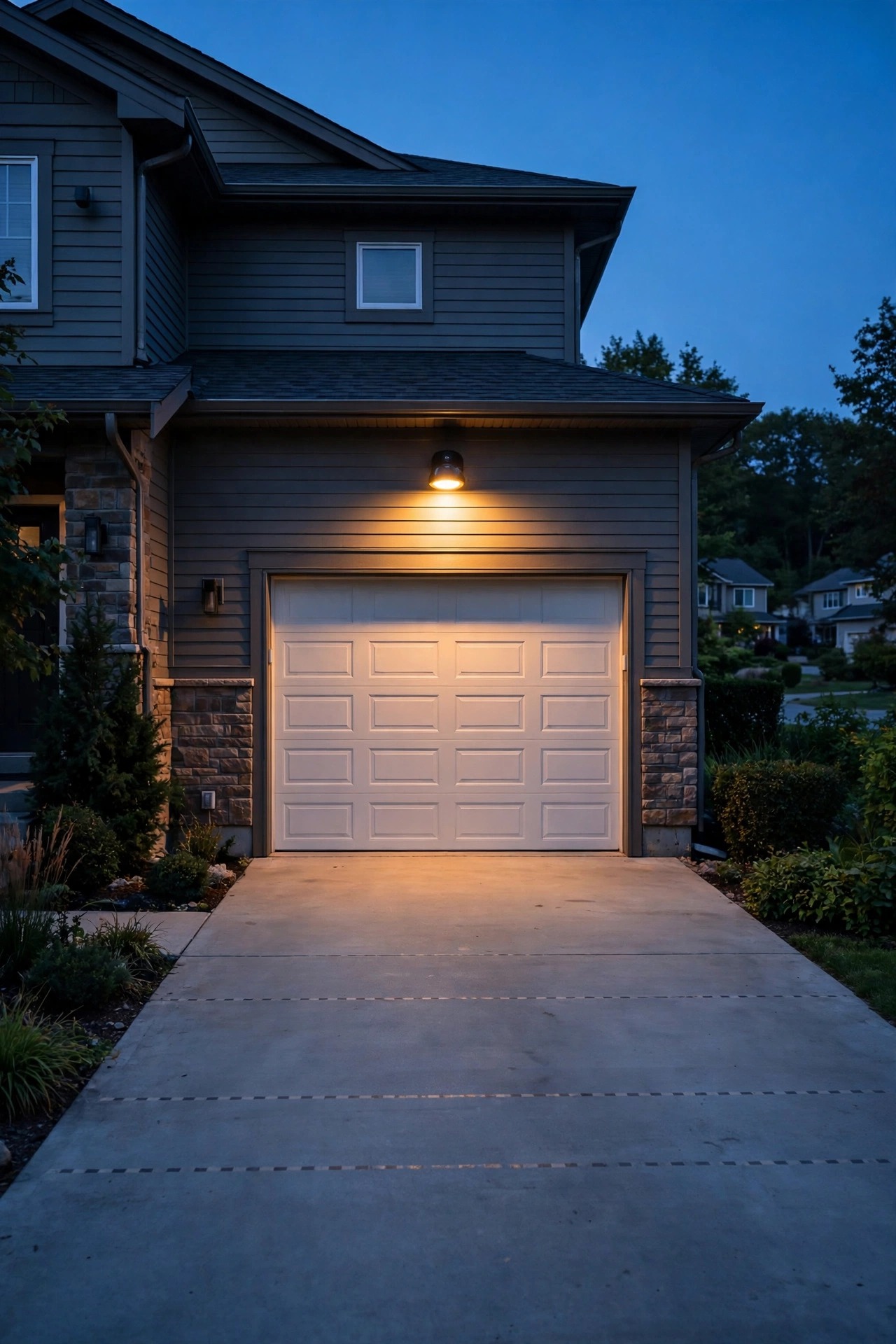
If the override isn't your culprit, look at what's happening in the detection zone. A sensor set to maximum sensitivity lives in a world of constant excitement: the neighbor's cat on her nightly rounds, raccoons commuting along the fence line, a shrub whose leaves hold the day's heat and shed it unevenly, flags and holiday inflatables shifting in the breeze. Every one of those events restarts the timer. From your bedroom window it looks like the light never turns off at all — technically it's turning on again every few minutes, all night long.
The fix is a walk test, and it takes two people or one patient person and a phone timer:
1. Set the TIME dial to its shortest setting so each trigger is brief and obvious.
2. Have your helper walk the edges of the zone you actually care about — the driveway apron, the walkway, the gate — while you watch where the light fires.
3. Dial sensitivity down in small steps, re-testing between each one, until the fixture catches a person at the edge of your zone but ignores the street and the yard beyond.
In my experience, most suburban driveways land between 40 and 60 percent sensitivity. Maximum is almost never right unless you're guarding a long rural lane.
Fix #3: The Sensor Is Watching Its Own Light
This one feels like a haunting until somebody explains it. A motion fixture's sensor and photocell sit inches from a very bright lamp, and light does not politely travel in one direction. It bounces — off pale siding, off a glossy soffit, off the hood of a light-colored car, off wet pavement after rain. Two failure loops follow. In the first, glow reflected back into the photocell keeps confusing the fixture's sense of day and night, producing erratic on-off behavior around the clock. In the second, subtler one, heat radiating from the lamp housing itself drifts across the PIR window, and the sensor keeps "seeing" a warm event — its own fixture — and restarting the timer forever.
Older halogen heads were notorious for this because they ran so hot, but a tightly cowled LED mounted under a low white soffit can do it too. The fixes are mechanical, not electronic:
– Angle the sensor head slightly downward and away from the lamp heads — most sensor heads pivot independently for exactly this reason.
– If your fixture allows it, rotate the sensor so its window faces away from bright reflective surfaces like pale walls and car hoods.
– Add a small shield or visor (many fixtures include one in the box, the piece everyone throws away) so the photocell reads the sky, not the lamp.
– If the fixture bounces light off the wall behind it, a matte backplate or simply re-aiming the lamp heads outward can break the loop.
Once the sensor stops watching itself, the mysterious all-night burn usually stops the same evening.

Fix #4: It's Aimed at Heat Sources and Passing Traffic
PIR sensors don't know the difference between an intruder and a dryer vent — both are warm things changing. Walk your property at night with fresh eyes and inventory what lives inside the detection zone: the HVAC condenser cycling and exhaling warm air, the dryer vent puffing every laundry load, the bathroom exhaust fan, a pool surface shimmering with stored heat, a compost bin doing its slow chemistry. Each can re-trigger a sensitive fixture for hours.
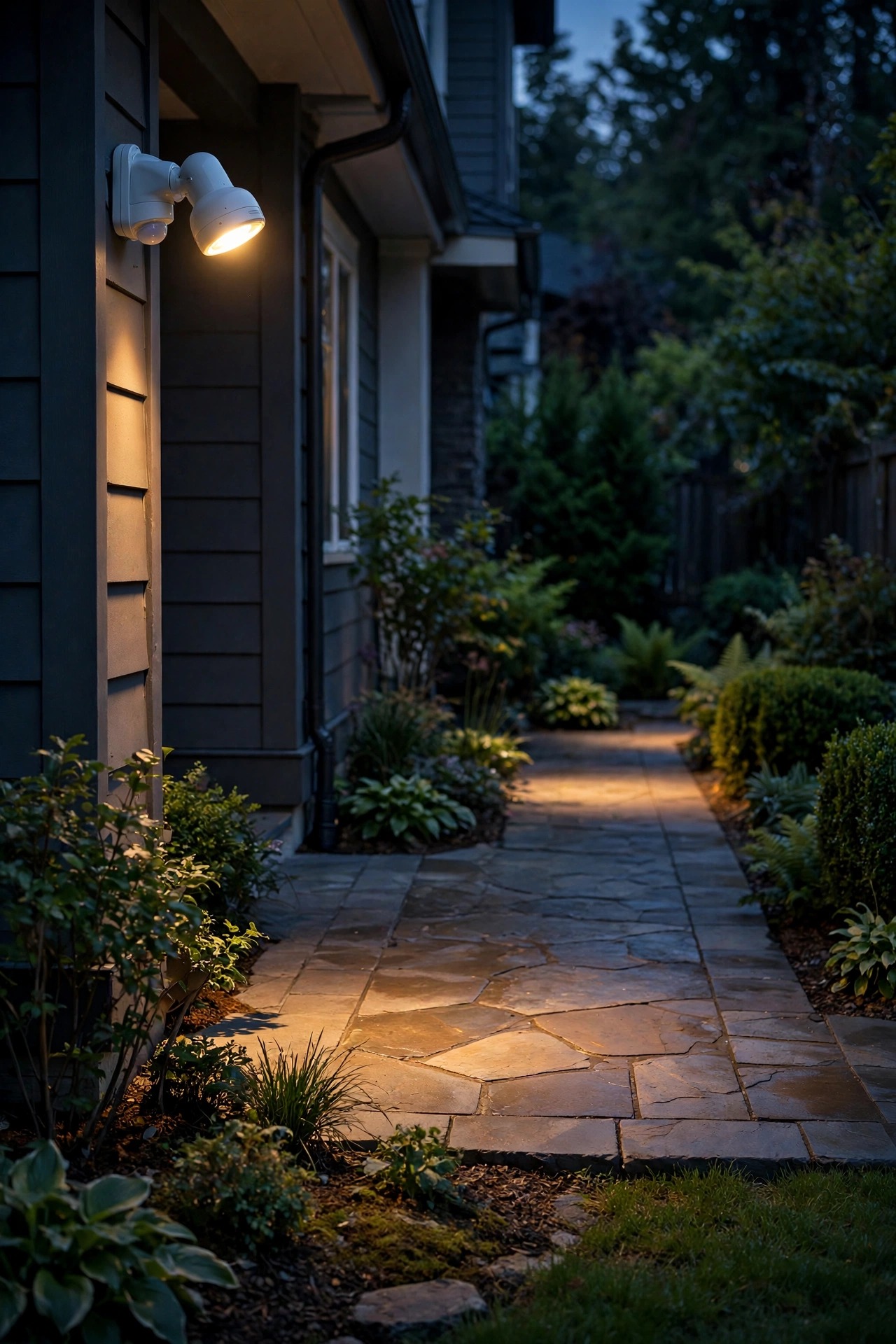
Traffic is the other big one. A sensor aimed straight down the driveway toward the street reads every passing car as a heat event, and on a moderately busy road that means near-constant triggering. The professional rule is to aim the sensor so people and cars cross its field of view rather than move toward it — PIR sensors are far more responsive to sideways motion anyway. Mount the fixture 6 to 10 feet high, tilt the sensor down enough that its zone ends at your property line, and "walk the line" to confirm the street stays outside it. For a fuller placement playbook, see my notes on outdoor flood light placement — the same geometry rules apply whether the head is a flood or a sensor light.
Once heat sources are out of the zone and the street is out of the picture, most remaining false triggers vanish.
Fix #5: Power Problems — Dimmers, Smart Switches, and the Wrong Bulb
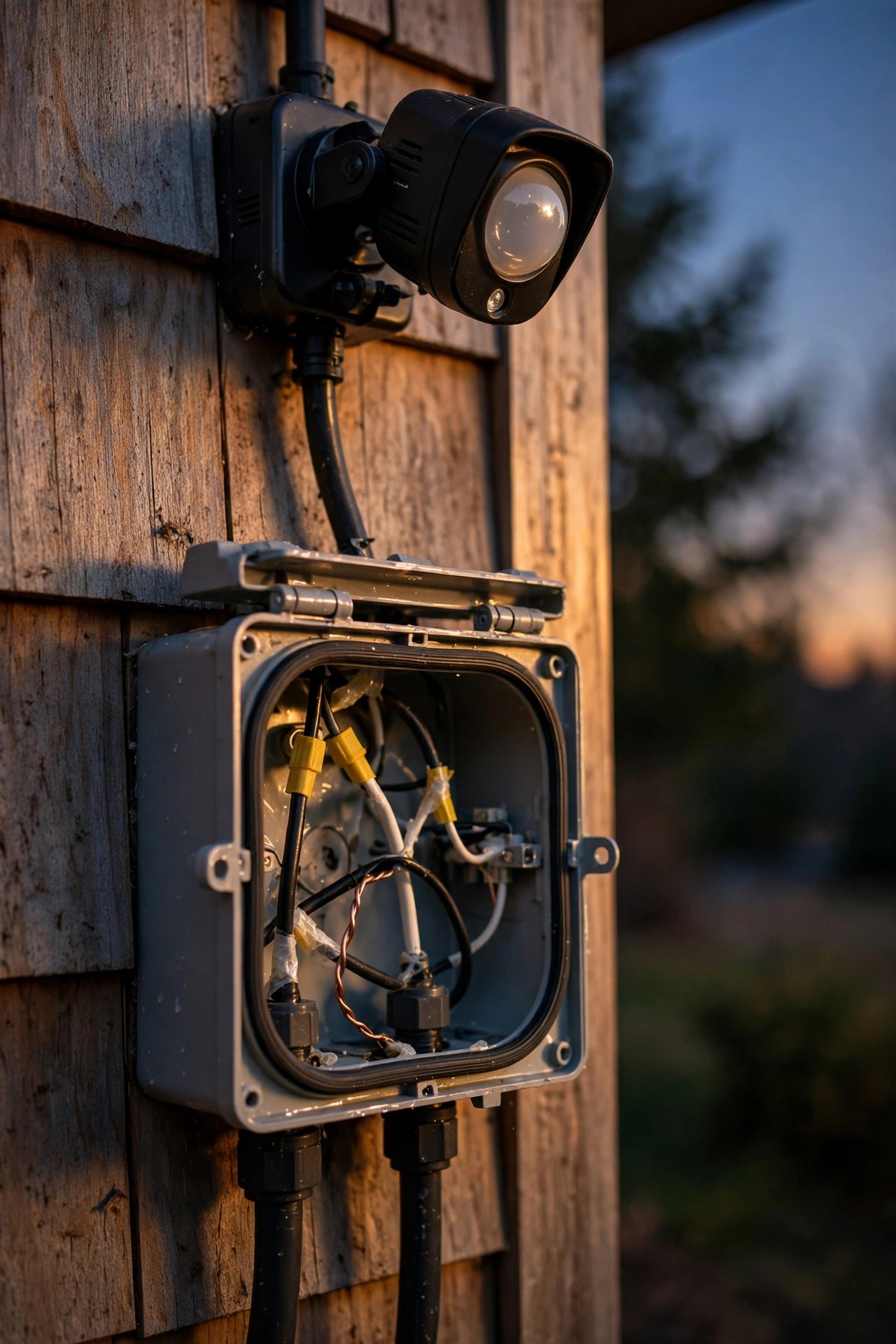
Sometimes the light stays on because the electricity feeding it is misbehaving. Three culprits show up again and again in my troubleshooting, and all three are easy to miss because the fixture itself tests fine.
A dimmer upstream. Motion fixtures should never sit on a dimmed circuit. A dimmer starves the sensor electronics of clean power, and confused electronics often default to lamp-on. If your porch or garage circuit runs through a dimmer, swap it for a plain switch and watch the problem evaporate.
A smart switch or plug leaking current. Many smart devices trickle a tiny standby current through the load to keep themselves alive. That trickle can keep a sensitive fixture's relay awake and its brain half-powered, producing exactly the stuck-on (or faintly glowing) behavior that drives people crazy. Put the fixture on a dumb switch, or use a smart bulb instead of a smart switch if you want scheduling.
An incompatible bulb. In screw-in sensor fixtures and older photocell sockets, some LED bulbs don't play nicely with the electronics: the tiny current the sensor passes while "off" can charge the bulb's driver until it flashes or the control never fully resets. Testing with a known plain bulb — or the bulb type the fixture shipped with — is a five-minute experiment that has saved more than one of my readers a replacement fixture.
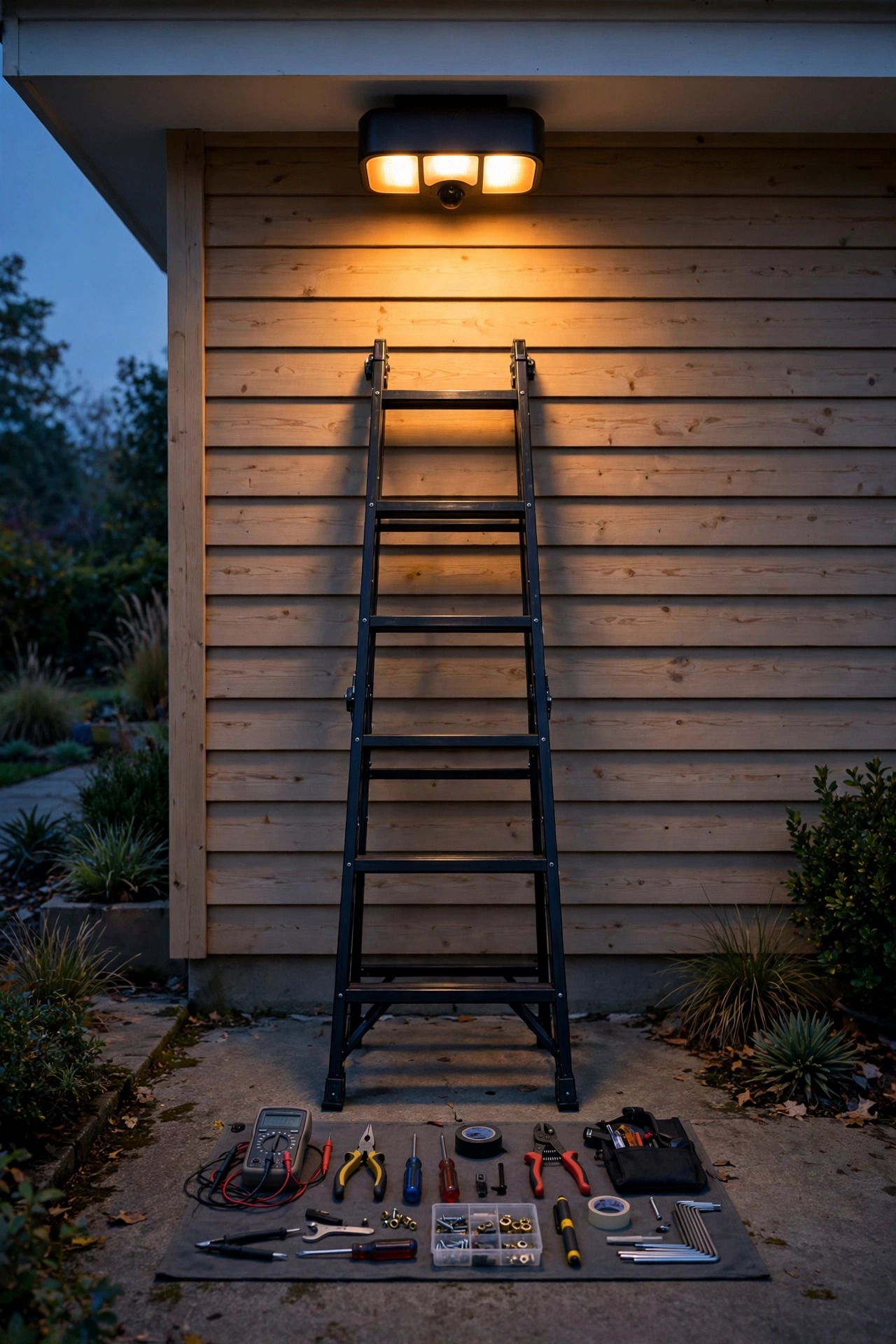
Step-by-Step: The 15-Minute Fix When a Motion Light Stays On All Night
When neighbors describe the symptoms over the fence, this is the exact routine I talk them through. It isolates every cause above, in order, with nothing but a ladder and a strip of electrical tape.
1. Start in daylight. Climb up and read the mode switch on the sensor head. If it says TEST or DUSK-TO-DAWN, congratulations — set it to AUTO and you're done.
2. Reset the override. Switch the light off at the wall, count a slow 30, switch it back on once. Leave the switch alone after this.
3. Set your baseline dials. Sensitivity to the middle, TIME to 1 minute, LUX to the factory mark.
4. Fake the night. Cover the photocell (the little round window, often beside the sensor) completely with electrical tape. Within a minute or two the fixture should arm and behave as if it's dark.
5. Stand perfectly still in the detection zone until the light times out and clicks off. If it never clicks off even with zero movement and zero heat sources nearby, jump ahead to the dying-sensor section below — no dial will save a welded relay.
6. Walk the boundary. Move slowly along the edge of the area you want covered. Note exactly where the light fires — too far out, dial sensitivity down a notch; dead spots, aim the head, not the dial.
7. Uncover the photocell and let the fixture return to real conditions.
8. Do one real night check from inside the house at ten o'clock. Watch for five minutes. Triggers should correspond to real events you can identify.
Eight steps, fifteen minutes, and you'll know whether you fixed it or found a genuine hardware failure — which is the only honest reason to spend money.
When the Sensor Itself Is Done
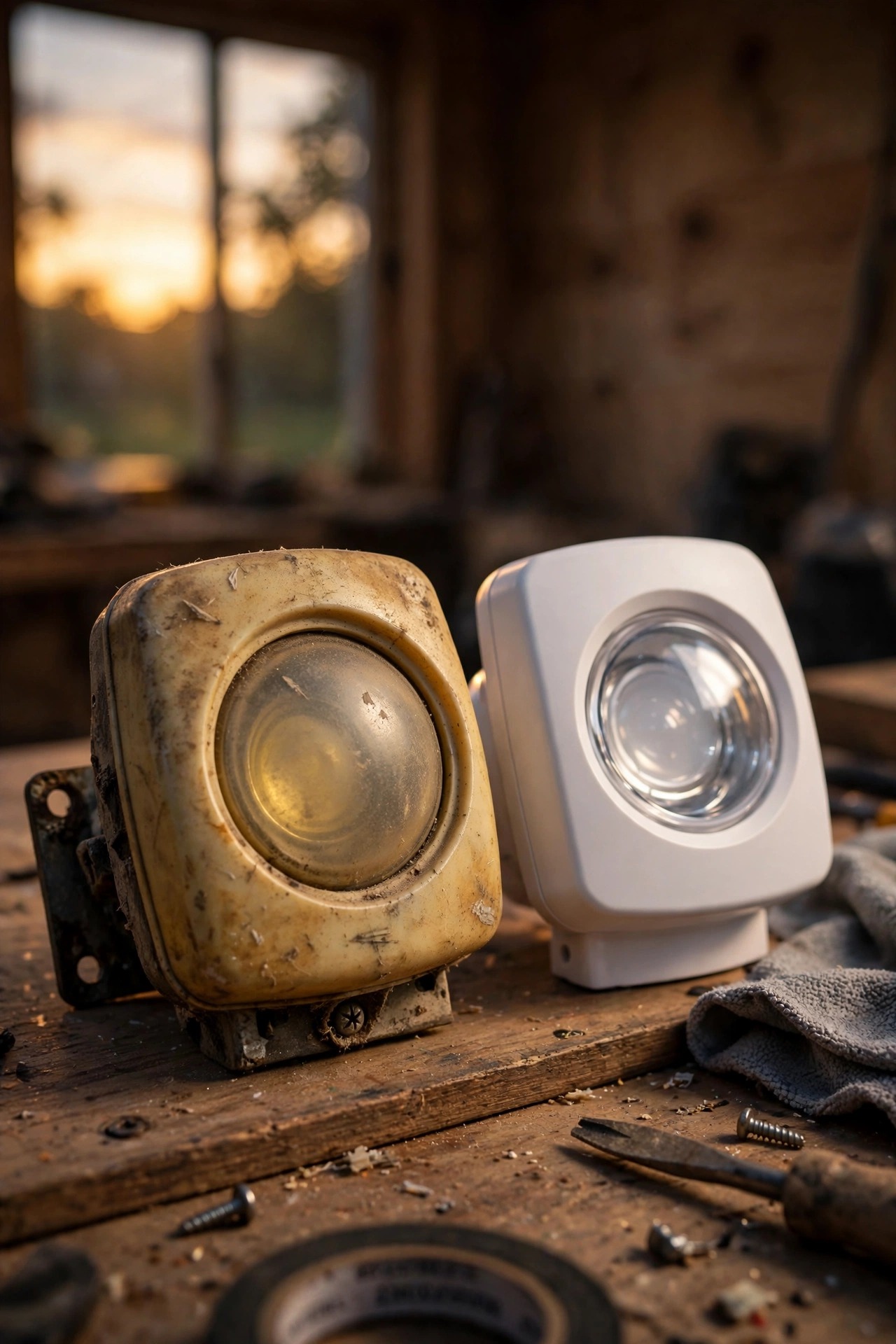
Sometimes, after the reset and the dials and the walk test, the answer really is hardware. PIR fixtures live outdoors in heat, cold, and driven rain, and their honest lifespan is about 5 to 10 years. The death signs are distinctive: a lens gone yellow, cloudy, or cracked; water or a tiny ant colony visible inside the housing (it happens more than you'd think, and yes, it's as gross as it sounds); a relay that never clicks at all; or a fixture that ignores every setting and burns with the sensor window taped over and the zone completely still. That last one — on, always, unconditionally — usually means the internal relay contacts have welded shut after years of switching, and no adjustment reaches it.
Before you condemn the whole fixture, check whether yours is a model with a replaceable sensor head; many are, and a $20 head beats a $90 fixture. If the housing itself is cracked or the wiring pigtails are brittle and green, replace the whole unit and start fresh — you'll get a modern LED, a clean lens, and another decade of service for less than the cost of two service calls. Heat is the slow killer nobody suspects, by the way: a fixture baking on a south-facing wall ages its electronics years faster than the identical unit mounted under a porch roof.
What It Costs in 2026
The fixes in this guide are gloriously close to free: the override reset, the mode switch, the dial adjustments, and the re-aiming cost you a ladder climb and fifteen minutes. Replacement parts, when you truly need them, run about $15 to $35 for a standalone sensor head, $25 to $60 for a solid basic dual-head LED motion fixture, and $60 to $120 for one with a camera or app control. If you'd rather not climb, an electrician will swap a fixture on an existing box for roughly $150 to $300 depending on your market.
The running-cost math is why it's worth fixing promptly. A modern 30-watt LED head burning an extra 10 hours a night uses about 0.3 kWh nightly — call it 9 kWh a month, around $1.50 at the average residential rate of roughly 16 cents per kWh. Annoying, not ruinous. But an older twin-halogen fixture at 300 watts does ten times that damage — about $15 a month, $180 a year, for the privilege of lighting up the possums. While you're up the ladder, check the bulb sockets for heat damage and give the lens a wipe; dust film alone can cut a sensor's effective range noticeably by fall.
5 Mistakes That Keep the Light Burning
1. Leaving it in TEST mode after install day. TEST exists for aiming in daylight. Half the "broken" lights I see are still in it months later. It's the first thing I check on any troubleshooting visit, and it takes ten seconds on the ladder.
2. Maxing out sensitivity "for security." You don't get more security; you get the cat, the vent, and the street. A sensor that cries wolf gets ignored — or unplugged.
3. Aiming the sensor down the driveway at the road. PIR reads crossing motion best. Aim across the path of travel, and end the zone at your property line. One fixture aimed honestly across a walkway catches more real visitors than three aimed hopefully at the passing traffic.
4. Putting the fixture on a dimmer or a leaking smart switch. Starved or trickle-fed electronics misbehave in exactly this stuck-on way. Plain switch, happy sensor.
5. Replacing the fixture before resetting the override. A two-minute power reset resurrects more "dead" motion lights than any other step in this guide. Always start there. I have personally fixed three friends' lights with nothing but a wall switch and a slow count to thirty — two of them had already priced out replacements and were one click from ordering.
Keep the Neighbors Happy While It Behaves
A motion light working correctly is the most neighborly security light there is — dark when nothing's happening, bright only when it matters. A stuck one is the opposite: an all-night glare cannon pointed at somebody's bedroom window. While you're fixing yours, take the extra two minutes to aim the heads down into your own yard, keep the beams below the fence line where you can, and choose warm 2700K to 3000K light over the harsh blue-white that makes a street feel like a loading dock. A fixture that fires for a genuine reason, lights your walkway beautifully for two minutes, and goes dark again earns zero complaints and quietly does its job. I keep a running list of placement and shielding tricks in my roundup of neighbor-friendly security light ideas if your yard layout is tricky.
One more courtesy that's completely free: when you do fix it, mention it. Half the irritation of a stuck light is the not-knowing — the neighbors wonder whether you've noticed, whether it's permanent, whether saying something makes them the difficult ones on the street. A quick "sorry about the stadium lighting, it's sorted now" over the fence buys goodwill out of all proportion to the effort, and it turns your repair into the street's favorite story instead of its running grievance.

Frequently Asked Questions
Why does my motion sensor light stay on after a power outage?
Because the outage almost certainly triggered the manual override. The flicker of power returning — off, on, off, on — is the exact signal most fixtures interpret as "stay on until reset." Flip the wall switch off, wait 30 seconds, and turn it back on once. If storms knock your power around often, expect to do this little ritual a few times a year; I keep it on my mental checklist right after resetting the microwave clock.
How long do motion sensors last, and can they wear out?
They can and they do. Expect 5 to 10 years from a decent fixture: the lens slowly clouds from UV, seals dry out and admit moisture, and the relay that switches the lamp eventually wears or sticks. A sensor that ignores its settings, never clicks off even in a still, taped-over test, or has visible water inside the housing has told you it's finished. Replacing just the sensor head, where the model allows it, is the budget-friendly middle path.
Why does my motion light turn on and off repeatedly all night instead of staying off?
Cycling is a close cousin of the stuck-on problem and usually means the sensor is watching something in its own yard: light bouncing off pale siding into the photocell, heat drifting up from the lamp housing, or a vent puffing on a schedule. Each event restarts the timer, off and on, off and on. Re-aim the sensor head away from reflective surfaces and heat sources, drop sensitivity one notch, and the loop almost always breaks.
Is it cheaper or safer to just leave the light on all night on purpose?
Safer-feeling, sometimes — cheaper, never. A dusk-to-dawn light that's on deliberately at least uses a small, efficient bulb by design; a stuck security flood wastes flood-level wattage. If you genuinely like an all-night glow by the door, swap to a low-wattage dusk-to-dawn fixture at 800 lumens or so and let the motion light go back to motion duty. You'll spend a few dollars a year instead of fifteen a month, and the yard will look better for it.
Conclusion
If your motion light stays on all night, don't start at the store — start at the switch. Nine times out of ten the cure is embarrassingly small: a mode switch bumped to the wrong spot, an override tripped by a power blip, a sensitivity dial with delusions of grandeur, or a sensor faithfully watching a dryer vent. Fifteen minutes with the diagnostic routine above will tell you which one you have, and the genuinely dead sensor — the only fix that costs real money — announces itself clearly when nothing else works. Get yours back to honest motion duty tonight, enjoy the dark yard and the smaller electric bill, and browse the rest of my outdoor lighting guides when you're ready for the next project.