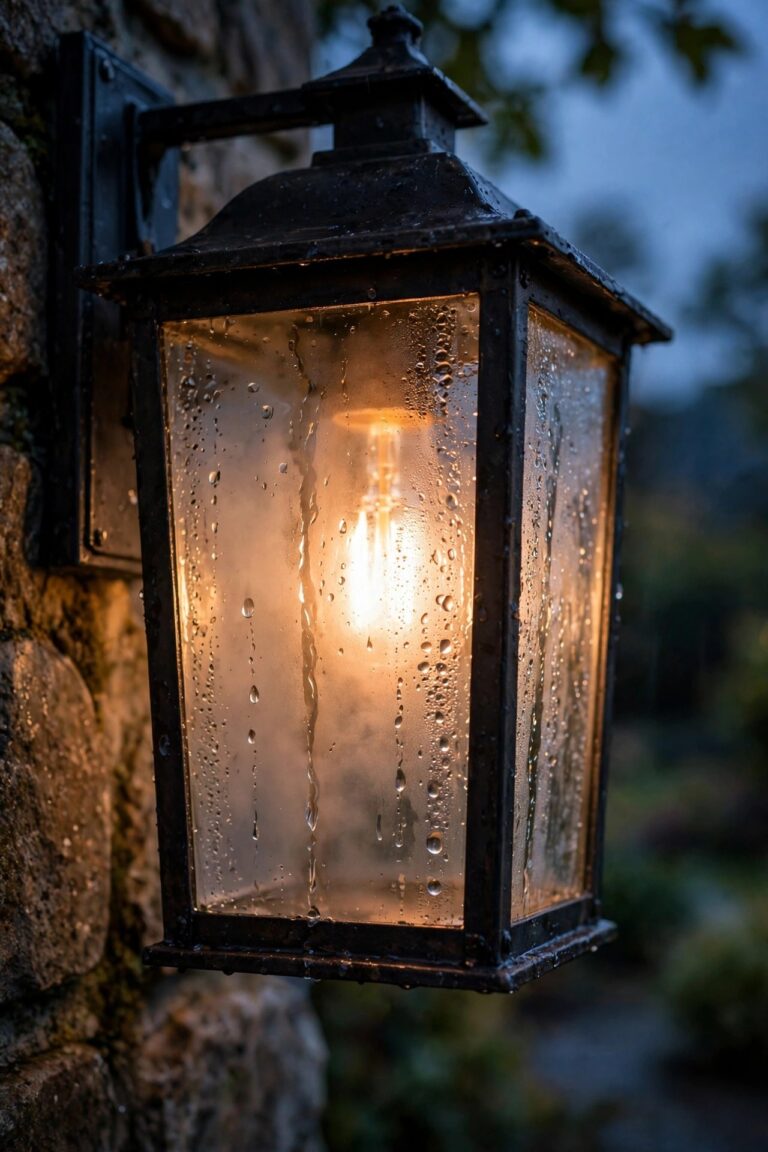
There's a special kind of frustration in glancing out the window at 10 a.m. and seeing your porch light still burning bright — or watching it blink on and off all night like it's sending Morse code. If that sounds familiar, this photocell light troubleshooting walkthrough is for you. A photocell, also called a photo control or dusk-to-dawn sensor, is a tiny light-sensitive switch, and when it gets dirty, confused, or simply old, the fixture it controls starts acting haunted. The good news? In my experience, most photocell problems come down to five or six causes, and nearly all of them are fixable in under an hour with no electrician and parts that cost less than a pizza. In this guide, I'll show you how to read the symptom — flickering, stuck on, stuck off, or just badly timed — match it to its most likely cause, run two dead-simple tests to confirm it, and replace a worn-out sensor step by step if it comes to that. By the end, you'll know exactly why your light misbehaves and how to make it behave again.

The Short Answer
When a photocell light flickers, the sensor is usually seeing its own light and switching itself off, then back on, in a loop — shield the sensor or reposition the fixture and the blinking stops. When the light won't turn off, the sensor is either filthy, shaded all day, or has failed internally. Clean the little sensor window first, then cover it completely with electrical tape in broad daylight to test it: a healthy sensor switches the light on within a minute or two. If neither cleaning nor the tape test changes anything, the sensor itself is almost certainly dead, and swapping one out is a quick job most homeowners can handle themselves.
How a Photocell Actually Works
A photocell is simpler than it sounds. Inside that little nub or button on your fixture is a light-sensitive component — older ones use a cadmium sulfide cell, newer ones a phototransistor — whose electrical resistance changes with brightness. At dusk, when the light hitting it falls below a threshold (usually around the brightness of deep twilight), it signals a small switch, often a relay or electronic triac, to complete the circuit and turn the light on. At dawn, the process reverses. Two details explain most "haunted light" behavior. First, there's a built-in delay of 30 seconds to two minutes, so a passing car's headlights don't blink your yard lights all night. Second, most photocells are wired so the light defaults to ON when the sensor fails, which is why a dead sensor usually means a light that never turns off, not one that never turns on. The whole category of fixtures built around this little switch is what I covered in my guide to dusk-to-dawn outdoor lights, and honestly, when they work, they're the most set-and-forget lighting control there is. When they don't, the sensor is almost always the story — the bulb and wiring are innocent far more often than people assume.
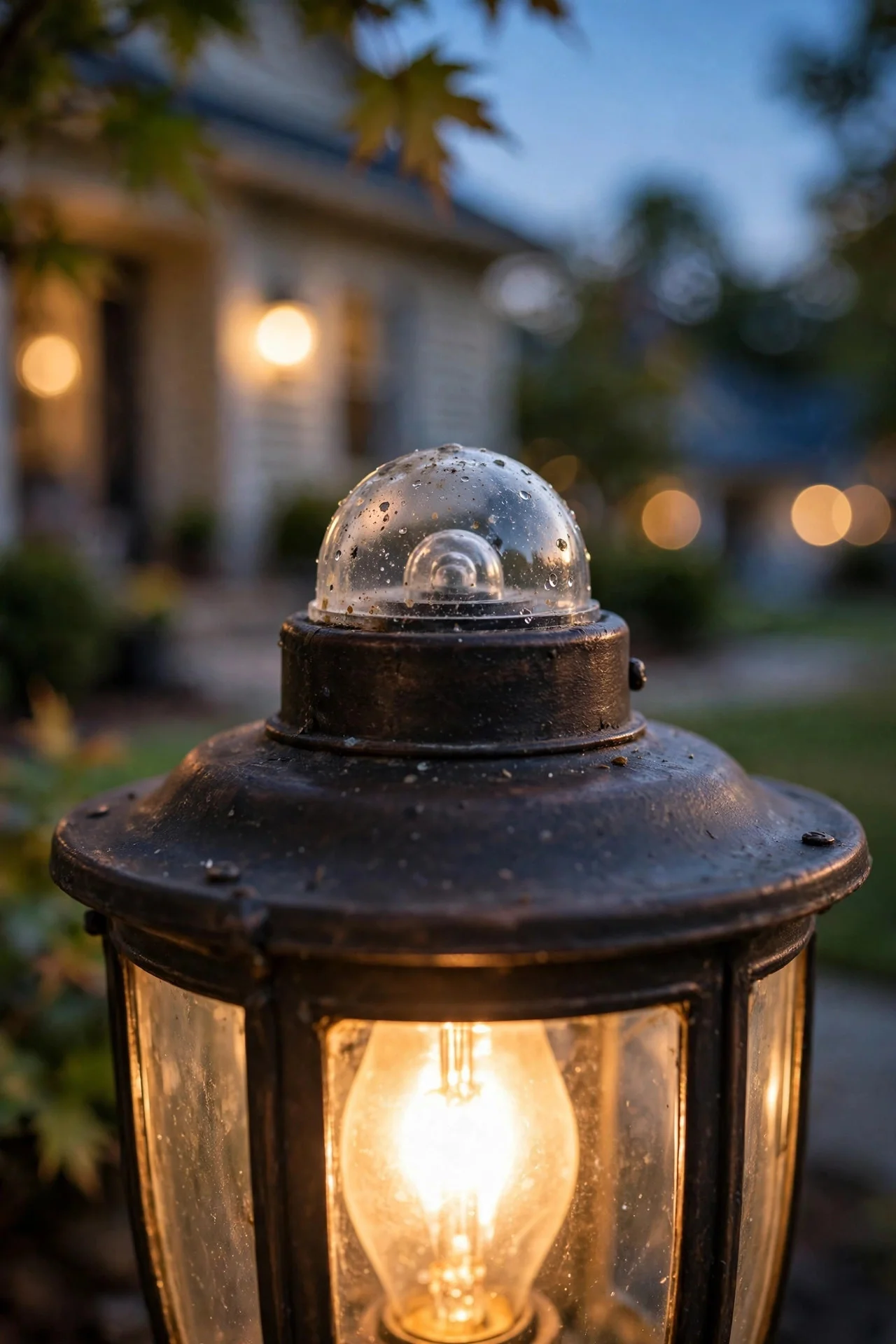
Photocell Light Troubleshooting: Start With the Five-Minute Checks
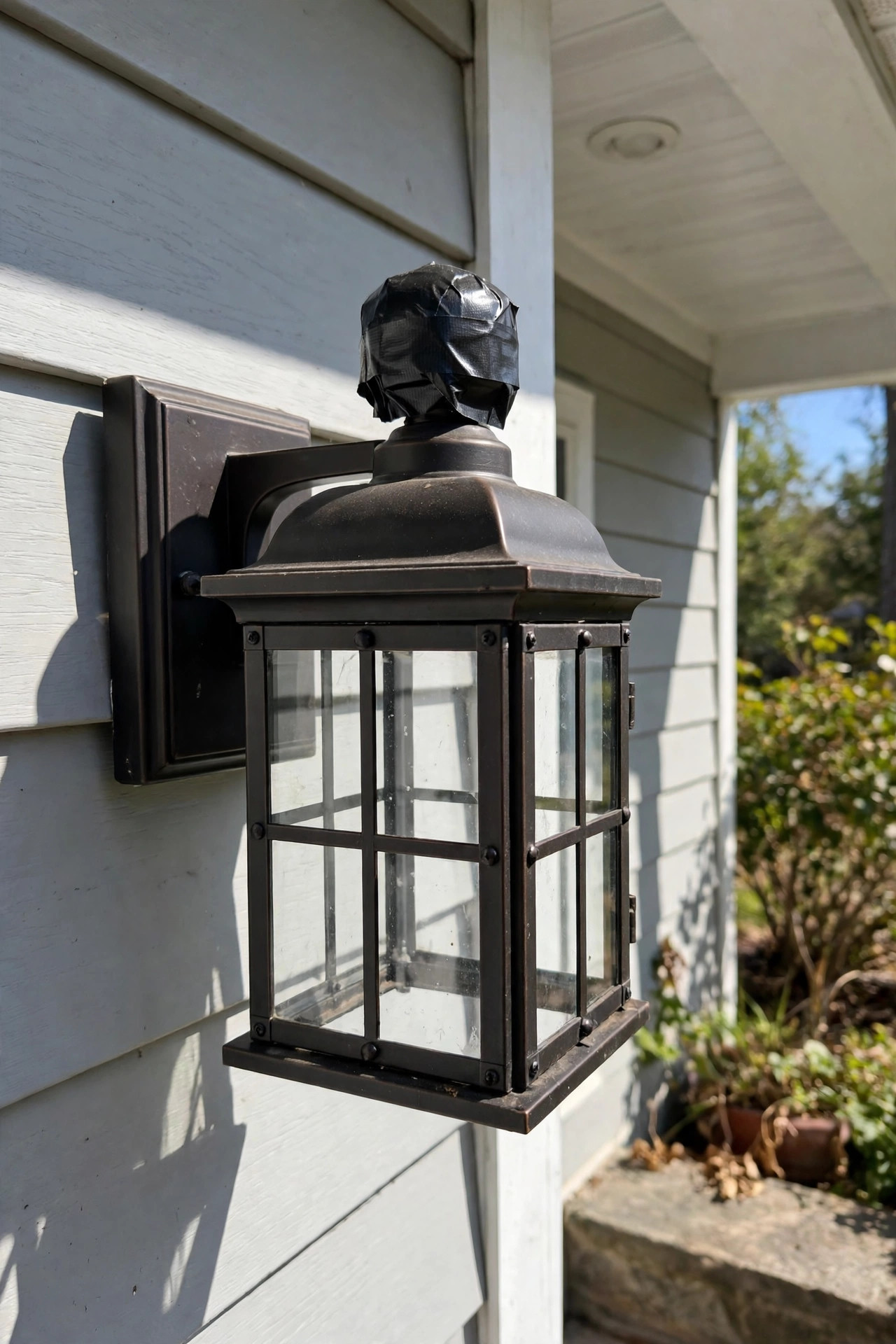
Before you buy anything or climb a ladder twice, run these checks — they take five minutes and solve or identify the problem most of the time. First, clean the sensor. The photocell's little window or eye gets coated with dust, pollen, spider webs, and road film, and a sensor that thinks it's always twilight will run your light all day. Wipe it with a damp cloth; if the plastic lens has yellowed, note that for later, because a yellowed lens never quite recovers. Second, rule out the bulb: swap in a bulb you know works, ideally a plain dimmable LED, because a dying bulb mimics sensor problems beautifully. Third, look for new light sources near the sensor — a neighbor's new floodlight, your own string lights, even a reflective new car in the driveway can fool it. Fourth, do the tape test: in daylight, cover the sensor completely with two layers of black electrical tape and wait two full minutes. The light should come on. Peel the tape off and it should switch off within a minute or two. A sensor that passes both halves of that test is healthy, and your problem lives elsewhere. A sensor that fails either half has just told you its diagnosis.
Symptom One: The Light Flickers or Cycles On and Off
Flickering is the photocell complaint I hear most, and nine times out of ten it's a feedback loop, not a dying part. Here's what happens: at dusk the sensor turns the light on, the light's own glow (or its reflection off a pale wall, a white garage door, or glossy paint) hits the sensor, the sensor decides it's morning and turns the light off — then, in the sudden darkness, decides it's night again. On, off, on, off, sometimes every few seconds, sometimes in a slow, eerie pulse. The fix is to break the loop: angle the fixture or its shade so light spills away from the sensor, add a small shield or a short piece of tape over the half of the sensor facing the bulb, or rotate a twist-lock sensor so its eye faces north, away from the fixture's own beam. If the flicker is a fast buzz or shimmer rather than a clean on-off cycle, suspect the bulb instead — some cheap LEDs don't play nicely with the electronic switches in photocells, and swapping to a quality dimmable LED cures it. True relay chatter, a rapid clicking from the fixture, means the sensor's switch is wearing out, and that one does need replacing.
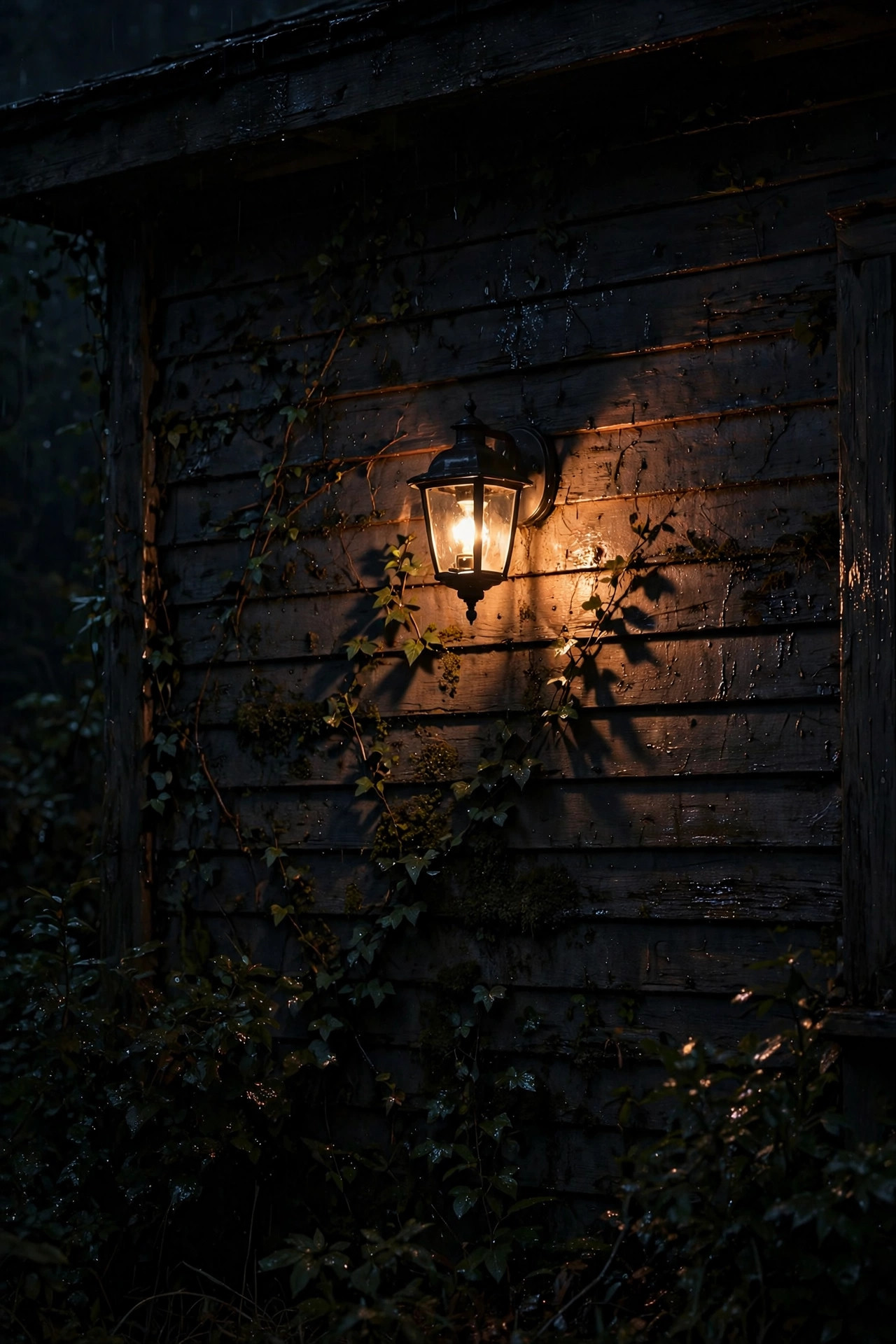
Symptom Two: The Light Won't Turn Off in the Morning
A light that burns all day is the classic dead-or-blind photocell. Work through it in this order. First, the sensor may genuinely never see daylight: check for an overgrown shrub, a new wreath, wasp nest, or mulch volcano that's shading the eye, and check whether the fixture sits under a deep eave where the sensor lives in permanent shadow. Some sensors tolerate shade; a marginal one won't. Second, clean the window again and look closely — crazed, yellowed, or moisture-fogged plastic dims the light reaching the cell enough to convince it that dawn never comes. Third, run the tape test from the checklist above, backwards: if the sensor is already stuck on, taping it changes nothing, so instead shine a bright flashlight directly at the eye for two full minutes. A healthy sensor, flooded with light, will switch the fixture off. No response at all means the switch contacts have welded shut — a common end-of-life failure after a power surge or lightning storm — and the sensor is done. One sneaky exception: if the light is on a circuit with a manual override switch or a timer upstream, confirm those are actually set to let the photocell run the show before you condemn the sensor.

Symptom Three: The Light Won't Turn On at All
Total darkness feels scarier, but the cause is rarely the photocell — remember, most sensors fail in the ON position, so a completely dead light usually points elsewhere. Start with the boring stuff, because it's usually the boring stuff. Check the bulb by moving it to a lamp indoors. Check the breaker and, for outdoor circuits, the GFCI outlet — a tripped GFCI in a bathroom or garage quietly kills more porch lights than any sensor ever has. Confirm any wall switch feeding the fixture is actually on; a photocell can't do anything with no power reaching it. If all of that checks out, tape the sensor over in daylight and wait two minutes. Still nothing? Test whether power reaches the fixture (a non-contact voltage tester is the safe way). The remaining suspects are a failed sensor whose electronics died in the open position — less common, but it happens with electronic models after surges — or a loose wire connection inside the fixture canopy, which heat cycles loosen over the years. Both are fixable, and the wiring fix is often just re-seating a wire nut on clean, bright copper. One last exception worth naming: if the dead fixture is solar-powered, set this whole section aside — those lights live or die by their battery and panel, so their troubleshooting starts with a panel cleaning and a full sunny day of charging, not with the sensor.

Symptom Four: It Turns On Too Early or Stays On Too Late
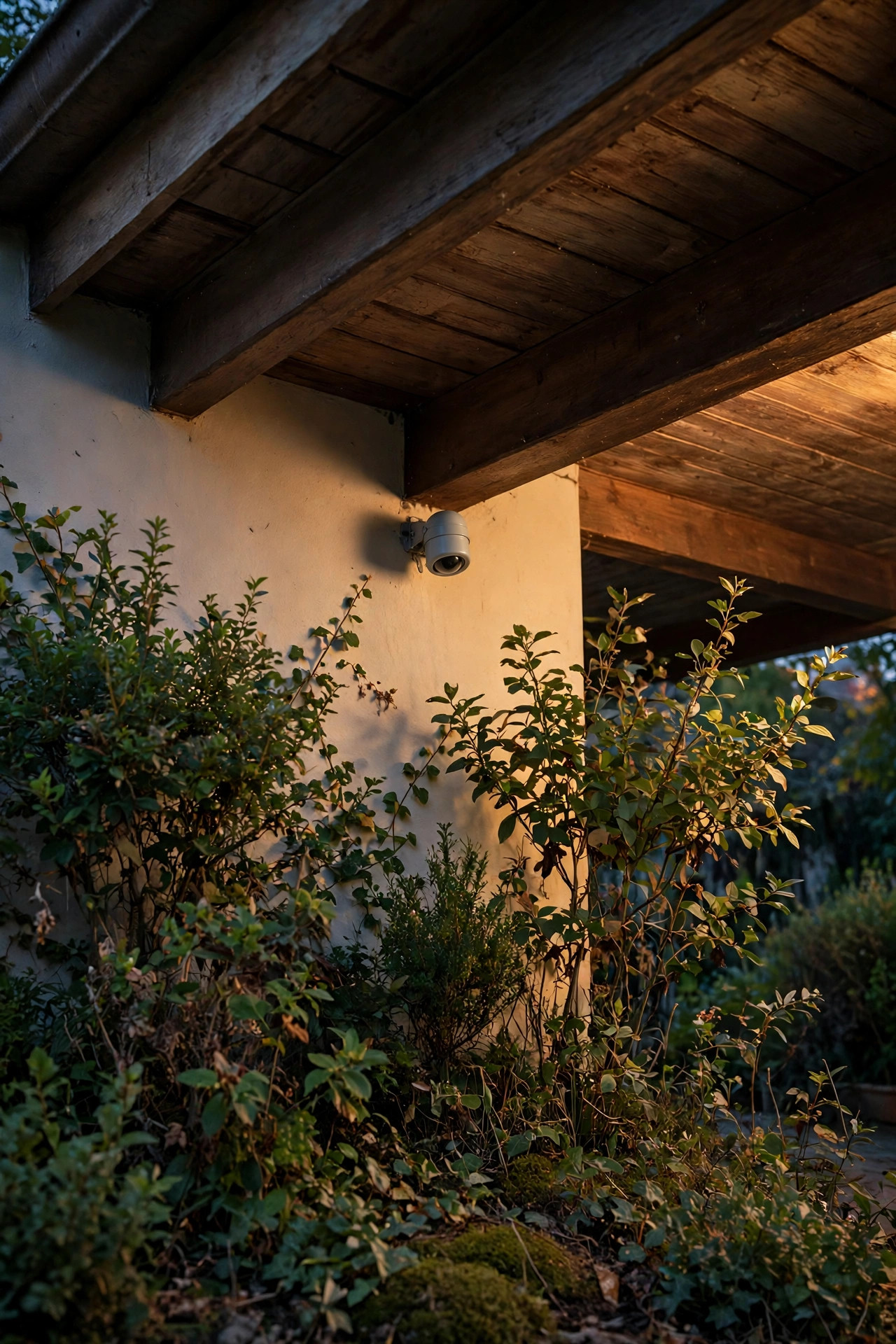
Sometimes the sensor works, just on the wrong schedule — blazing away at 4 p.m. on a gray afternoon, or lingering until mid-morning coffee. This is a threshold-and-placement problem. A sensor tucked under a porch ceiling, behind a column, or facing a north wall in all-day shade legitimately believes dusk comes early, because in its little world, it does. Relocating or rotating the sensor so it samples open sky is the real fix; on twist-lock models you can often just rotate the eye. Reflective surroundings skew things the other way: fresh snow, pale concrete, or a light-colored wall bouncing morning sun elsewhere can delay shutoff, and there's not much to do beyond accepting a few extra minutes. Also check the sensor's delay setting if yours has one — some adjustable models have a small dial or dip switches for sensitivity. Gray winter afternoons are the honest exception here — when the sky sits at twilight brightness for hours on end, a light that comes on at 3:30 p.m. isn't broken, it's reading the world correctly. Honestly, I tell people to judge this symptom by the electric bill, not the clock: a modern LED sipping 9 watts for an extra hour a day costs pennies a month. If the timing is roughly dusk-ish and dawn-ish, the sensor is doing its job and your energy is better spent elsewhere in the yard.
Step-by-Step: Replacing a Twist-Lock Photocell
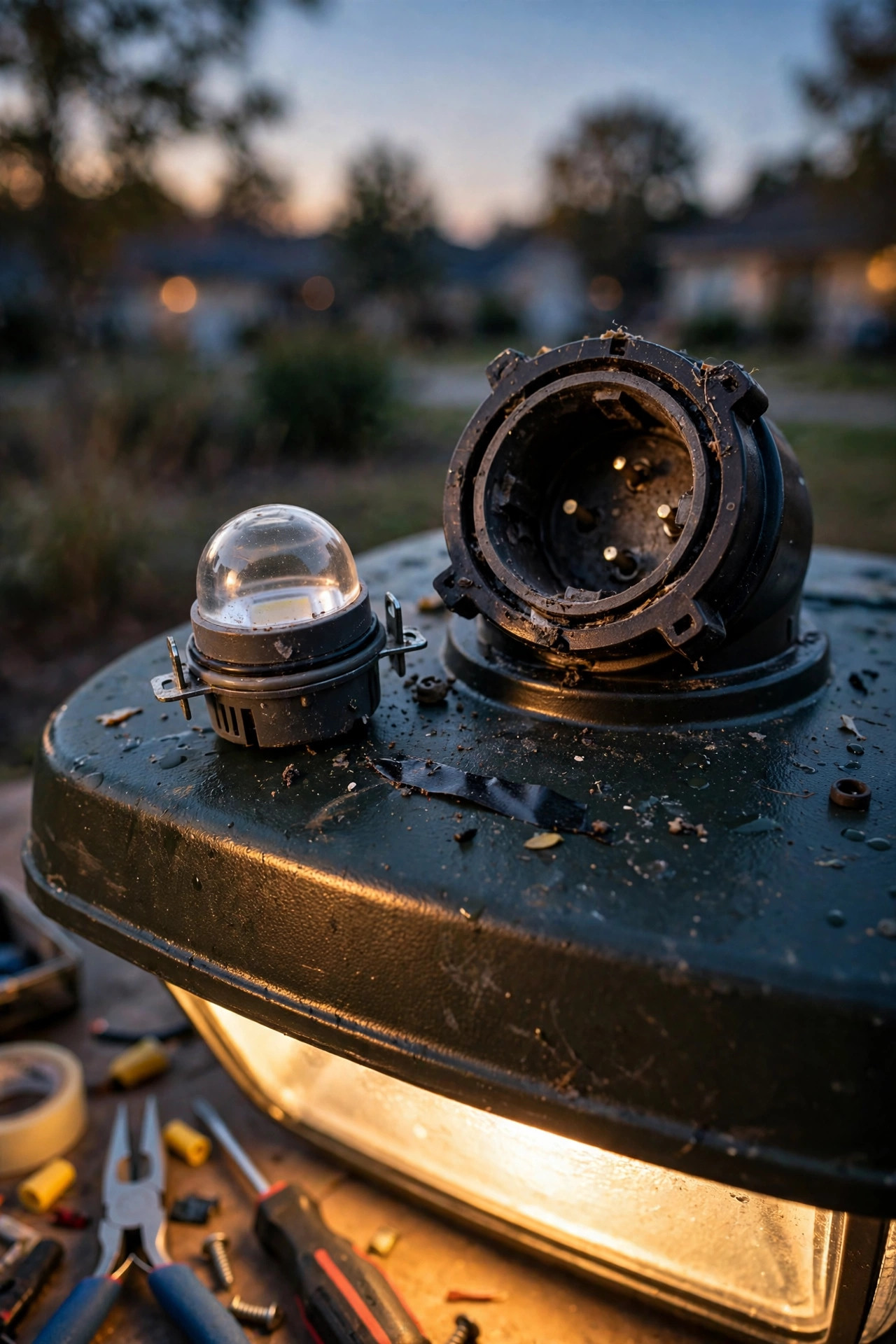
If your tests point to a dead sensor and it's the twist-lock style — the little canister, about the size of a film canister, sitting on top of a barn light, area light, or post light — you own the easiest repair in outdoor lighting.
1. Turn the fixture's power off at the wall switch. You don't strictly need the breaker for a twist-lock swap since the socket is designed for it, but switching off is free insurance.
2. Grip the sensor body and rotate it counterclockwise about a quarter turn. It unlocks and lifts straight out of its receptacle.
3. Note the little window's orientation — on most models there's an arrow or the window itself should face north, away from the light the fixture throws.
4. Push the new sensor in, aligning its three prongs with the receptacle, and rotate clockwise until it seats firmly.
5. Restore power and run the tape test: covered sensor, light on within two minutes; uncovered in daylight, light off.
6. If it cycles on and off that first night, rotate the sensor slightly so its eye samples less of the fixture's own glow.
The whole job takes five minutes, no tools, no wiring. This is the design I wish every fixture used.
Step-by-Step: Replacing a Button or Stem-Mount Photocell
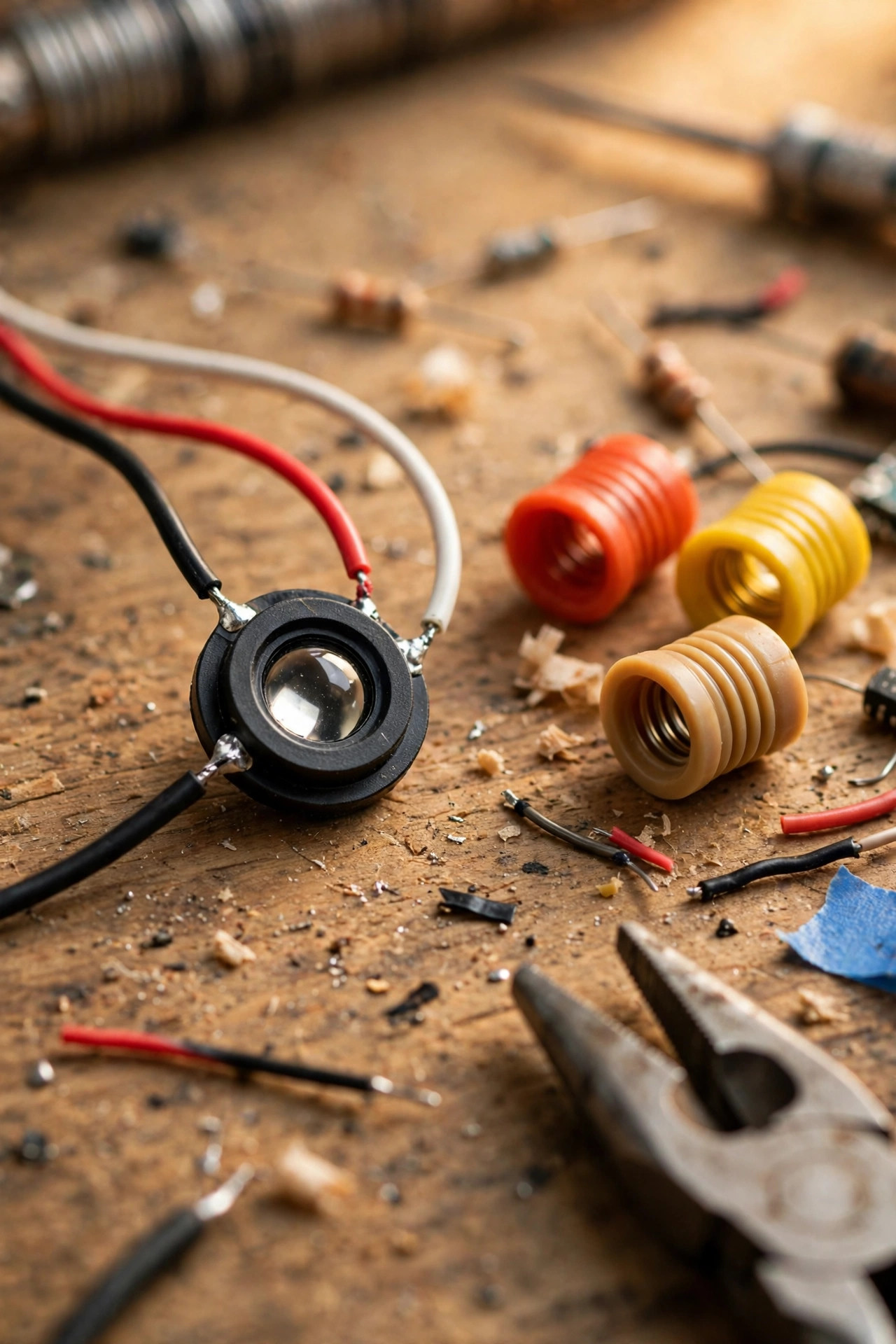
Many porch lanterns and sconces use a small button photocell threaded through the fixture housing, or a pencil-thin stem sensor. These involve three wires, so we do this properly, with the power truly off.
1. Turn the circuit off at the breaker, then verify with a non-contact voltage tester at the fixture. Never trust the wall switch alone.
2. Remove the fixture's canopy or access cover to expose the wiring, and take a phone photo of the existing connections before touching anything.
3. Identify the photocell's three wires: black brings power in, red (sometimes blue or yellow) sends switched power to the bulb, and white is the shared neutral.
4. Untwist the wire nuts, remove the old sensor, and unscrew its lock nut from the housing.
5. Mount the new sensor in the same hole, gasket side out, and connect like-for-like: incoming black to sensor black, sensor red to fixture black, all whites together. Fresh wire nuts, snug and tug-tested.
6. Reassemble, restore power, and tape-test in daylight to confirm it switches both ways.
If the fixture's wires are brittle, cloth-insulated, or a color scheme you can't confidently identify, stop and call an electrician — that's not defeat, that's judgment.
What It Costs in 2026
Here's the honest math, and it's why I always say to test before replacing anything else on the fixture. A replacement twist-lock photocell runs $8–$20. Button and stem-mount sensors cost $6–$15. A brand-new fixture with an integrated, sealed sensor is $35–$120 if you'd rather upgrade than repair. An electrician's visit to diagnose and swap a sensor typically lands at $125–$250, most of it the trip charge, which is exactly why the DIY tape test matters. A non-contact voltage tester, if you don't own one yet, adds about $15–$25 to the project and earns its keep on every electrical odd job you'll ever do after this one, so I count it as a household staple rather than a repair cost. Then there's the cost of doing nothing: a 10-watt LED left burning around the clock instead of 10 hours a night wastes roughly 50 kilowatt-hours a year — about $8 annually at average US rates — and a forgotten 60-watt-equivalent area light wastes several times that. Small numbers per light, but I've walked yards with four stuck-on fixtures quietly burning money all summer. The sensor itself, when it fails, is nearly always the cheapest component in the whole system to replace, and it protects every other component from useless hours of runtime. Keep a spare twist-lock sensor in the junk drawer and this entire category of problem becomes a five-minute errand instead of a weekend project.

Safety and Electrical Basics
Everything in this guide is homeowner-friendly, but it still involves household current, so the basics matter. For any repair beyond a twist-lock swap, turn the power off at the breaker and verify with a non-contact tester — I test the tester on a live outlet first, then the fixture, then the outlet again, every single time. Outdoor circuits should be GFCI-protected, and if yours trips repeatedly during a repair, something is wet or shorted; stop and find out what, don't just keep resetting it. Keep connections inside the fixture housing or a rated box, never dangling in open air, and use wire nuts sized for the wire gauge with no bare copper peeking out. If your replacement sensor will live somewhere rain can reach it, confirm it's rated for wet locations and mount it with its gasket intact and the lens facing up or sideways, never cupped upward collecting water. One more: LED bulbs near the sensor's switching electronics should be listed as compatible with photo controls — most quality ones are, and the package will say so. And if anything smells like hot plastic, shows scorch marks, or has melted insulation, treat that as a hard stop — close the fixture up and call a professional before another wire gets touched. Work dry, work in daylight, and let ladders be ladders: both hands for the fixture, tools in a pouch, no exceptions.
When Photocell Light Troubleshooting Points to a Dead Sensor
Sometimes the verdict is simply that the sensor lived its life. Thermal-style photocells often last three to five years; electronic ones commonly go five to ten. The death certificates are consistent: it fails the tape test in both directions, the lens is yellowed opaque or full of moisture, it chatters like a tiny telegraph key, or it only misbehaves when hot or cold, which means the internal components drift out of spec as temperatures swing. Before you order any replacement, photograph the old sensor's label or take the unit with you — the voltage and wattage ratings are printed right on the housing, and matching those numbers matters far more than matching the shape or style. When a sensor dies on a fixture you otherwise love, replace just the sensor — that's the whole beauty of twist-lock and button designs. When the fixture itself is corroded, dated, or you're replacing parts for the second time, it may be smarter to change strategy entirely: a standard fixture on a timer never gets fooled by its own light, and my guide to outdoor lighting timers and automation walks through astronomical timers that track sunset for you. For lamps and plug-in fixtures, smart plugs and outdoor timers are another honest alternative. There's no prize for staying loyal to a photocell — pick the control that fits how you actually live.

5 Mistakes That Make Photocell Problems Worse
First, painting over the sensor. It happens during every siding repaint — one coat of paint and the sensor lives in permanent night, running the light 24/7 until someone notices the bill. Mask it or don't paint it, and scrape gently if it's already coated. Second, mounting the new sensor facing the fixture's own bulb or a reflective wall, recreating the feedback loop you just fixed; the eye wants open sky, ideally north. Third, installing a sensor upside down so its housing cups rainwater — sensors shed water in one orientation and collect it in the other. Fourth, grabbing the wrong voltage: most residential photocells are 120-volt, but 208–277-volt and low-voltage versions exist and look identical, and the wrong one fails fast. Match the rating printed on the old unit. Fifth, blaming the sensor for a bulb problem — incompatible or dying LEDs cause more "photocell flicker" service calls than bad sensors do. Swap in a known-good, quality LED before you buy parts. And an unofficial sixth, from my own greatest hits: overtightening a twist-lock replacement until the receptacle cracks — snug is plenty, because the gasket does the sealing, not your grip strength. Every one of these mistakes adds a second repair to a job that only needed one, and I've personally made at least two of them, so learn from my yard instead of your own.
Frequently Asked Questions
Why does my photocell light flicker on and off all night?
Usually it's a feedback loop: the sensor sees the fixture's own light (or its reflection off a wall or door), thinks dawn has arrived, and switches off — then sees darkness and switches back on. Shield the sensor's eye from the bulb's direct glow, rotate a twist-lock sensor so it faces away from the fixture's beam, or angle the fixture so light spills downward instead of across the sensor. If the flicker is a shimmer rather than a clean on-off cycle, try a different LED bulb first.
How do I test whether my photocell is actually bad?
Use the tape test. In daylight, cover the sensor completely with two layers of black electrical tape and wait two full minutes — a healthy sensor turns the light on. Remove the tape and the light should go off within a couple of minutes. If the light is stuck on, shine a bright flashlight at the sensor instead; a healthy unit switches off. Failing these tests after cleaning the sensor window and confirming the bulb works means the sensor has failed.
How long should a photocell sensor last?
Expect roughly three to five years from a basic thermal photocell and five to ten years from an electronic one, with wide variation. Heat is the main enemy — sensors baked inside sun-blasted fixtures die younger — and power surges shorten life too. Sun-yellowed or moisture-fogged lenses are usually a sign the unit is near the end regardless of age. The good news is that replacement sensors are inexpensive and, in twist-lock form, take minutes to swap.
Can I bypass the photocell and run the light on a timer instead?
Yes, and for some fixtures it's the better choice. An electrician (or a confident DIYer with the breaker off) can wire the fixture straight through, removing the sensor from the circuit, and then an in-wall astronomical timer, an outdoor timer, or a smart plug can run the schedule — timers never get fooled by their own light. Just cap and tuck the sensor wires safely inside the housing, and if the fixture is under warranty, know that modifying it may void the coverage.
Conclusion
Almost every photocell mystery resolves into one of a handful of stories: a dirty or shaded sensor, a feedback loop with its own light, a tired bulb crying wolf, or a sensor that has simply reached the end of its years. With photocell light troubleshooting, the tape test is your best friend — two minutes and a strip of electrical tape will tell you more than an hour of guessing. Start with the free fixes, replace the sensor if it fails the tests, and save the electrician money for problems that actually need one. If this walkthrough got your porch light behaving again, browse the rest of my outdoor lighting guides for more dusk-to-dawn ideas, timer setups, and fixtures that make the front of your house glow exactly when — and only when — you want it to.