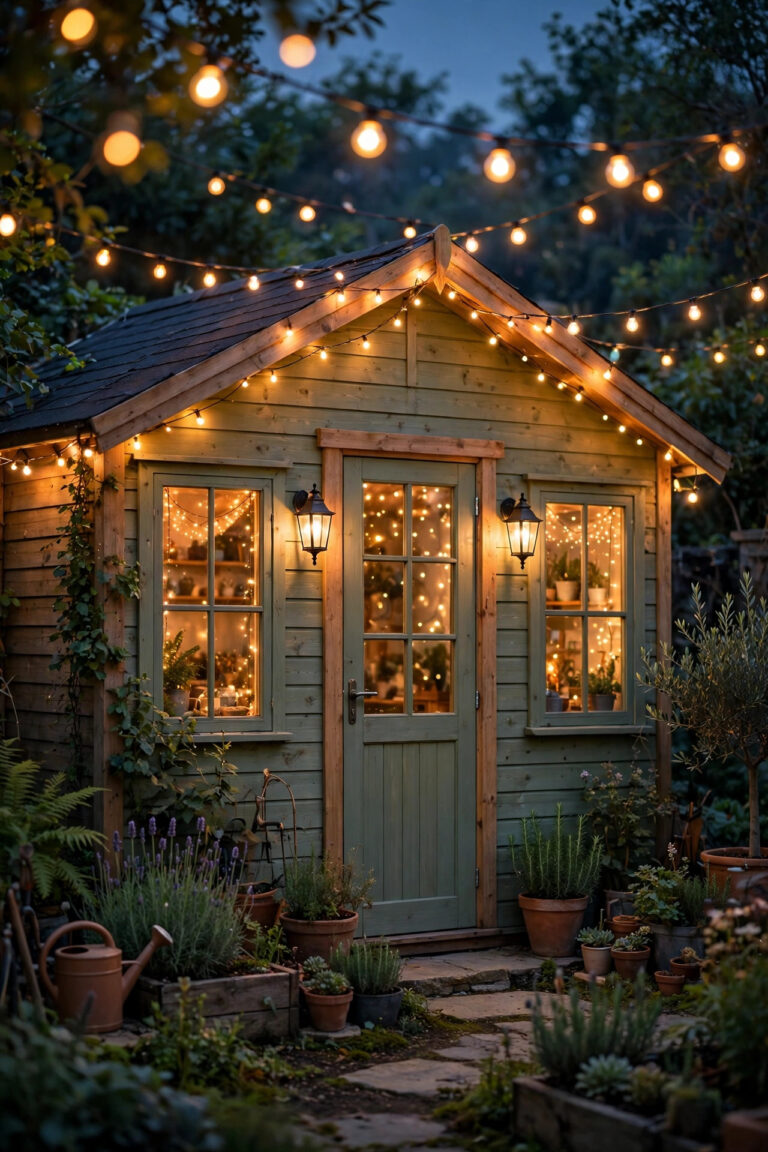
Two winters ago I watched our camera footage of a package thief and saw, honestly, a ghost. A bright white oval floated where his face should have been, hovering over a dark coat. The camera was fine. My lighting was the problem — one blazing porch bulb doing exactly the wrong job. That grainy disappointment sent me down the rabbit hole of lighting for security cameras, and it changed how I light our whole yard. Cameras do not see the way our eyes do. They need even, front-facing light, no hotspots glaring into the lens, and no pitch-black corners for the sensor to give up on. Get the light right and the same modest camera suddenly records faces, jacket colors and plate-level detail. In this guide I will show you how cameras actually see after dark, where to place lights so they help instead of blind, how infrared really behaves, and the walk-through test I now run every fall. No new camera required — just light, placed on purpose.
The Short Answer
Put the light on the same side as the camera, aimed at the area you want recorded — never at the lens itself. Spread moderate light evenly across the zone instead of blasting one big floodlight, because a single hotspot makes the camera darken everything around it. Keep a low, steady base of warm white light burning so the camera stays in color mode, and let motion lights rise from a dim idle rather than exploding out of blackness. Infrared adds range but records in black and white and washes faces out up close. Then finish with a night walk-through while you watch the actual playback, not the live view.
How Cameras Actually See at Night: Visible Light vs Infrared
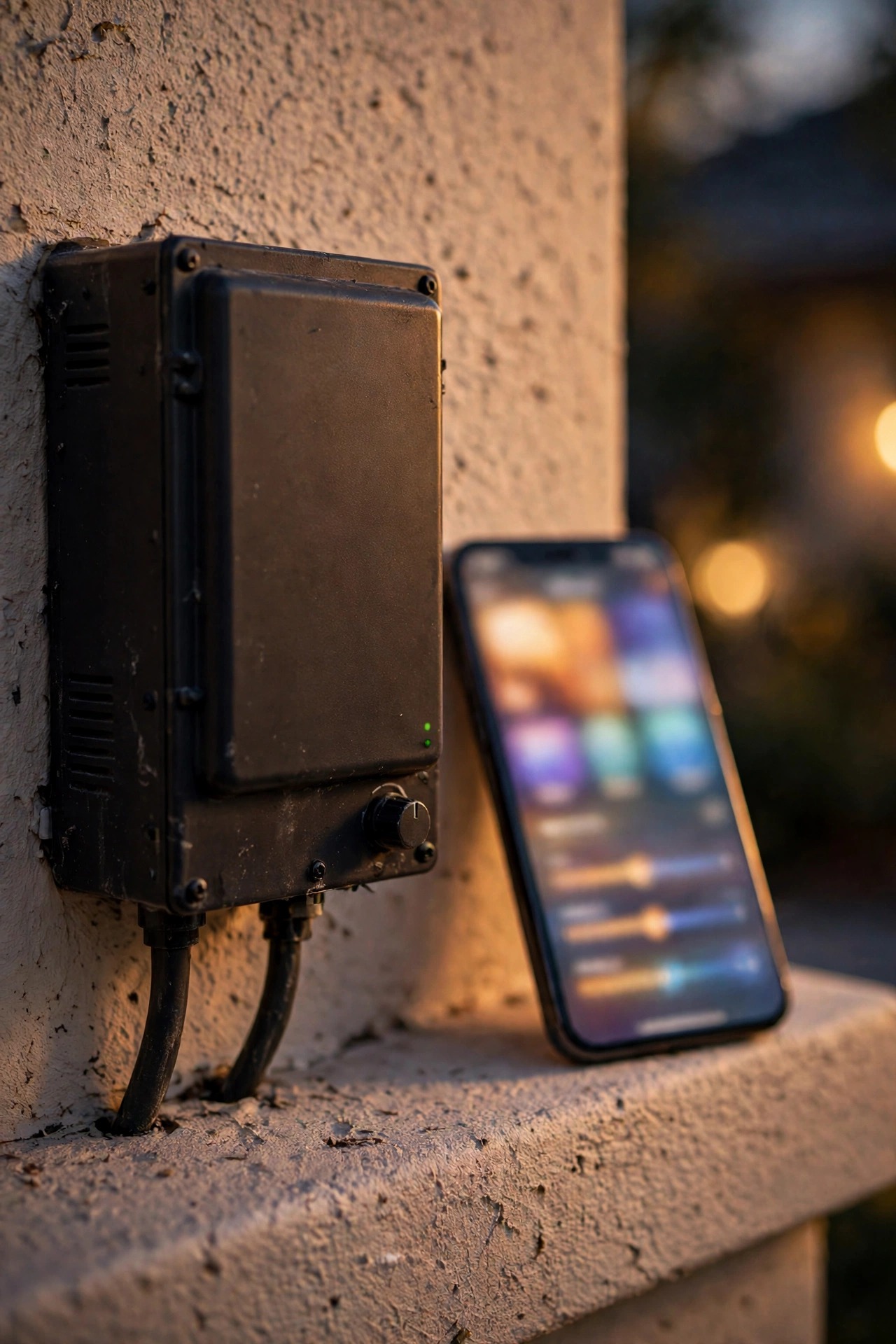
Here is the thing nobody explains at the store: your camera has two completely different ways of seeing after dark, and they produce completely different footage. In visible-light mode it works like your phone camera, recording color but struggling when the scene gets dim — the image turns grainy, soft and smeared as the sensor strains. Once the light drops below a threshold the camera sets, it flips to infrared mode, shining its own invisible IR LEDs and recording in black and white.
Infrared has a personality you need to know. It reflects strongly off skin, light clothing and anything close to the lens, so a face two feet from the camera blows out into that glowing white oval from my thief footage. The same face fifteen feet away may be too dim to recognize. IR also erases color entirely, which means the recording can tell you someone wore a hoodie but never what color it was. And insects, rain and spider webs near the lens catch the IR and flare bright white.
Visible light, placed well, avoids nearly all of that. A camera fed steady, even white light stays in color mode, exposes faces gently instead of nuking them, and records the details that actually identify people. That is the whole game in this guide: feed the camera good visible light first, and let infrared be the backup singer instead of the lead.
Placement Rules: The Heart of Good Lighting for Security Cameras
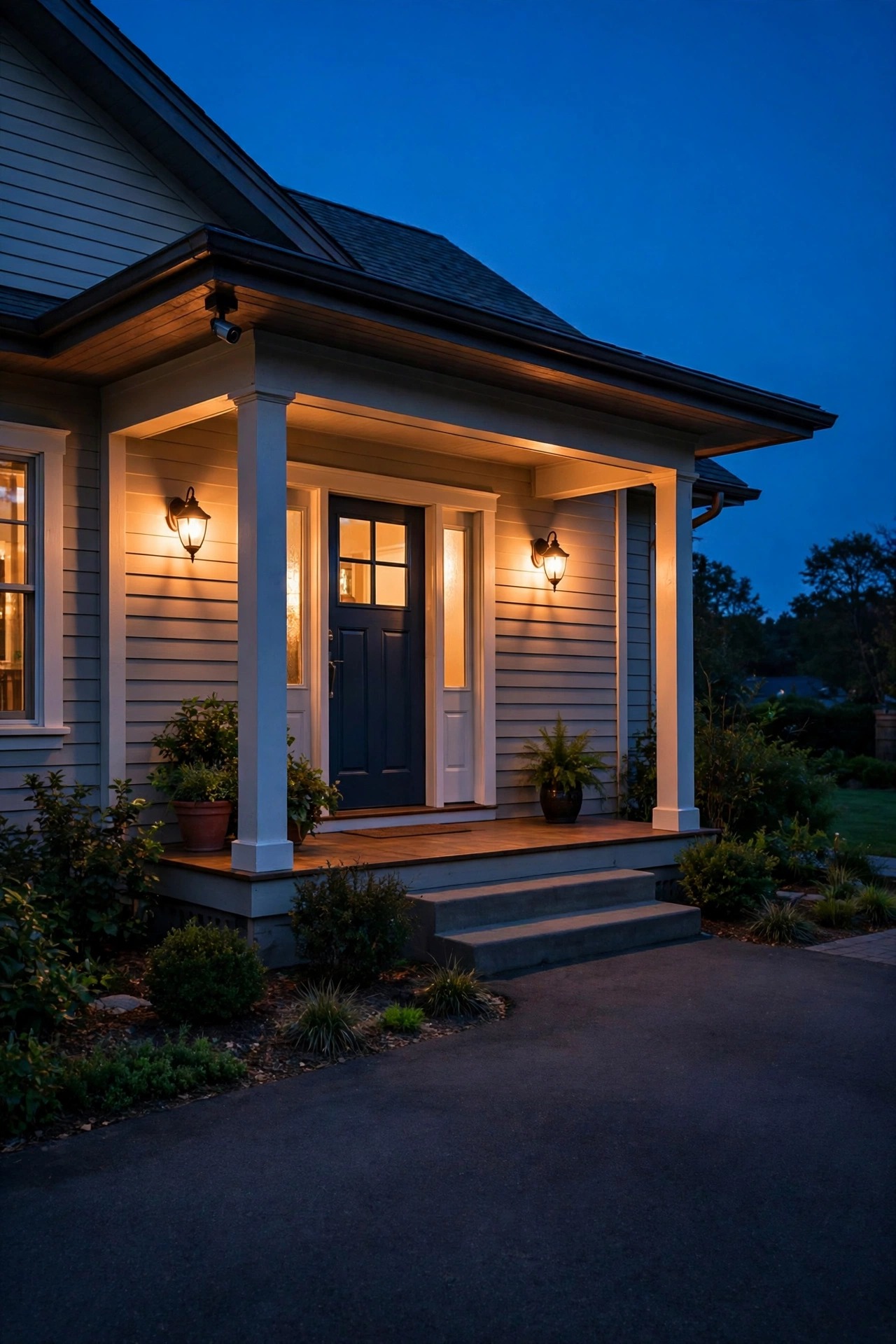
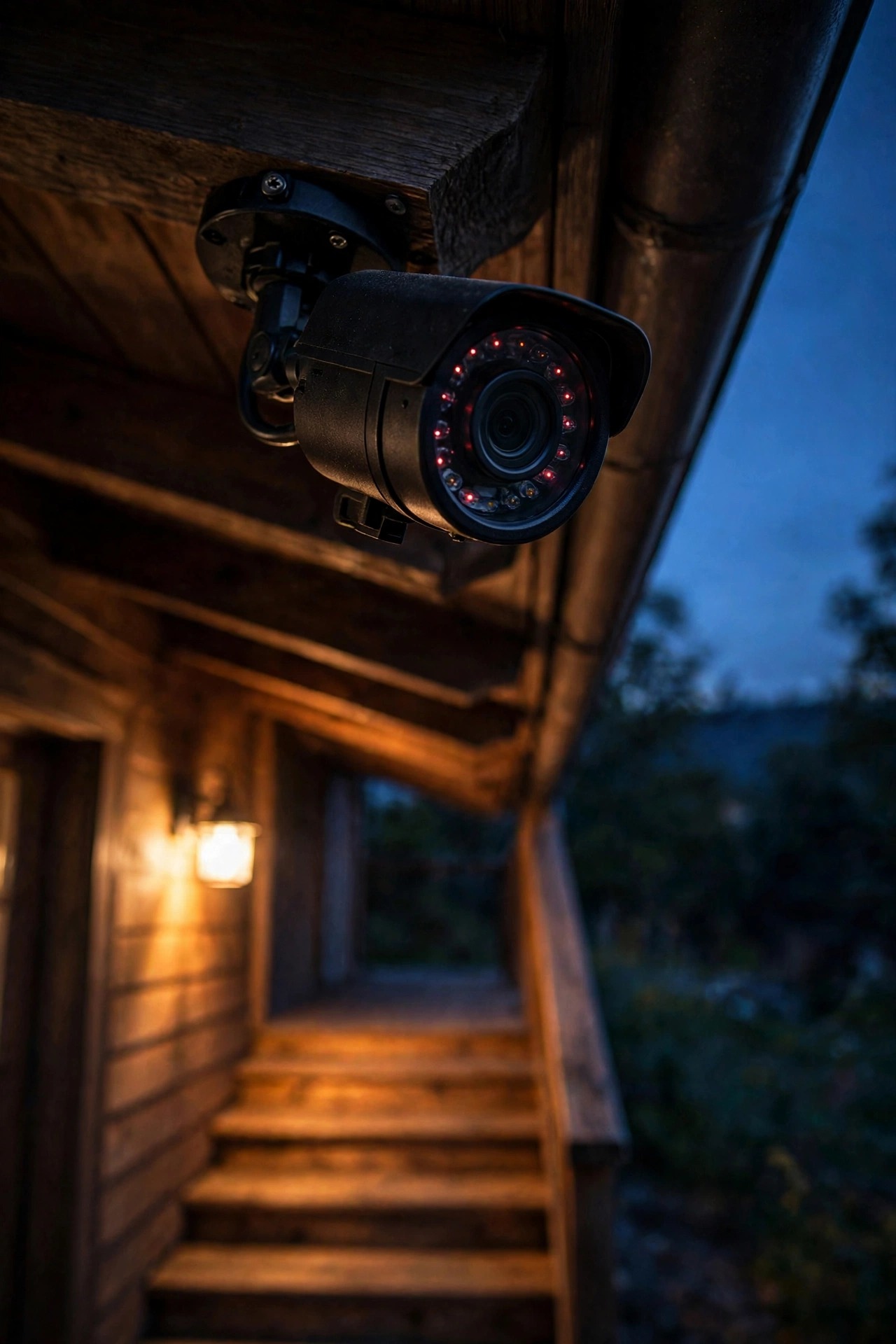
If you remember one rule, make it this: light and camera belong on the same team, facing the same direction. Mount the light beside the camera, slightly behind it, or anywhere on the camera side of the scene, aimed at the zone you want recorded — the porch steps, the gate, the driveway apron. The subject gets lit from the front, the camera sees a face instead of a shadow puppet, and everybody wins.
The mirror-image mistake is the light on the far side of the subject, or worse, a fixture aimed toward the camera. A bright source inside the frame forces the camera to expose for that glare, and everything else in the scene sinks into murk. If a streetlight or a neighbor fixture sits in your frame, angle the camera down or shift it sideways until the glare source leaves the picture.
Height matters too. Lights mounted 8 to 10 feet up wash a zone evenly and stay out of easy reach; the camera itself usually does best just under the eave, close enough to its light source that the two share the same weather and the same view. Before you drill anything permanent, study the geometry in my guide to outdoor flood light placement — the aiming angles there are exactly what camera footage loves. Tape fixtures up temporarily, check a recording, then commit. Your future self, watching crisp footage, says thanks.
Even Light and Exposure Balance: Stop the Sensor From Stopping Down
A camera exposes for the average brightness of the whole frame, and it only has so much range between the brightest and darkest thing it can show at once. One scorching hotspot — a bare bulb, a reflective car hood, a white wall catching a floodlight — eats most of that range. The camera stops down for the hotspot, and your visitor standing three feet away turns into a silhouette with no face. This is the single most common reason night footage disappoints, and it is a lighting problem, not a camera problem.
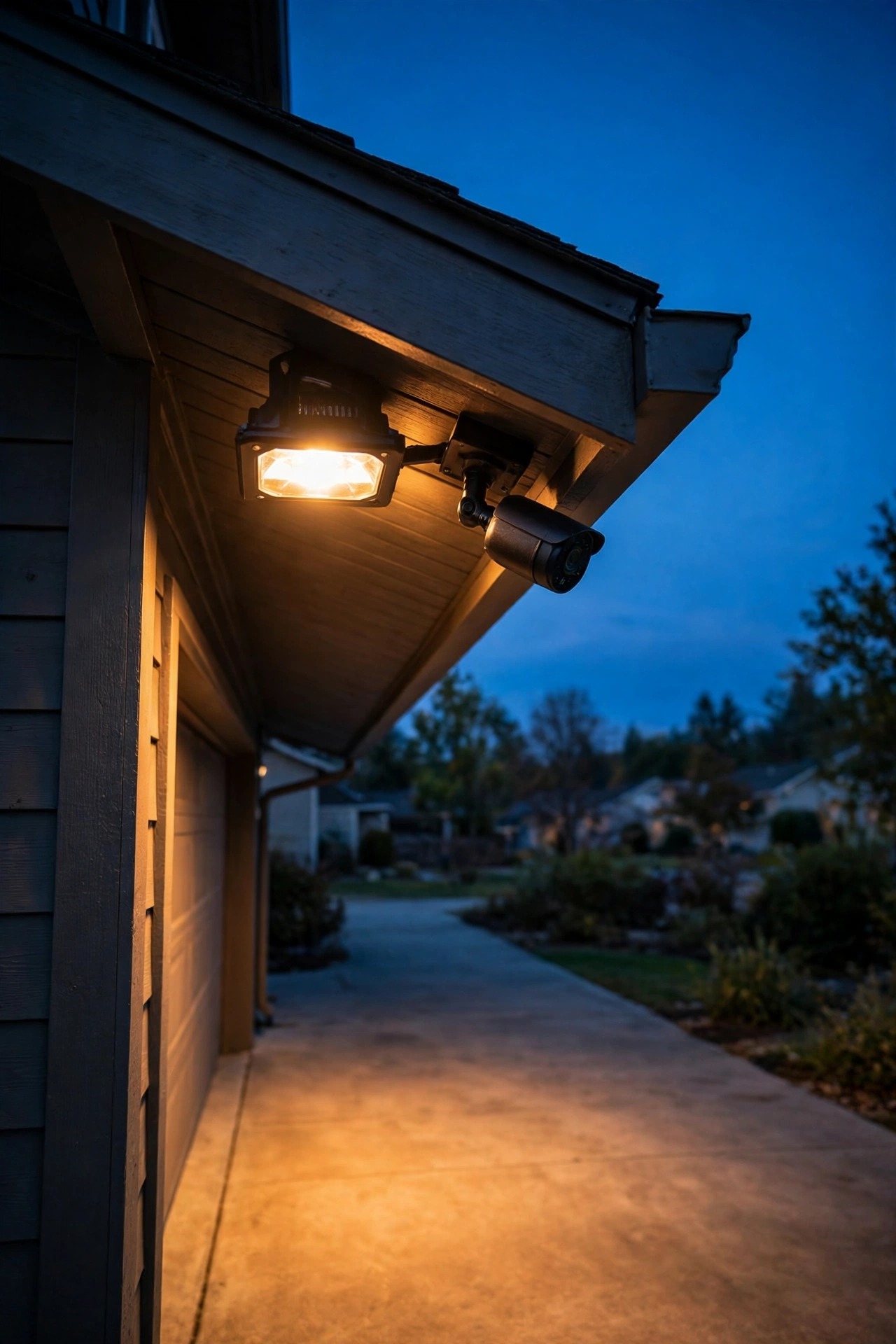
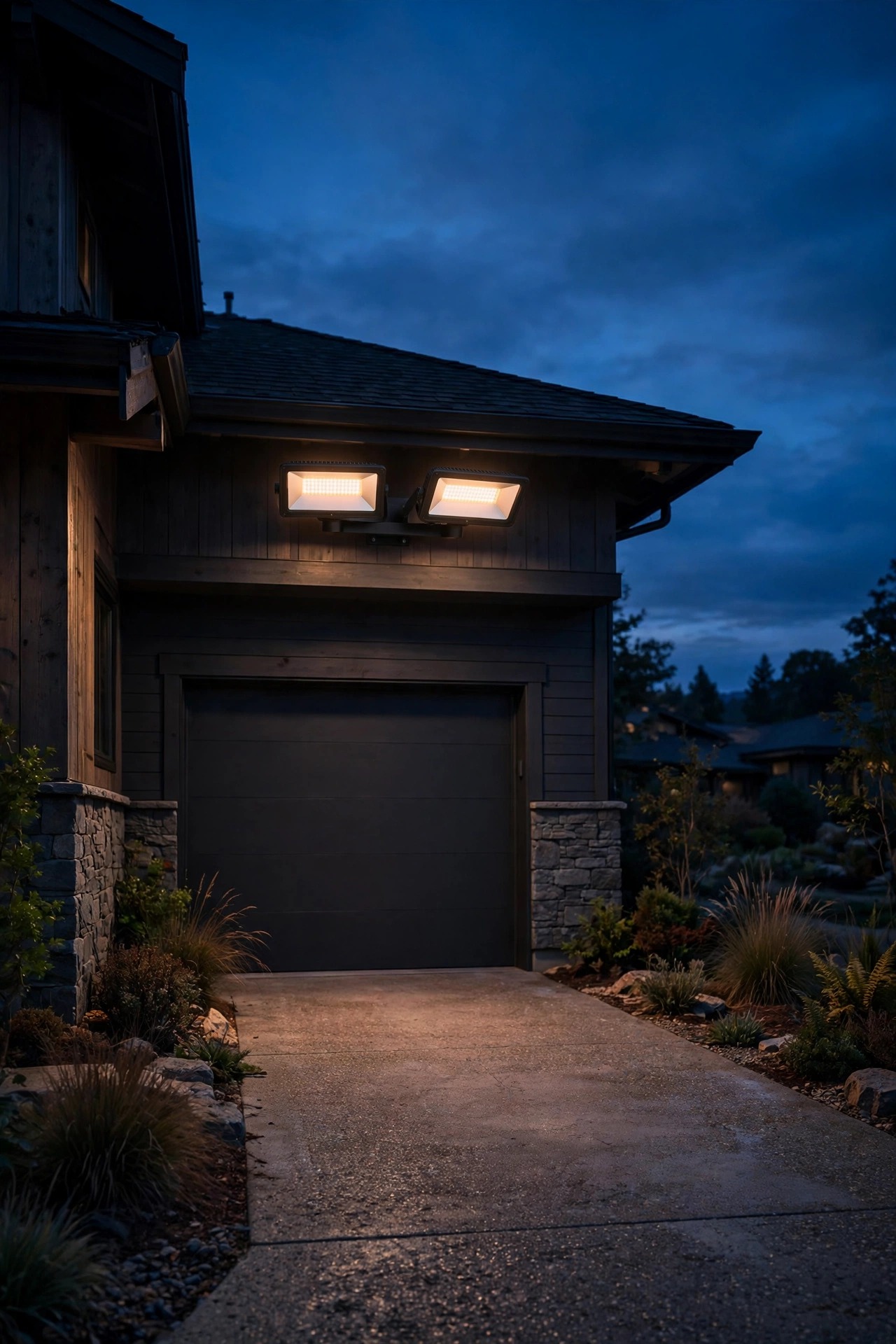
The fix is counterintuitive for security lighting: dimmer and more spread out beats bright and concentrated, almost every time. Two moderate fixtures washing a porch from different angles will record a far more recognizable face than one huge floodlight blasting from a single point. Shielded fixtures that throw light down and out, instead of spraying it in every direction, keep bright sources out of the frame entirely.
Watch your surfaces, too. Fresh snow, pale concrete and light siding all bounce light back and can push a camera into overexposure on winter nights, while dark mulch and shadowed lawn corners swallow it. After any change, look at real recorded playback and ask one question: can I see a face everywhere in this frame, or only in one lucky pool of light? Aim for the first answer.

Backlight: The Silhouette Trap and How to Escape It
Backlight is the quiet footage-killer. It happens whenever the brightest light in the scene sits behind your subject from the camera point of view. The classic setup lives at a million front doors, mine included: a bright porch light mounted beside the door, a camera looking outward, and a visitor standing between them. The camera exposes for the glowing porch, and the visitor becomes a black cutout with a halo. You can tell someone came to the door. You cannot tell who.
Escape route one is geometry: move the light so it shines from behind the camera toward the subject. A fixture over the garage aimed at the driveway, with the camera beside it, front-lights every arrival. Escape route two is a fill light: if the porch light has to stay where it is, add a soft second source on the camera side — a low path light near the steps, a dim sconce on the wall the camera hangs from — just enough to lift faces out of silhouette.
Escape route three is reframing. Sometimes tilting the camera down ten degrees drops the glaring fixture out of the top of the frame and the exposure recovers on its own. Try the cheap escapes first. Backlight problems feel expensive, but in my experience they are almost always solved by moving light a few feet, not by buying a better camera.
Infrared Illuminators: Invisible Light With Honest Limits
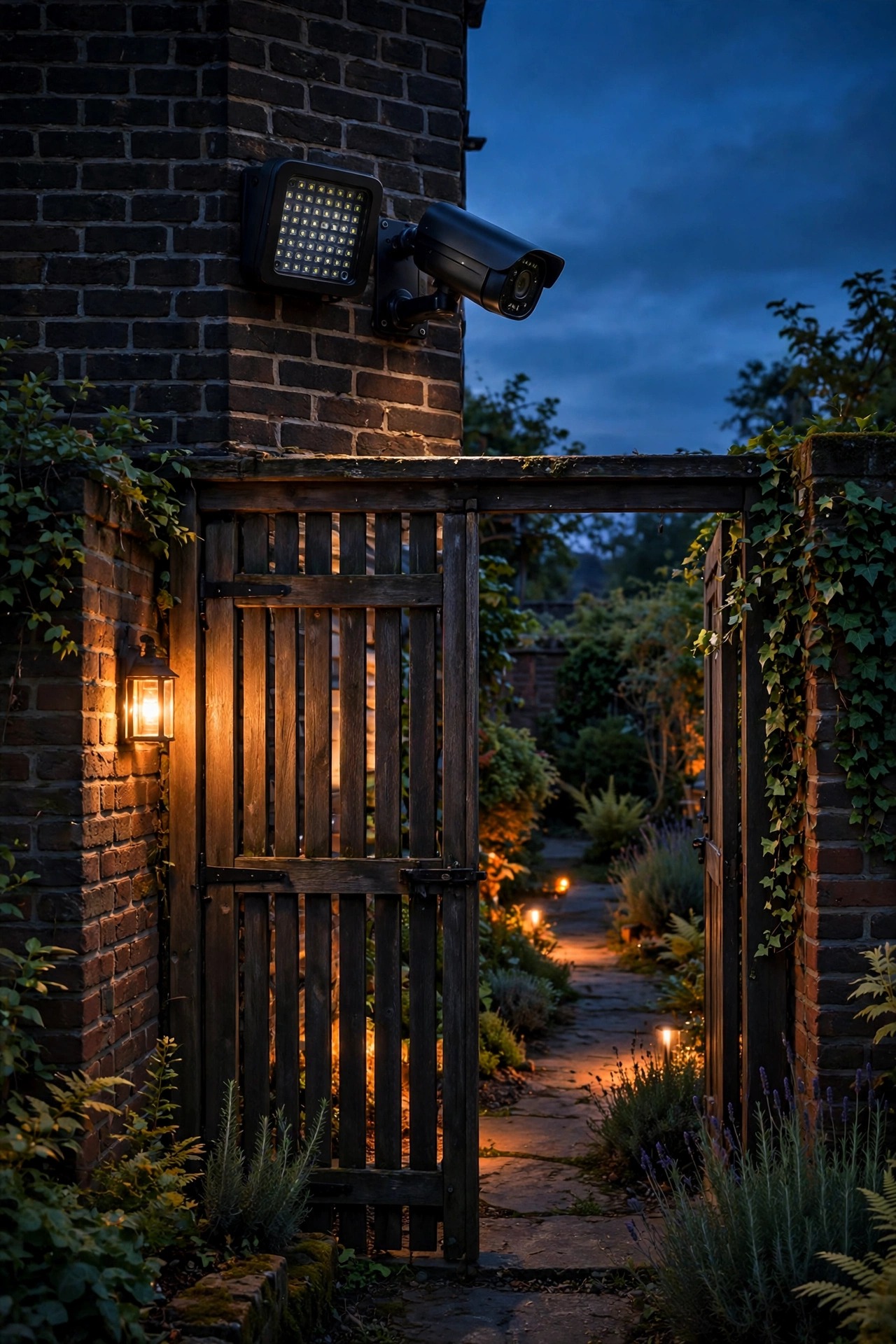
A standalone infrared illuminator is a small floodlight that shines light your eyes cannot see but your camera can, and it is genuinely useful in the right spot: a side gate, a long dark driveway stretch, anywhere you want coverage without visible light annoying the neighbors or ruining the mood of the yard. Mounted near the camera and aimed at the zone, it stretches your black-and-white range well past what the camera built-in LEDs can do.
Keep the expectations honest, though. Treat the range printed on the box as optimism; in real yards, with real weather, expect useful identification at about half the claimed distance. Illuminators come in two flavors: the common type throws a faint dull-red glow you can just see if you look right at it, while the fully invisible type trades away a good chunk of range for true stealth. For most homes the faint-glow type is the practical buy.
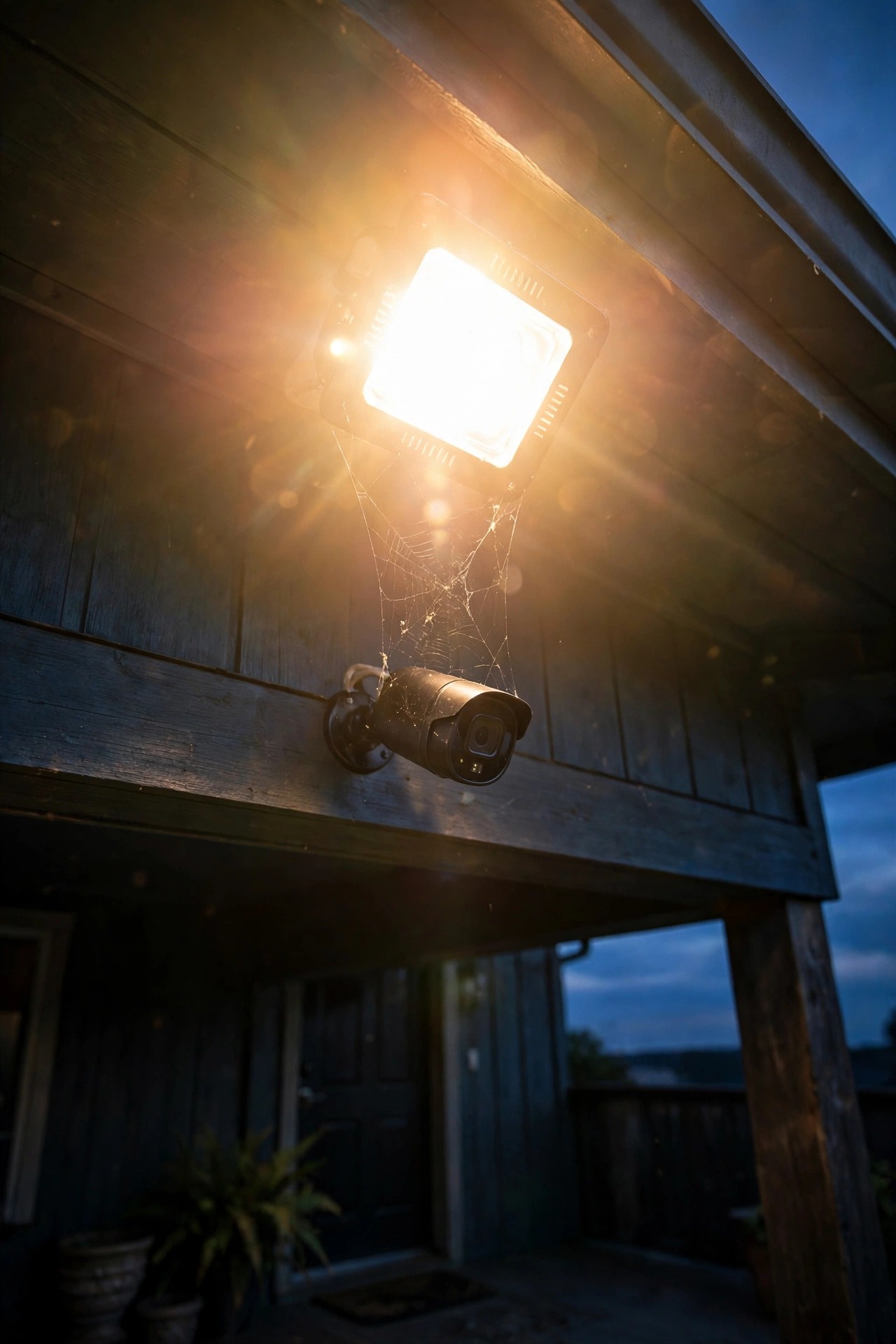
Two quirks deserve warning labels. Infrared turns your camera into a magnet for spiders, whose webs across the lens flare into white ropes in the footage, and moths, which read as flying ghosts. A quick lens wipe every few weeks handles it. And in rain, snow or fog, IR bounces straight back off the water in the air — a milky white-out called backscatter — which is one more reason your main entry zones deserve real visible light instead of relying on infrared alone.
Color Night Footage Needs Real White Light
Ask any officer what makes footage useful and the answer is color: a red jacket, a silver sedan, a blue cap. Infrared can never give you that. Color only exists when the camera stays in its visible-light mode, and it only stays there when the scene gives it enough light to work with. Fall below the threshold and the camera quietly gives up, flips to infrared, and your red-jacket evidence becomes a gray hoodie-shaped smudge.
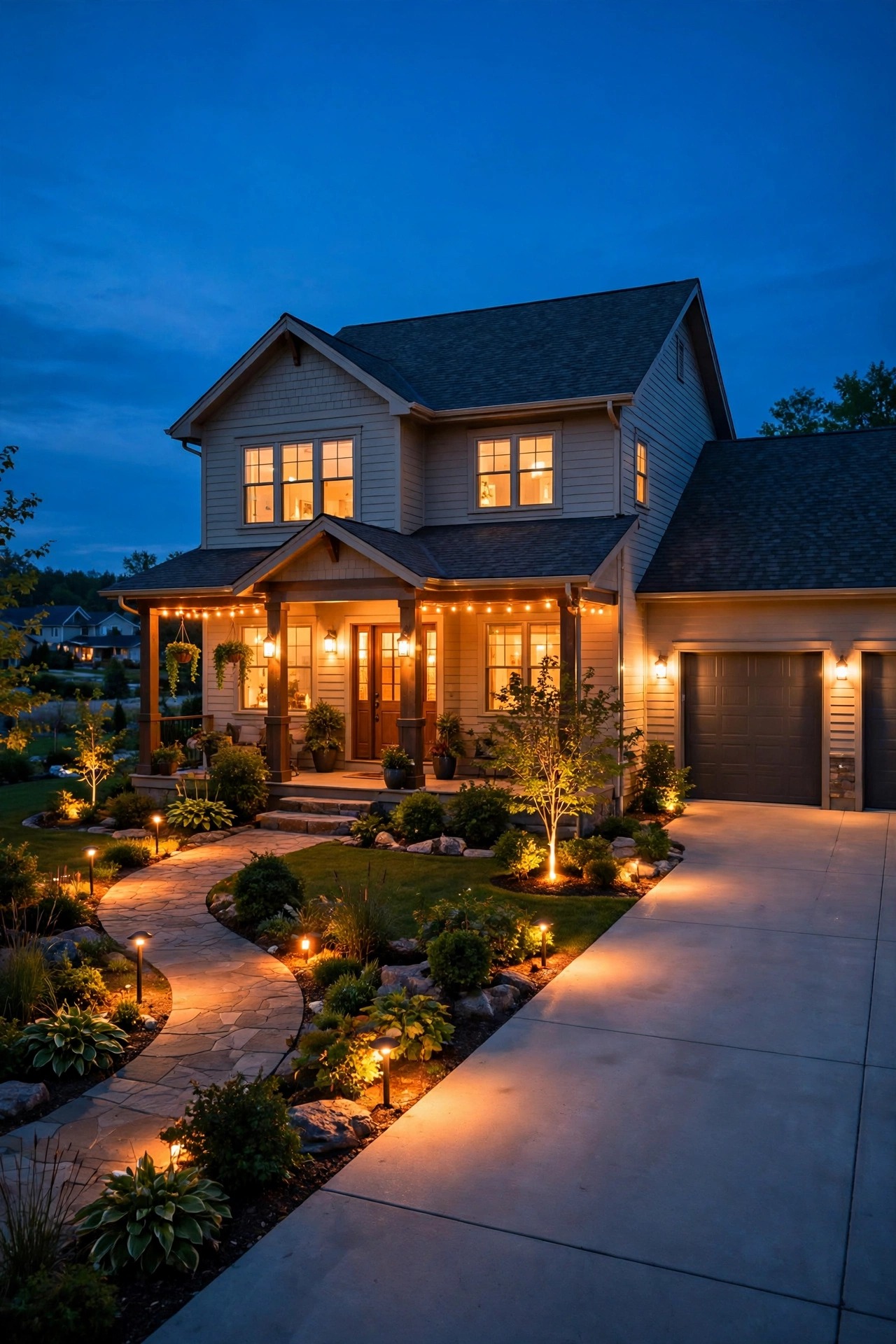
The good news is that the threshold is modest. A steady base layer — a porch sconce on a dusk-to-dawn control, a couple of low path lights, a dim-idle fixture holding around a fifth of its full brightness — is usually enough to keep a modern camera in color mode all night. You are not lighting a stadium; you are keeping the sensor comfortably awake.
Choose your color temperature with identification in mind. Warm white in the 2700 to 3000K range, the same glow I use all over this site, renders skin tones, clothing and car paint naturally and honestly. Cold blue-white light makes faces look washed and strange, and oddball colored bulbs are worse — a porch bathed in green or red light records everything in that color and nothing else. Keep the light warm, steady and boring. Boring light makes excitingly clear footage.

Pairing Motion Lights Without the Exposure Flare
Motion lights and cameras sound like a dream team, and eventually they are — but their first meeting is awkward. Picture it: a dark yard, the camera happily exposing for near-blackness, and then a motion floodlight detonates at full brightness. For one to three seconds the footage whites out completely while the camera scrambles to adjust, and those seconds are, of course, exactly when the interesting thing walks through the frame. By the time the exposure settles, you have a lovely recording of an empty driveway.
The fix is to never let the scene start from true black. This is where dual-brightness fixtures earn their keep: they idle at a soft 20 to 30 percent all night, which keeps the camera exposed, awake and recording in color, then rise smoothly to full when the sensor trips. The jump from dim to bright is small enough that the camera barely blinks. I cover the fixture types and sensor settings in depth in my motion sensor outdoor lights guide.
Placement helps too. Keep the motion fixture itself at the edge of the frame or out of it entirely, so its brightest blast never points at the lens, and angle it across the zone rather than straight at the camera position. Set the duration to a good two or three minutes so the light does not strobe off mid-scene. Dim idle, gentle rise, no direct glare — that is the whole recipe.
What It Costs in 2026
Camera-friendly lighting is mostly about moving and moderating fixtures you may already own, so the budget stays friendly. A quality shielded LED floodlight runs $25 to $60. Dual-brightness motion fixtures, the kind that idle dim and rise on a trigger, cost $35 to $90. A standalone infrared illuminator for a dark side zone runs $30 to $80, and a warm dusk-to-dawn porch sconce is $20 to $50 before the bulb. If a fixture needs new hardwiring rather than a simple swap, an electrician typically charges $150 to $350 per location.
Running costs are where the always-on base layer gets questioned, so let us do honest math. A 20-watt LED flood burning dusk to dawn — roughly 12 hours a night — uses about 88 kilowatt-hours a year, which at 17 cents per kilowatt-hour lands near $15 a year. A 5-watt dim idle on a dual-brightness fixture sips closer to $4 to $6 a year. Compare that with the camera itself, which you already leave running around the clock, and the base layer that keeps it in color mode is one of the cheapest upgrades in this whole hobby.
My spending advice: put the first dollars into one dual-brightness fixture for the main entry, keep the bulbs warm white, and spend nothing else until your walk-through test tells you exactly which corner still fails.

5 Mistakes That Ruin Night Footage
Mistake one: aiming a floodlight straight down the camera view. The glare stops the exposure down and everything human in the frame goes dark. Light the zone from the camera side instead.
Mistake two: mounting the light directly above the camera. It feels tidy and it is terrible — insects gather in the warmth, spiders build across both fixtures, and every web and raindrop flares white in the footage. Offset them by a foot or two.
Mistake three: one enormous fixture for the whole yard. A single hotspot with black corners on either side is the worst of both worlds. Two modest fixtures, spread out, record more faces every time.
Mistake four: forgetting the light behind the subject. The glowing porch behind your visitor guarantees a silhouette. Add a gentle fill from the camera side and faces come back.
Mistake five: never watching the playback. Live view on a phone lies to you — it brightens and smooths. The recording is the truth, and the truth is the only thing that counts if you ever need the footage for real.
The hopeful part? Every one of these mistakes took me under an hour to fix once the playback finally showed it to me. Bad night footage rarely needs a bigger budget. It needs a ladder, a screwdriver and twenty honest minutes standing in the dark.
Testing Your Lighting for Security Cameras With a Walk-Through
Here is the ritual I run every fall, and after any fixture change. Wait until full dark — not dusk, when leftover sky light flatters everything. Then walk every zone the way a stranger would: up the driveway, along the side path, onto the porch. Wear a dark hoodie on the first pass and something pale on the second, because cameras handle them very differently. At the far edge of each zone, stop, face the camera, and hold still for five seconds. That pause is where identification lives or dies.
Then go inside and watch the recordings on the biggest screen you have. Phone live view is a liar; playback is the truth. Can you describe the face at the gate? Read the colors of the clothing? Tell where the dark corners start? Note the exact timestamps of the weak moments, because they map straight back to the spots you stood in.
Fix one thing at a time — shift a fixture, add a shield, raise the idle brightness a notch — and test again the next night. Re-run the whole walk after the first hard rain, too, because wet pavement bounces light in ways dry pavement never does, and after the leaves drop in fall, when half your careful shade patterns vanish. Twenty minutes, twice a year, and your footage stays honest.
Frequently Asked Questions
How many lumens do I need for clear security camera footage?
For a porch or a single driveway zone, 800 to 1,500 lumens of well-spread light is the sweet spot. Evenness matters far more than raw power: 1,000 lumens washed gently across the whole area records a much clearer face than 3,000 lumens blasted into one hotspot with darkness around it. If your footage looks harsh and contrasty, the answer is usually to spread or soften the light, not add more of it.
Why does my camera footage look black and white at night?
That is infrared mode. When visible light drops below the level the camera needs, it switches on its built-in infrared LEDs and records in monochrome. The fix is more steady visible light in the scene — a dusk-to-dawn sconce or a dim-idle fixture in the zone usually keeps the camera in color mode all night, and color is what makes clothing and vehicles identifiable later.
Can a porch light be too bright for a security camera?
Absolutely, and it is one of the most common problems I see. A very bright fixture inside the frame makes the camera expose for the glare, darkening everything else into silhouette. Shield the bulb so the source itself is not visible from the camera position, aim the light down and across the zone, and if the fixture still blows out the picture, drop to a lower-wattage warm bulb.
Where should I never mount a light near a camera?
Never aim a fixture at the lens, and avoid mounting a light directly above or touching the camera — the shared warmth draws insects, spiders web across both, and the footage fills with glowing webs and flares. Give the light and the camera a foot or two of separation, keep them facing the same direction, and the two will get along beautifully.
Conclusion
Clear night footage is a lighting achievement wearing a camera costume — get your lighting for security cameras right, and the camera part mostly takes care of itself. Put steady, even, warm light on the camera side of every zone you care about, keep hotspots and glare out of the frame, let infrared handle the far dark corners, and test the result with an honest walk-through twice a year. For the bigger picture of how lighting protects a home, my roundup of outdoor lighting for home security pulls the whole strategy together — and as always, the rest of the site is full of ideas to make the yard prettier while you make it safer.