Here's what finally pushed me to install a flood light with camera over my own garage: a package theft on our street, caught on a neighbor's camera that was mounted so high it recorded nothing but the top of a hoodie. A camera is only as good as its placement, honestly — and placement is exactly what most of us get wrong. The beautiful thing about combining a flood light and a camera in one fixture is the layering: the light startles, the camera identifies, and you get a clear, color picture of a face instead of a grainy gray blur. It fits right into my whole approach to outdoor lighting for home security — pretty enough for the neighbors, practical enough for real life. Below are the 17 placements and setups that actually work at my house and the homes I've helped with, including mounting heights, angles, power options, and the night-time test I never skip.

1. Center It Over the Garage Door for the Full Driveway Shot
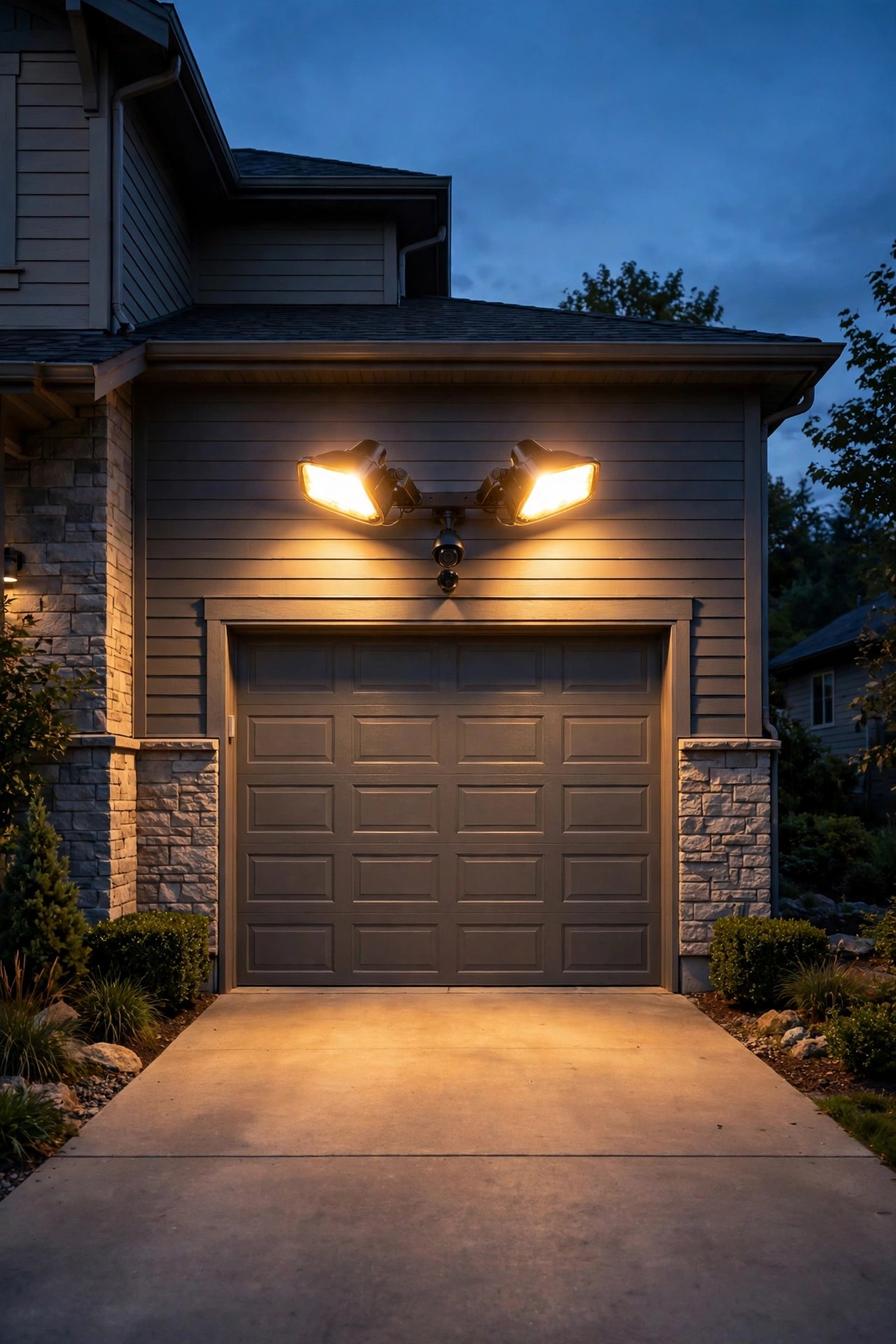
If you only buy one flood light with camera, this is the spot. Mount the fixture centered above the garage door, about 9 to 10 feet up, and a single unit can watch the entire driveway, both cars, and the walkway to your front door in one frame. Most of these fixtures have two adjustable light heads flanking a central camera — angle the heads outward at roughly 30 degrees so the light spreads wide, but keep the camera itself pointed straight down the middle of the driveway. That center view is where faces and license plates actually get captured. In my experience, this placement also solves the package problem: delivery drivers crossing the driveway trigger the motion sensor, the floods pop on, and you get a clean color clip instead of a silhouette. If your old garage flood light already has a junction box, the swap is wonderfully simple (more on wiring in idea 10). Just check that the eave or trim above your door is solid — these units weigh more than a plain flood, and a wobbly mount means blurry, jittery video every time the wind blows.
Suggested budget range: $90 – $180.
2. Tuck One Into the Front Porch Eave Corner
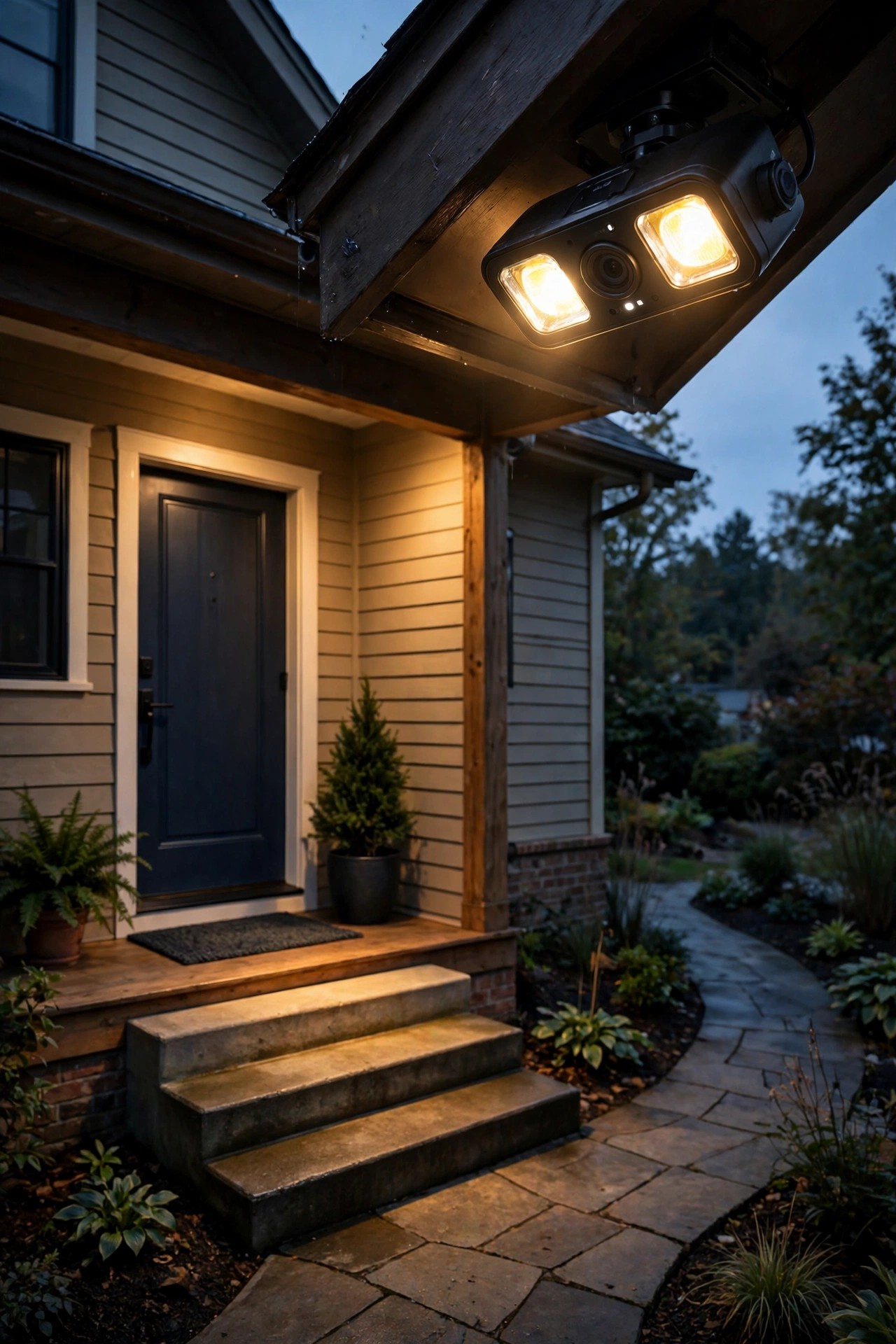
Corner mounts are my secret weapon at the front door. Instead of centering a camera over the porch — where it stares straight at the tops of visitors' heads — tuck the fixture into the eave corner where the porch meets the house wall. From there it sees the door, the steps, the walkway, and a slice of the street, all at a natural three-quarter angle. Angles matter more than people realize: a face turned slightly toward a camera at the corner reads far better on playback than a face looking straight up into a lens. This is also the placement where the two-way talk feature earns its keep — you can greet the delivery driver or ask a stranger what they need without opening the door. Keep the light heads aimed down at the porch floor and steps rather than out at the street, so guests aren't blinded when the motion sensor trips. One caution: porch ceilings and eaves sit lower than garage trim, often 8 feet or less, so choose a compact unit and confirm the camera's view clears any hanging planters or porch swing chains before you drill.
Suggested budget range: $80 – $160.
3. Guard the Back Door and Patio Slider From the Rear Eave
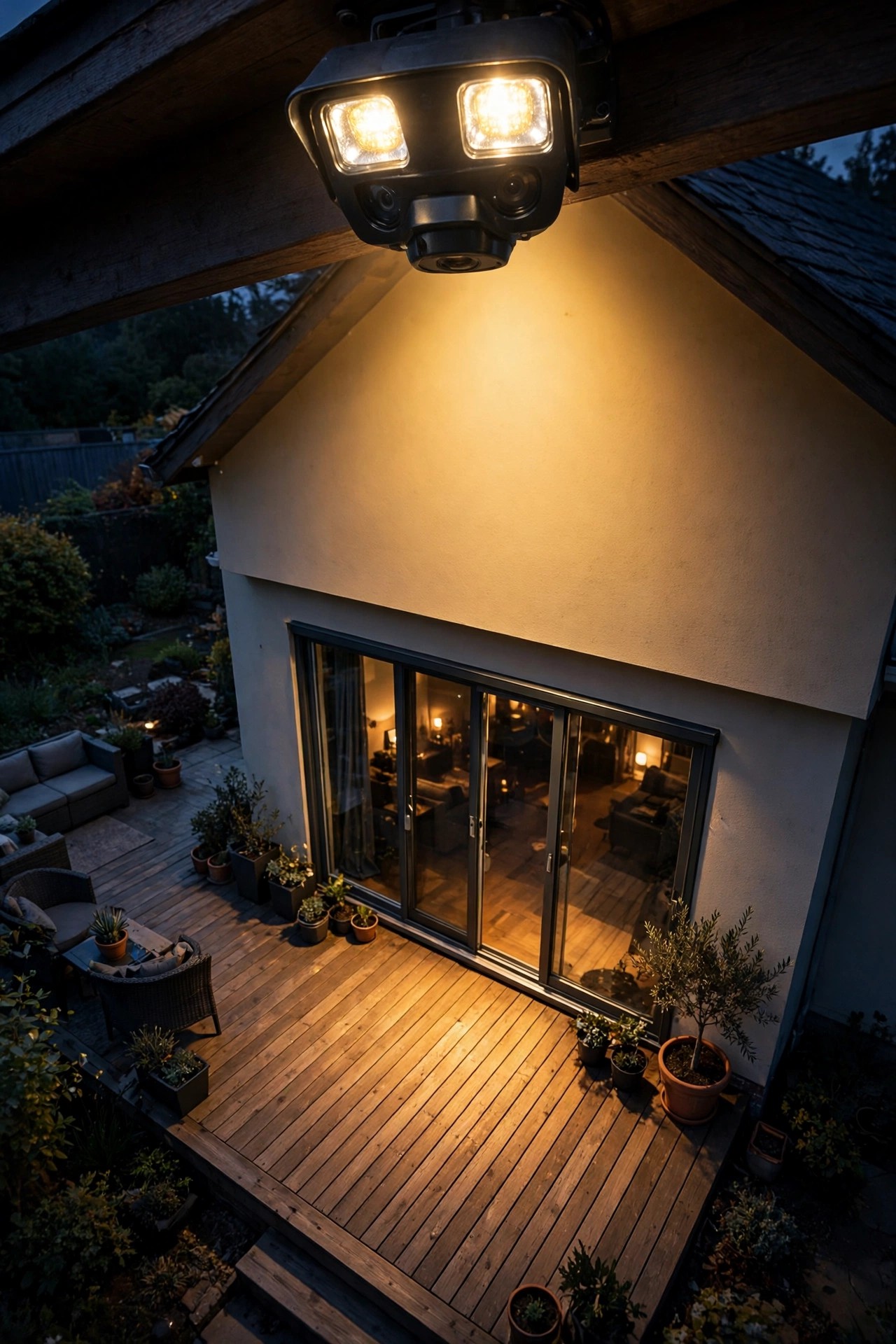
Police will tell you what experience taught me: most break-in attempts happen at the back of the house, where it's dark and nobody's watching. A flood light with camera mounted on the rear eave, aimed across the patio toward the sliding door, changes that math completely. Position it so the slider, the back steps, and as much of the patio as possible sit inside the frame — intruders have to cross that lit patio to reach the glass, and the flood bursting on mid-crossing usually ends the attempt right there. Mount it high on the eave but angle the camera down enough to catch faces at the door handle, roughly 12 to 15 feet out. Because the back of the house gets the worst weather, pay attention to the fixture's seal: look for a weatherproof rating of IP65 or better and mount under the eave edge where rain sheds off, not in the drip line. At my house this is also the camera that catches the raccoons raiding the bird feeder, which is honestly half the footage I actually watch.
Suggested budget range: $90 – $170.
4. Cover the Side Gate — the Choke Point Nobody Watches
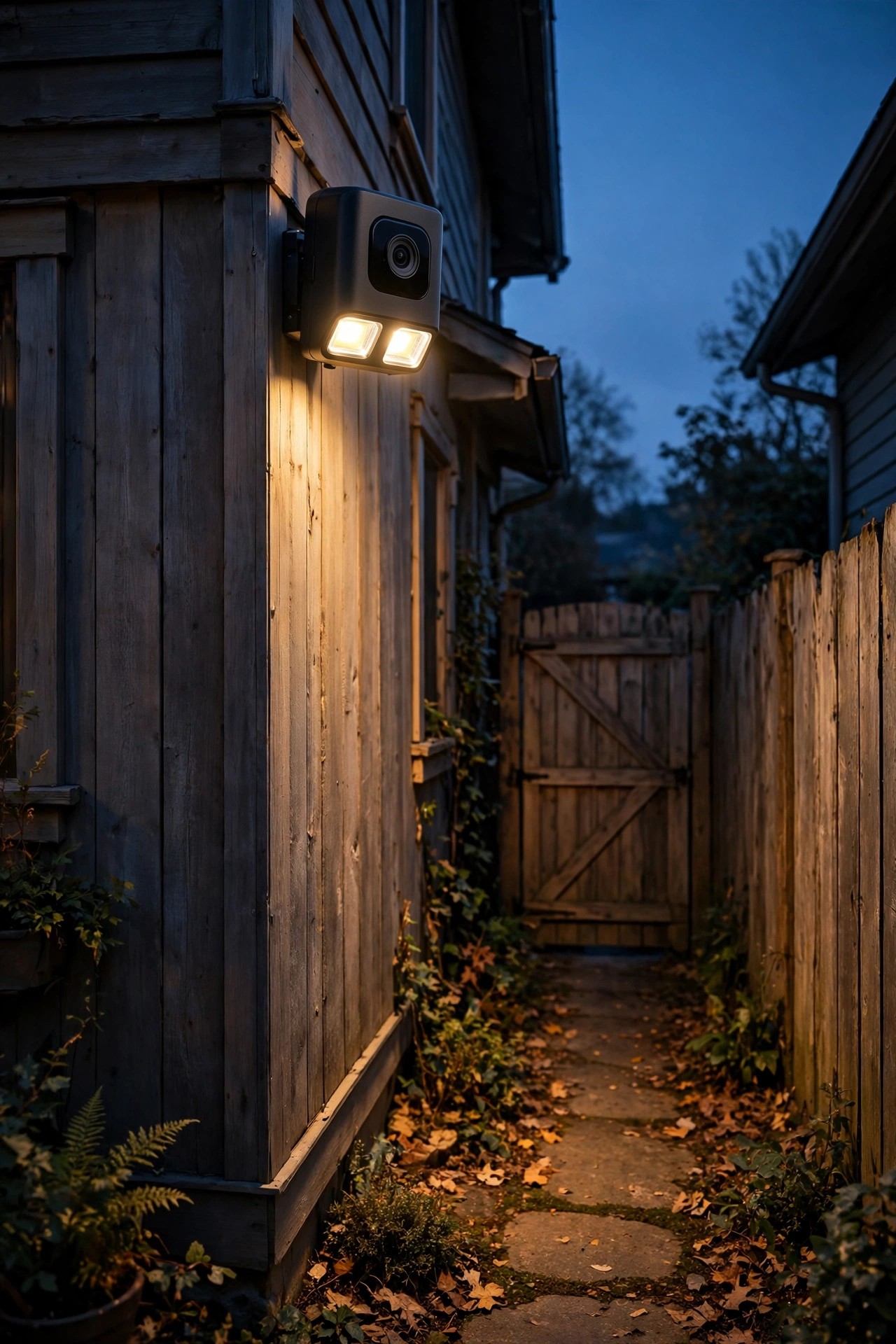
Every yard has a choke point, and it's usually the side gate. Anyone heading for your backyard, your side windows, or your AC unit has to funnel through that narrow passage — which makes it the highest-value square footage a camera can watch. Mount a compact flood light camera on the house corner facing the gate, or on the gate-side wall aimed back toward the street-side opening, so anyone entering fills the frame at close range. Close range is gold: at 6 to 10 feet, even a mid-priced camera captures faces, clothing logos, and tattoos in usable detail. The narrow side yard helps the light, too — the fence and wall bounce the flood's glow around, so you need fewer lumens than an open-yard placement. Watch out for one thing: side yards collect visual clutter. Bins, hoses, and stacked firewood create hiding shadows and constant motion triggers when they shift. Clear the passage, keep the sensor's view simple, and this humble little placement will quietly out-perform cameras costing twice as much. It's the first spot I recommend to friends with corner lots.
Suggested budget range: $70 – $140.
5. Add a Second Flood Light With Camera at the Driveway Entrance
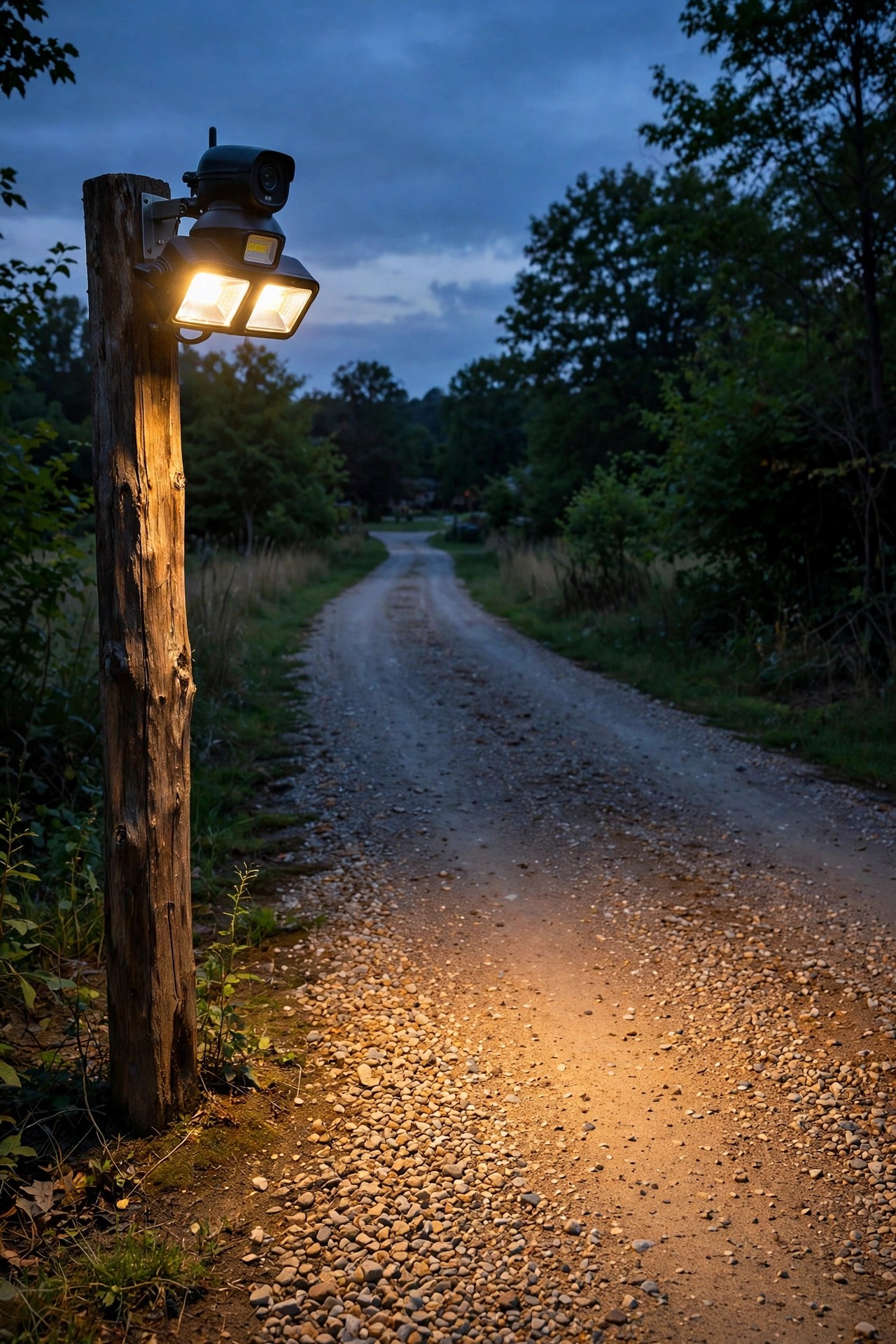
If your driveway runs longer than about 60 feet, the camera over the garage can't help you — faces at the street end are just smudges. That's why rural and deep-lot homes need a second unit at the driveway entrance itself, mounted on a sturdy pole, a fence post, or a mature tree at 9 to 10 feet. From there it catches every vehicle and visitor as they turn in, while they're still moving slowly and facing the lens. A pressure-treated 4×4 post set in concrete works beautifully and looks intentional, especially with the cable buried in a shallow trench. Power is the honest challenge out there: solar models work if the panel gets six-plus hours of sun (see idea 11), while battery units mean a ladder trip every few months. Check your Wi-Fi signal at the post before you commit — stand there with your phone and run the camera's live view test. Two bars or better and you're golden. This layered entrance-plus-garage setup is the closest most of us get to a professional perimeter, and it costs less than one month of a monitored alarm contract.
Suggested budget range: $120 – $250.
6. Go Wide From the Backyard Corner for Sheds, Pools and Play
For big backyards, mount the fixture on the house's rear corner rather than the middle of the back wall. A corner position lets one wide-angle camera sweep two fence lines, the shed, the trampoline, and the pool gate in a single panoramic view — buy a model advertising a field of view of 120 degrees or wider and you'll be amazed how much fits. The floods matter as much as the lens back here: you want the light to reach the far fence without a black hole in the middle of the yard, so choose a unit with at least 2,000 lumens and angle one head toward the shed, the other toward the gate. A quick safety note from my own yard: a camera is a wonderful extra set of eyes around a pool, but it never replaces a self-latching gate and a proper fence — treat the footage as backup, not supervision. This is also the camera that earns its keep on ordinary evenings, honestly. Kids' flashlight tag, the dog's midnight patrol, a possum on the fence — the backyard cam becomes the family wildlife channel, and the security is almost a bonus.
Suggested budget range: $100 – $200.
7. Cross-Coverage: Two Cameras That Watch Each Other
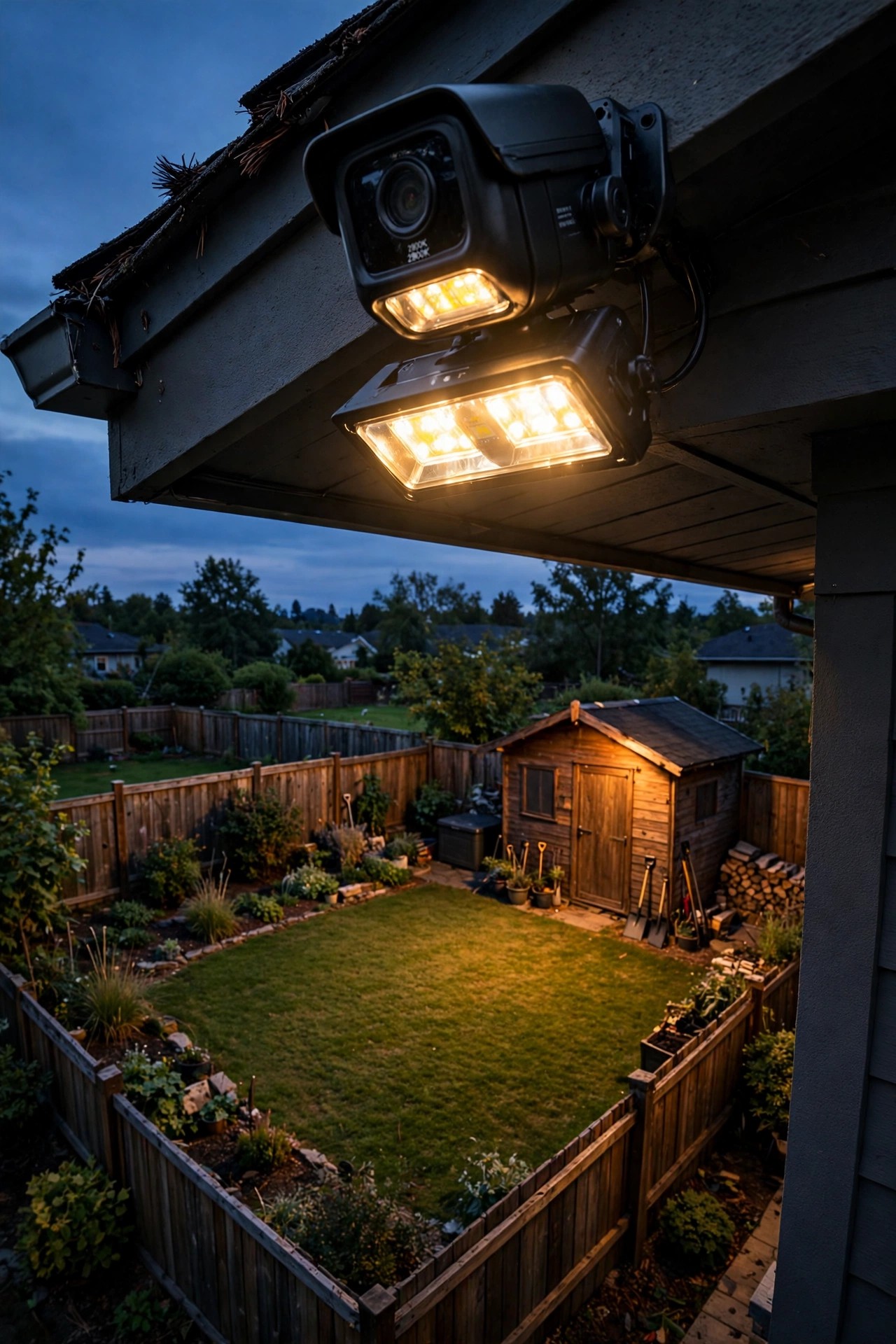
Here's a placement trick borrowed from professional installers: position two flood light cameras so each one appears in the other's frame. The classic pairing is the garage unit and the porch-corner unit — the garage camera sees the porch wall, the porch camera sees the garage wall, and the driveway between them is covered twice from two angles. Why bother? Because a lone camera has a fatal weakness: someone can sneak up its own wall, directly underneath it, and spray or snatch it unseen. Cross-coverage eliminates that blind wedge, and it doubles your chances of a clean face shot since a subject walking toward one camera is walking sideways to the other. Overlap the fields of view by about a third in the middle of the driveway. You'll also get overlapping motion alerts, which sounds annoying but is actually useful — a real event triggers both, while a moth or spider web usually only triggers one, so you learn to read the alerts at a glance. Two mid-range units in cross-coverage will beat one premium camera watching alone, every single time.
Suggested budget range: $180 – $350.
8. Hit the Mounting-Height Sweet Spot: 8 to 10 Feet
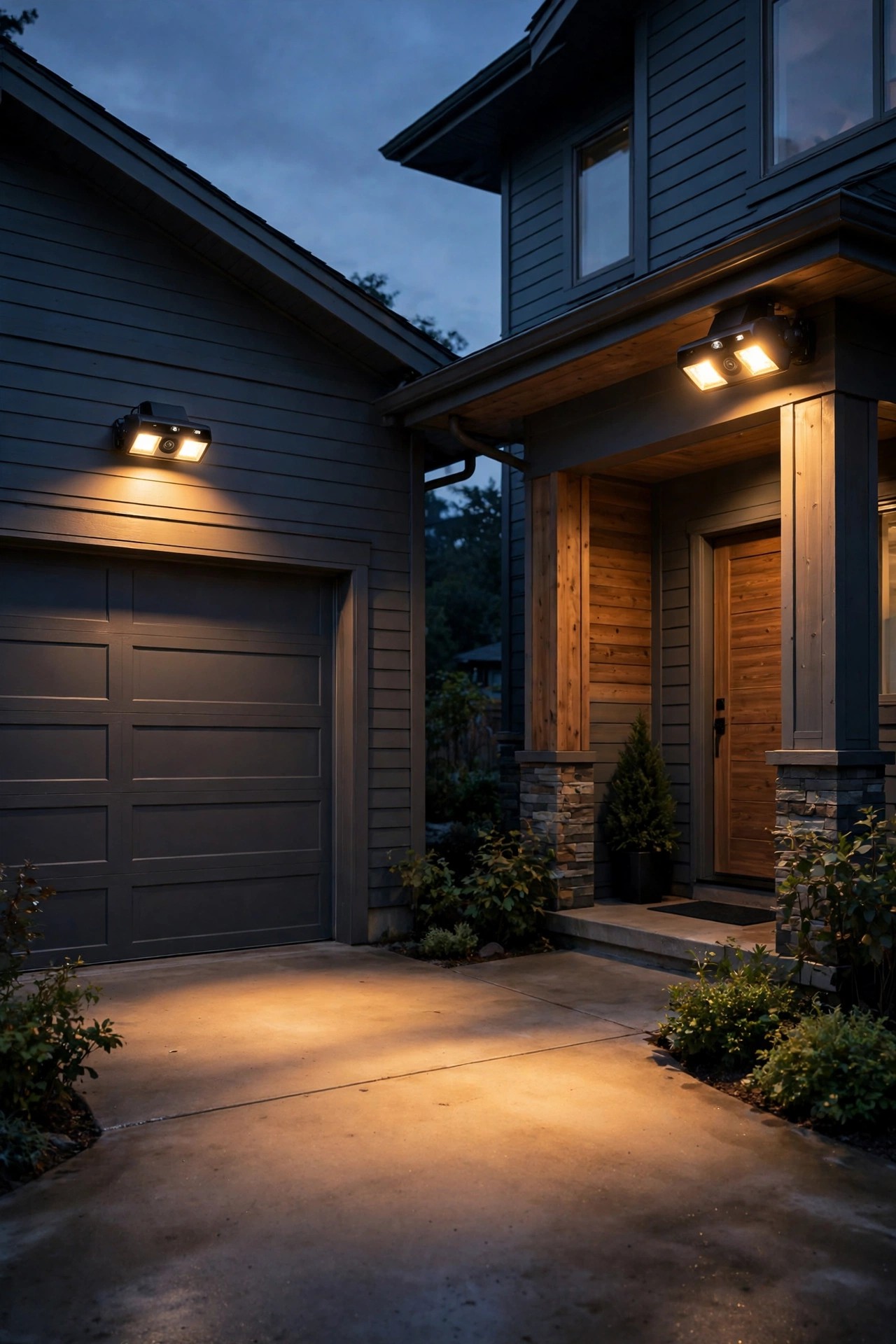
Mounting height is where most DIY installs quietly go wrong. Too high — say, up at a second-story eave — and your footage is all hat brims and shoulders, because the camera looks down at faces instead of into them. Too low, and the fixture is within reach of a tall person with bad intentions, plus the flood glare fires straight into the lens and whites out the picture. The sweet spot is 8 to 10 feet: high enough to deter tampering, low enough that a face 10 to 20 feet away tilts naturally into view, especially when the light makes people squint slightly upward. It's also a practical height for you — a standard step ladder reaches it safely for cleaning the lens and swapping memory cards. My outdoor flood light placement guide digs into the geometry if you want the full math. While you're up there, wipe the lens and sensor dome with a microfiber cloth and check the mounting screws for snugness; vibration from a loose bracket is the silent killer of nighttime video sharpness. One firm tightening now saves a season of fuzzy clips.
Suggested budget range: $0 – $40.

9. Angle the Camera Down About 30 Degrees — Not Level
A camera mounted level, staring straight out, films the street, the sky, and the tops of everyone's heads. Tip it down roughly 30 degrees and everything improves at once: faces fill the frame at conversational distance, the flood light pools on your property instead of the neighbor's windows, and headlights sweeping past are less likely to blow out the exposure. Most flood light cameras let you tilt the camera independently of the light heads, so use that freedom — lights angled a bit wider and flatter for coverage, camera tipped down a touch more for identification. Do the fine-tuning live: stand in the driveway where a visitor would stand, open the app on your phone, and adjust until your own face is centered and recognizable at about 15 feet. That's your money shot distance, and it's worth two minutes of fiddling. Also check the bottom edge of the frame — you want to see the ground at your door and gate, since that's where dropped packages and jimmied locks actually show up. If the tilt joint slips over time (some do), a small wedge of foam tape behind the bracket locks your angle in place.
Suggested budget range: $0 – $15.

10. Hardwire It Into Your Old Flood Light's Junction Box
The most reliable setup is the least glamorous: a hardwired unit that replaces the flood light you already have. If there's an existing fixture over the garage or back door, its junction box gives you constant power — no batteries to die in February, no solar panel to keep clean — and the camera records and lights on demand, forever. The swap is a classic Saturday project: kill the breaker, verify the wires are dead with a tester, match black to black, white to white, ground to ground, and seat the fixture against a fresh foam gasket so rain stays out of the box. Most units are wet-location rated, but your wiring connections still need that gasket seal to stay dry. Honestly? If your home has aluminum wiring, a crumbling box, or anything that makes you hesitate, hire the electrician — an hour of labor is cheap insurance. One more hardwired perk: many models can link to your existing porch or landscape lighting through the app, so when the camera trips, the whole front of the house lights up in one choreographed, very discouraging blaze.
Suggested budget range: $100 – $220.
11. Use a Solar Flood Light With Camera Where Wiring Can't Reach
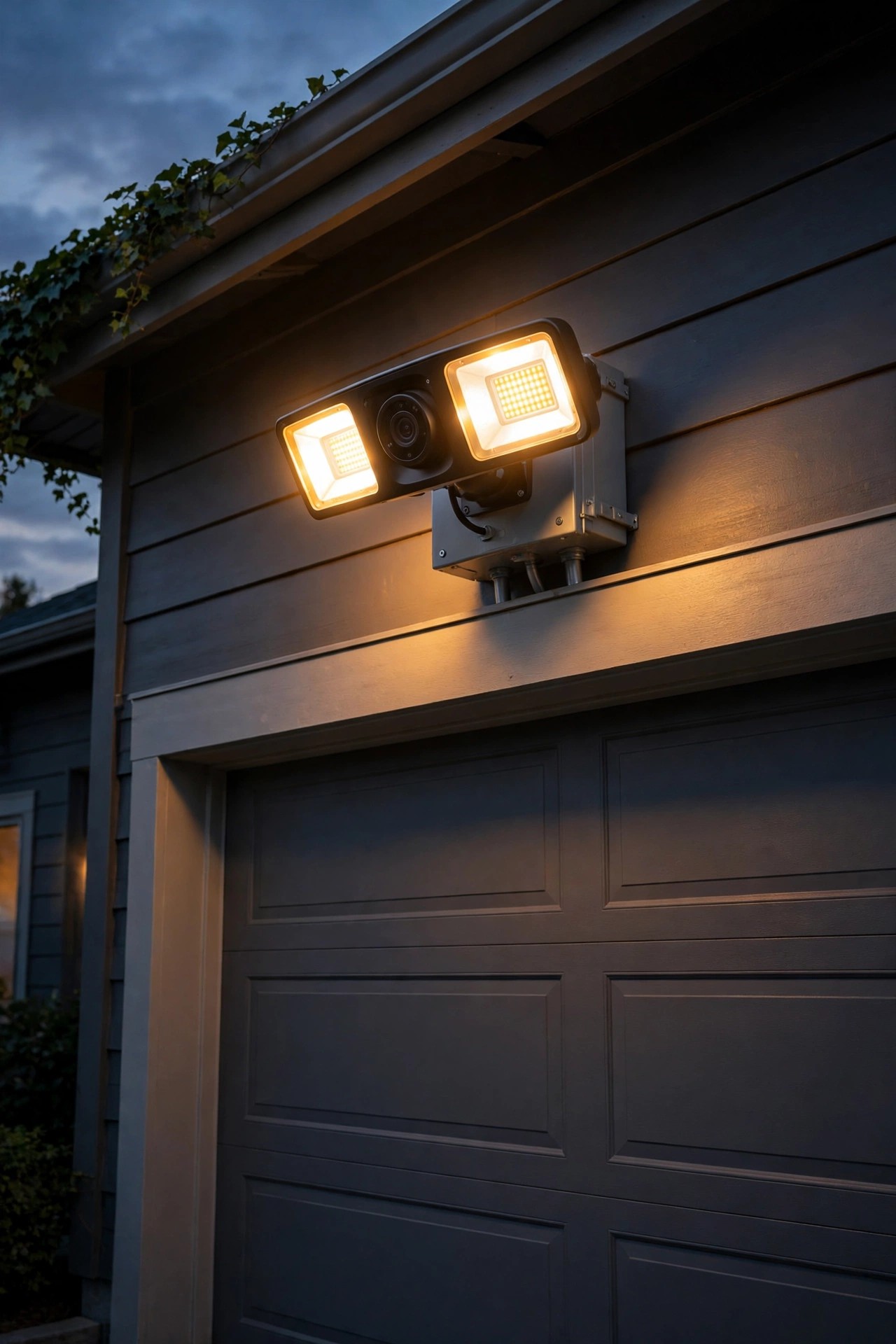
No junction box at the garden gate, the shed, or the far fence corner? Solar models were made for exactly those orphaned spots. The fixture carries a small panel — sometimes built in, sometimes on a cable so you can place it separately — and charges a battery that runs the light and camera through the night. Placement of the panel matters more than placement of the camera, honestly: it needs five to six hours of direct sun, so mount the panel on the south-facing side of the post or wall, tilted up, clear of the shade line your trees throw by mid-afternoon. In my experience the camera is the first thing to suffer in a dark, cloudy week, because the flood and the lens both sip from the same battery. Keep winter expectations modest — shorter days mean fewer recorded hours — and treat a solar unit as a supplement to your hardwired cameras, not the star of the system. Wipe the panel monthly; a film of pollen can cut charging by a third. For a detached shed or a back gate, though, nothing else comes close for the money.
Suggested budget range: $80 – $160.
12. Pick a Battery Model for Renters and No-Drill Spots
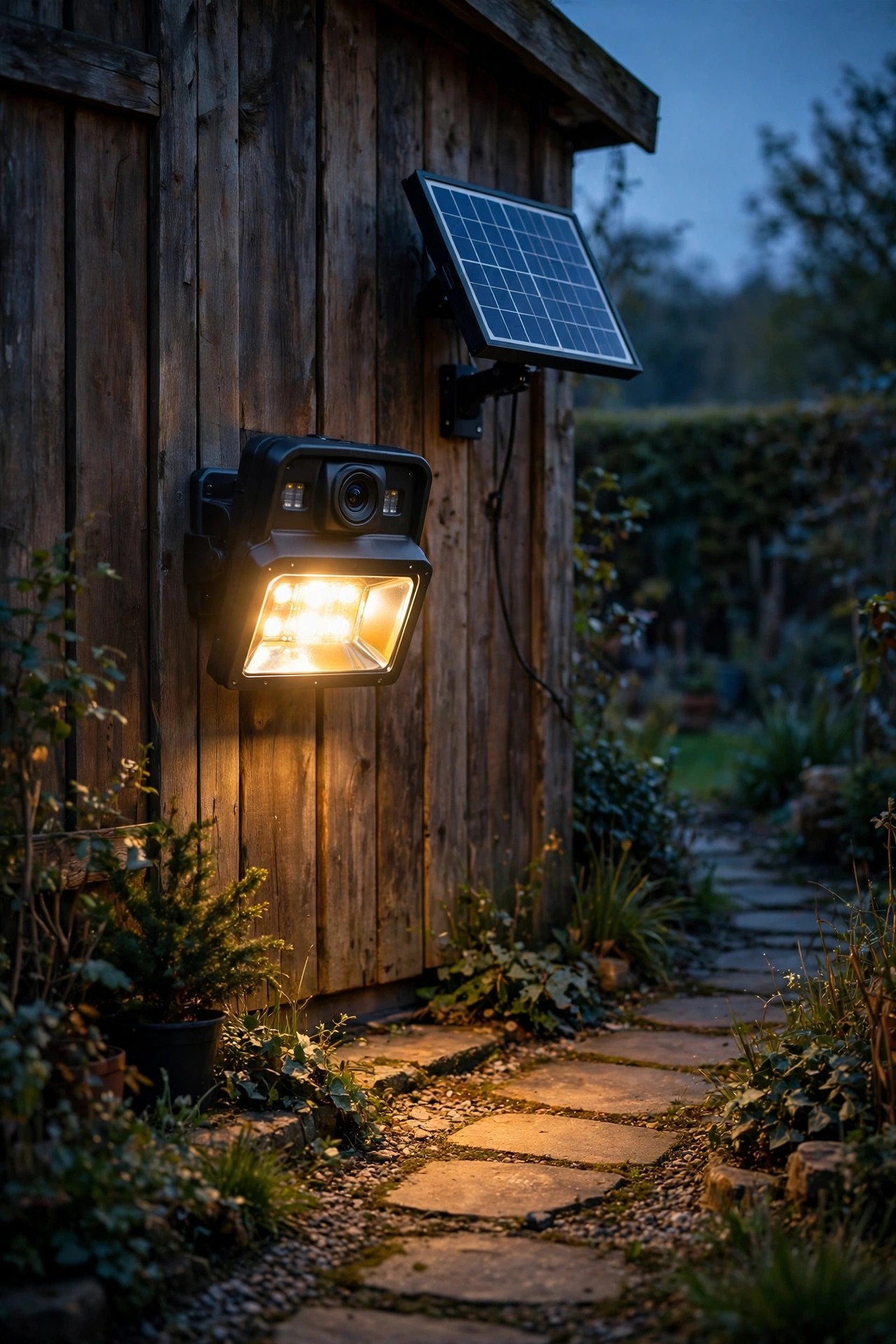
Renters, I see you — you deserve real security lighting too, without drilling into a landlord's stucco. Battery-powered flood light cameras mount with a small bracket and two or three screws into a fence post, a deck rail, or a wooden trim board you can patch with a dab of filler at move-out time. Modern battery units run two to four months per charge depending on how busy the motion sensor is, and recharging is a five-minute job with a USB cable or a quick-release battery pack. Place them where traffic is naturally limited — a side gate, a basement window well, the parking pad behind the building — so the battery isn't chewed up by street motion. Two honest limits: the floods on battery models are gentler (often 800 to 1,200 lumens, fine for a small patio, not a big yard), and deep cold snaps shorten battery life, so a January recharge may come sooner than the box promises. Get the landlord's okay in a quick text before you mount anything, keep the camera aimed strictly at your own space, and take the whole setup with you when you go.
Suggested budget range: $90 – $170.
13. Layer the Camera With a Soft Always-On Glow
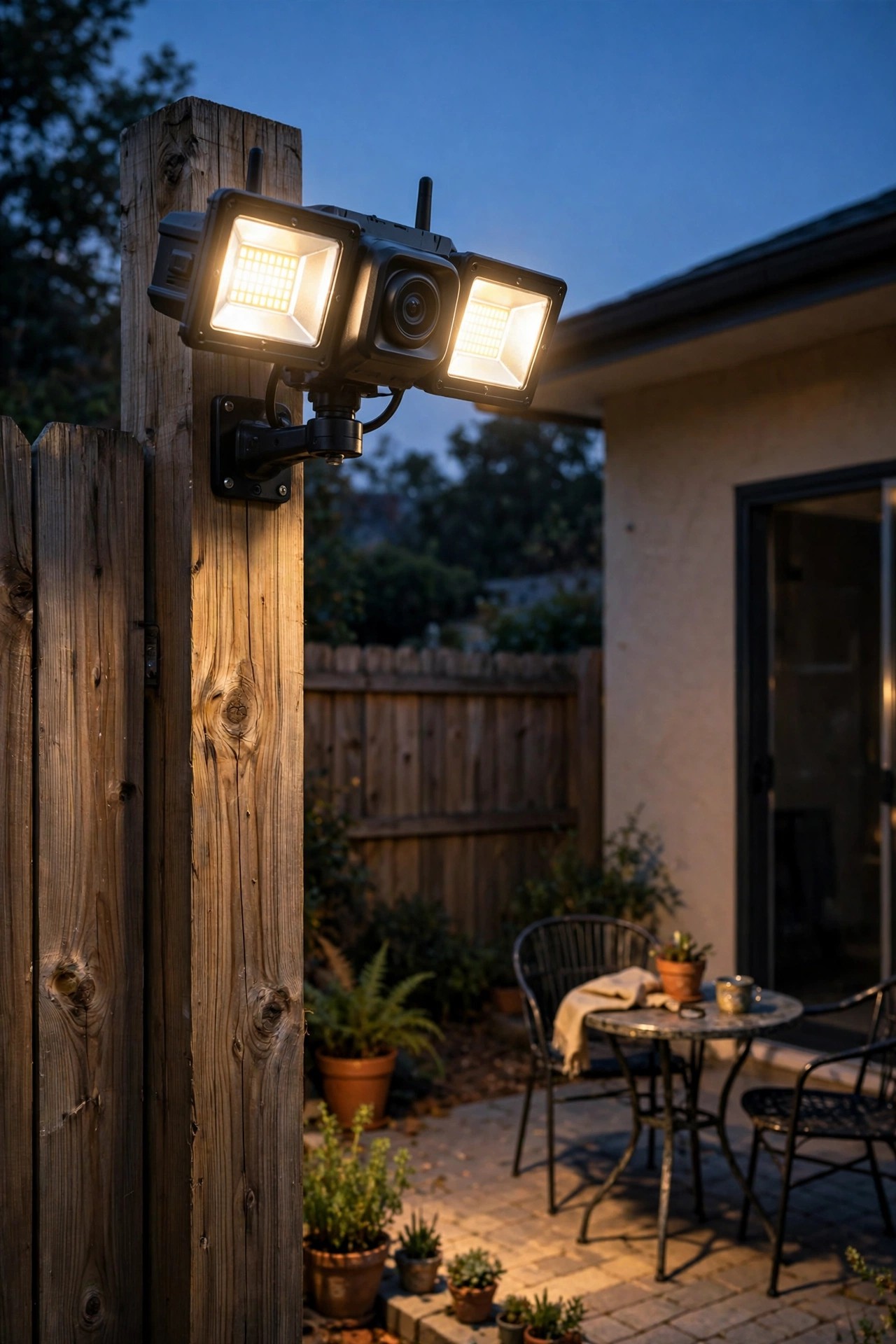
A flood light that only fires on motion gives your camera a hard job: it must wake up, adjust exposure, and identify a face in the same split second. Layering fixes that, and layering is the philosophy behind everything on this site. Keep a soft, always-on layer burning in the camera's view — a warm porch light, a few path lights along the walk, a dusk-to-dawn sconce — and the camera rides on that gentle base glow all night. The footage between alerts gets clearer, the sensor trips less on shadows, and when the floods do fire, faces are already half-lit instead of blasted from black to white. As a bonus, a softly lit home simply looks occupied, which is the cheapest deterrent there is. Choose warm 2700K bulbs for the base layer so the whole scene color-matches when the flood joins in; mixed temperatures make skin tones go strange on camera. My rule of thumb: the base layer should be just bright enough to read a house number from the street. The flood handles the drama; the glow handles the everyday. Together they make the camera look twice as expensive as it was.
Suggested budget range: $40 – $120.
14. Test Your Wi-Fi at the Mounting Spot Before You Drill
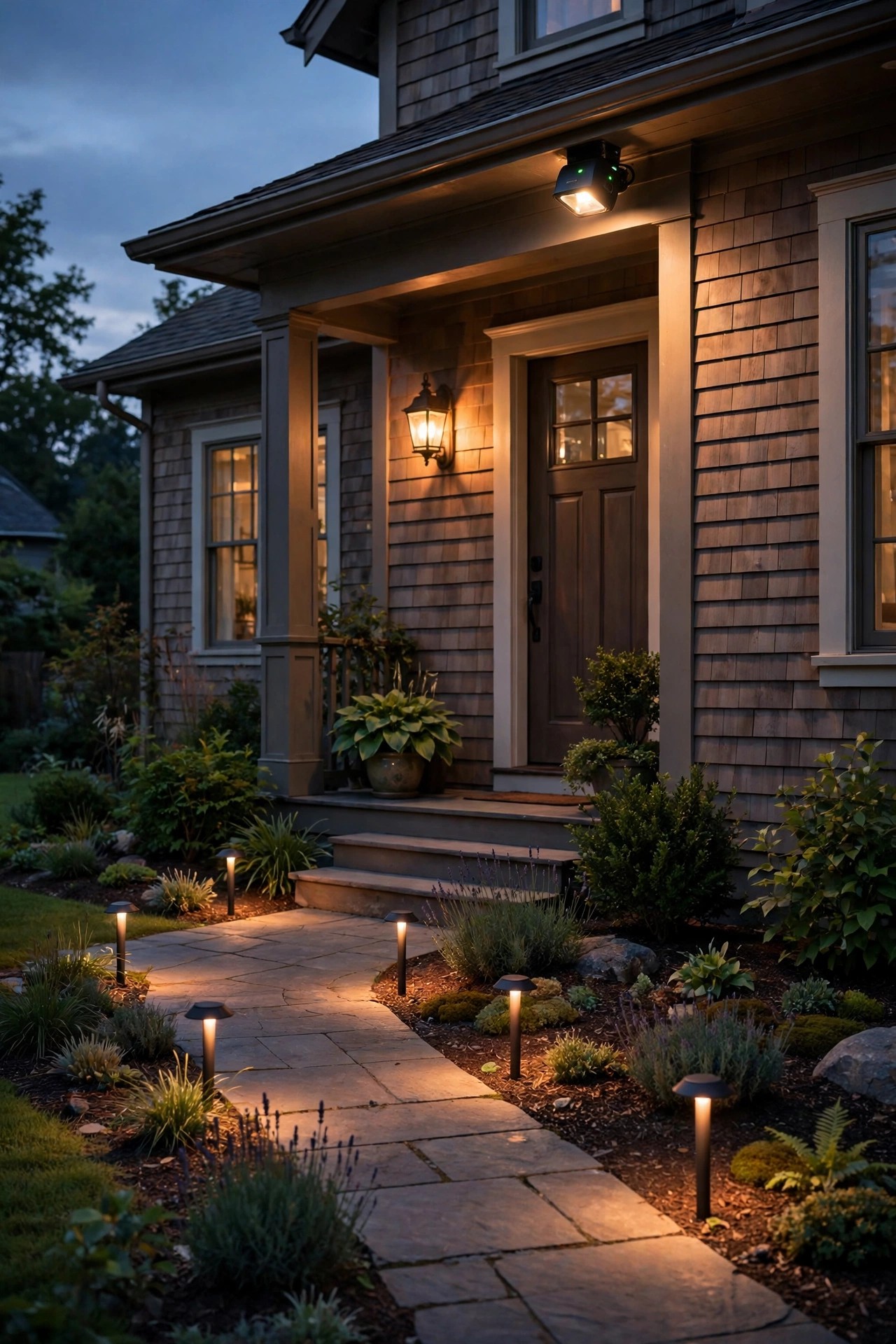
Here's the unglamorous truth nobody puts on the box: a flood light with camera is a Wi-Fi device first and a light second. A camera that keeps dropping offline records nothing but your frustration. Before you drill a single hole, stand at the exact mounting spot, phone in hand, and check the signal — open the manufacturer's app or a speed test and confirm you have a solid connection, ideally two or three bars. Exterior walls are signal killers; brick, stucco over wire mesh, and foil-backed insulation can strangle a strong indoor signal to nothing by the time it reaches the garage wall. The fixes are simple: move your router closer to that side of the house, add a mesh satellite near the front door, or place an outdoor-rated access point under the eave. Most cameras use the 2.4 GHz band, which is slower but travels much farther through walls — make sure that network is enabled and named separately if your router merges the bands. Ten minutes of signal testing before installation saves the classic weekend-ruining discovery that your beautiful new camera can't reach the house from the driveway.
Suggested budget range: $0 – $90.

15. Tune the Motion Zones So Cars Don't Ruin Your Alerts
An untuned camera alerts you forty times a day — every passing car, every dog walker — and within a week you're ignoring all of them, including the one that mattered. Modern units let you draw activity zones right on the camera's view, and five minutes of tuning transforms the whole experience. Block out the street and the sidewalk entirely; keep the zones tight on your driveway apron, your walk, your gate, and your doors, the places a person has no innocent reason to linger. Aim the sensor itself slightly across the approach path rather than straight down it, because motion sensors detect side-to-side movement far better than movement coming directly at them. My motion sensor outdoor lights guide explains that quirk in detail, and it applies double to cameras. Set sensitivity to medium, then live with it for three days and adjust once — chasing perfection daily just creates new blind spots. Also angle the unit away from swaying shrubs, dryer vents, and AC units, whose heat shimmer and movement are false-alarm factories. When your phone buzzes rarely and meaningfully, you'll actually look. That's the whole point.
Suggested budget range: $0 – $20.
16. Do the Night Walk Test Before You Call It Done
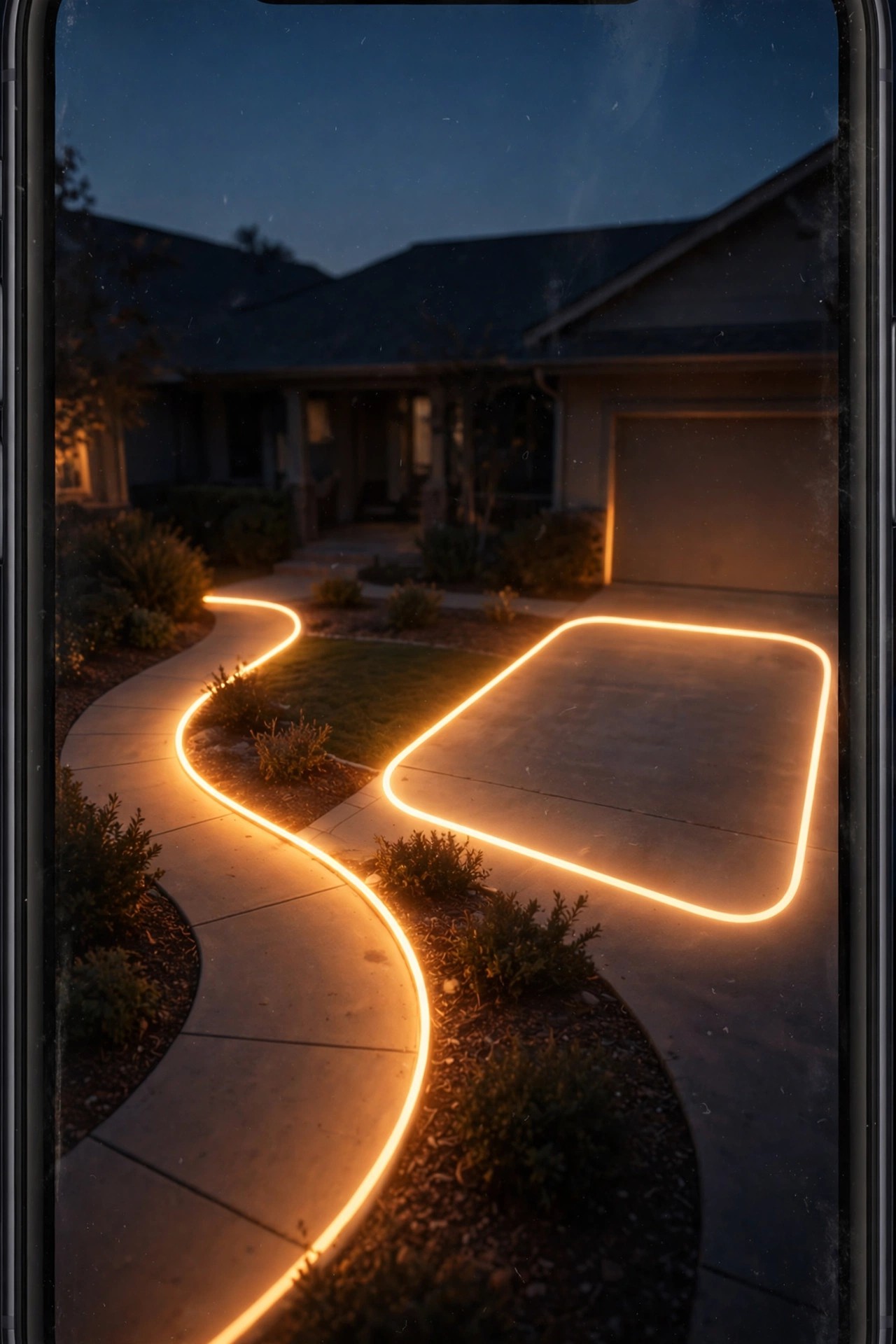
Every install at my house ends the same way: after dark, I walk the routes a stranger would walk, phone in hand, watching the live feed like a director. Walk in from the street up the driveway. Come through the side gate. Stand at the front door and the back slider. At each stop, ask the only questions that matter — is my face recognizable at 15 feet, or am I a glowing ghost? Is the flood flaring straight into the lens and washing everything white? Can I read my own license plate? Glare is the most common failure, and it's usually fixed by dropping the light heads a few degrees or dimming the flood to 70 or 80 percent, which most apps allow. Check the frame edges, too: you might find the mailbox, the gate latch, or half the patio sitting just outside the picture, fixable with a five-degree nudge. Do a second walk on a rainy night if you can — wet pavement bounces light upward and changes the picture completely. This twenty-minute ritual is the difference between a camera you hope works and one you know works.
Suggested budget range: $0 – $10.
17. Sort Out Storage and Privacy Like a Good Neighbor
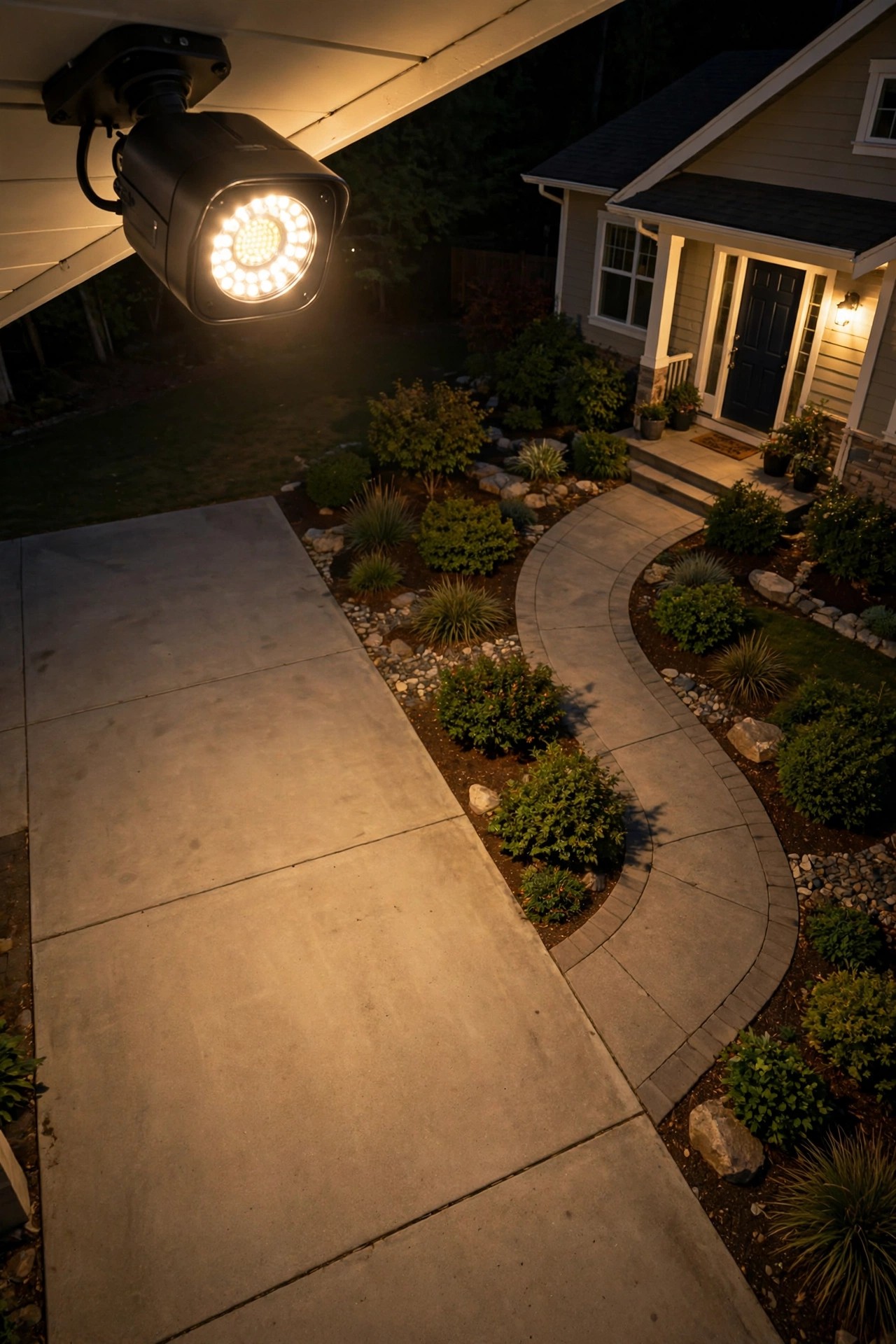
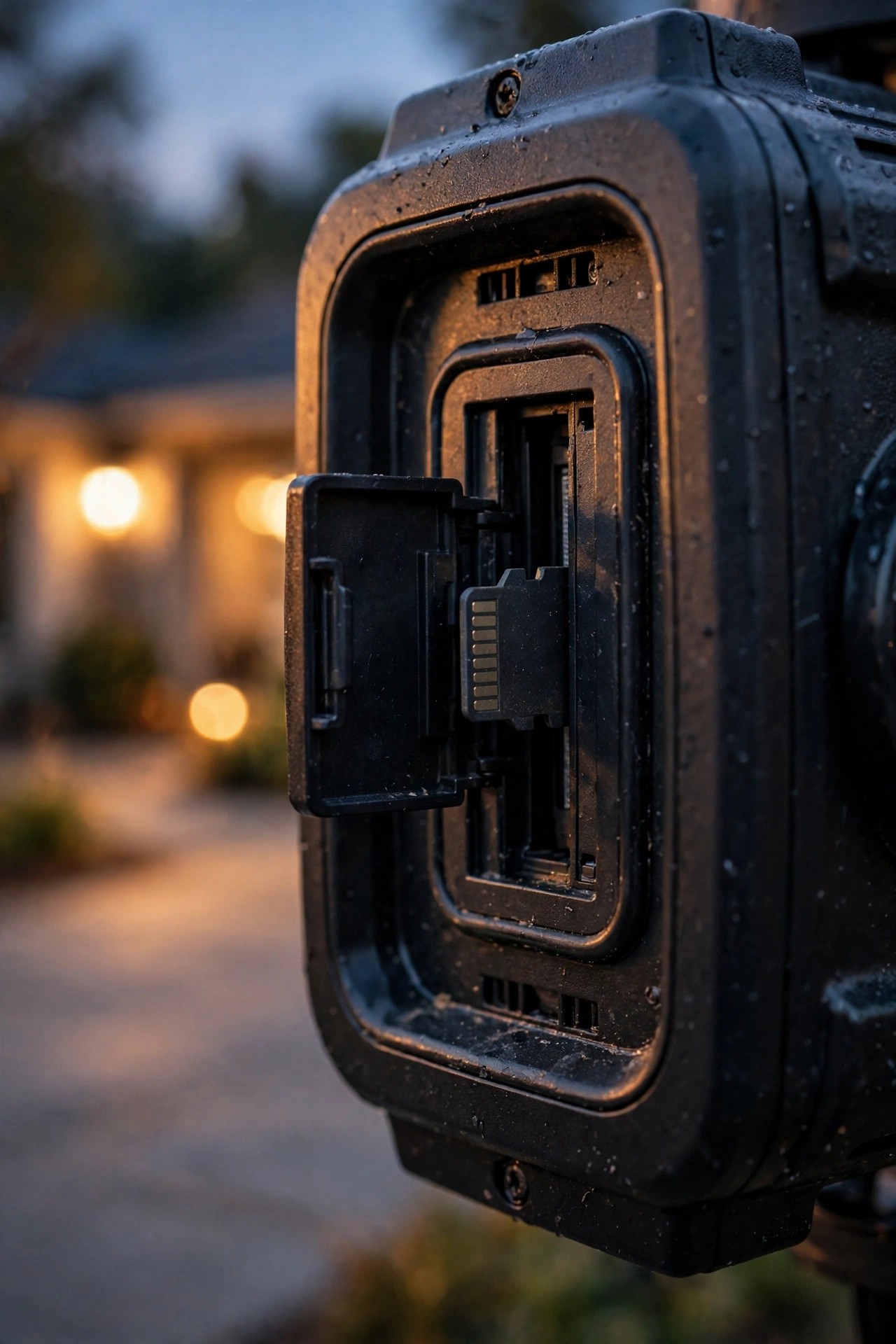
Two decisions remain, and both matter more than lumens. First, storage: most units record to a memory card in the fixture, to a paid cloud plan, or both. Local cards are free forever and keep your footage in your hands, but the card leaves with the camera if the camera gets stolen. Cloud plans cost a few dollars a month and keep clips safe off-site — my honest take is cloud for the front-of-house cameras, local cards for the backyard, and never a card smaller than 128 GB, since high-definition loops eat space fast. Second, privacy, and I say this as the neighbor who once got lit up like a runway: aim every flood light with camera strictly into your own yard, and use the app's privacy masking to black out any neighbor windows or patios that sneak into the frame. Light trespass and camera creep are how good gadgets make enemies. Audio recording rules vary by state, so check yours before enabling the microphone. Tell your immediate neighbors the camera's there — in my experience, they usually ask which one you bought. A system that respects the street gets respected right back.
Suggested budget range: $15 – $60.
Frequently Asked Questions
How high should I mount a flood light with camera?
Aim for 8 to 10 feet. That height keeps the fixture out of easy reach, angles the lens into faces rather than down at hat brims, and lets the flood pool land where people actually walk. Higher mounts on two-story eaves are the most common cause of useless, top-of-the-head footage.
Does a flood light camera need Wi-Fi to work?
Not to record — most models keep recording to a memory card with no connection at all. Wi-Fi is what delivers live view, phone alerts, and cloud uploads. If the signal at your mounting spot is weak, the camera still films; you just review the card manually until you strengthen the network.
Wired, battery, or solar — which should I choose?
Hardwired wins wherever an existing junction box exists: unlimited power, the brightest floods, zero maintenance. Battery models suit renters and low-traffic spots. Solar works for sunny, wire-free corners like sheds and gates. Many happy homes, mine included, run a mix of all three.
Can my camera record my neighbor's yard?
Technically it might see it, but you shouldn't aim it there. Angle the fixture into your own property, mask neighboring windows and patios in the app, and keep the flood's spill inside your fence line. It's the neighborly thing to do, and in some places audio recording without consent is restricted by law.
Conclusion
If there's one thing I've learned from every install, it's this: the smartest flood light with camera is the one that's placed with intention — 8 to 10 feet up, tipped down toward faces, layered over a soft warm glow, and tested on a real night walk. You don't need a house bristling with fixtures. Start with the garage and one choke point like the side gate, cross-cover them if you can, and add the backyard when you're ready. Your home will look welcoming, your footage will actually identify people, and your neighbors will stay your friends. Browse the rest of my lighting ideas here whenever you're planning the next layer — there's always one more corner of the yard that deserves a little glow.