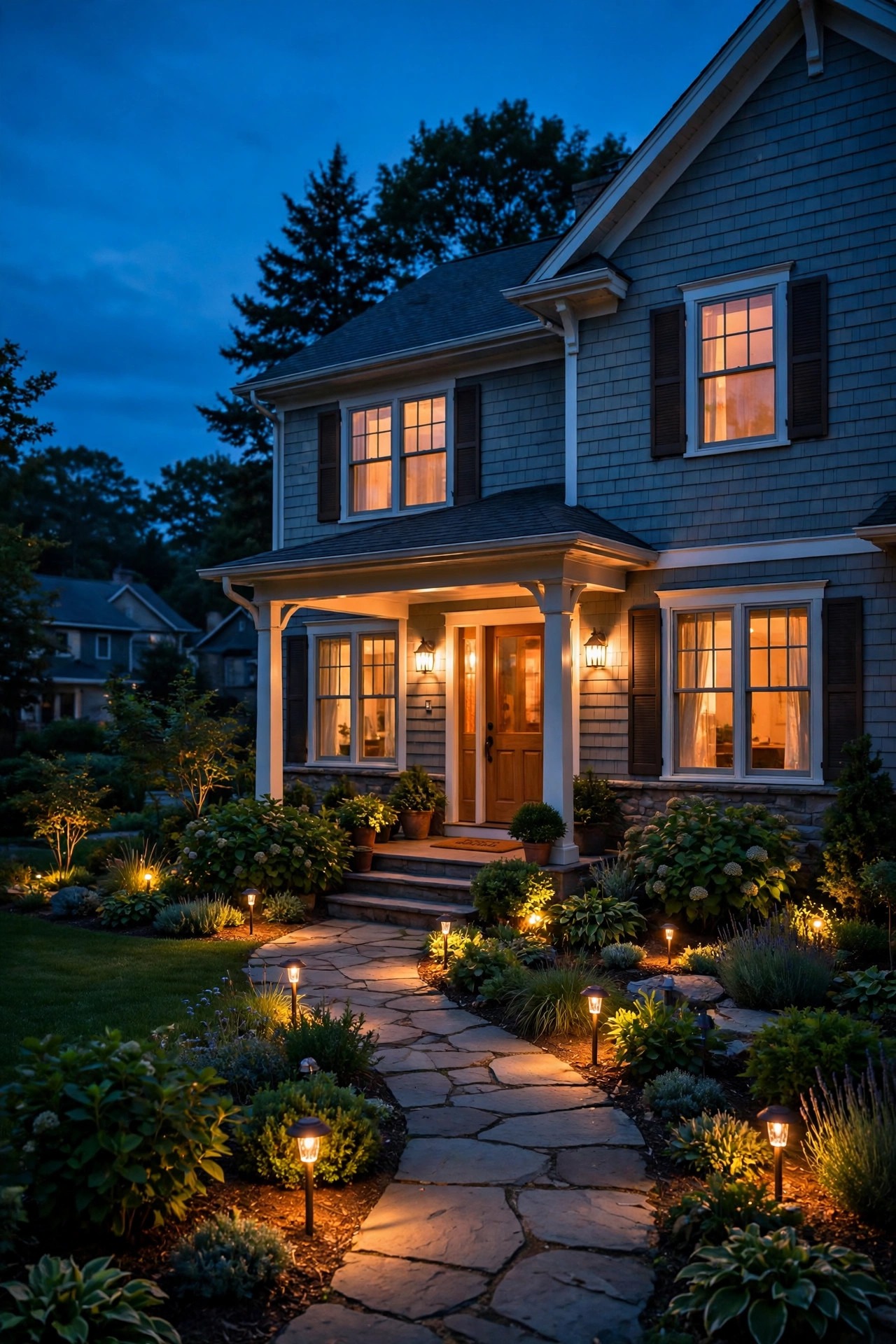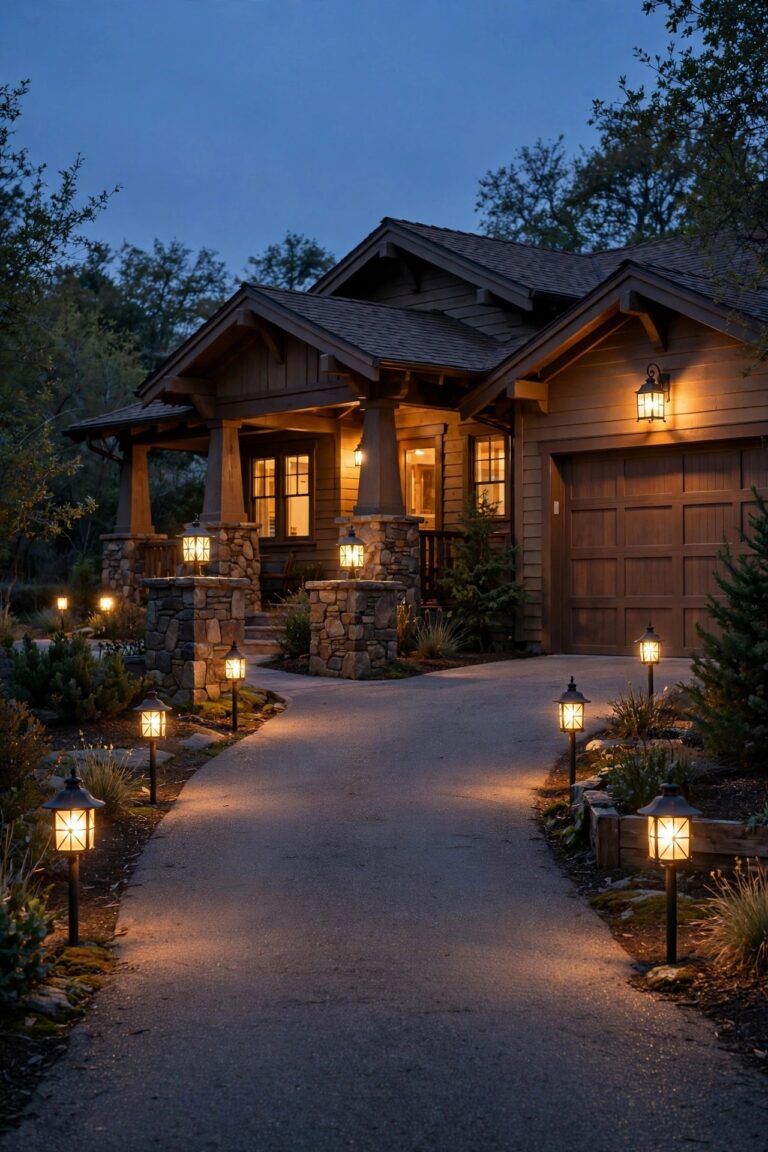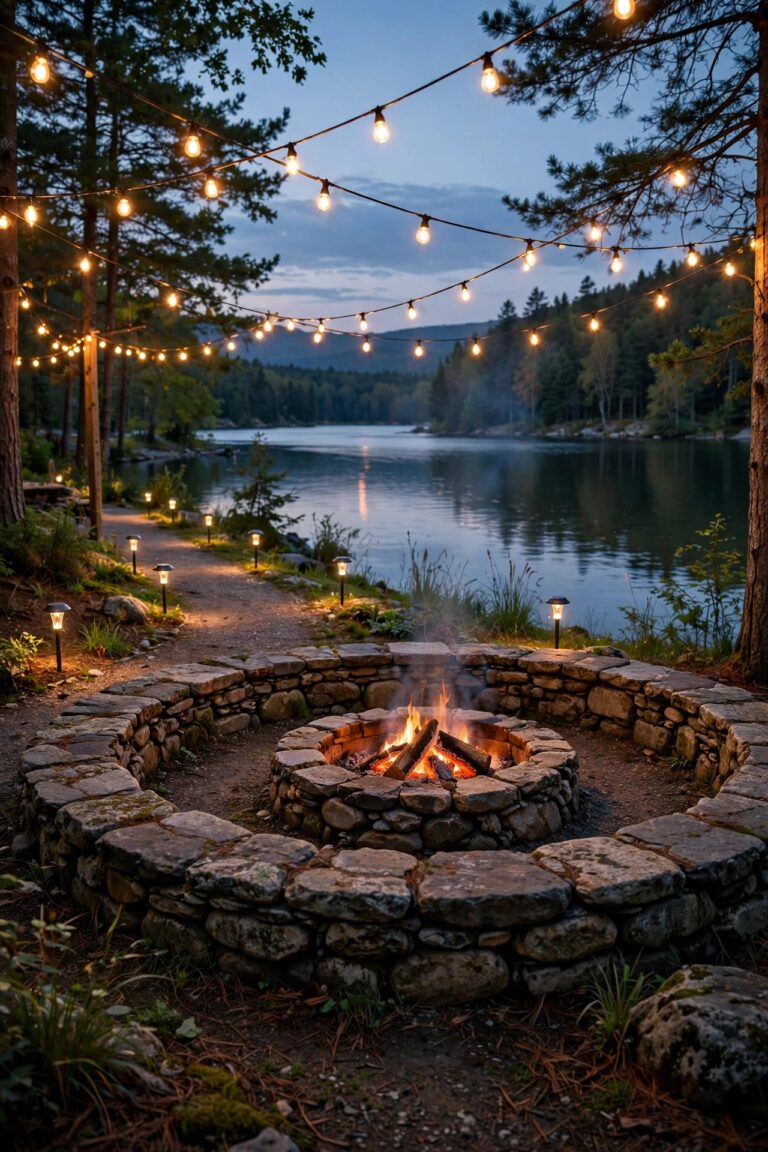
There is a special kind of guilt that comes from driving home at noon and seeing your porch light still blazing away in full daylight. I have felt it. I have also rolled up my own driveway on a December evening to a pitch-black yard because a timer I set smugly in June had quietly drifted out of sync with the real sky. Choosing between photocell vs timer outdoor lights sounds like a tiny hardware-store decision, but honestly it decides whether your home greets you warmly every single night or wastes electricity while absolutely nobody is watching. A photocell watches the sky and reacts to real darkness. A timer watches the clock and obeys it no matter what the evening actually looks like. In this guide I compare the two head to head: how each one works, which stays accurate as the seasons swing, what storms and power outages do to them, what they cost to buy and run, how each one eventually fails, and my clear verdict for porch lights, landscape systems, security lights and holiday displays, so you can pick once and stop thinking about it.
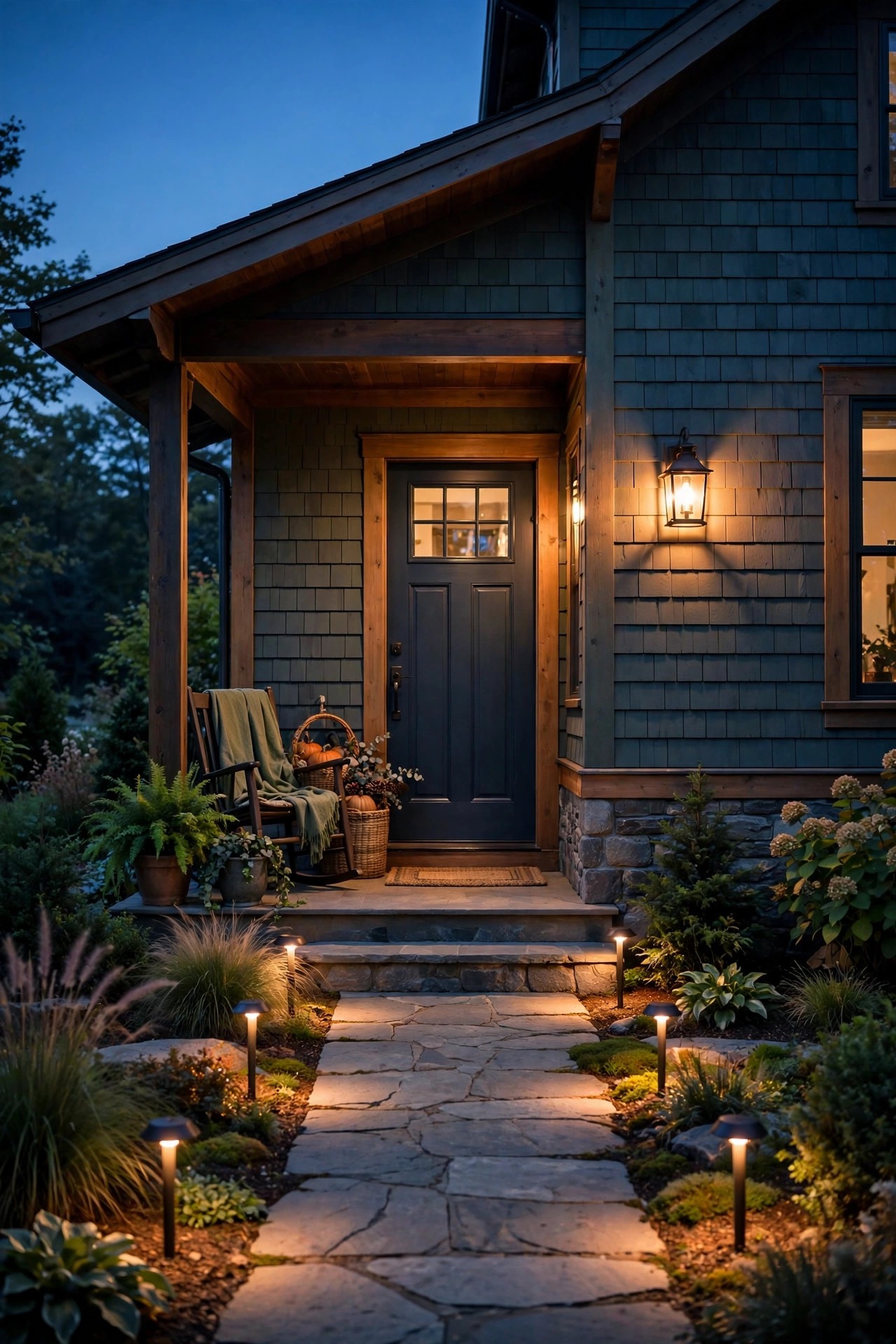
The Short Answer
For a single light that should simply be on when it is dark and off when it is not, buy the photocell. It follows real dusk, needs no setting, and shrugs off outages and clock changes without a thought. For lights you want off at a sensible hour, like a landscape system or a holiday display, buy the timer, ideally an astronomical model that adjusts itself all year. The honest answer for most homes is both at once: a photocell guarding the porch and the security lights, a timer running the pretty stuff out in the yard.
How a Photocell Works: An Eye That Watches the Sky
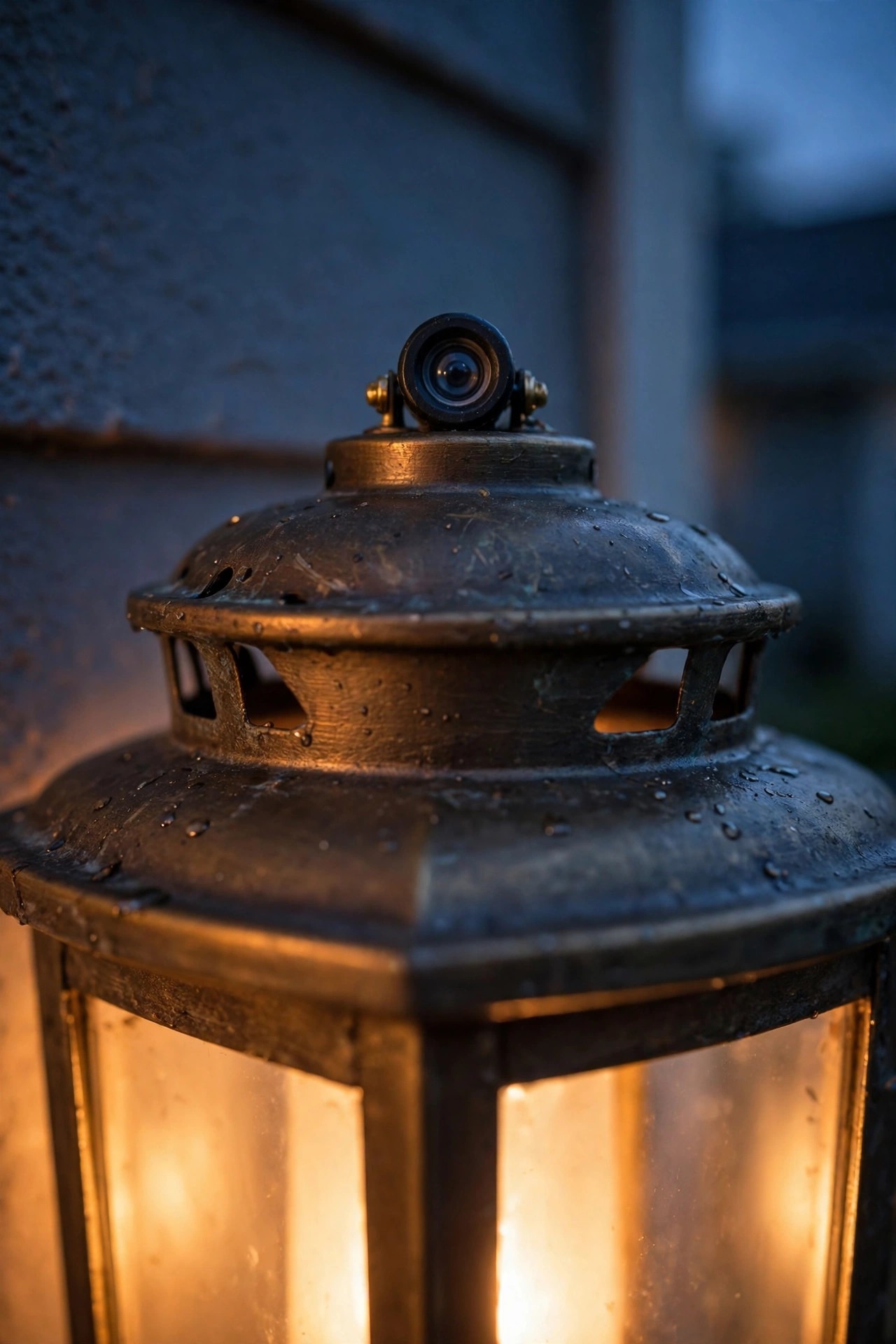
A photocell is a small light sensor, sometimes called a photo eye, that measures how bright it is where it sits. When the light falling on it drops below a set threshold at dusk, it closes the circuit and your light comes on. When dawn raises the light level again, it opens the circuit and the light goes off. There is no clock inside and nothing to program. It is simply reacting to the world in front of it, every day, all year.
You will meet photocells in three forms. Plenty of fixtures have one built right in, which is the whole idea behind dusk-to-dawn outdoor lights. There are screw-in adapters that sit between a bulb and its socket and take about two minutes to install. And there are small add-on sensors that wire into an existing fixture or a junction box and give an older light a brand-new brain.
The catch is that the eye needs an honest view of the sky. Tuck a sensor under a deep porch roof, inside a shadowy alcove or behind a shrub and it lives in permanent twilight, which means late dawns and early dusks. It can also be fooled by the very light it controls, and that little drama gets its own section below.
How a Timer Works: A Clock That Never Looks Outside
A timer knows nothing about the sky. It only knows what time it is, and it switches your lights on and off at the hours you told it to. That blindness is both its great strength and its one real weakness, and which of the three kinds you buy decides how much babysitting it needs.
The mechanical timer is the old faithful: a motor turns a dial over 24 hours and little pins or tabs trip the switch as they pass. It is cheap and simple, but it drifts a little, and every power cut stops its clock dead. A digital timer keeps programmed on and off times in memory, usually with a small battery backup, and can run different schedules on weekends. The smartest of the family is the astronomical timer: you tell it where you live once, and it calculates your actual local sunrise and sunset for every day of the year, shifting a minute or two daily all on its own. Setting one up is a one-time job, and my astronomical timer setup guide walks through it step by step.
What a timer gives you that no photocell can is a firm off hour. Dusk is negotiable. Eleven o'clock is not.

Photocell vs Timer Outdoor Lights: Accuracy Across the Seasons
Here is the number that decides this whole fight. Across most of the United States, sunset swings by roughly four hours over the year: around 4:30 in the afternoon in mid-December and close to 8:30 on a June evening. Any control that cannot move with that swing will spend half the year being wrong.
The photocell handles it beautifully. It does not care what month it is. It reads the actual light and lands within a few minutes of true dusk every single day of the year, forever, with no attention from you. Rainy weeks, early winter gloom, long bright June evenings: it just follows. An astronomical timer matches that accuracy from the clock side, adjusting itself daily, and I would call those two a genuine tie.
A plain timer, mechanical or fixed digital, loses this round badly. It is perfectly accurate for about a week after you set it. A month later it is off by half an hour, and by the season change it is lighting an empty yard in broad evening light or leaving you dark an hour before sunset. You can absolutely fix that by re-setting it five or six times a year. In my experience, almost nobody does, and the honest name for a timer you have to babysit is a chore.
One fairness note for the photocell: a very dark storm afternoon can switch it on early. I count that as a feature, not a flaw. When the sky goes black at three in the afternoon, I want my lights on.

Storms, Power Outages and the Twice-a-Year Clock Change
This is the round nobody thinks about in the store, and it is the one that separates these two controls most sharply in real life.
A photocell has no memory, so it has nothing to lose. The power can go out for six hours in the middle of the night, and the moment it comes back the photocell simply reads the sky and does the right thing. There is no schedule to restore and nothing blinking 12:00 at you. Daylight saving time is equally invisible to it. The clock in your kitchen can jump around all it wants; dusk does not move.
A mechanical timer fails here in a very specific way: its clock stops for exactly as long as the outage lasts. A three-hour outage means your lights now run three hours late, every night, until somebody notices and resets the dial. Digital timers do better when their backup battery is alive, holding the program through the cut, but a dead backup battery means a blank slate after the first flicker.
Storms cut the other way, too. When a thunderstorm turns a summer afternoon black as night, the photocell turns your lights on and gives you a safer, calmer house. The timer does nothing at all until its appointed hour arrives. Resilience is a quiet category, but the photocell wins it without breaking a sweat.
Installation: What Each Control Actually Asks of You
Neither control is hard to live with, but the effort lands in different places.
The photocell is the easiest control in this whole guide to start with. A screw-in socket adapter takes two minutes and no tools at all. A fixture with a built-in sensor installs exactly like any other fixture. An add-on wired sensor is a modest job: kill the power, splice it in line, done. The one real skill is placement, choosing a spot where the eye sees open sky rather than porch shadow.
Timers spread wider. A plug-in timer takes seconds and is the natural home of holiday displays. An in-wall timer switch, the kind that replaces a light switch and runs a whole circuit, is a 20 to 30 minute job if your switch box has a neutral wire, which some older homes lack, and that one detail has ended more weekend projects than any other. For low-voltage landscape systems, the control usually lives on the transformer itself as a dial, a timer module or a photocell socket, so the install is whatever the transformer install already was.
The usual safety rules apply to anything hardwired: breaker off before you touch a wire, test the circuit before you trust it, outdoor connections weatherproof and GFCI protected, and an electrician for anything inside the panel. No porch light is worth a shock.
Failure Modes: How Each Control Eventually Lets You Down
Everything fails eventually, and these two fail in completely different ways, which is genuinely useful to know before you choose.
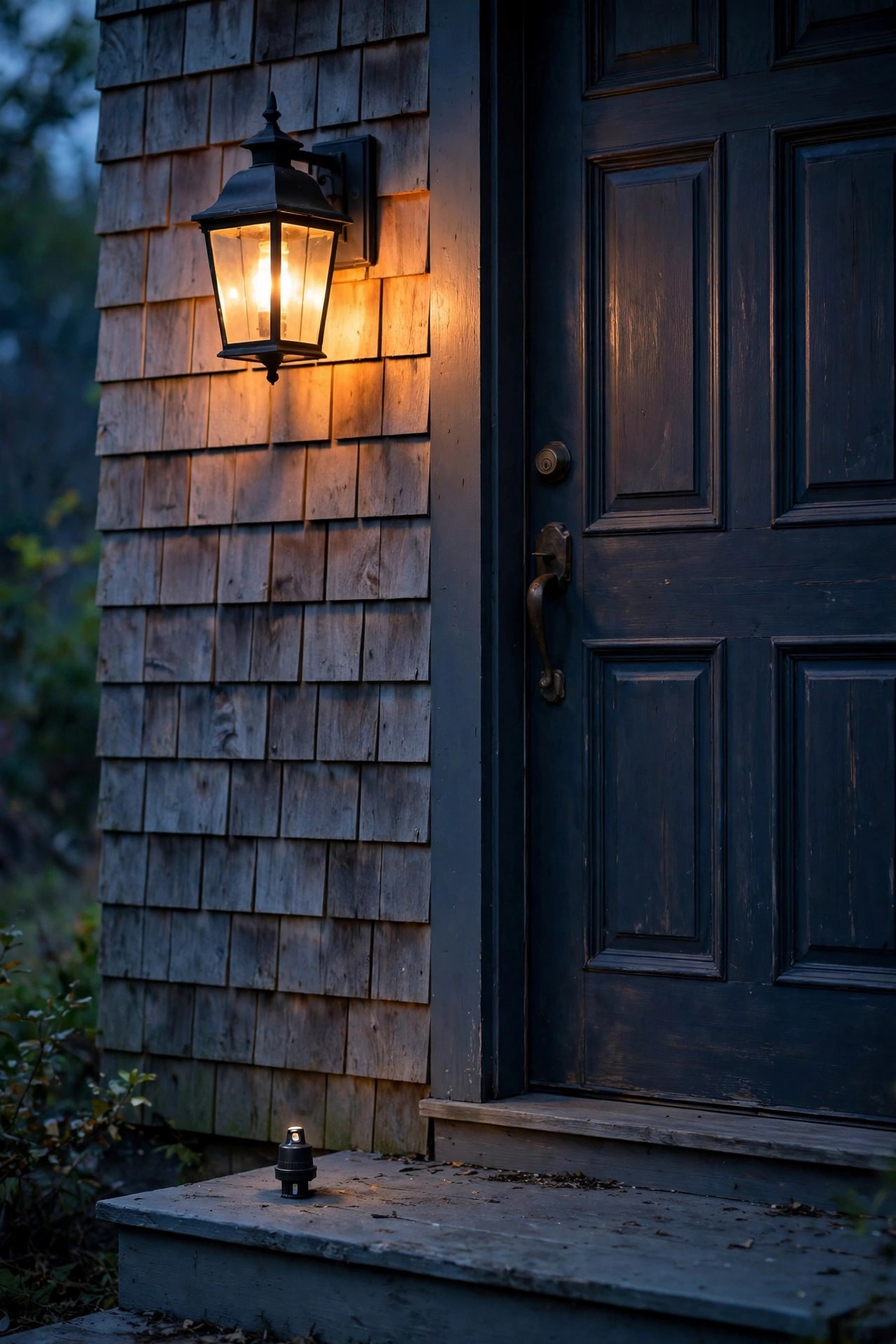
The classic photocell failure is a dirty eye. Dust, cobwebs, pollen film and one memorable coat of overspray paint can dim the sensor until it decides noon is a lovely time to run the lights. The fix is embarrassingly simple: wipe the little window clean. The second classic is the flicker loop, where the sensor can see the light it controls, turns it on, sees the brightness, turns it off, and repeats all night like a tiny disco. Most of my photocell light troubleshooting notes come back to those two causes. After three to seven years of weather, a sensor can also simply drift and die, usually stuck on or stuck off, and replacement is the only cure.
Timers fail quietly and confidently. A mechanical timer motor wears out and the schedule freezes in place, lights appearing at hours that made sense in some other season. Digital units lose their minds when the backup battery dies. And the most common timer failure of all is human: the AM and PM mix-up, the schedule nobody updates after the clocks change, the off time set for the morning instead of the night.
Both share one weakness: the cheapest units use the flimsiest switching parts, and that is what dies first. Mid-range beats bargain, every time.
The Verdict for Porch Lights and Security Lights
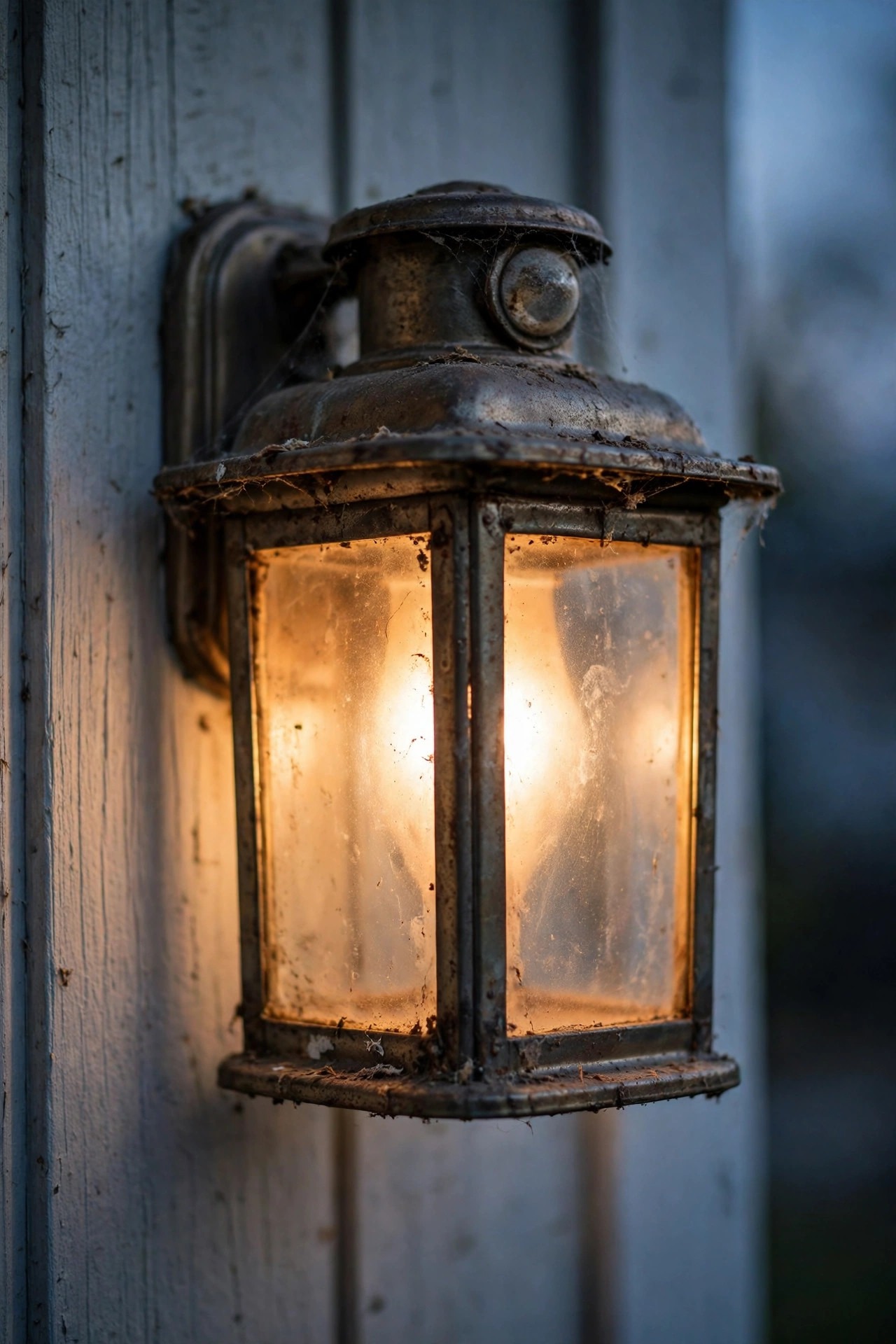
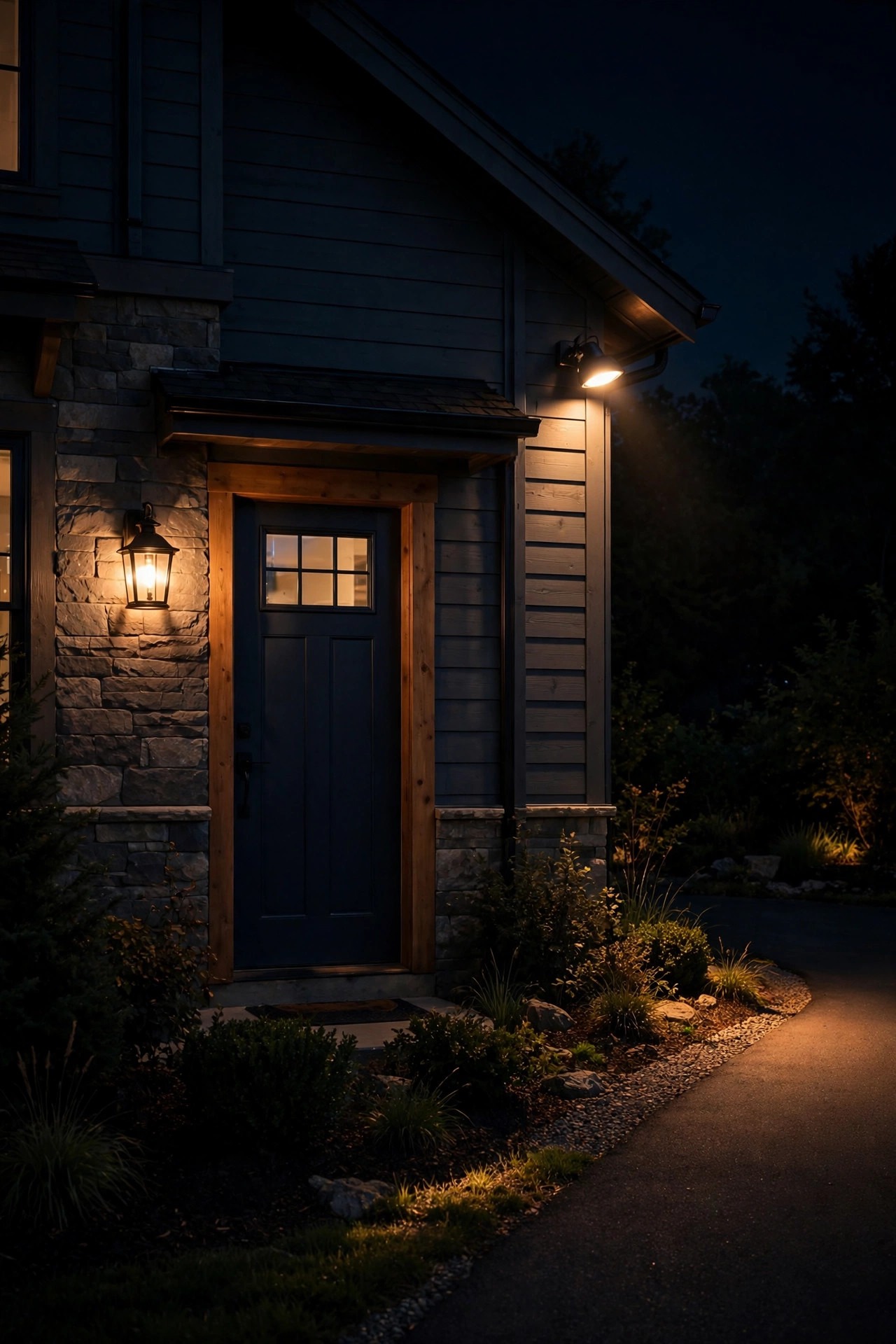
For a porch light, the photocell wins, and it is not close. A porch light has one job: be glowing when someone reaches your door. That moment follows real darkness, not the clock. A timer leaves your February guests climbing the steps in the dark at 5:15 because you set it for June, or burns the bulb through a bright June evening when nobody needed it. The photocell just handles it, every day, all year.
The one exception is the off hour. If your porch light shines into a bedroom window, yours or a neighbor's, dusk-to-dawn can wear out its welcome. That is exactly what photocells with a built-in countdown are for: on at dusk, off after two, four, six or eight hours. Best of both, one device.
Security lighting also belongs to the photocell. Honest dusk-to-dawn coverage means there is never a dark hour in the pattern for someone to plan around, and a rigid timer schedule is a routine a watcher can set a watch by, on at seven, off at eleven, every night, forever. Pair dusk-to-dawn ambient light with motion-activated floods for the bright moments and you have the strongest setup of the three approaches. For lights that guard and greet, let the sensor drive.
Photocell vs Timer Outdoor Lights: The Verdict for Landscape and Holiday Lights
Out in the yard, the verdict flips completely. A landscape lighting system is a performance, and performances end. It exists for the hours when you are cooking on the patio, walking the dog or looking out the window with a cup of something warm. A photocell-only system cannot end the show: it runs every fixture from dusk until dawn whether anyone is awake or not, which adds hours of pointless runtime nightly and, honestly, makes a home look a little like a parking lot at three in the morning.
A timer gives the yard a curfew. On as the evening gathers, off at eleven when the house goes quiet. Choose an astronomical model and even the start time follows the seasons without you touching a thing. This is where timers were born to work.
Holiday lights are the easiest call in this whole guide: timer, outright. A display wants a firm evening window, on at five, off at eleven, and a plug-in timer runs the whole production from one outlet. A photocell would leave inflatables glowing and strings burning until dawn, morning after morning, right through your electric bill.
So the split is clean. Lights that guard and greet belong on a sensor. Lights that perform belong on a clock.

What It Costs in 2026
The hardware is refreshingly cheap on both sides. A screw-in photocell socket adapter runs $8 to $15, a plug-in photocell $10 to $20, and a hardwired add-on sensor $10 to $25. Choosing a fixture with the photocell already built in usually adds about $10 to $30 over the plain version of the same light.
Timers sit in the same friendly range. A mechanical plug-in timer is $8 to $15, a digital plug-in $15 to $25, an in-wall timer switch $20 to $40, and an astronomical timer switch or plug-in $25 to $60. If you are replacing a landscape transformer anyway, models with a timer or a photocell socket built in run $60 to $150. Paying an electrician for in-wall work instead of doing it yourself typically adds $75 to $150.
Running costs are where the off hour shows its value. A 10-watt LED porch bulb on a photocell in December burns about 14 hours a night, roughly 4.2 kilowatt-hours a month, about $0.70 at an average rate of $0.17 per kilowatt-hour. The same bulb on a five-hour timer window costs closer to $0.25. One bulb is pennies, but scale it up: 60 watts of landscape fixtures left on nine extra hours a night adds up to roughly 16 kilowatt-hours and about $2.75 a month. At LED wattages the choice costs more in convenience than in dollars, which is exactly why the use case, not the price tag, should decide it.

5 Mistakes That Make Either Control Disappoint
1. Letting the sensor watch its own light. A photocell that can see the bulb it controls will flicker off and on all night. Shield the eye, reposition it, or choose a fixture that keeps the two apart.
2. Burying the eye in permanent shade. A sensor under a deep porch roof or in a dark alcove lives in false dusk. It will run your lights long and late, and the control will get the blame for a placement problem.
3. Setting a timer once, in June, forever. A fixed schedule in a world of moving sunsets is a promise to be wrong by autumn. If you will not re-set it seasonally, buy the astronomical kind and let it do the moving.
4. Putting security lights on a rigid schedule. Predictable on and off times advertise exactly when the house is unlit. Guard duty needs dusk-to-dawn coverage, not a timetable.
5. Stacking controls with no boss. A timer feeding a photocell fixture can work, but only if you know which one is in charge of what. Two controls fighting over one light is how you end up outside at midnight with a flashlight, reading manuals. Decide the chain of command before you wire anything: one control owns the hours, the other owns the darkness, and nothing else gets a vote.

Frequently Asked Questions
Can I use a photocell and a timer on the same lights?
Yes, and plenty of homes do. Wired in series, both controls have to agree before the light comes on, so a common pairing is a photocell deciding when dusk is and a timer deciding when the night ends. The countdown photocell, on at dusk and off after a set number of hours, packages that same idea into one device. Just decide in advance which control owns which job.
Why does my photocell light flicker or switch off during the night?
Almost always, the sensor is seeing light it should not: its own bulb bouncing off a wall, a streetlight, or headlights sweeping the yard. Shield or reposition the eye so it reads the open sky instead. A dirty sensor window causes the opposite trouble, lights that stay on all day, and a quick wipe usually cures it.
Do plug-in timers work with LED bulbs and string lights?
Yes, as long as the timer is rated for the load. Older timers designed for heavy incandescent loads can let a faint ghost glow leak through to sensitive LEDs, so look for a timer that lists LED compatibility and a low or zero minimum load. For a string of modern LED lights, a standard digital plug-in timer handles it without complaint.
Which control saves more money, a photocell or a timer?
The timer, almost every time, because it owns an off hour. A photocell runs a light for every dark hour on the calendar, including the long winter nights when nobody is awake to enjoy it. With a single LED bulb the yearly difference is small enough to ignore, but across a whole landscape system the saved hours are real money and real bulb life.
Conclusion
So, photocell vs timer outdoor lights comes down to one question: does this light have a job to do all night, or a show to put on for a few hours? Let the photocell guard and greet, following the real sky with zero attention from you. Let the timer run the performance, and give the yard a curfew. Pick by use case, buy mid-range once, and your lights will simply be on when they should be, which is all any of us ever wanted. Browse the rest of my outdoor lighting ideas here for more ways to make the evenings glow.