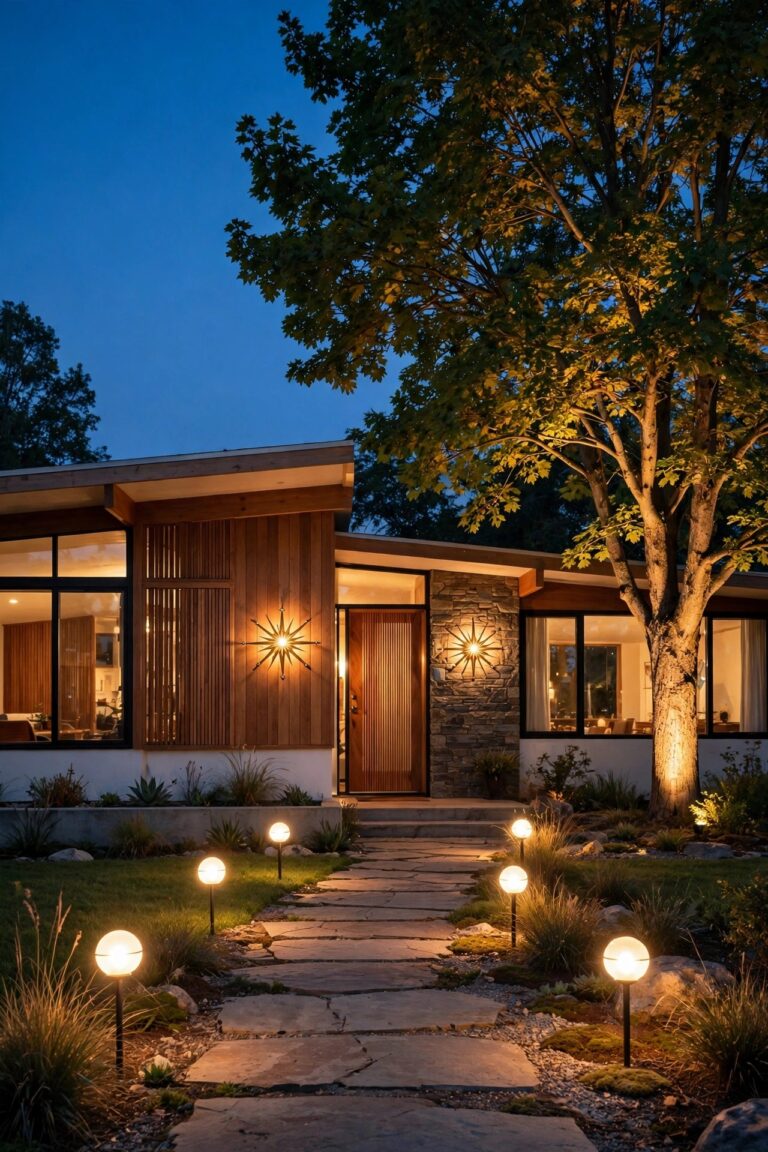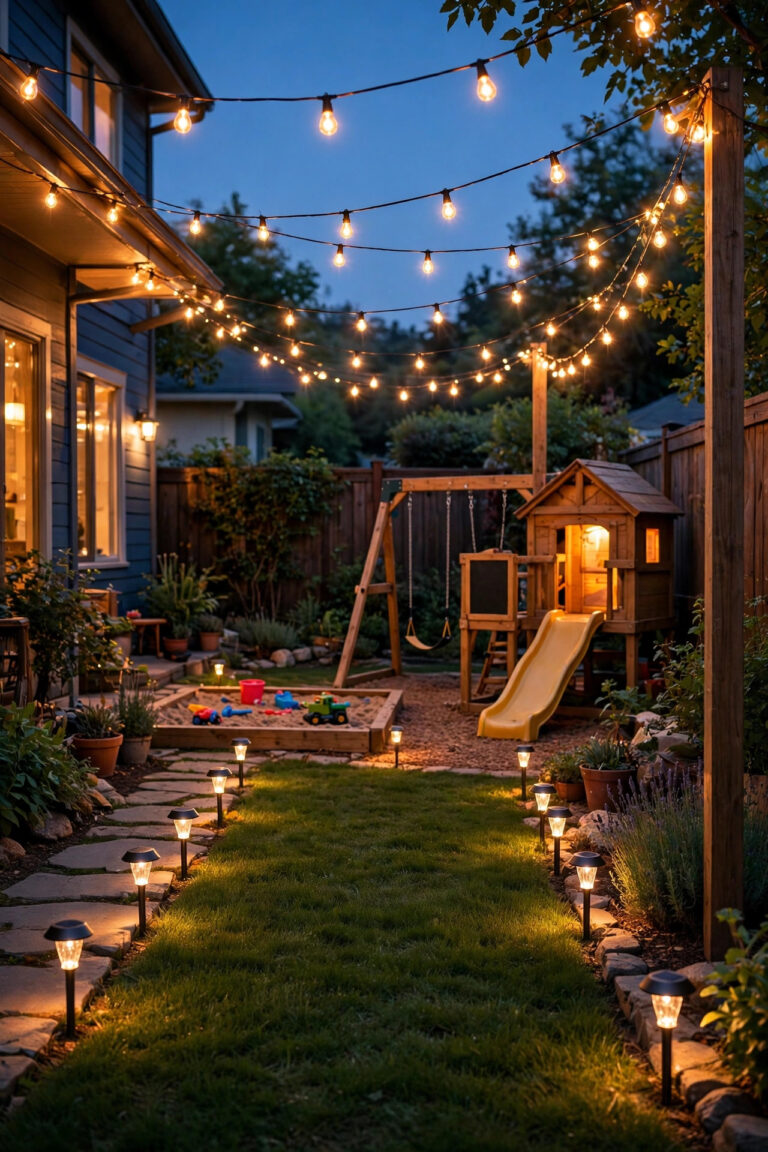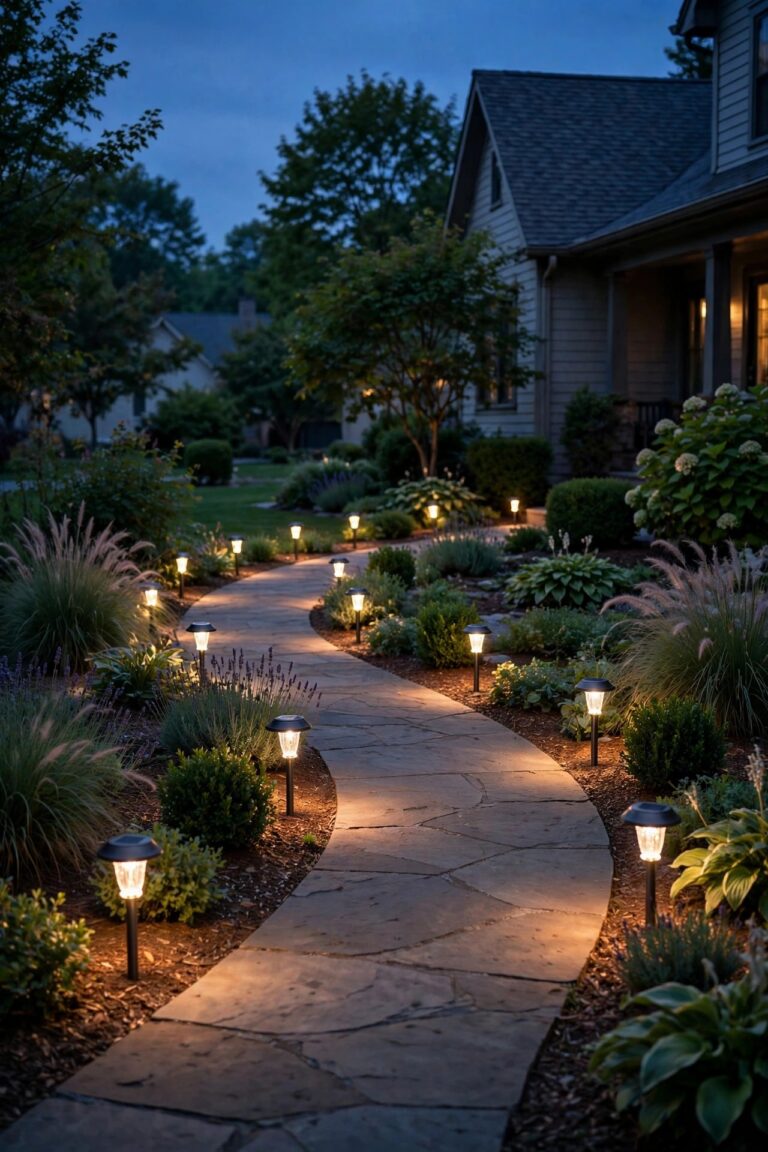
Every October, I used to play the same game with my basic porch timer. Sunset crept earlier week by week, and my lights either clicked on in broad daylight or left the front walk dark when I got home. I would nudge the dial, forget for a month, then nudge it again. The fix that finally ended the game was astronomical timer outdoor lighting: a timer that calculates sunrise and sunset for my exact location and quietly shifts the schedule a minute or two every day, all year, with no sensor watching the sky and nothing for me to adjust.
In this guide I will walk you through how the sun math inside these timers actually works, the formats they come in, how to set one up step by step, and the honest places where they beat a photocell — plus the couple of spots where they do not. By the end, you will know exactly which format fits your porch, your paths, and your landscape transformer.

The Short Answer
An astronomical timer switches your lights by calculation instead of by clock or by sensor. You tell it where you live once — a region code, ZIP code, or your latitude and longitude — and from the date alone it works out local sunrise and sunset, then nudges the on and off times a little every day as the seasons change. It never needs a light sensor, so covered porches and shaded walls cannot fool it, and there is no dial to reprogram when the days get shorter. For most homes, an in-wall astronomical switch for the porch and entry lights is the single best set-it-and-forget-it upgrade you can make.
How Astronomical Timing Works: Sun Math, Not a Sensor
Here is the part that surprised me most: there is no eye watching the sky. An astronomical timer holds a small built-in almanac — the same sunrise and sunset tables farmers have used for generations — paired with an internal calendar and clock. When you enter your location, the timer picks the row of that table that matches your latitude. After that, it is pure date math. On any given evening it looks up today's sunset for where you live and switches the load on at that minute.
Because sunset drifts slowly — roughly a minute or two a day, faster near the equinoxes and slower near the solstices — the timer simply steps its schedule along with it. A basic clock timer cannot do that; it fires at 6:30 pm whether the sky is dark or still glowing. A photocell reacts to actual light, which sounds smarter, and I will compare them honestly in a moment, but a sensor can be fooled. The math cannot be fooled by a porch roof, a north-facing wall, or a week of storm clouds, because it never looks outside at all. It just knows.
One more detail worth knowing: most models let you choose a general region during setup rather than exact coordinates, and the sunset time they calculate can differ from your true local sunset by a few minutes. For porch and landscape lighting, a few minutes either way is invisible. Precision is not the point — consistency is.
Astronomical Timers vs Photocells vs Basic Timers, Honestly
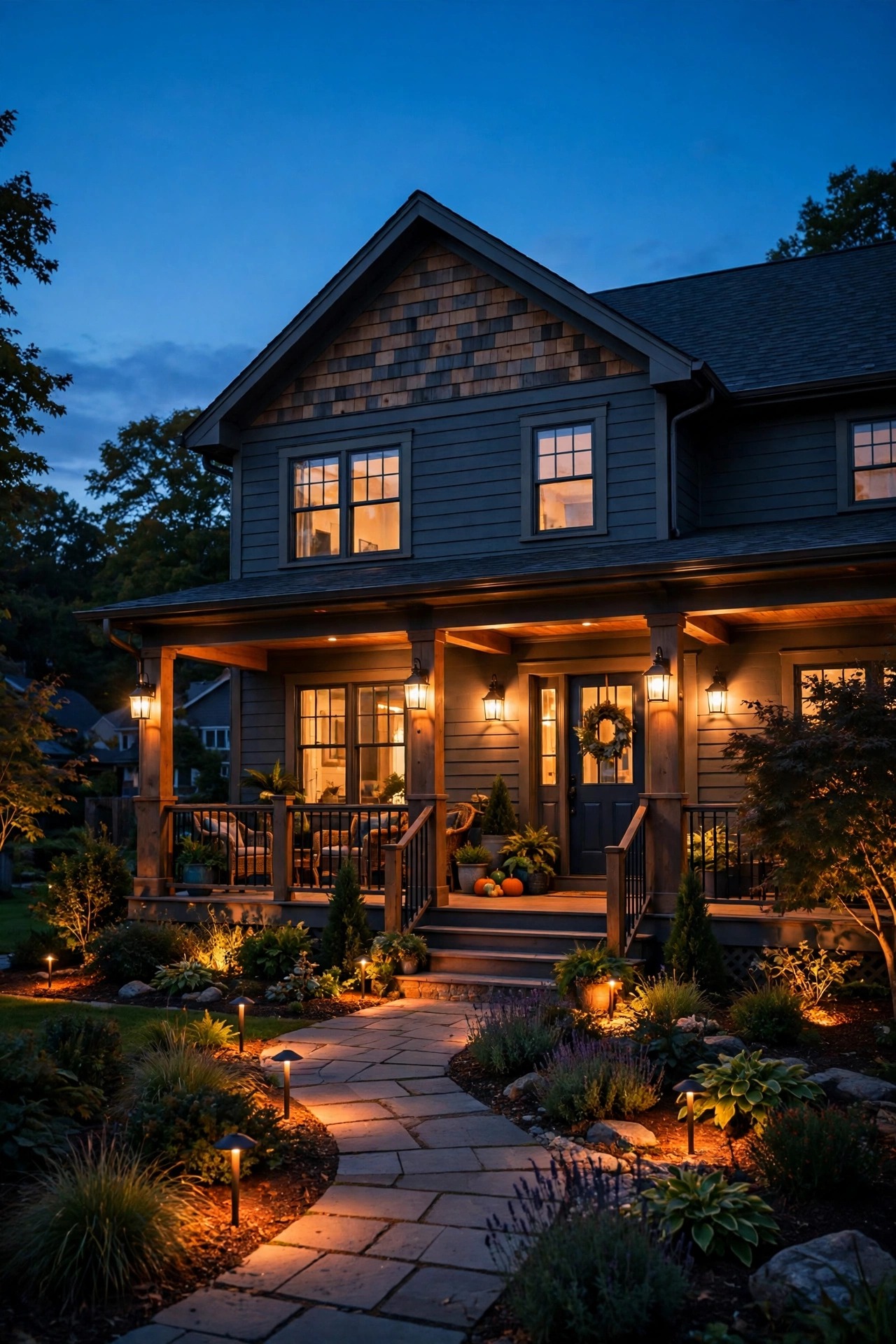
Each of the three ways to automate outdoor lights fails differently, so it helps to know the failure modes before you choose. A basic timer, mechanical or digital, runs a fixed clock schedule. It is simple and predictable, but the schedule drifts out of step with the real sunset within weeks, and somebody has to keep correcting it. That somebody was me, twice a season, every season.
A photocell switches by actual darkness, so it self-adjusts beautifully in an open spot with a clear view of the sky. Put that same sensor under a deep covered porch, on a north wall, or anywhere a streetlight or a neighbors floodlight spills onto it, and it gets confused — flickering, staying off, or never triggering at all. Sensors also foul. Dust, spiderwebs, and a season of grime slowly shift what the cell thinks dusk means, and I have a whole troubleshooting habit now for friends whose dusk-to-dawn fixtures misbehave.
The astronomical timer sidesteps both failure modes. It ignores light entirely and follows the calendar, so shade and sensor grime do not exist as problems. What it cannot do is react: on a black, stormy afternoon when the sky goes dark at four, the math still says sunset is at six. If reacting to real darkness matters more to you than never touching a setting again, a photocell in an open location is the better tool. For most porches and paths, I pick the math.

The Main Formats: In-Wall Switches, Plug-In Timers, and Transformer Controls
Astronomical timing comes in three shapes, and the right one depends on what the lights plug or wire into. The in-wall switch is the workhorse: it replaces the ordinary light switch that controls your porch or entry fixtures, sits in the same box, and runs those lights on sun time permanently. Most need a neutral wire in the box, which newer homes have and some older ones do not, so check before you buy. This is the format I recommend for any hardwired fixture you use every single night.
The plug-in astronomical timer is the renter-friendly and seasonal option. It sits between an outlet and whatever plugs into it — string lights, a lit wreath, a fountain pump on a lighting circuit, holiday displays — and outdoor-rated versions carry the same sun-tracking brains. When I compared plug-in models for my own patio, the standouts were the ones with battery backup and a weatherproof housing; my roundup of the best outdoor smart plugs and timers covers what to look for.
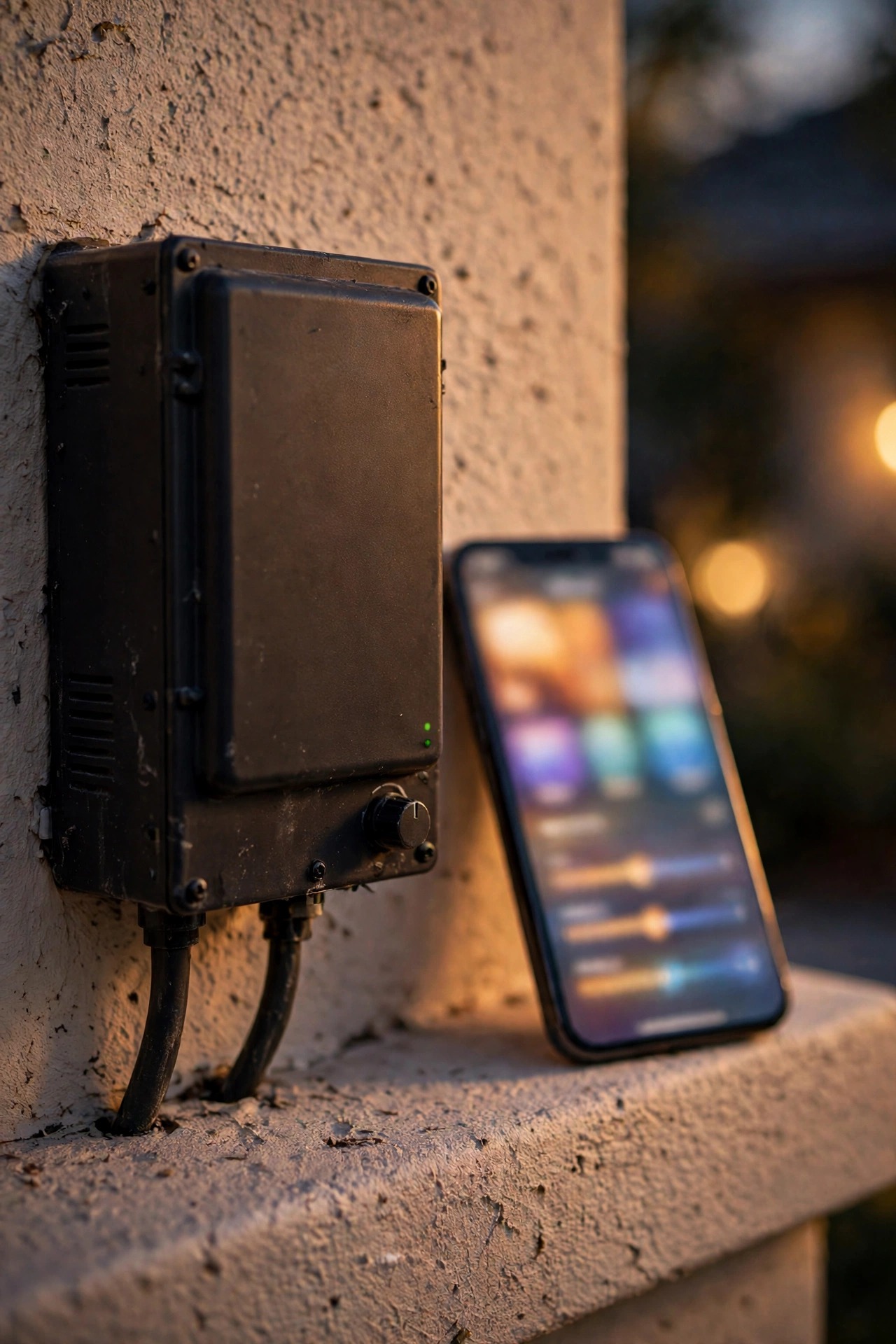
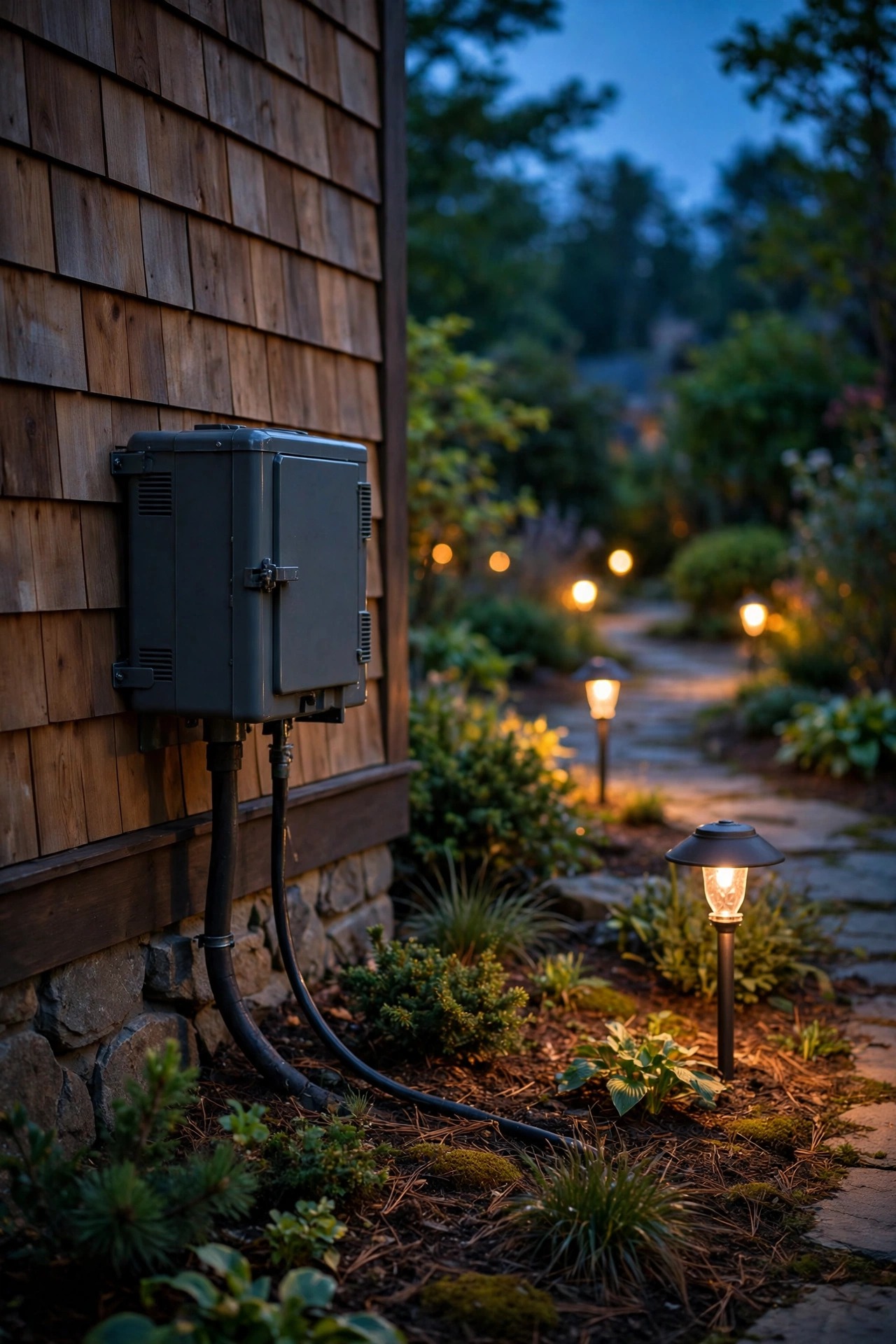
Third, many low-voltage landscape transformers now build astronomical timing into the transformer itself, sometimes as an upgrade module in place of the old snap-in timer or photocell. If your path and spot lights already run off one transformer, upgrading its control is the cleanest path of all: one setup, and the whole yard follows the sun.
Setting Up Astronomical Timer Outdoor Lighting, Step by Step
Setup takes about ten minutes, and nine of them are the physical install. The programming part is five decisions, in this order:
1. Set the clock and date first, including the year. The almanac math is only as good as the date it starts from, and a timer set to the wrong month will confidently give you Junes sunset in January.
2. Enter your location. Most models ask for a region code from a chart in the manual, a ZIP code, or latitude and longitude directly. Use the closest option offered; being one town over changes sunset by seconds, not minutes.
3. Turn on automatic daylight saving adjustment if your model separates it from the clock setting. On many units it is its own menu item, and skipping it is the number one reason these timers seem broken twice a year.
4. Choose your on event. On at sunset is the classic pick; you can add an offset here (covered in the next section) if your entry sits in deep shade.
5. Choose your off event: a fixed clock time like 11 pm, an offset after sunset, or sunrise itself for security lighting that runs all night.
6. Walk outside the first two evenings and confirm the timing feels right, then adjust the offset once if it does not.
If you want a second pair of eyes on the programming menus specifically, my companion astronomical timer setup guide goes through the common menu layouts button by button.
Offsets: The Small Setting That Makes It Feel Smart
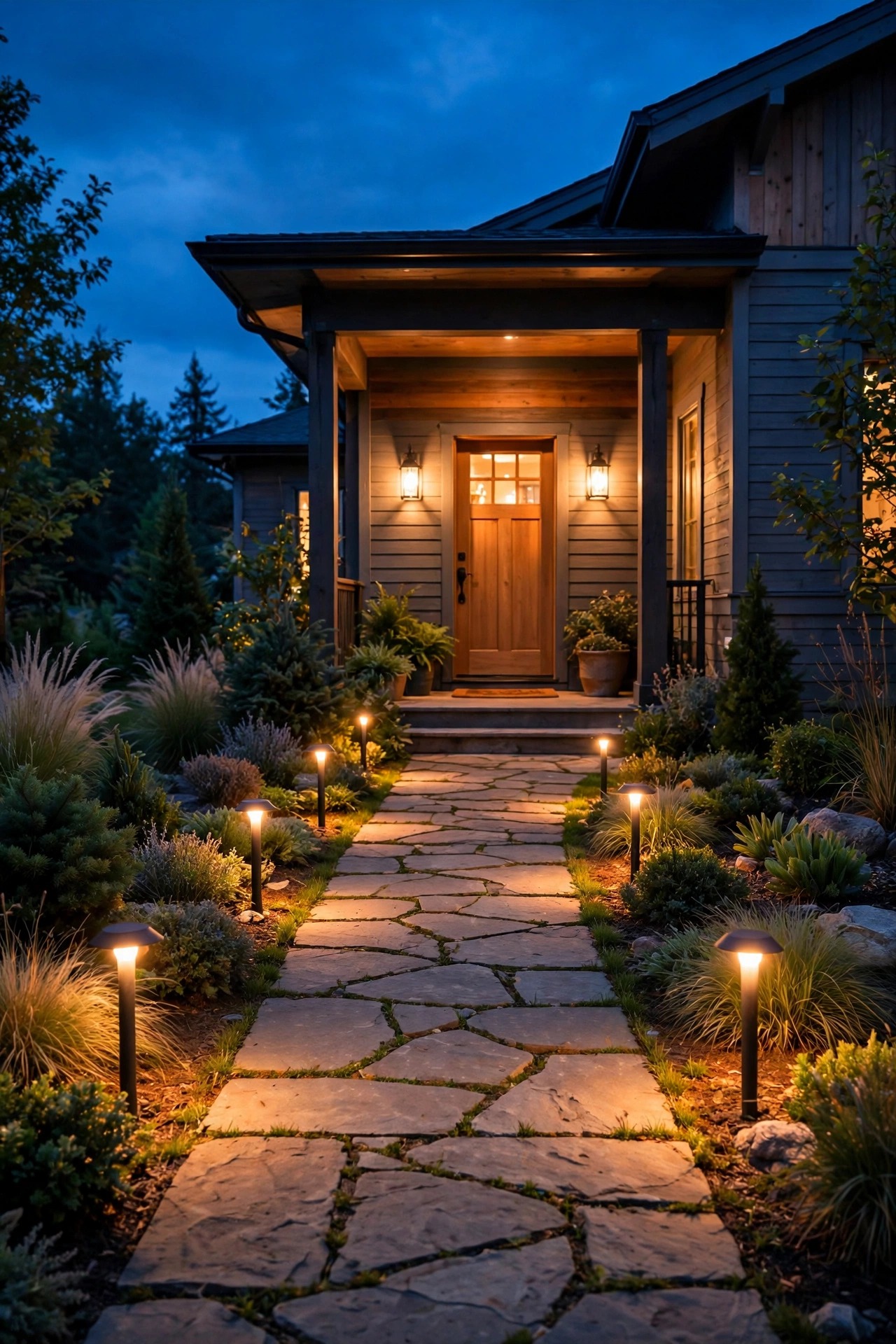
The offset is where an astronomical timer goes from accurate to genuinely thoughtful. Sunset is a single moment, but darkness is not — it arrives earlier under a deep porch roof, on the north side of a house, or beneath big shade trees, and later out on an open lawn. An offset lets you shift the switching by a chosen number of minutes before or after the calculated sunset, and most models allow anything from a few minutes to a couple of hours.
My own setup: the porch sconces come on twenty minutes before sunset, because our covered entry reads dark long before the street does, and the landscape lights follow ten minutes before sunset. For the off side, I prefer a fixed clock time for the decorative lights — 11 pm suits our evenings — while the single sconce by the door runs an offset after sunset in summer and effectively becomes a near-all-night light in December without my touching anything.
Start with fifteen minutes before sunset if your fixtures sit in shade, zero if they are out in the open, and watch two evenings before you judge. One adjustment is usually all it ever takes, and then the setting holds through every season, because the timer keeps moving the base sunset time underneath your offset all year.

Random and Vacation Modes: An Empty House That Looks Lived In
Most astronomical timers include a random or vacation mode, and it is worth turning on even for a long weekend. Instead of switching at the calculated minute every night, the timer jitters the on and off times by a random amount — usually up to about thirty minutes either way — so the pattern never repeats exactly. A house whose porch light snaps on at precisely 6:47 every evening is announcing a timer. One that lights at 6:31, then 7:05, then 6:52 reads as a person.
Pair the random mode with a sensible off time and the effect holds up well. I leave the porch and one path zone randomised when we travel, and I deliberately keep the schedule modest — lights off around our usual bedtime rather than blazing until 2 am, which looks less like a family at home, not more.
Two honest limits. Random mode only varies the times; it does nothing about a house that is visibly still, so pair it with the usual basics of stopping deliveries and having a neighbor collect the mail. And check whether random mode is a separate switch or buries itself in the program menu — on a few models, enabling it quietly overrides your offsets, which you will only discover when the porch lights come on at an odd hour the first night home.

Daylight Saving, Battery Backup, and Power Outages
Twice a year, daylight saving time is where cheap timers embarrass themselves, so it is fair to ask how an astronomical model handles it. On any unit with the automatic DST setting enabled, the clock springs forward and falls back on the correct dates by itself, and because the sunset table is tied to the date rather than the clock, the schedule lands correctly the same evening. No ladder, no dial, no dark porch on the first Monday after the change. Just confirm the DST setting is actually on during your first setup — on some models it ships disabled.
Power outages are the other test. Most astronomical switches and plug-in timers carry a small internal battery or capacitor that preserves the clock and your program while the power is out. Short outages pass unnoticed. After a long one — think a full day or more — a drained backup can mean the clock needs resetting even though your program survives, and a few older capacitor-only models lose about an hour of timekeeping for every day without power. After any serious outage, glance at the timer's display as you would at a microwave clock. Ninety-nine evenings out of a hundred, though, you will never think about any of this, which is rather the point of the device.
Where Astronomical Timer Outdoor Lighting Wins — and Where It Does Not
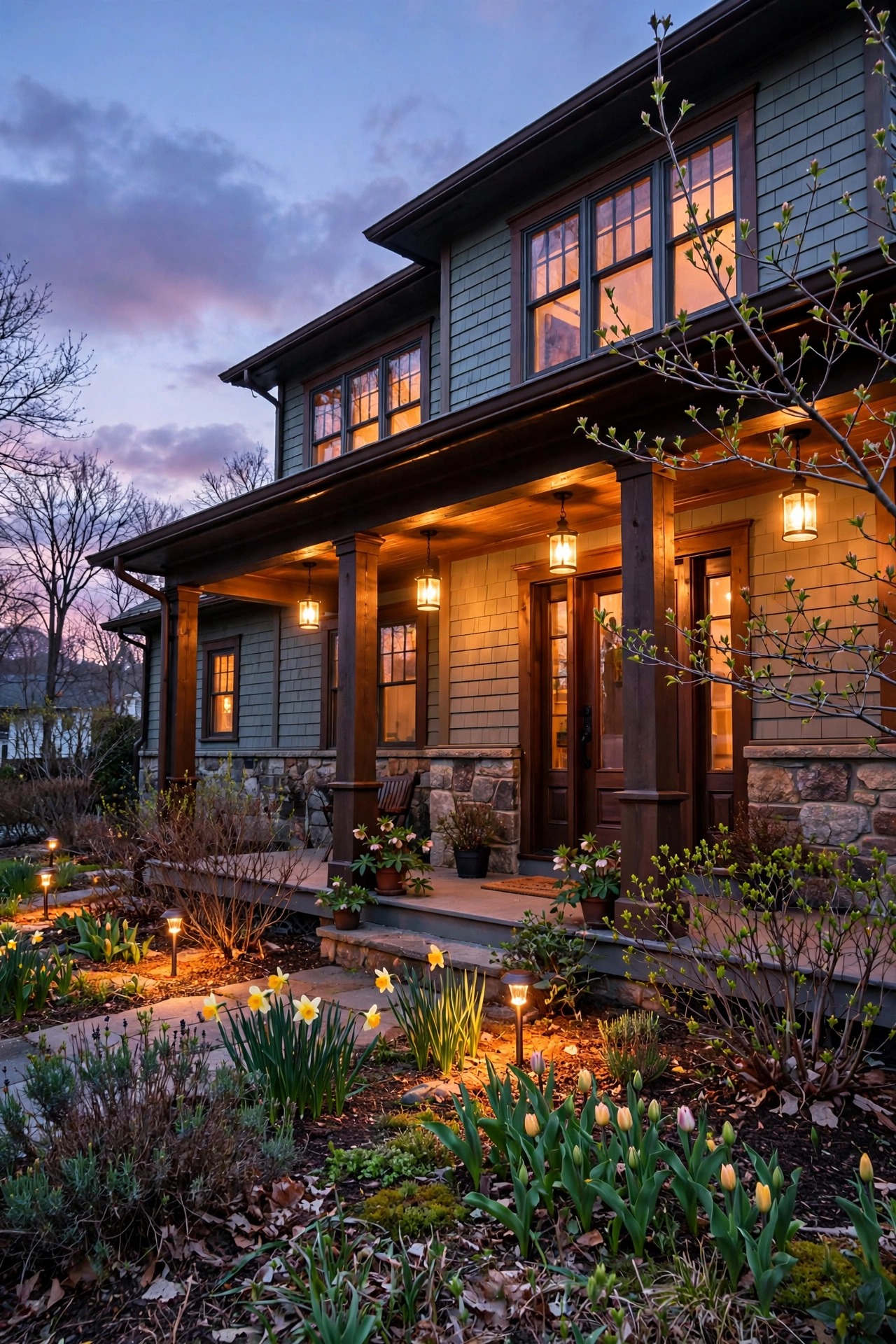
Let me be plain about both sides, because I have recommended these timers to friends for years and I know exactly where they shine. They win anywhere a sensor struggles: deep covered porches, north-facing entries, fixtures under eaves or dense trees, and any wall that catches spill from a streetlight. They win on consistency, because the lights greet you at the same relative moment every day of the year. And they win on effort, which for most of us is the whole argument: after one evening of setup, there is nothing left to do, ever.
They do not win everywhere. As I mentioned, the math cannot react to a genuinely dark afternoon — a heavy storm at four o'clock will leave an astronomical-timed porch dark until the calculated sunset, while a photocell would have lit it. They also carry a modest price premium over a basic timer, they ask a little more of you during setup than a plug-and-twist mechanical dial, and in-wall models assume a neutral wire that some older switch boxes lack.
My honest rule: if the fixture runs every night and lives anywhere near shade or a roofline, go astronomical. If it is a single open-sky security light where reacting to storms matters, a good photocell still earns its place. Plenty of homes, mine included, run both — math for the porch and paths, a sensor for the driveway flood.

Mistakes That Make a Good Timer Look Broken
Almost every astronomical timer I have been asked to fix was working perfectly — it was the setup that had a small flaw. The greatest hits: the wrong location. A region code picked from the wrong chart row, or a ZIP entered with one digit off, shifts sunset by real minutes every night and looks exactly like a faulty unit. DST left off, which produces a schedule that is mysteriously one hour wrong for half the year. Judging on night one and piling on offsets before the base timing has had two evenings to prove itself. And overriding manually, then forgetting — most models hold a manual override until the next programmed event, but a few hold it until you cancel it, so a porch switched off for a party can stay off for a week.
I keep a running list of these in my notes on lighting timer programming mistakes, and it is worth a skim before your first setup rather than after your first dark walkway. Every mistake on that list takes under a minute to avoid and an evening of head-scratching to diagnose after the fact. My own trick is a sticky note inside the breaker panel door — location code, offset, DST on — written the day I set each timer up. Future you, standing in a dark entry in November, will be grateful.
What It Costs in 2026
Astronomical timing costs a modest premium over the basic versions of everything, and in my experience it is the easiest premium in outdoor lighting to justify. Plug-in astronomical timers generally run from about $20 to $50, with outdoor-rated, battery-backed models at the top of that range. In-wall astronomical switches sit between roughly $25 and $70 depending on whether they include extras like random mode, a backlit display, or compatibility with dimmers and three-way circuits. Landscape transformers with built-in astronomical control carry a premium of about $30 to $80 over an equivalent basic transformer, and add-on astronomical modules for existing transformers land in a similar band.
Installation is where the spread really lives. A plug-in timer costs nothing to install. An in-wall switch is a comfortable DIY job for anyone who has swapped a switch before — power off at the breaker, four or five wires, twenty minutes. If your switch box lacks a neutral wire or you would simply rather not open the box, an electrician will typically charge in the $100 to $200 range for the visit, which still puts the whole project well under $300. Running costs are effectively zero: the timer itself sips power, well under $1 a year, and the sunset-accurate schedule usually trims a little waste compared with a fixed timer that runs lights into daylight every summer morning.
Frequently Asked Questions
Does an astronomical timer need Wi-Fi or a phone app?
No. The sunrise and sunset tables live inside the timer itself, along with its calendar and clock, so it works entirely on its own with no network, no app, and no account. Some newer models add app control as an extra, but the astronomical function never depends on it — and honestly, the independence is a large part of the appeal.
How accurate is the calculated sunset time?
Within a few minutes for most homes. Using a region code instead of your exact coordinates can shift things slightly, and local terrain matters too — a house in a valley or in the shadow of a ridge experiences darkness earlier than the table assumes. That is exactly what the offset setting is for: dial in ten or twenty minutes once, and the timer stays right all year.
Will an astronomical timer work with LED bulbs and low-voltage landscape lights?
Yes, with one check. Confirm the switch or timer is rated for LED loads — nearly all current models are, but very old ones designed for incandescent loads can make LEDs flicker or glow faintly when off. For low-voltage systems, the astronomical control lives in or on the transformer, so the fixtures and bulbs downstream do not care what is switching them.
What happens to the schedule as the seasons change?
Nothing you need to do. The timer recalculates sunset from the date every day, so the on time creeps later through spring, peaks around the summer solstice, and walks back earlier through fall — roughly a minute or two a day. Your offset, if you set one, rides along on top of the moving sunset automatically.
Conclusion
If I had to name the one automation upgrade that quietly pays me back every single evening, it is this one. Astronomical timer outdoor lighting asks for ten minutes of setup and then simply keeps faith with the seasons — lights on as the porch goes dusky in December, lights on as the garden fades in June, and never a dial to nudge in between. Pick the format that matches what you already have, an in-wall switch for hardwired fixtures, a plug-in for seasonal and string lights, or a transformer upgrade for the landscape system, set your location, add a small offset if your entry hides in shade, and forget it for the year. For more ways to make your evenings outside glow, browse the rest of my outdoor lighting ideas here on the site — the kettle is on, and the porch light, right on time, is too.