There is a moment every evening, right as the sky turns that deep blue, when my yard either looks alive or looks forgotten. The difference is rarely the fixtures themselves. Honestly, it is whether anyone remembered to turn them on. That is exactly why I fell in love with smart outdoor lighting scenes. A scene is a saved mood: one tap or one voice command that sets every bulb to the right brightness and color. A routine is that scene on autopilot, fired by sunset, motion, or the clock. Together, they take the layering philosophy I use everywhere, guidance light low along the paths, welcome light at eye level, and accent light washing up into the trees, and they make it run itself. In this post I am sharing the 13 setups that actually earn their keep at my house, from the sunset welcome that greets the school bus to the movie-night dim that keeps the screen glare-free. Each one comes with the gear you need, the settings I use, and an honest budget, so you can copy them this weekend.

1. The Sunset Welcome, My Favorite of All Smart Outdoor Lighting Scenes
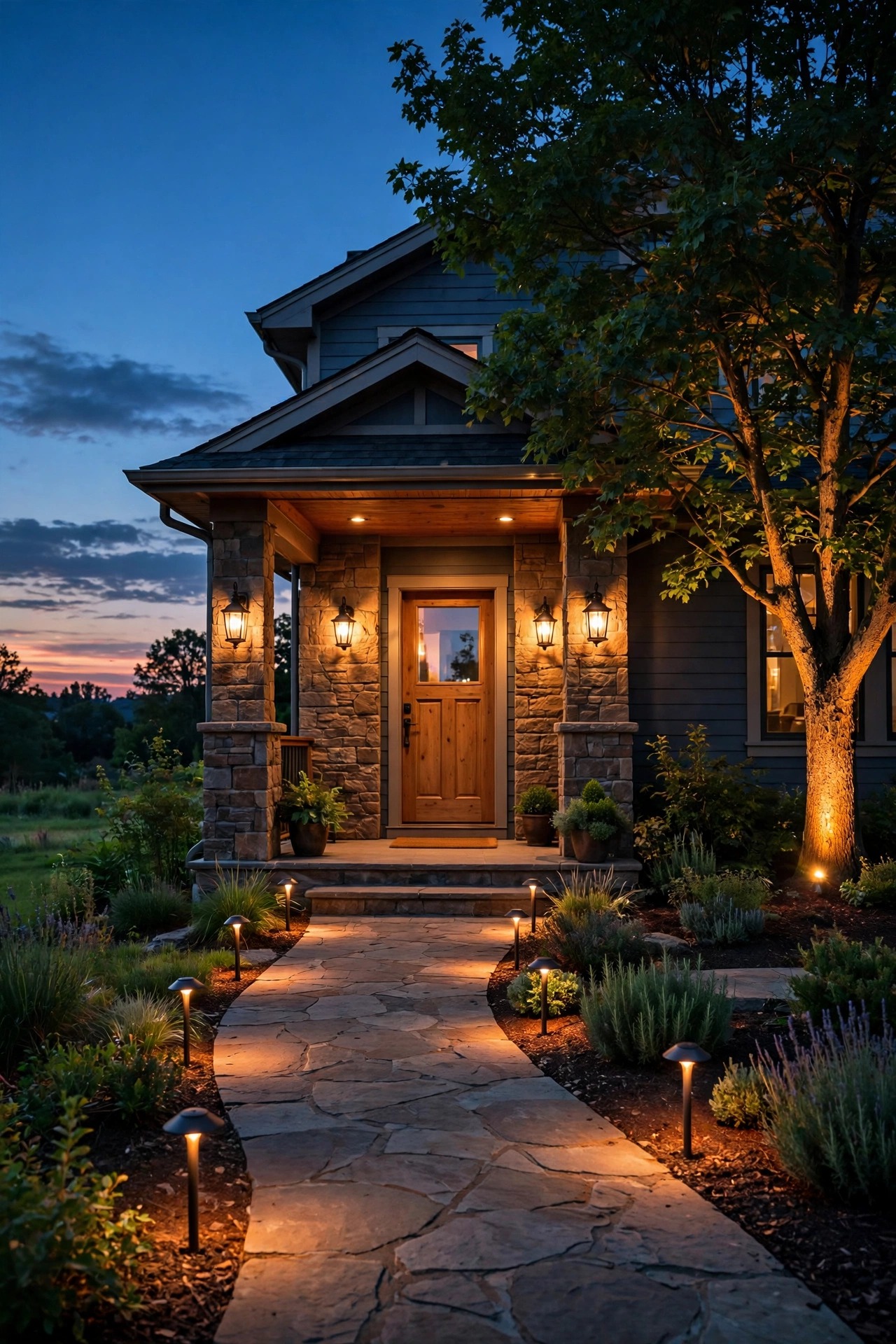
Every great evening at my house starts the same way: about fifteen minutes before sunset, the yard quietly wakes up on its own. In the phone app, I set the trigger to sunset minus fifteen minutes, and the app pulls the exact time from my location, so it self-adjusts all year. The path lights come on first at 40 percent, just enough to trace the walkway edges. Two minutes later the porch sconces fade up to 60 percent, and two minutes after that the tree uplight joins at a warm 2700K. That little stagger is the secret. Instead of a harsh all-at-once blast, the light builds the way a sunset does, low guidance first, welcome light second, accent last. I run this routine seven days a week, and I have not touched a light switch since spring. If your fixtures are older, a single smart plug on the low-voltage transformer gets you the same sunset trigger for very little money. Set the off time for 11 p.m. while you are in there, and this one routine will quietly carry your whole yard.
Suggested budget range: $60 – $180.
2. The Welcome-Home Arrival, Powered by Motion
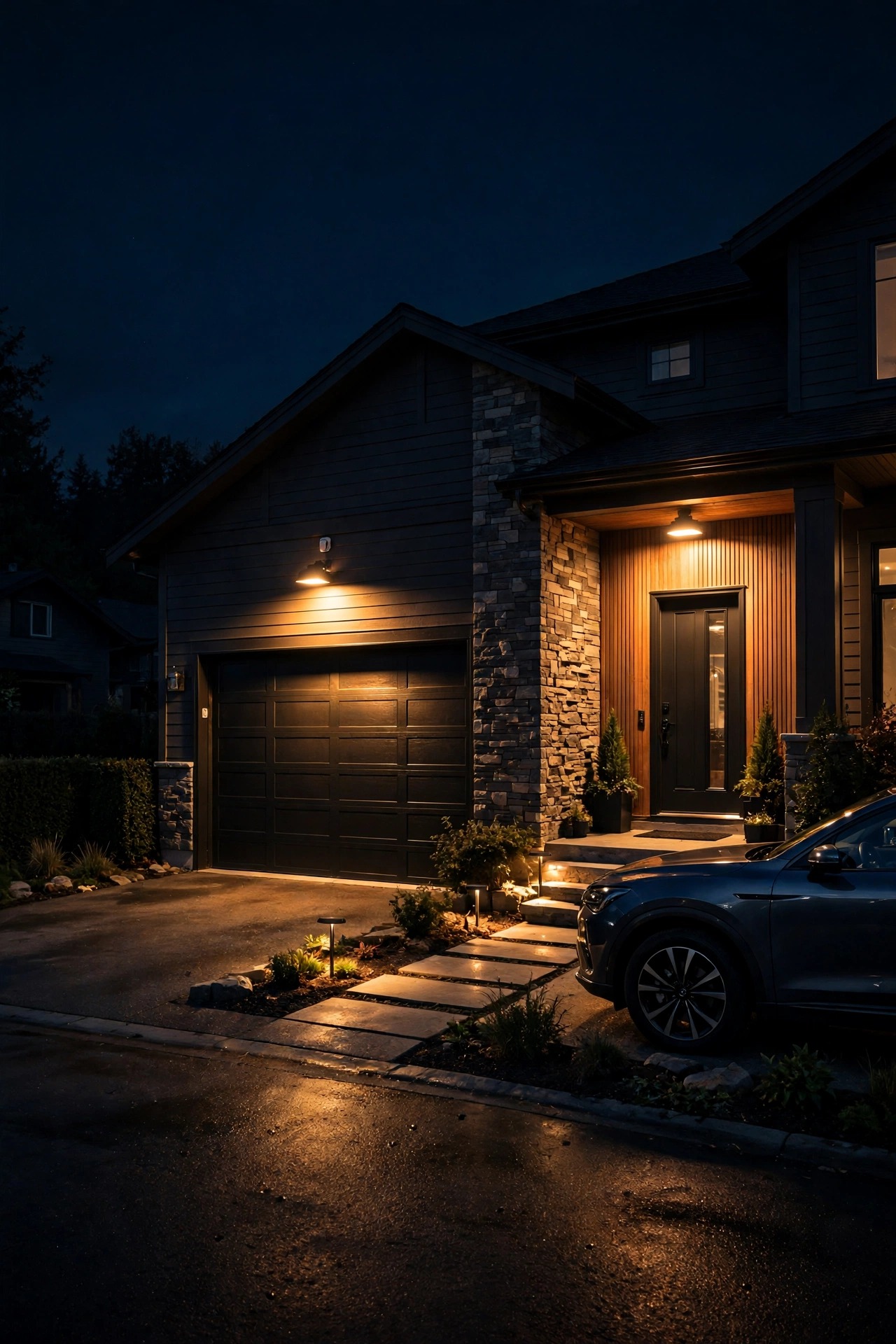
When my daughter pulls into the driveway after dark, I want the house to say hello before I do. This scene uses one outdoor motion sensor mounted at the corner of the garage, angled down the driveway so it catches people and cars but not the street. When it trips, every exterior light jumps to 100 percent for five minutes, then fades back to whatever scene was running before. Placement matters more than the sensor itself. Keep it 6 to 8 feet high, pointed away from shrubs that wave in the wind, and test the 25- to 30-foot range by walking it at night. I also set the routine to run only between sunset and sunrise, so a midday delivery does not light up the yard. My motion sensor outdoor lights guide walks through the mounting details if you want the full method. The five-minute hold is long enough to unload groceries and find the house key, and the gentle fade back down means guests never feel like the yard switched off on them mid-sentence.
Suggested budget range: $45 – $150.
3. Dinner on the Patio, Warm and Low
Restaurant patios feel magical for one reason: the light is warm, low, and never in your eyes. I copy that with a scene I call Dinner. The string lights over our pergola drop to 50 percent, the wall sconces go down to 20 percent, and the bright path lights at the far end of the yard turn off completely, so the table feels like its own little room. Color temperature does the heavy lifting here, so I keep every bulb in this scene between 2200K and 2700K, that candlelight range that makes food and faces look good. One practical tip: keep the brightest bulb at least 10 feet from the table. Moths and June bugs gather at the brightest point, and you would rather they gather over the lawn than over the potato salad. I saved this scene as a shortcut on my phone home screen, so when the burgers come off the grill, one tap sets the mood before anyone sits down. Dimming also stretches bulb life and trims the electric bill, which makes this cozy scene the hardest-working one I own.
Suggested budget range: $35 – $120.

4. Movie Night Without the Glare
Outdoor movie night fails fast when a bright sconce reflects off the screen or a floodlight washes out the picture. My Movie Night scene turns every accent light off, drops the string lights to 15 percent in a warm amber tone, and leaves only the low step lights on so nobody trips carrying popcorn. If your bulbs change color, amber or soft orange at low brightness is far kinder to a projected image than white at the same level, and it keeps the night-vision feel of a real theater. I trigger this one manually rather than on a schedule, because movie nights never start on time at my house. Add an end condition if your app allows it: when the scene finishes at midnight, the yard returns to the soft overnight setting instead of going fully dark, so late-night dog trips still have a safe path. A small detail I love: put the projector outlet and the string lights on the same smart plug group, and one tap powers the whole theater down when the credits roll.
Suggested budget range: $30 – $110.

5. The Holiday Glow-Up, Saved Once and Reused All Year
The smartest thing I ever did with color bulbs was stop reprogramming them every holiday. Now I save one scene per celebration and simply schedule it for that week each year. Halloween gets orange and purple at 80 percent, with the porch bulb set to a slow pulse if the app offers an effects mode. Christmas gets warm white string lights with red and green accents on the two porch bulbs. The Fourth of July is red, white, and blue across the path lights. Because every scene is saved, setup takes about ninety seconds: open the app, pick the scene, set the date range. Two neighborly rules I follow: colors run from dusk to 10 p.m. only, and I skip flashing or strobe effects entirely, out of respect for anyone sensitive to flashing light. Keep your plain warm-white Everyday scene right next to the holiday ones, so switching back on January 2nd takes one tap. This is the setup guests ask about most, and it costs me almost nothing beyond the color bulbs themselves.
Suggested budget range: $50 – $200.

6. The Security Sweep
This is the one routine I hope never truly matters, but I sleep better knowing it runs. Any motion sensor on the property, driveway, side gate, or back fence line, can trigger the sweep: every exterior light to 100 percent, with the floods in bright white, for three minutes. Bright light is an honest signal that the house is awake and aware. The trick is avoiding false alarms, so I require two things: the trigger only counts after dark, and the back-gate sensor points at the gate latch, not the bird feeder. Squirrels at noon should never start a light show. I also angle the floodlights down at about 45 degrees, so they light the ground a person would stand on, not the bedroom windows across the street. Test the sweep monthly by walking the property line at night. If a corner stays dark, that is where a small solar motion light earns its keep as a gap filler. Peace of mind, in my experience, is mostly about eliminating those dark corners one by one.
Suggested budget range: $70 – $220.

7. The Lived-In Vacation Look
An empty-looking house is an invitation, so when we travel, my yard pretends we are home. The vacation routine runs three smart plugs on a loose, human-looking pattern: porch light on at dusk, off at 10:47. Path lights on at sunset, off at 11:23. The tree uplight joins only on Friday and Saturday, the way it does when we are actually home hosting. The odd minutes are deliberate. Lights that snap on at exactly 7:00 every night look programmed, because they are. Most apps have an away mode that shifts times by up to 30 minutes a day, and my guide to the best outdoor smart plugs and timers covers which features are worth paying for. One warning from experience: tell a trusted neighbor the lights are automated. Ours once called to report that our porch light was acting strange while we were in Florida. Sweet of her, but it gave me a small heart attack at the beach. Set it, screenshot your settings, and go enjoy your trip.
Suggested budget range: $25 – $90.
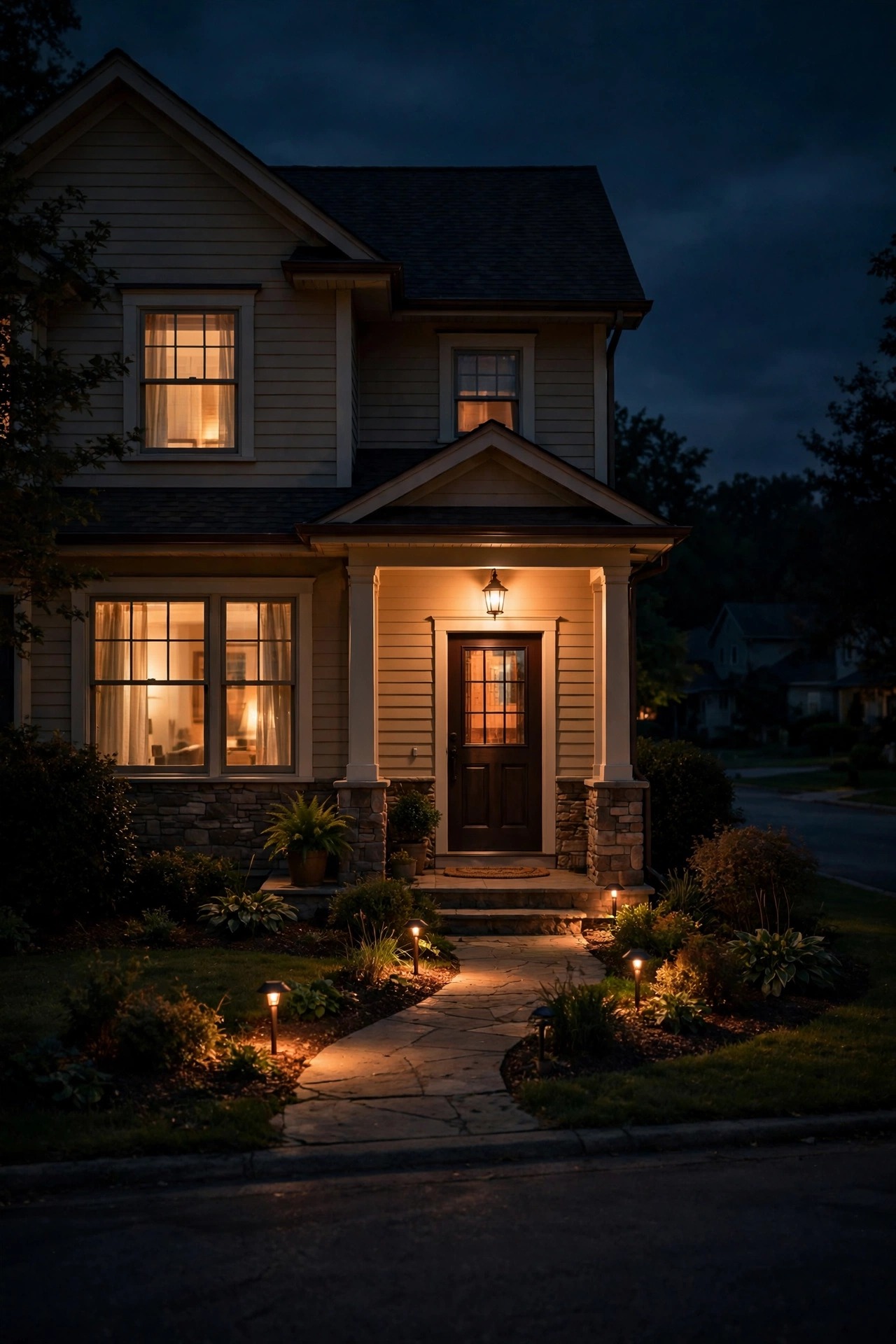
8. The Party Scene, Where Smart Outdoor Lighting Scenes Get Fun
When the backyard fills with people, the lighting should feel like it dressed up too. My Party scene turns everything on, but not everything up. String lights run at 80 percent, path lights at 60 so guests can see the ground without squinting, and the color bulbs in the garden beds cycle slowly through saturated jewel tones, teal, magenta, deep amber, on a slow fade. Slow is the whole secret. Fast color changes feel like a carnival ride; a gentle twenty-second drift feels like a garden party. I set the scene to switch off automatically after four hours, because the one thing I never remember at midnight is turning the yard off. One practical note: party scenes draw the most power of anything in this list, so check that your outdoor smart plugs are rated for the full string-light load. For LED strings, 8 to 10 amps is usually plenty. Save a second version, Party Lite, at half brightness for smaller weeknight gatherings, and you will use it twice as often.
Suggested budget range: $60 – $250.

9. The Slow Wind-Down
Nobody at my house announces bedtime; the yard does it for us. Starting at 9:30 p.m., the accent lights fade out over ten minutes. At 10, the path lights drop to 20 percent, just a breadcrumb trail. At 11, everything goes dark except the porch light at 10 percent, a night-light for the whole house. Those long, slow fades are something a plain timer can never do, and they feel genuinely luxurious, like the house is exhaling. There is a real benefit beyond mood: less light after 11 means fewer bugs at the windows, happier neighbors, darker bedrooms, and a friendlier sky for anyone who likes stargazing. I noticed our electricity use dropped, too, roughly a third off our outdoor lighting, because the yard spends half the night at a whisper instead of a shout. If your app supports fade durations, set them as long as it allows. Ten minutes is good; twenty is better. This is the routine that made my husband, a committed light-switch traditionalist, finally admit the smart setup was worth it.
Suggested budget range: $0 – $75.
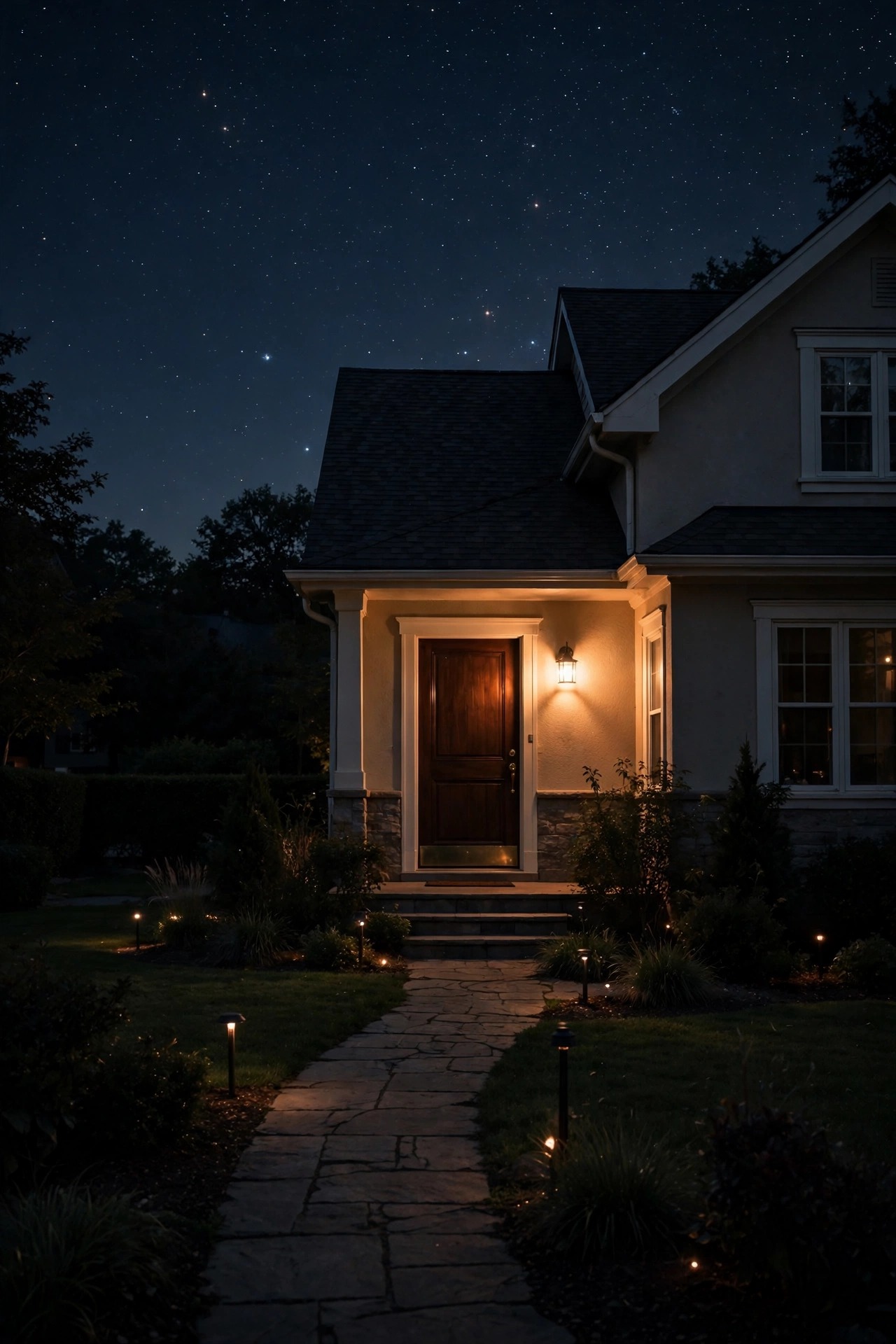
10. The Early-Morning Coffee Porch
Scenes are not only for evenings. At 5:45 on weekday mornings, my porch wakes up gently before I do: step lights at 30 percent, the sconce by the door at 40, everything in the softest warm white the bulbs can make. It is enough light to carry a coffee mug down the steps without squinting, and it shuts itself off at sunrise so I never waste a watt on a bright morning. In winter, when sunrise comes late, this little routine is the difference between a gloomy start and a cozy one. I pair it with a motion rule: if the back door sensor trips before 5:45, say the dog needs out at 4 a.m., the same gentle scene runs for ten minutes and then fades away. Keep morning brightness low on purpose. Eyes at dawn are adjusted to darkness, and 40 percent honestly feels like full daylight. If anyone in the house leaves for work early, having the driveway path already lit on dark mornings is a small kindness you will appreciate every single day.
Suggested budget range: $20 – $80.

11. The Garden Tour, One Zone at a Time
Most people turn every accent light on at once and call it done. Designers do the opposite: they let the garden reveal itself in chapters. My Garden Tour routine staggers three zones ten minutes apart at dusk. First the front bed uplights, then the big oak gets its crown light, then the fountain and the back border join. Standing on the porch with a glass of sweet tea, you watch the yard deepen layer by layer, and honestly, it never gets old. To build it, group your fixtures into zones in the app, front, middle, and back, and give each zone its own start time on the same sunset trigger. Keep brightness uneven on purpose: hero trees at 100 percent, shrubs at 60, ground cover at 30. That contrast is what makes a garden look designed rather than merely lit. This setup rewards a little patience on install day, since it needs your fixtures on at least two or three separately controlled plugs or circuits. Once the zones exist, though, every other scene in this list gets easier to build.
Suggested budget range: $90 – $300.

12. Date Night on the Deck
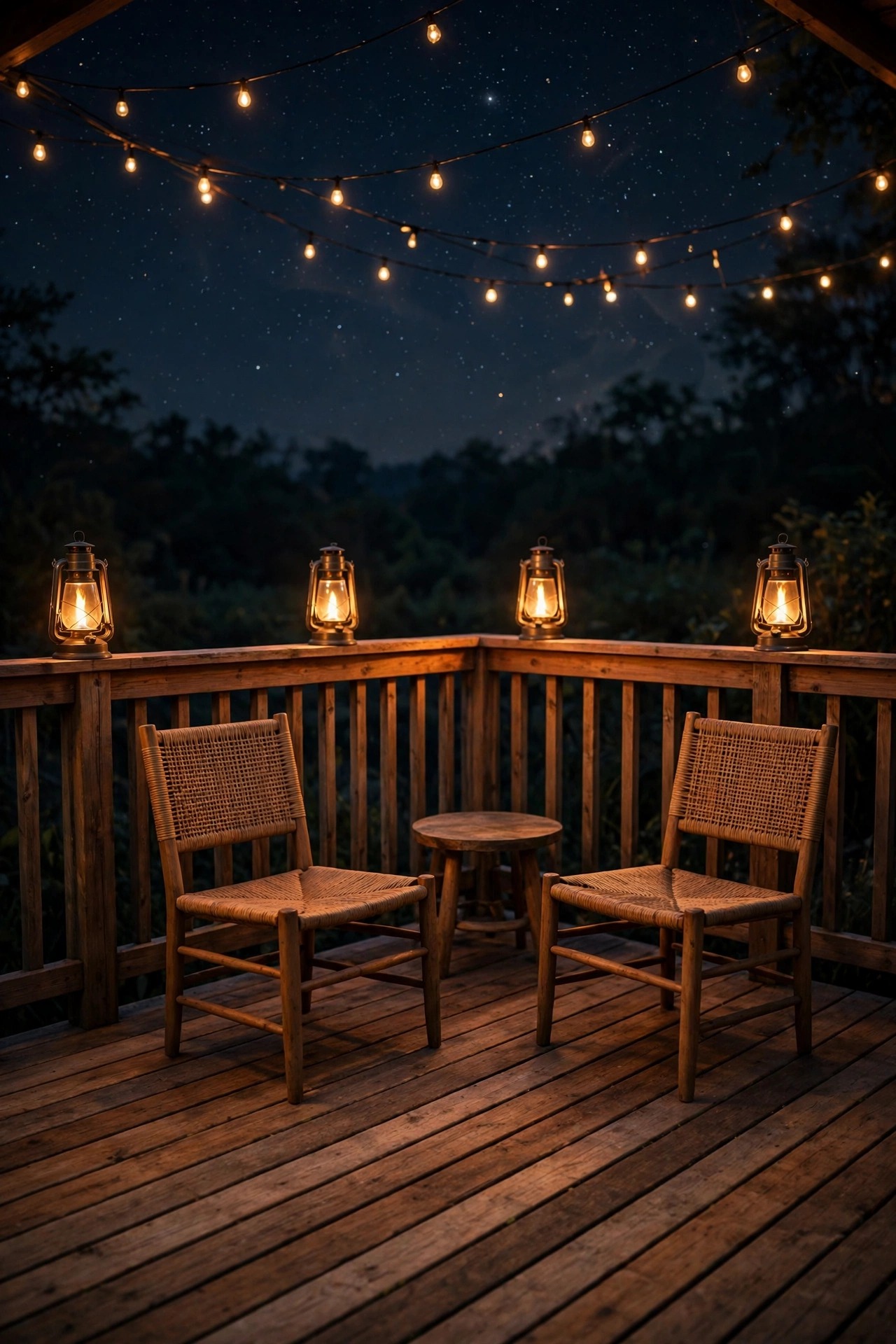
When it is just the two of us, I want the deck to feel like a tiny restaurant we never have to leave. Date Night turns off every white light in the yard except one low path light for safety, and switches the deck lanterns, which sit on a smart plug, to flame-effect bulbs glowing with a warm flicker. The string lights drop to 25 percent, low enough that the stars come back. If your bulbs support a candle or fireplace effect, this is the scene it was made for. I learned to pause the motion triggers during this scene, because nothing ruins a quiet moment like the security floods firing up when someone reaches for a drink. Most apps let you pause specific routines inside a scene; use it. Set an end time as well, midnight at our house, so the deck resets to the overnight setting without either of us getting up. Small, warm, and deliberately simple, this setup proves smart lighting is not about gadgets at all. It is about how a place feels.
Suggested budget range: $40 – $140.
13. The Goodnight Sweep
The most-used button in my lighting app is the least glamorous: Goodnight. One tap, or one sleepy sentence to the voice assistant, and the entire property settles in a specific order. String lights off first, then the accents, then the path lights fade to their 10 percent overnight glow, and the porch light takes its night-watch setting at 20 percent. The door and gate sconces with motion sensors stay armed, so the yard is calm but never blind. I built this as a scene rather than a schedule because real life does not end at the same time every night. Some evenings Goodnight happens at 9:40; some at 1 a.m. after a bonfire. That flexibility is the whole point of scenes you trigger yourself, versus routines that run on the clock. Take ten minutes this week to build your own version: list every light you own, decide what off, low, and armed mean for each one, and save it. Of all 13 setups here, this is the one I would keep if I could only keep one, and the one every overnight guest asks me to show them before bed.
Suggested budget range: $0 – $50.

Frequently Asked Questions
What is the difference between a smart lighting scene and a routine?
A scene is a saved combination: which lights are on, at what brightness, and in what color, all recalled with one tap or voice command. A routine is automation wrapped around a scene or action, so it runs by itself when a trigger happens, like sunset, a set time, or a motion sensor tripping. I think of scenes as moods I choose, and routines as habits the house keeps. Most setups in this post pair the two: I build the scene once, then let a routine fire it.
Do smart outdoor lighting scenes still work if the Wi-Fi goes down?
Mostly, yes, with limits. Schedules and routines stored on the bulbs, plugs, or a home hub usually keep running during an outage, so sunset and timer scenes fire as normal. What you lose is live control from the phone app and voice commands until the connection returns. My backup is boring but reliable: every smart circuit in my yard can still be switched the old-fashioned way at the fixture or breaker, so a dead router never means a dark house.
How much does it cost to add scenes and routines to lights I already own?
Less than most people expect, because you usually do not need new fixtures. Outdoor smart plugs run about $12 to $25 each and can put an entire string-light run or transformer on a scene. Smart bulbs run roughly $10 to $20 each for white and a bit more for color. Most of my neighbors start with two plugs and one evening of setup for under $50, then add bulbs zone by zone as the habit sticks.
Can I mix bulbs and plugs from different makers in one scene?
Within a single app, a scene can only control devices that live in that app, so mixing makers there gets complicated fast. A voice assistant can usually group devices from several makers for simple commands like on, off, and dim, which covers a surprising amount of everyday use. My honest advice: pick one main app for your outdoor gear and stick with it outside. Your scenes stay tidy, updates stay simple, and everything in this post works exactly as described.
Conclusion
Here is what I wish someone had told me at the start: the fixtures were never the hard part. Smart outdoor lighting scenes took the layered yard I already had, low guidance light, eye-level welcome light, and a little sparkle up high, and taught it to run on its own. Start with the sunset welcome and the goodnight sweep, since those two carry ninety percent of the magic. Add motion, color, and zones as you get comfortable. If you want the hardware basics first, my complete smart outdoor lighting guide covers bulbs, plugs, and hubs in plain English. Now go make your yard greet you properly.