
Picture this: you are halfway through flipping burgers on the patio, the light is fading fast, and your hands are covered in barbecue sauce. Nobody wants to put the tongs down, wipe off, and go hunting for the switch by the back door. This is exactly the moment voice controlled outdoor lighting earns its keep — one short sentence and the string lights, the porch lantern, and the path lights all glow to life while you keep cooking. I set up my first voice-controlled lights three summers ago, mostly as a novelty, and within a month the wall switches in our house were basically decorative. Voice control is not about showing off. It is about light that shows up the second you need it: arms full of groceries, kids finally asleep, a strange noise in the side yard at midnight. In this guide I will walk you through the whole setup with Alexa or Google — picking a smart bulb, switch, or plug, naming lights so commands land the first time, building routines, fixing outdoor Wi-Fi hiccups, and what it all honestly costs in 2026.
The Short Answer
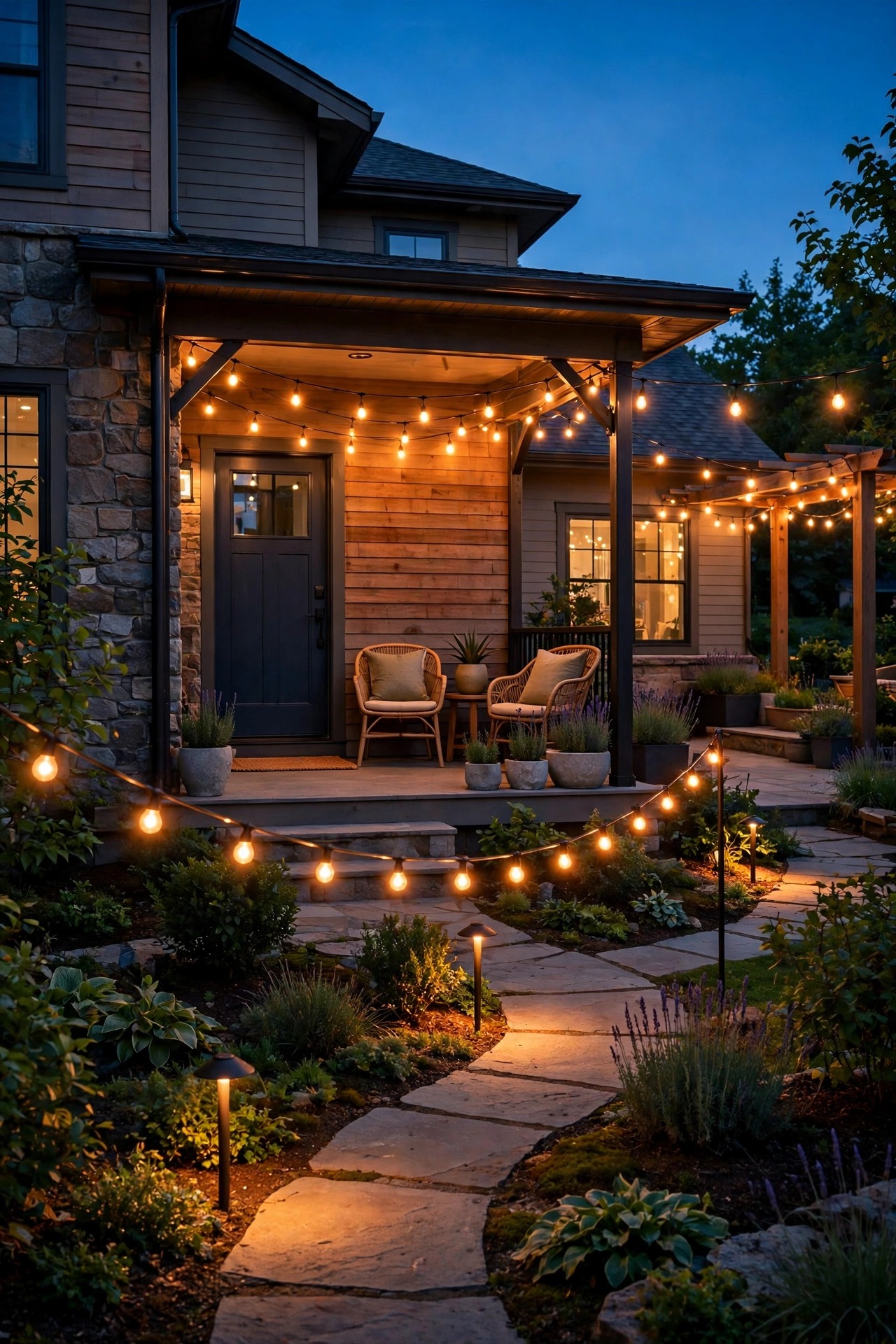
Voice controlled outdoor lighting works by giving an ordinary light a smart bulb, smart switch, or smart plug, then linking that device to Alexa or Google through its free app. Give each light a short, clear name, group the lights by zone — Porch, Patio, Front Yard — and you can turn them on, dim them, or warm them up with one sentence, or let sunset routines do it for you. Most homes need only a smart speaker or a phone, a solid 2.4 GHz Wi-Fi signal outside, and one evening to set it up.
How Voice Controlled Outdoor Lighting Works
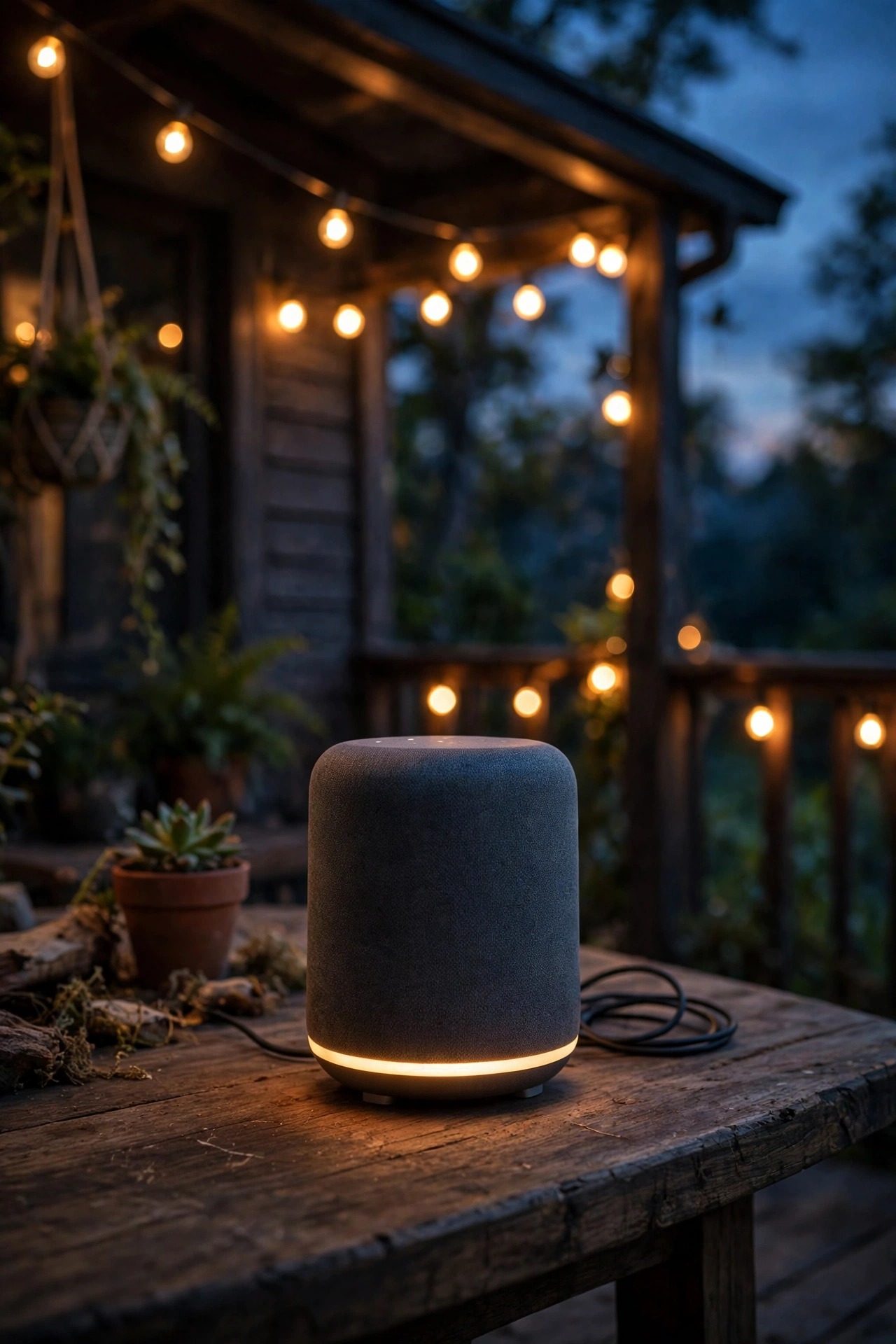
Here is the chain, because once you see it, every setup step in this guide makes sense. You say a command out loud. A smart speaker, smart display, or your phone hears it and sends it to your assistant — Alexa or Google — which figures out which device you mean. The assistant then sends an order over your Wi-Fi to the smart device at the fixture, and that device does the actual work: a smart bulb lights itself, a smart switch closes the circuit, or a smart plug powers whatever is plugged into it. The whole round trip usually takes about a second.
The most important thing to understand is that the voice assistant is only the remote control. It holds no power and lights nothing by itself. The brains live in the device at the fixture, which is why choosing the right control point — bulb, switch, or plug — matters more than which assistant you pick. Most outdoor smart gear talks straight to your router over 2.4 GHz Wi-Fi, so no extra hub is required for a typical porch-and-patio setup. A few specialty systems use a small bridge box that plugs into your router; those are fine too, just one more piece to place near the router.
One honest quirk: because your command travels to the cloud and back, voice control needs a working internet connection, even though the light is ten feet away. Your schedules and routines live in the app, and your lights keep their last settings through short blips. I will cover exactly what still works during an outage in the FAQ, because it is the question everyone asks me first.
What You Need Before You Start
You need less than the marketing suggests. First, a way to talk to an assistant: any smart speaker or smart display running Alexa or Google, or simply your phone with the free Alexa or Google Home app — the phone route costs nothing and works fine while you decide whether this is for you. Second, Wi-Fi that actually reaches your yard. Nearly all outdoor smart lighting gear connects on the 2.4 GHz band only, so check that your router broadcasts it (most do, sometimes merged with the 5 GHz band under one network name). Walk out to your farthest fixture with your phone and confirm you still have a signal there; I will go deeper on fixing weak spots in the Wi-Fi section below.
Third, you need one control point for every light or group you want to command: a smart bulb, a smart switch, or an outdoor smart plug. The next section helps you choose. Fourth, the free app for your assistant, signed in and updated, plus the password for your Wi-Fi network — setup day is a bad day to hunt for it. Tools are minimal: a step stool for porch fixtures, a screwdriver if you are swapping a switch, and about an hour for your first light. Everything after the first one goes faster, I promise.
If your yard already has a low-voltage landscape system, add one more possibility to your list: your existing transformer can become the control point, which brings a whole run of path and spot lights under voice control at once. More on that in the FAQ.
Three Ways to Make a Light Listen: Bulbs, Switches and Plugs
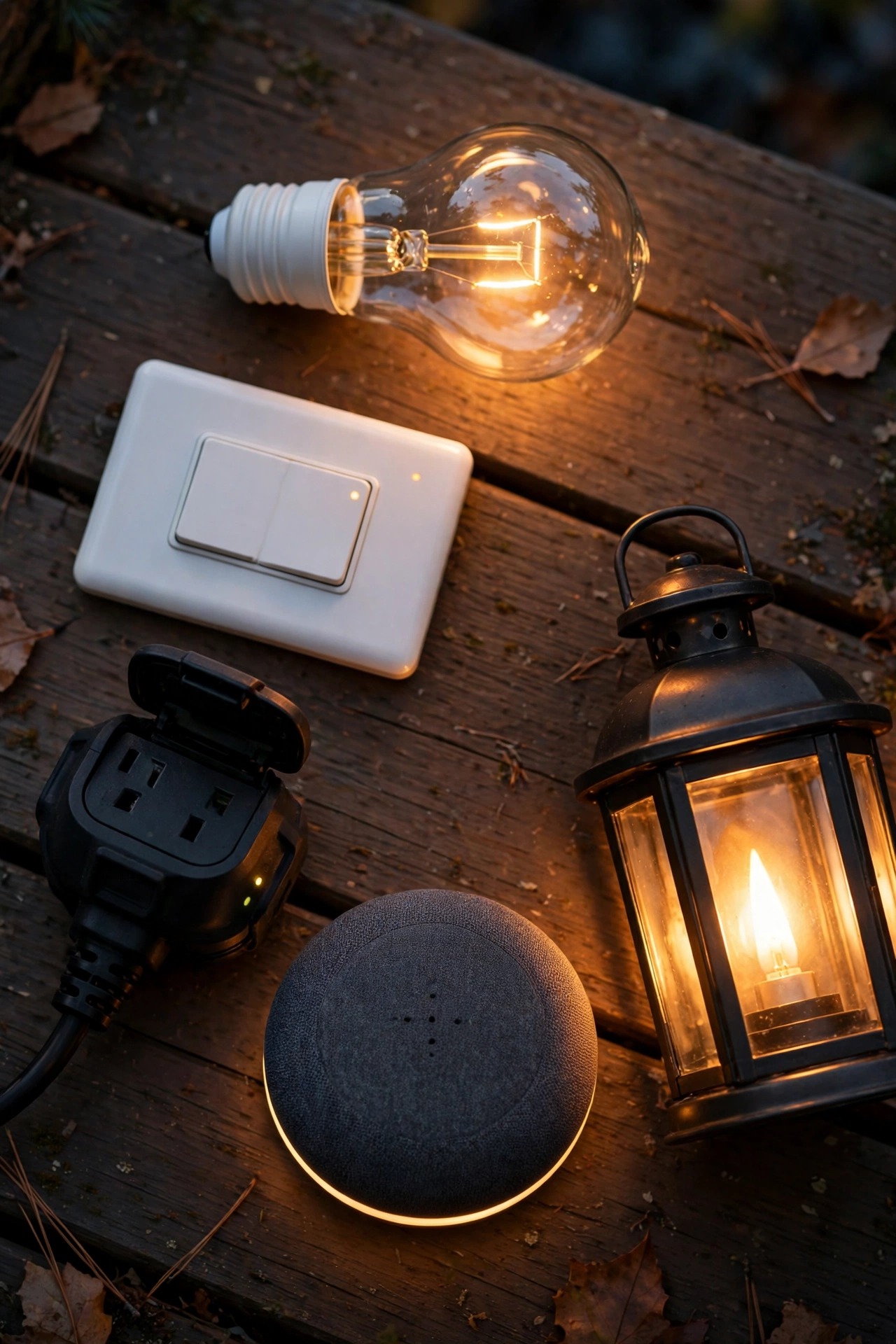
Every voice-controlled light you will ever set up uses one of three control points. Choosing well is the difference between loving it and fighting it.
Smart bulbs screw into the fixture you already own and give you per-bulb control, including dimming and, on many models, color. They are perfect for porch sconces or a pendant by the door, and they are the fastest way to try voice control — five minutes, no wiring. The catch: the wall switch has to stay on, because a bulb with no power cannot listen. In a house of habitual switch-flippers, that gets old fast.
Smart switches replace the wall switch itself, so the switch stays smart no matter who touches it, and one switch can command every fixture on that circuit — a whole run of patio lights at once, while you keep using inexpensive regular LED bulbs. The trade-offs: a little wiring work, and most smart switches need a neutral wire in the box, which older homes sometimes lack. I compared the two approaches head to head in my guide to a smart switch vs smart bulb for outdoor fixtures, and my honest rule is: bulbs for one or two showcase fixtures, switches for anything a household switches daily.
Outdoor smart plugs sit between a GFCI outlet and anything with a plug: string lights, a low-voltage transformer, holiday displays, even a fountain pump. They are the least glamorous option and the one I recommend most, because they make gear you already own smart. Look for an outdoor-rated plug with a weatherproof cover and a downward-facing outlet; my tested roundup of the best outdoor smart plugs and timers explains the ratings that matter.
| Control point | Best for | Control level | Install effort |
|---|---|---|---|
| Smart bulb | Porch sconces, pendants, single fixtures | Per bulb, dimming and color | Screw in |
| Smart switch | Fixtures a household switches daily | Whole circuit at once | Wiring |
| Outdoor smart plug | String lights, transformers, seasonal displays | Everything on the plug | Plug in |
Step-by-Step: Connect Your First Light to Alexa
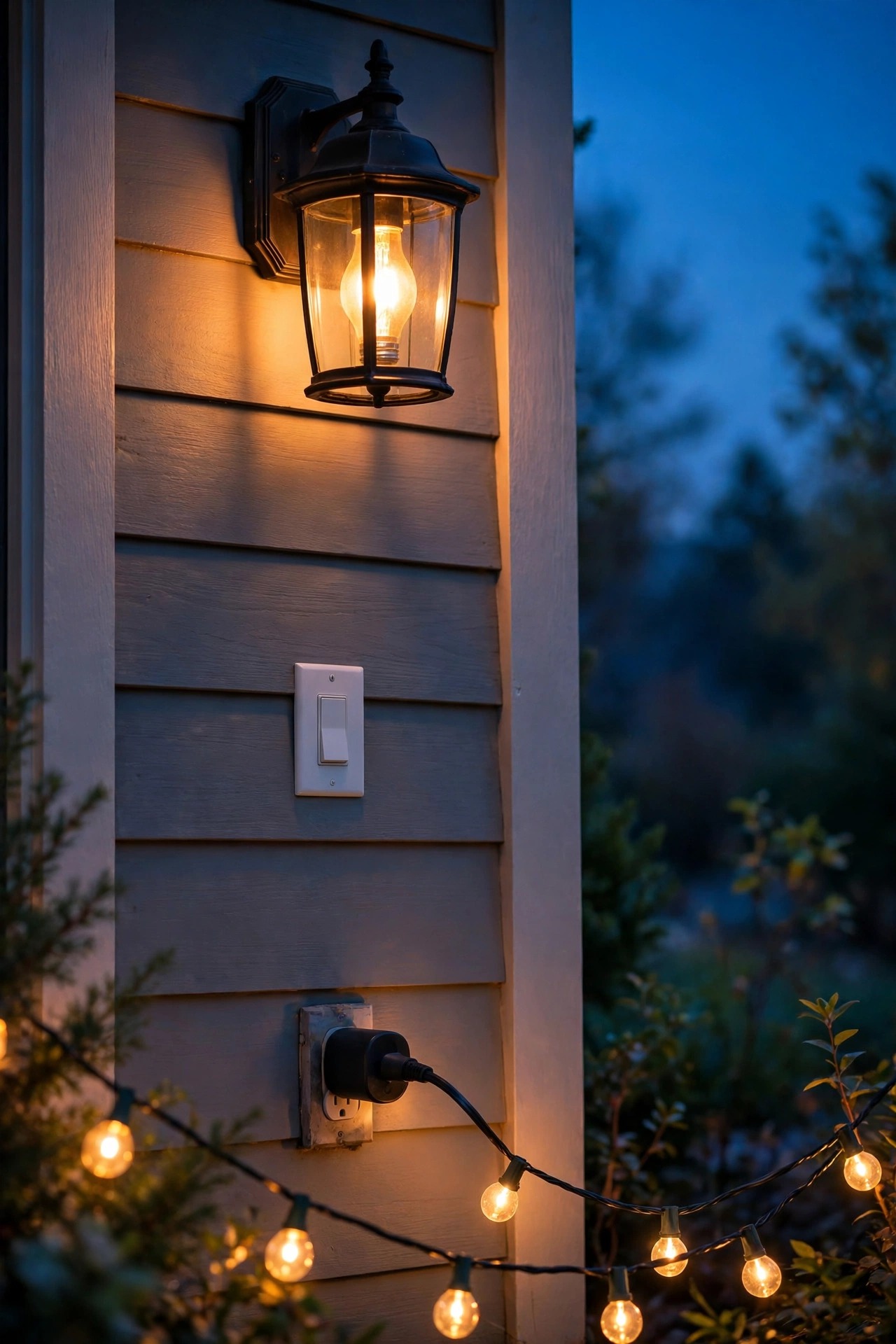
Do one light completely before you add the rest. It teaches you the rhythm, and troubleshooting one device is always easier than five.
1. Install the device and test it in its own app. Screw in the smart bulb or plug in the smart plug, open the companion app the instructions point you to, connect the device to your 2.4 GHz Wi-Fi, and confirm it turns on and off from your phone. Name it there first — a plain name like "Porch" saves editing later.
2. Open the Alexa app and tap Devices, then the plus sign, then Add Device.
3. Pick the device type (Light, Switch, or Plug) and the brand, then sign in to link that account. This step enables the matching skill, which is the bridge Alexa talks through.
4. Run discovery. Alexa usually finds new devices automatically after linking; if not, say "Alexa, discover my devices" to any speaker, or tap Discover in the app.
5. Rename the light inside the Alexa app if the imported name is clunky. Short and speakable wins — the naming section below is worth reading before you do this.
6. Add it to a Group such as Porch or Backyard. Groups are what make "turn on the porch" work, and you can assign the same light to a group even if you also control it solo.
7. Test three commands out loud: on, off, and a dim level. If all three land, congratulations — every additional light is now just steps 1 through 6 on repeat.
If discovery finds nothing, the usual culprit is the device sitting on a different Wi-Fi band or the account link quietly failing. Re-link the account in the app, confirm the device still answers in its own app, and discover again.
Step-by-Step: Connect Your First Light to Google
Google's flow mirrors Alexa's almost step for step, with different vocabulary: in Google Home, "rooms" do the job groups do elsewhere.
1. Install the device and test it in its own app first, exactly as in the Alexa steps. Confirm it answers on your 2.4 GHz network and give it a simple starter name.
2. Open the Google Home app, tap the plus or Add button, choose Set up device, then Works with Google.
3. Find the device's service in the list and sign in to link your account. Your compatible lights import automatically once the link succeeds.
4. Assign the light to a Home and a Room — Porch, Patio, Backyard. Rooms are not decoration; they are how Google knows what "the patio lights" means.
5. Set a nickname if the imported name is a mouthful. Nicknames are what you actually say out loud, so keep them short and unlike each other.
6. Test out loud: "Hey Google, turn on the porch," then a dim command, then "turn off the porch." Speak at normal volume from where you would actually stand — the doorway, not inches from the speaker.
7. Repeat for the rest of your lights, doing the porch first, then patio, then path, so your most-used commands get tested in real life soonest.
One Google-specific tip: if you move a light to a different room later, unlinking is not required — just drag it in the app and re-test one command. And if a light ever appears twice after re-linking an account, delete the greyed-out duplicate so commands never split between a live device and a ghost.
Naming Lights So Voice Controlled Outdoor Lighting Commands Land
Naming is where voice setups quietly succeed or fail. The assistant does not understand your yard; it matches sounds to names. Every misfire I have ever troubleshot — lights answering in the wrong room, an assistant cheerfully saying it cannot find a device — traced back to a name that was too long, too similar to another name, or stuffed with words the assistant trips over.
Follow the rules I now use for every light. Keep names to one or two words, and name the place, not the fixture: "Driveway" beats "Driveway Floodlight Number Two" every time, and you will actually remember it mid-sentence. Never give two lights names that sound alike. "Porch" and "Patio" are the classic collision in my own house — they start with the same sound and both live near the back door. I renamed the patio group "Deck" and the misfires vanished overnight. Avoid starting a name with anything that sounds like a wake word, skip numbers entirely (spoken numbers parse strangely), and skip the word "light" in single-light names — you will say "turn on the porch light" anyway, and the assistant handles that fine.
A naming pattern that scales: zone name for groups (Porch, Deck, Front Yard, Path), and zone-plus-detail only when a zone genuinely holds two separately controlled things ("Porch Lantern" and "Porch String" in my yard). Rename inside the assistant app rather than only in the device app, because the assistant app is where commands resolve. Rename boldly and re-test immediately; it takes ten seconds and there is no penalty for changing your mind three times in one evening. Honestly, this section will save you more frustration than everything else in this guide combined.
Groups, Scenes and Routines That Run Themselves
Individual commands are fun for a week. Groups, scenes, and routines are what make voice controlled outdoor lighting feel like the house is simply well run.
Groups bundle lights by zone so one phrase runs a whole area: Porch, Deck, Path, Front Yard. Build groups even for zones with a single light, because your phrasing stays consistent as the yard grows. Scenes are saved moods inside a group: my Grill Night scene runs the deck at full warm brightness, Movie Night drops the string lights to a low glow so the screen stays the star, and Reading Corner lights just the swing. Setting a scene by voice — "turn on Movie Night" — is the moment guests start asking how your yard does that.
Routines are commands that fire themselves. The four I would not give up: a sunset routine that turns the porch and path on at sunset (both apps know your local sunset and adjust daily, no clock math from you) and off at 11 p.m.; a welcome home routine triggered by a phrase like "I am home" that brings up the driveway, porch, and entry together; a goodnight routine that turns everything outside off except the porch at a low overnight glow; and a vacation routine that varies light times slightly each evening so the house never looks timer-obvious. Build routines in the assistant app under Routines, start with the sunset one, and live with it a week before adding more. Layered, scheduled, and calm beats clever and chaotic every time.
Voice Commands Worth Memorizing
You do not need many commands — you need the right six or seven, said the same way every time until they are muscle memory. These are the ones my household actually uses, and they work on both platforms with your assistant's wake word in front.
– "Turn on the porch." The basic, said a dozen times a week.
– "Dim the deck lights to 40 percent." Percent dimming is the fastest mood change there is; string lights at 40 percent is my entire summer personality.
– "Set the string lights to warm white." For color-capable bulbs, naming the color plainly works better than describing a vibe.
– "Turn on all the outside lights." The security command. One sentence, whole yard lit, whether you heard something at 2 a.m. or a delivery driver is hunting for your steps.
– "Turn off the backyard in 30 minutes." Delayed off is perfect for winding down a gathering without playing host-with-a-switch.
– "Turn on Movie Night." Scene names become commands the moment you save them.
– "Goodnight." If you built the goodnight routine, this single word closes the whole yard down.
Two habits make commands land first try. Say the group name exactly as you saved it, every time — improvised nicknames are how "the deck" becomes an unrecognized device. And pause half a beat after the wake word; assistants listen for it, and commands fired too early lose their first syllable. If a command fails twice, do not shout a third time — open the app, check the device name, and you will almost always find a duplicate or a renamed light.
Outdoor Wi-Fi: Why Lights Drop and How to Fix It
When a voice-controlled light misbehaves, it is rarely the light. It is the signal. Wi-Fi weakens through every wall it crosses, and exterior walls are the worst offenders — brick, stucco over metal lath, and foil-backed insulation can eat most of a signal before it reaches your porch. Add distance, a router tucked in a basement corner, and a band issue (remember, most smart lighting gear is 2.4 GHz only, and 2.4 travels farther but slower), and your far path light is trying to hold a conversation through three walls and a hedge.
Test before you troubleshoot: stand at the fixture with your phone on your home Wi-Fi and run a quick speed test or just load a video. If it stutters for your phone, it will stutter worse for a tiny bulb antenna. My fixes, in order of effort: move the router toward the back of the house or up a floor if you can; add a mesh satellite or access point near a back window, which transforms most suburban yards; keep smart plugs and transformer connections on the house side of the yard rather than at the far fence; and for genuinely big properties, an outdoor-rated access point on the eave is the grown-up solution landscapers use. If your router merges both bands under one name and a device refuses to connect, temporarily splitting the bands in the router settings during setup — then merging again after — solves a surprising number of stubborn first connections.
Do this check at dusk, by the way, not at noon: evening is when every neighbor's network wakes up too, and congestion is part of your real signal picture.

Troubleshooting: When a Light Stops Listening
Every voice setup has one bad evening. Here is the order I work through, fastest fix first.
"Device is unresponsive" or "not responding." Check power first: is the wall switch on, the breaker fine, the GFCI outlet un-tripped? Smart gear reports itself dead when it simply has no power. Then power-cycle the device — switch it off for ten seconds and back on — and give it a full minute to rejoin Wi-Fi before testing. Router reboots fix a stubborn percentage of everything; try one before deeper surgery.
The assistant controls the wrong light. That is a naming collision, full stop. Two similar names, or an old device and its replacement sharing one name, split your commands. Open the device list, delete ghosts and duplicates, rename clearly, and re-test.
It works in its own app but ignores voice. The device is fine; the bridge between apps is stale. Re-link the account (or re-enable the skill), run device discovery again, and confirm the light actually shows in the assistant's device list — voice cannot control what the list cannot see.
Lights turn on by themselves. Ghost routines are real: an old schedule in the device app, a routine you built and forgot, or a household member's command from another room. Audit routines in both apps, turn off any automatic "hunch"-style features you do not want, and check the device app's own timers, which run independently of your assistant.
One light in a group lags or drops out. That fixture has the weakest signal in the group — see the Wi-Fi section, and consider a closer access point rather than a replacement bulb. Nine times out of ten, signal is the whole story.

Safety and Electrical Basics for Outdoor Smart Gear
Smart does not change the rules of outdoor electricity; it just adds radios to them. Start at the outlet: anything plugged in outside belongs on a GFCI-protected receptacle, full stop, and outdoor smart plugs should be rated for wet locations with the outlet facing down and the cover closed over the cord. If a plug's packaging does not say outdoor-rated, it is not, no matter how sturdy it feels.
For smart bulbs in porch and patio fixtures, match the bulb to the fixture: enclosed fixtures need bulbs rated for enclosed use, damp- or wet-location ratings matter anywhere rain can reach, and LED-only remains my rule near anything flammable like dried wreaths or fabric shades. Check the bulb's temperature range if you live somewhere with real winters or desert summers — the electronics inside a smart bulb are pickier about heat than a plain LED.
Switch swaps deserve respect. Kill the breaker and verify the power is off before opening any switch box, confirm whether you have a neutral wire before ordering, and if the box confuses you for even a second, hire the electrician and feel zero shame — I do for anything beyond a like-for-like swap. Finally, when a smart plug runs a low-voltage transformer, make sure the plug is rated for that load type and total wattage; transformers are inductive loads and bargain plugs do not love them. Outdoor-rated, heavy-duty models exist precisely for this job.
What It Costs in 2026
Here is the honest math, because voice control is cheaper than most people fear. A starter smart speaker typically runs $30 to $60, and the entry models go on sale so often that paying full price is optional. Smart bulbs run about $10 to $18 each, so voicing a pair of porch sconces lands around $25 to $35. A smart switch costs $20 to $40; if you hire an electrician for the swap, budget $100 to $200 for the visit. A good outdoor smart plug is $15 to $30, or $25 to $40 for a dual-outlet model that runs string lights and a transformer separately. If your yard has a low-voltage system, a smart transformer runs $100 to $250 — or you can keep your existing transformer and put it on that smart plug instead.
Put together, typical builds look like this: a porch-only starter — two smart bulbs and a speaker you may already own — comes to roughly $40 to $80. Porch plus patio with a switch, bulbs, and a plug lands around $120 to $250. A whole-yard setup with grouped zones and a smart transformer typically totals $300 to $600.
Running costs barely register. Each smart device sips about half a watt to a watt and a half while it idles and listens, which works out to roughly $1 to $2 per device per year at average US electricity rates. The LEDs themselves use so much less than the bulbs they replaced that your voice-controlled yard will almost certainly cost less to run than the dumb one did.
Frequently Asked Questions
Can I use Alexa and Google in the same house?
Yes, and more households do than you would think. Most smart bulbs, switches, and plugs link to both assistants at the same time, so you connect the device once in its own app, then link that account inside both the Alexa app and Google Home. My one strong recommendation: keep the light names identical in both apps. If the porch is called "Porch" for Alexa and "Front Entry" for Google, someone in your house will say the wrong name to the wrong speaker every single week.
Do my lights still work if the internet goes out?
Mostly, with one honest exception. Voice commands travel through the cloud for both Alexa and Google, so during an outage your speakers cannot process new commands. Everything else keeps working: wall switches still switch (a smart switch behaves like a normal switch), most device schedules stored on the plug or bulb itself keep firing, and the lights stay in whatever state they were in. When the internet returns, everything reconnects on its own. Voice is a convenience layer, never the only way to run your lights — set it up that way and outages become a shrug.
What color temperature looks best for outdoor lights?
Warm white, around 2700K, is my answer for nearly every porch, path, and patio. It matches the golden glow of the layered lighting across this site, flatters brick and wood, and does not make your yard look like a parking lot. Reserve cooler 4000K light for a work area like a grill station if you truly need the clarity, and avoid 5000K daylight bulbs outdoors entirely — the blue cast fights every warm scene you have built. If your smart bulbs are color-capable, their warmest white setting is your friend.
Can I add voice control to the landscape lighting I already own?
Almost certainly yes, and you may not need to touch a single fixture. The easiest route: plug your existing low-voltage transformer into an outdoor smart plug, and the entire system — every path light and spotlight on that run — turns on and off by voice at once. If you want zones, dimming, or per-run control, swap the old transformer for a smart transformer and the upgrade happens at the same single point. Either way, the fixtures, cable, and layout you already paid for stay exactly as they are.
Conclusion
That is the whole heart of voice controlled outdoor lighting: pick the right control point for each light, name it something your household will actually say, group it by zone, and let a sunset routine quietly run the show. Start with the porch this weekend — one bulb or one plug, one group, three test commands — and you will understand your own yard's version of this setup better than any guide can teach you. By next month you will be adding the patio, because everyone does. If you want the bigger picture on where voice fits into a fully automated yard, my complete smart outdoor lighting guide pulls the whole system together, timers, sensors, and all. Browse around the site for more ideas, and tonight, try saying it out loud: porch, on. It never gets old.


