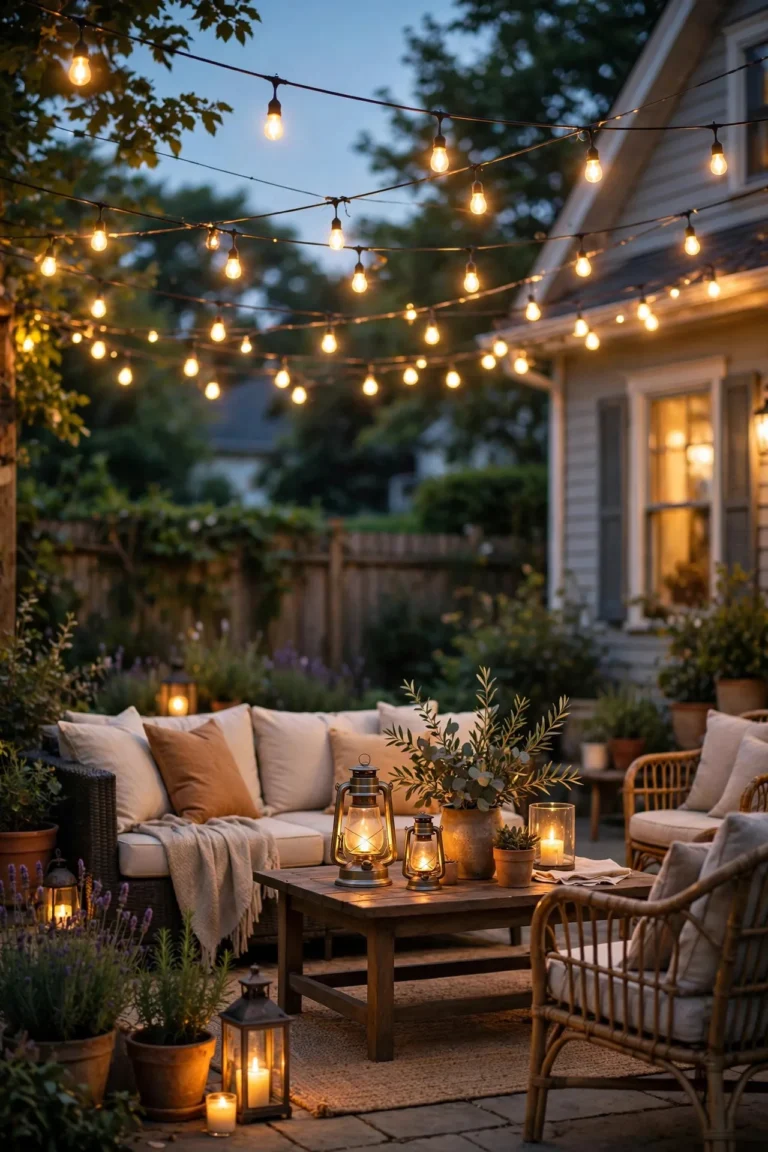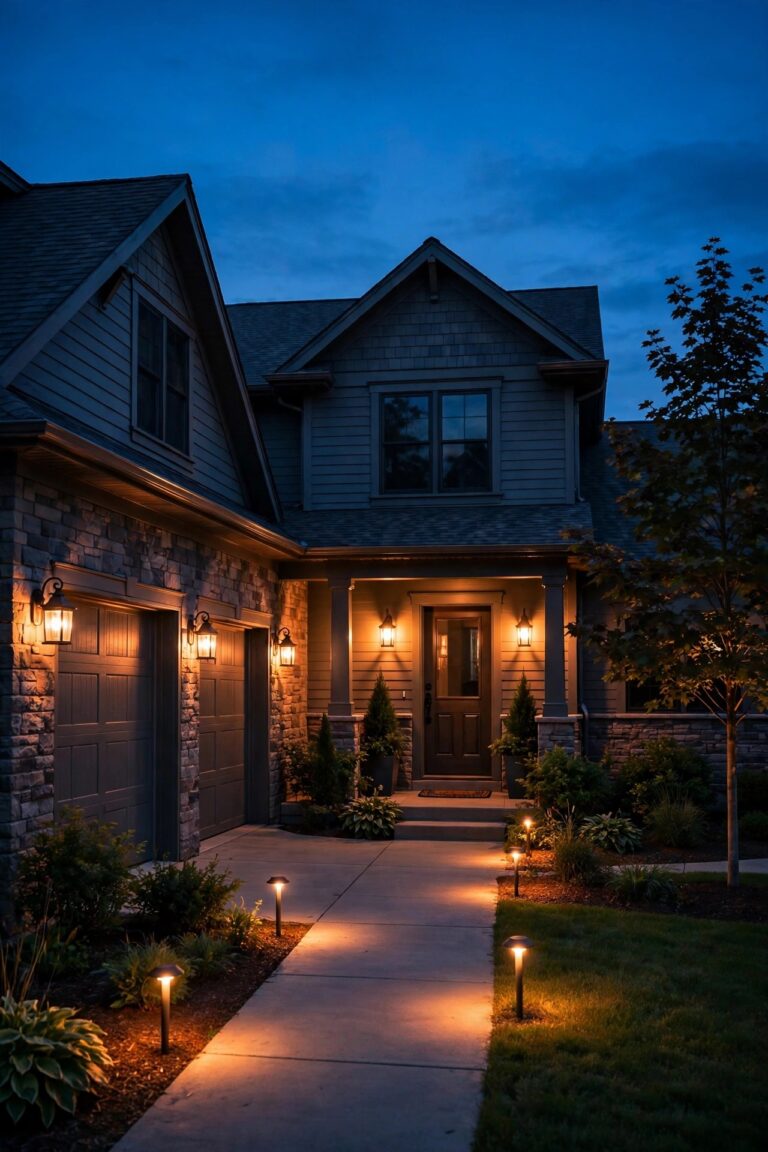
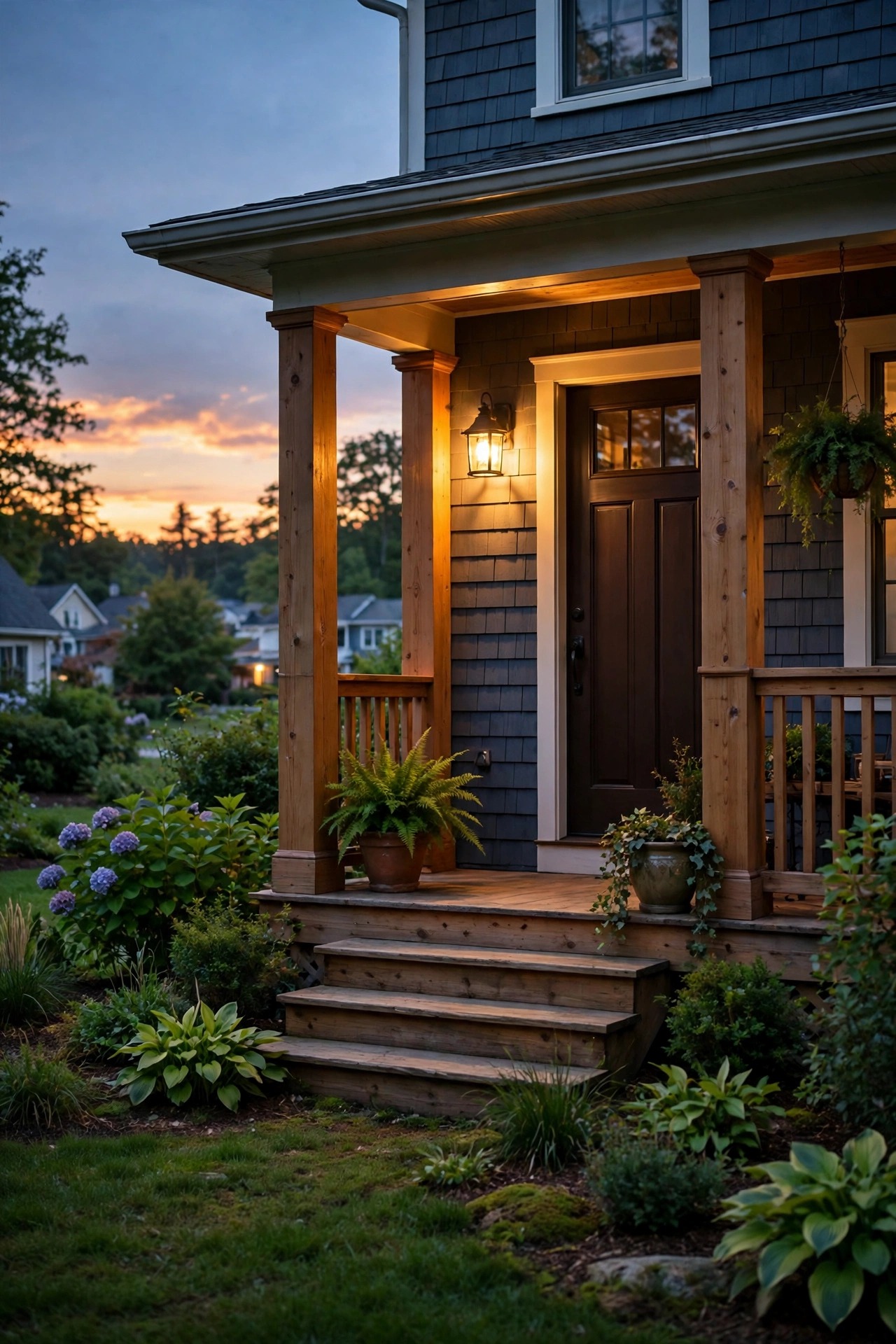
Every time we pack for a trip, I used to stand in the driveway doing the same little debate: leave the porch light on the whole week, or turn it off and let the house sit dark? Honestly, both options are tells. A porch light burning at noon screams "nobody's home," and a house that's pitch black by 8 p.m. isn't much better. Learning how to automate porch lights for vacation changed that completely for us. Now our entry glows on in the evening, shifts a little from night to night, and clicks off around the time we'd normally head to bed — just like when we're home. In this guide I'll walk you through the three ways to automate (timers, smart bulbs, and smart plugs), how to build a schedule that looks genuinely lived-in instead of robotic, what it costs in 2026, and the small mistakes that give an empty house away. By the end, you'll be able to set the whole thing up in one afternoon.
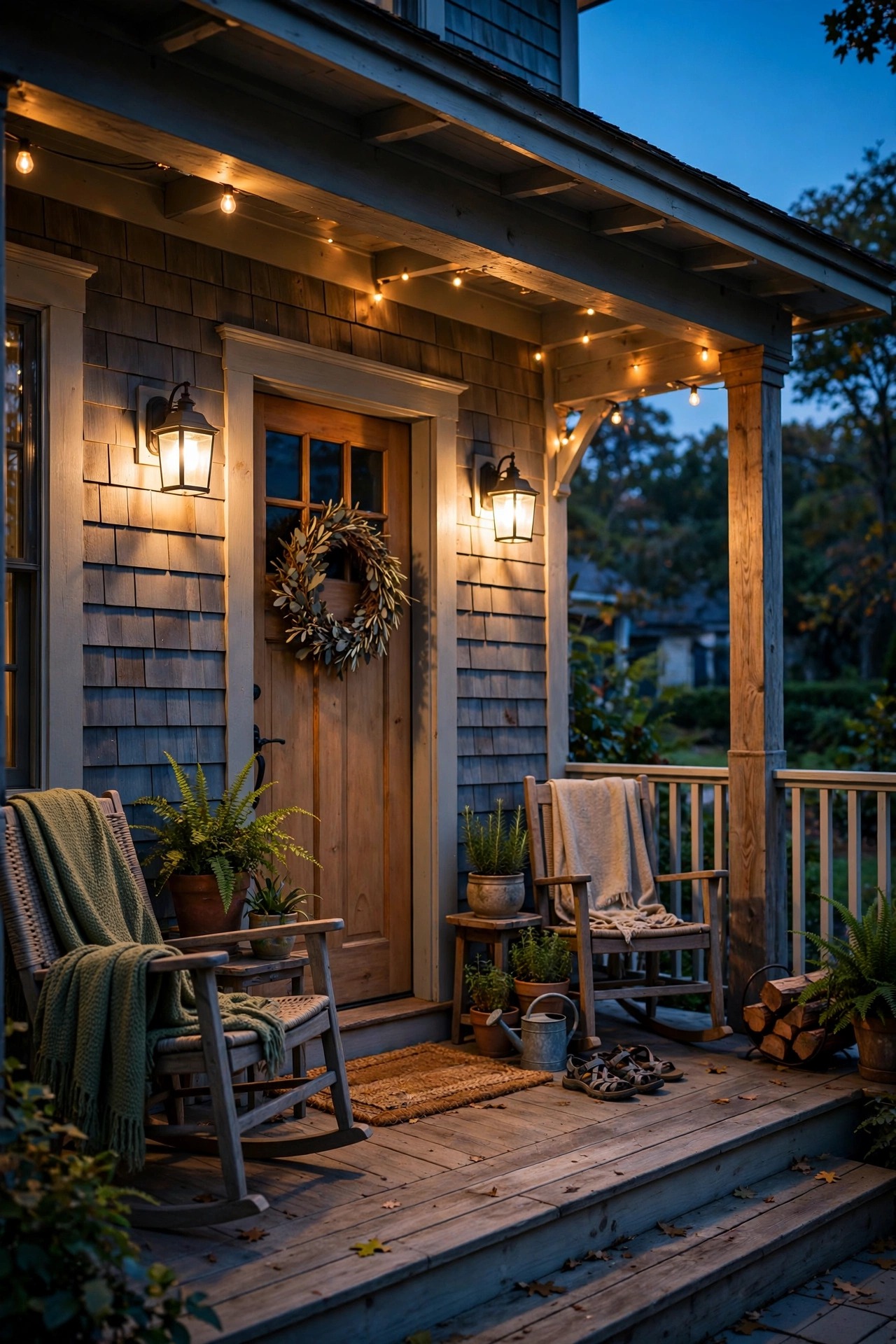
The Short Answer
The fastest way to automate porch lights for vacation is an outdoor-rated smart plug or a simple plug-in timer on the fixtures you already own: set the porch light to come on around sunset, vary the on/off times by 15–30 minutes each night, and turn it off at your normal bedtime. A basic mechanical timer needs no Wi-Fi; a smart plug adds app control, a randomize mode, and automatic sunset tracking. Program everything a few days before you leave, test it for two evenings, and your entry will look lived-in the whole trip.
Why You Should Automate Porch Lights for Vacation Instead of Leaving Them On
Here's what I learned the year we left our porch light on for a full ten-day road trip: a light that never turns off is information. Anyone watching the street — and the people who break into homes do watch — sees a fixture burning at breakfast, at noon, and at 3 a.m. and reads it correctly. Real life doesn't look like that. Real life is a light that comes on when someone gets home, stays on through the evening, and goes dark when the house goes to sleep.
A dusk-to-dawn photocell is only half a fix. It solves the daylight problem, but the pattern is still mechanical: on at sunset, off at sunrise, every single night, with the rest of the house black behind it. Automation lets you copy your actual routine instead. Our porch light comes on a little before sunset, the garage sconces join it a few minutes later, and everything winds down around our normal bedtime — with small variations from night to night, because no family flips switches at the exact same minute twice.
There's a practical bonus, too. Scheduled lights only run for the hours you'd actually use them, so nothing burns all day in the summer sun. If you want the bigger picture on how lighting supports security, I wrote a whole guide on outdoor lighting for home security — but the short version is simple: a house that behaves like someone's home is the goal, and automation is how you fake the behavior honestly.

The Three Ways to Automate, Compared Honestly
There are really only three ways to put a porch light on a vacation schedule, and the right one depends on how your fixture is wired. Here's the honest comparison I give friends.
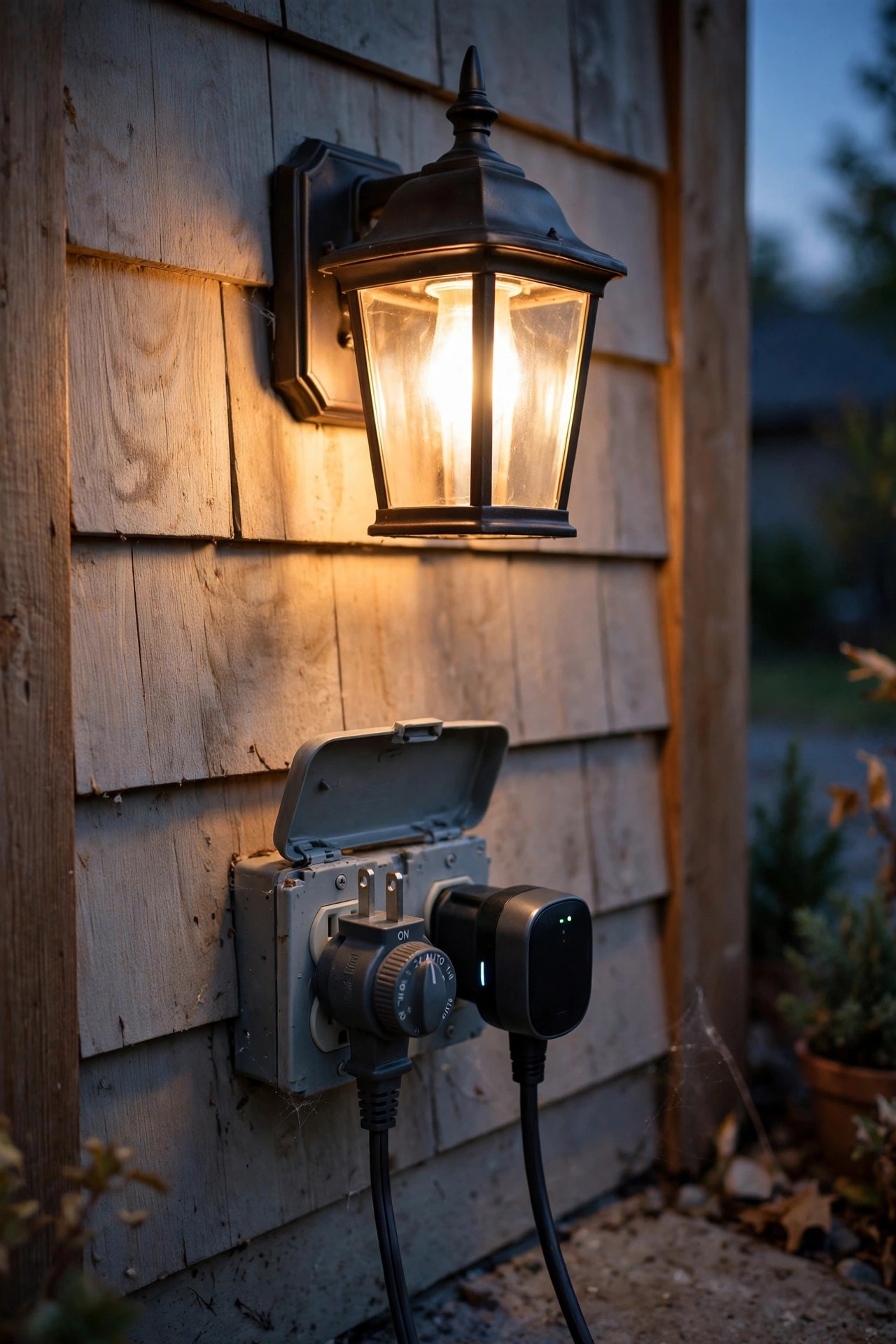
Plug-in timers are the old faithful. If your porch light plugs into an outlet — common with string lights, lanterns on a plug-in transformer, and some carriage lights — a mechanical or digital timer sits between the outlet and the plug and simply cuts power on schedule. No Wi-Fi, no app, no account. Mechanical dials are dead simple but only accurate to the half hour; digital timers let you set different times for different days.
Smart bulbs screw into the fixture you already have and take their orders from an app. They're the fastest route for a standard hardwired sconce, and most apps include a randomize or "away" mode that jitters the on/off times for you. The catch: the wall switch has to stay on the whole trip, and a bulb in a fully enclosed fixture needs to be rated for it.
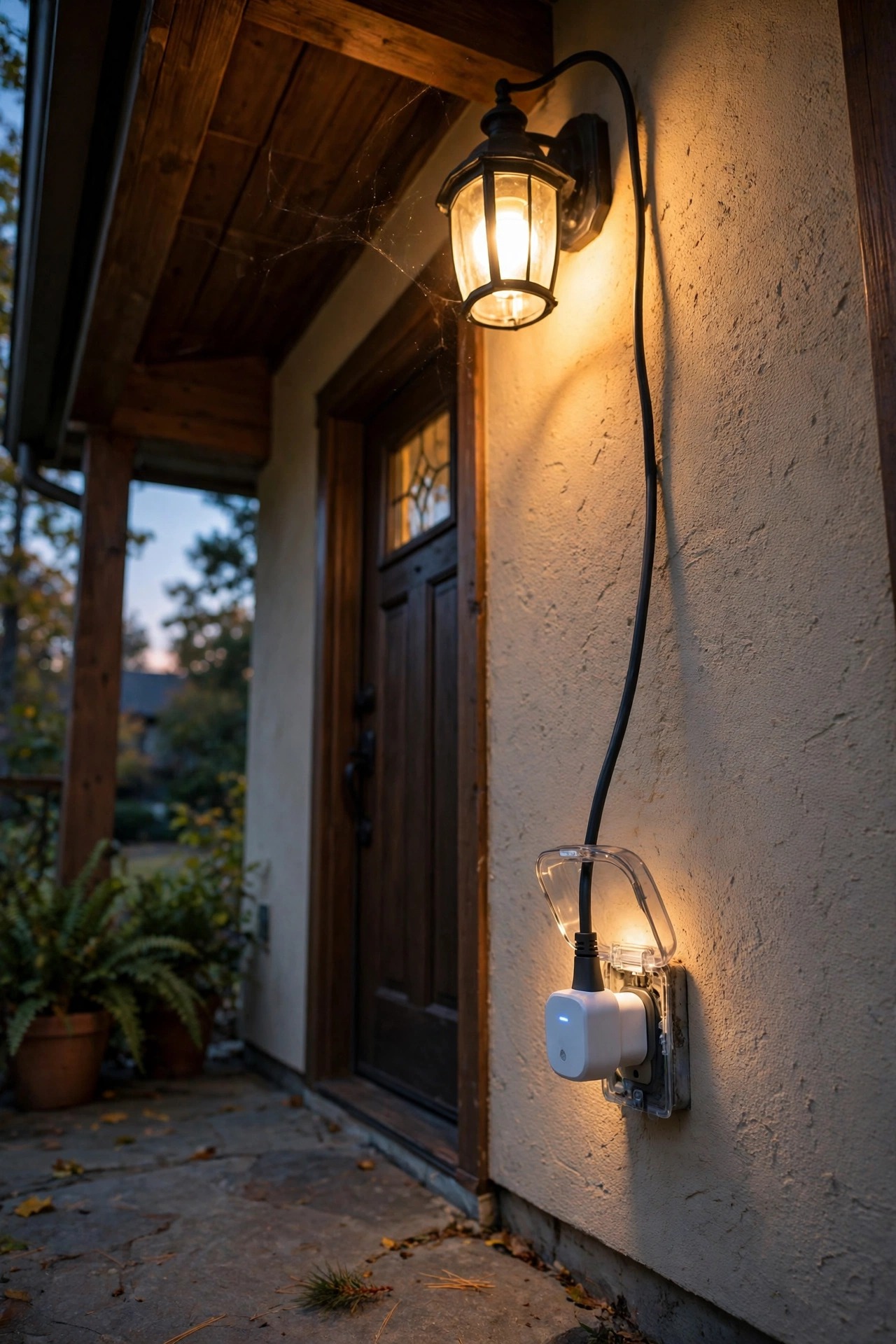
Smart plugs and smart switches are the heavy-duty option. An outdoor-rated smart plug does everything a timer does plus sunset tracking and remote checks from your phone. A smart switch replaces the wall switch itself — the cleanest setup, but it means wiring work. If you're comparing plug and timer models, my roundup of the best outdoor smart plugs and timers walks through what actually survives weather.
| Method | How it works | Best for | Watch out for |
|---|---|---|---|
| Plug-in timer | Cuts power at the outlet on a set schedule | Plug-in fixtures, zero-tech setups | Mechanical dials drift; no sunset tracking |
| Smart bulb | Bulb itself follows an app schedule | Hardwired sconces with standard sockets | Wall switch must stay on; enclosed-fixture rating |
| Smart plug / switch | App control, sunset tracking, random modes | Whole-entry control and remote checks | Needs Wi-Fi; switch install may need an electrician |
What a Lived-In Schedule Actually Looks Like
Before you program anything, watch your own house for one normal evening and write down what actually happens. In our house it looks like this: the porch light goes on a little before full dark, because somebody always flips it on when the evening starts. The path lights come on around the same time but not the same minute. On Fridays everything stays on later. Once in a while a light comes back on briefly late at night — a glass of water, a let-the-dog-out moment.
That's the pattern you're copying. A vacation schedule that looks lived-in has three ingredients. First, staggered starts: porch at 7:12, garage at 7:20, path lights at 7:26 — never everything at once, because nobody walks through a house flipping three switches simultaneously. Second, small daily variation: most timers and apps let you shift times by 10 to 30 minutes from night to night, and that jitter is the single most convincing detail. Third, a believable bedtime. Lights that blaze until 3 a.m. every night look as staged as lights that never turn off. Match your real routine — if you're an 11 o'clock household, be an 11 o'clock household on vacation too, maybe stretching to 11:40 on the weekend nights.
Copy your own rhythm, not a magazine's, and the house reads as occupied to anyone passing by.

Step-by-Step: How to Automate Porch Lights for Vacation in One Afternoon
Here's the exact routine I use, start to finish, the weekend before a trip.
1. Pick your method. Timer for plug-in fixtures, smart bulb or smart switch for hardwired ones (see the comparison above).
2. Install and pair everything while you're still home. Connect the plug or bulb to your Wi-Fi, update the app, and confirm the fixture responds. Never debug a new gadget the night before a flight.
3. Build two schedules, not one. A weekday pattern and a weekend pattern with a later off-time. If your device only holds one program, use the later bedtime — it reads as more natural.
4. Set the on-time to just before sunset. Not at sunset, not an hour early. In summer that might be 8:15 p.m.; in December, 4:45. Sunset-tracking devices handle the drift for you.
5. Add the random offset. Turn on "vacation mode," "randomize," or manually vary each day's times by 10–30 minutes if your timer allows per-day programming.
6. Stagger your zones. Porch first, then garage or path lights a few minutes later, all off within a few minutes of each other at bedtime.
7. Leave the wall switch on. Tape a small note over it if family or a house sitter might flip it — a switched-off smart bulb is just a bulb.
8. Do a two-night dry run (more on that below) and adjust anything that looks robotic from the street.
That's it. The whole setup takes one afternoon the first time and about ten minutes on every trip after. For a deeper dive into schedules and features, my guide to outdoor lighting timers and automation covers the settings in more detail.

Setting the Times: Sunset, Bedtime, and the Random Offset
Getting the times right matters more than buying fancy hardware. The most common giveaway I see on my own street is a porch light snapping on at 6 p.m. sharp in July, glowing away in full daylight, because someone set the schedule in April and never adjusted it. Sunset moves roughly a minute a day, and over a two-week trip that's a visible drift.
If your device offers a sunset or "astronomical" setting, use it — the timer calculates dusk from your location and date, so the light always lands in that natural just-getting-dark window. If you're working with a fixed-time timer, set the on-time for the middle of your trip rather than the day you leave, so it's never more than a few minutes early or late.
Bedtime deserves the same care. Think about when your house actually goes dark on a work night and program that, not midnight because it sounds round. Round numbers are a subtle tell: real people turn lights off at 10:47 and 11:13, not 11:00 on the dot every night. Most digital timers let you program each day of the week separately, so spend the extra five minutes and make Tuesday different from Saturday. Your future self, driving home past a house that looks completely ordinary, will be glad you did.
Layer the Rest of the House: Garage, Path, and Back Porch
Your porch light doesn't live alone, and a vacation plan that only handles one fixture leaves the rest of the house looking abandoned by comparison. This is where the layering idea I use for everyday lighting design earns its keep on security duty too.
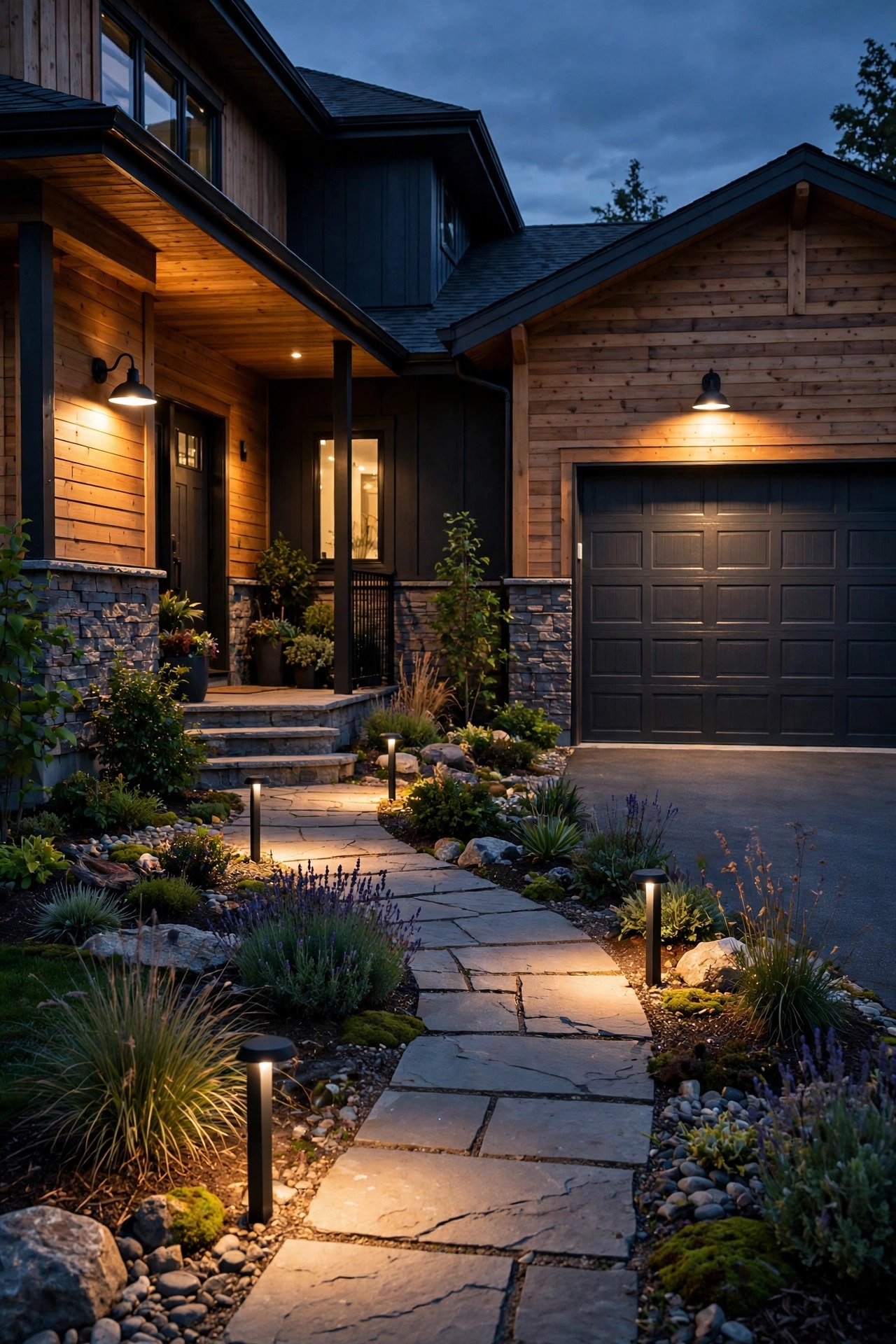
Start with what a passerby sees from the street. The porch sconce is layer one. Layer two is whatever normally glows with it — for us, the low-voltage path lights and one garage sconce. Put those on the same vacation routine with their own staggered starts, either on a second smart plug, the landscape transformer's built-in timer, or the same app if everything's connected. Most low-voltage transformers have an astronomical clock or a photocell-plus-timer mode, so the yard can follow sunset without daily attention.
Layer three is the back of the house, and it should behave differently. A back porch light that burns on the same schedule as the front looks coordinated; one that pops on when something moves looks guarded. I leave our rear fixture on its motion setting while we travel — it stays dark until something crosses the yard, which is exactly what it does when we're home.
One warning: resist the urge to light everything. A house where every fixture blazes looks like a model home, not an occupied one. Two or three believable layers beat a full perimeter show every time.
What It Costs in 2026
None of this needs to be expensive. Here's what the options actually run in 2026, based on what I've bought and what I see on shelves right now.
A basic mechanical plug-in timer costs $10–$18, and a digital one with per-day programming and a battery backup runs $15–$25. An outdoor-rated smart plug — the kind with a weatherproof housing and a proper outdoor listing — is $15–$30 for a single outlet, or $25–$40 for a dual-outlet model that can run your porch and garage lights on separate schedules. Smart bulbs run $10–$20 each for a standard outdoor-suitable LED, which makes them the cheapest route for a single hardwired sconce. A smart wall switch is $25–$45 for the switch itself; if you're not comfortable wiring it, budget $150–$300 for an electrician's visit, which is why I usually steer vacation setups toward plugs and bulbs first.
Running costs are nearly a non-issue. A 9-watt LED porch bulb on a five-hour nightly schedule uses about 1.4 kilowatt-hours a month — roughly 25 cents at average US electricity rates. Even lighting three zones all evening for a two-week trip adds up to less than a dollar. Solar fixtures cost nothing to run, of course, but they follow the sun rather than your schedule, so I treat them as set dressing rather than part of the vacation plan.
My honest recommendation for most homes: one dual-outlet outdoor smart plug at around $30 covers the whole front entry. Everything beyond that is refinement.
Safety and Electrical Basics
Automation gear lives outdoors in the rain, so a few safety basics are non-negotiable — and this is the section where I get a little stern, because I see these mistakes constantly.
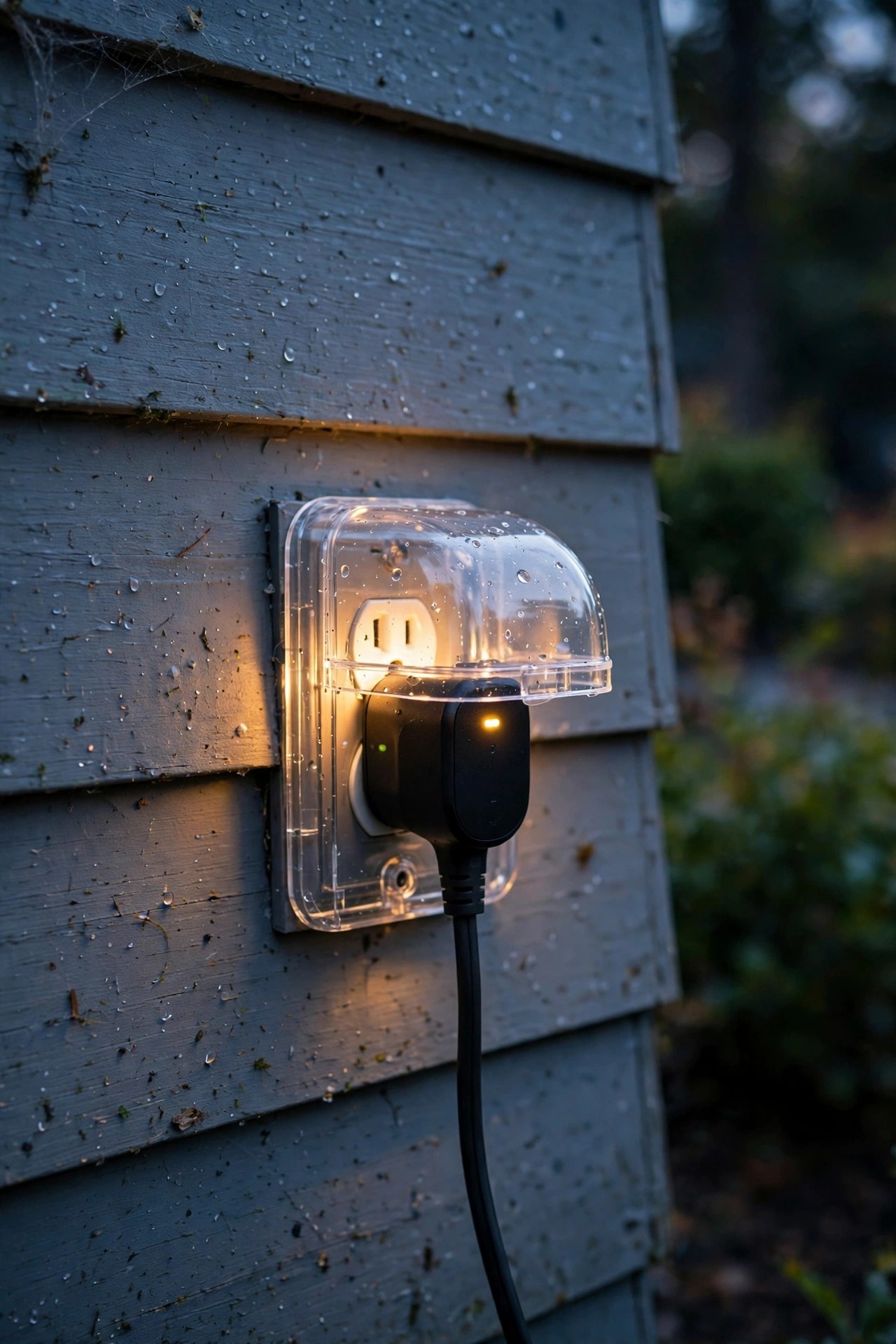
Only use devices listed for outdoor or wet-location use outside. An indoor timer or a bargain smart plug with no outdoor rating will eventually let moisture into the housing, and "eventually" has a way of arriving during the rainstorm in week two of your trip. Check for a wet-location rating and an ETL or UL listing before anything goes on the porch.
Plug everything into a GFCI-protected outlet — the kind with the test and reset buttons — and keep the connection point sheltered under the eave or in an in-use weatherproof cover, off the ground and out of puddle range. If your porch outlet isn't GFCI-protected, that's a fix worth making before the trip, not after.
Match the load to the device. Timers and smart plugs carry a wattage rating; a single LED bulb will never trouble it, but a plug running a whole landscape transformer plus string lights deserves a quick math check. And if you're swapping in smart bulbs, confirm the bulb is rated for enclosed fixtures if your sconce has a closed shade — heat build-up shortens bulb life and can cook the electronics. LEDs only near anything flammable, as always. Set it up safely once, and you can reuse the same gear for every trip and every holiday season.
5 Mistakes That Give Away an Empty House
After years of housesitting swaps with neighbors — I water their plants, they eyeball my porch — I have a mental list of the giveaways that make us both shake our heads.
Mistake 1: The identical schedule. On at 7:00, off at 11:00, every night, to the minute. Humans don't live like that, and anyone casing a street for a week notices metronome houses. Use the random offset.
Mistake 2: The 24-hour light. Covered above, but it bears repeating: a porch light at noon is a vacancy sign.
Mistake 3: One lit fixture, black house. If the porch glows but every window and the whole yard stay corpse-dark for ten straight nights, the porch light becomes a spotlight on the emptiness. Layer in the fixtures you normally use.
Mistake 4: Forgetting the non-lighting tells. The world's best lighting schedule can't save a house with a stuffed mailbox and four newspapers on the drive. Pause deliveries or have a neighbor collect them; lighting is one layer of the illusion, not the whole thing.
Mistake 5: Never testing it. A dead bulb, a timer that lost its program in a power flicker, a smart plug that dropped off the Wi-Fi — all silent failures you only discover from the airport. The dry run in the next section exists because I've personally come home to a dark porch and a smugly blinking "12:00" timer. Learn from my mistake instead of your own.

Test It Before You Leave: The Two-Night Dry Run
Two or three nights before you leave, switch the vacation schedule on and live with it. This is the step everyone skips and the one that catches every problem while you can still fix it.
On the first evening, walk out to the street at dusk and look at your house the way a stranger would. Does the porch come on at a believable moment, or is it glowing in daylight? Are the on-times staggered, or does the whole facade snap on like a storefront? Stand there for a full minute — you'd be surprised what reads as "staged" from the curb that looked fine from the kitchen window.
On the second evening, check the off-times. Set a phone reminder for bedtime and confirm the house winds down the way it should. Then simulate the failures: flip the breaker for ten seconds and see whether your timer kept its program (digital models with battery backup will; cheap mechanical ones may need the dial re-set), and unplug your router briefly to confirm the smart plug runs its stored schedule without a connection — most do, but verify yours.
Ask a neighbor to glance over once mid-trip, and leave your phone number. Finally, take a screenshot of your final schedule. It takes ten seconds and means next trip's setup is a copy-paste instead of a rebuild.
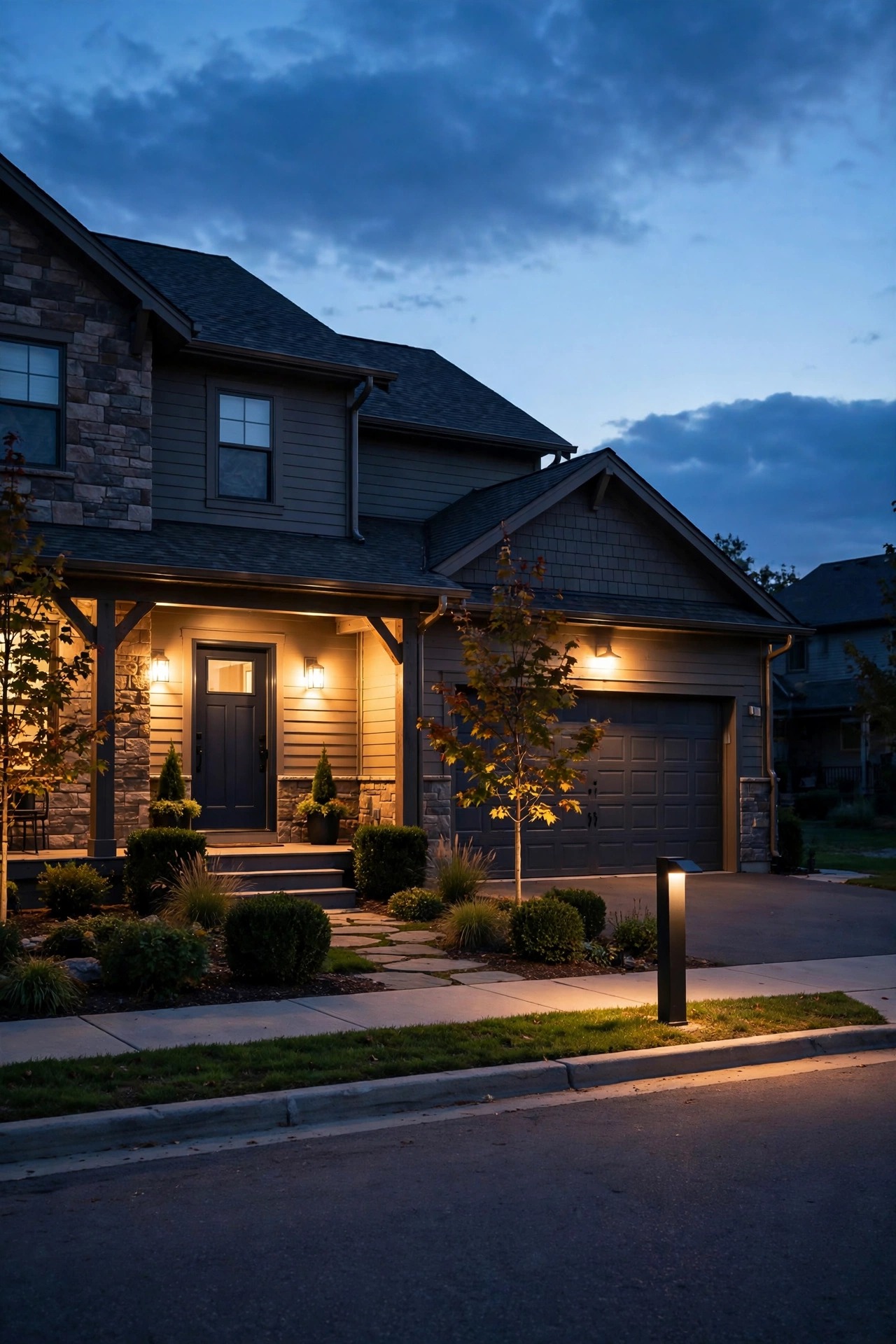
When You're Home Again: Back to Normal
Coming home to a house that's been living its quiet double life is genuinely pleasant — the porch greets you at dusk like you never left. Resist the urge to rip everything out the first morning back.
Switch the vacation program off and return to your normal routine: for us, that's the smart plug's regular sunset-to-bedtime schedule, which honestly is barely different from the vacation one, just without the random jitter. If you used a plug-in timer only for travel, unplug it and store it somewhere you'll find it — ours lives in the hall closet with the passports, which sounds odd but means both get located at the same moment of pre-trip panic.
Take thirty seconds to note what worked. Did a bulb die? Did the schedule drift look wrong by week two? I keep a running note in the same app as the schedules, and it gets a little smarter every trip. Then leave the gear in place. The same plug that ran your vacation schedule will run your December string lights and your summer patio lanterns, and the setup you tested so carefully becomes the backbone of your everyday evening routine — which is really the point. A well-lit, well-run home shouldn't be a performance you put on twice a year. It should just be how the house behaves.
Frequently Asked Questions
Is it better to leave porch lights on all the time or use a timer when traveling?
Use the timer, every time. A light that burns around the clock is one of the clearest vacancy signals there is, and it wastes electricity doing it. A sunset-to-bedtime schedule mimics your real routine, which is what actually deters attention. A dusk-to-dawn photocell sits in the middle — better than 24/7, but still metronome-regular. If you can add even a small random offset to the on and off times, do it; that little bit of unpredictability is what makes the house look occupied.
Can I automate a porch light that's hardwired with no plug?
Yes — two good routes. The quick one is a smart bulb in the existing fixture: screw it in, pair it with the app, leave the wall switch on, and schedule away. The cleaner long-term one is a smart switch that replaces the wall switch itself, so the fixture keeps its normal bulb and the scheduling lives in the switch. If you're not comfortable opening a switch box, an electrician can swap one in quickly. Either way, you don't need an outlet at the fixture to automate it.
What happens to my schedule if the power goes out while I'm away?
It depends on the device, which is exactly why the dry run matters. Digital timers with a battery backup keep their clock and program through an outage and carry on as if nothing happened. Most smart plugs store the schedule on the device itself and resume it when power returns. Plain mechanical timers are the weak link: the dial stops during the outage, so your whole schedule shifts by however long the power was out. After any big storm at home, it's worth a quick app check or a neighbor's glance.
Do smart bulbs work in enclosed outdoor porch fixtures?
Only if the bulb is specifically rated for enclosed fixtures — check the packaging or the listing before you buy. A closed glass sconce traps heat, and heat is what shortens a smart bulb's life and fries the little radio and electronics inside it. If your fixture is fully enclosed and you can't find a rated bulb you like, skip the bulb route entirely and automate with a smart switch or an outdoor smart plug on the circuit instead. The schedule works exactly the same; only the control point moves.
Conclusion
A dark house and a permanently lit house make the same announcement: nobody's home. The fix isn't complicated or expensive — it's a schedule that behaves the way your family does. Once you automate porch lights for vacation with staggered starts, a believable bedtime, and a little nightly variation, the house simply looks lived-in, because it's following your real rhythm instead of a rigid one. Set it up once, test it twice, and then go enjoy your trip without the driveway debate. If you're ready to keep going, browse the rest of my lighting guides here on the site — your future evenings at home will look better for it, too.