There is a particular kind of magic in pulling into a dark driveway, arms full of groceries, and saying one sentence that brings the whole house to life. The porch glows, the path lights up, the backyard washes warm — no fumbling for switches, no phone digging. That is the promise of voice controlled outdoor lighting, and honestly? It delivers, as long as you set it up the right way the first time. I learned this the hard way, through a season of lights that answered to the wrong names, a porch bulb that only worked when it felt like it, and one memorable evening of shouting at my own front door. In this guide, I will walk you through exactly how I connect outdoor lights to Alexa and Google now: the three ways to make a fixture voice-ready, the naming tricks that stop commands misfiring, the outdoor Wi-Fi fix that solves most dropouts, and the routines I actually use every day. By the end, your lights will simply listen.
The Short Answer
The fastest path to voice controlled outdoor lighting is a smart outdoor plug or a smart switch, not a house full of smart bulbs. Pick one voice assistant — Alexa or Google — and stick with it. Connect your lights through a plug, switch, or smart bulb, give each light a short, plain name like "Porch" or "Path," and group them by area. Keep your Wi-Fi strong outside with a well-placed router or mesh point. Everything below is the detail: which connection method suits which fixture, the setup steps for both assistants, and how to avoid the naming and signal headaches that frustrate most people.
How Voice Controlled Outdoor Lighting Actually Works
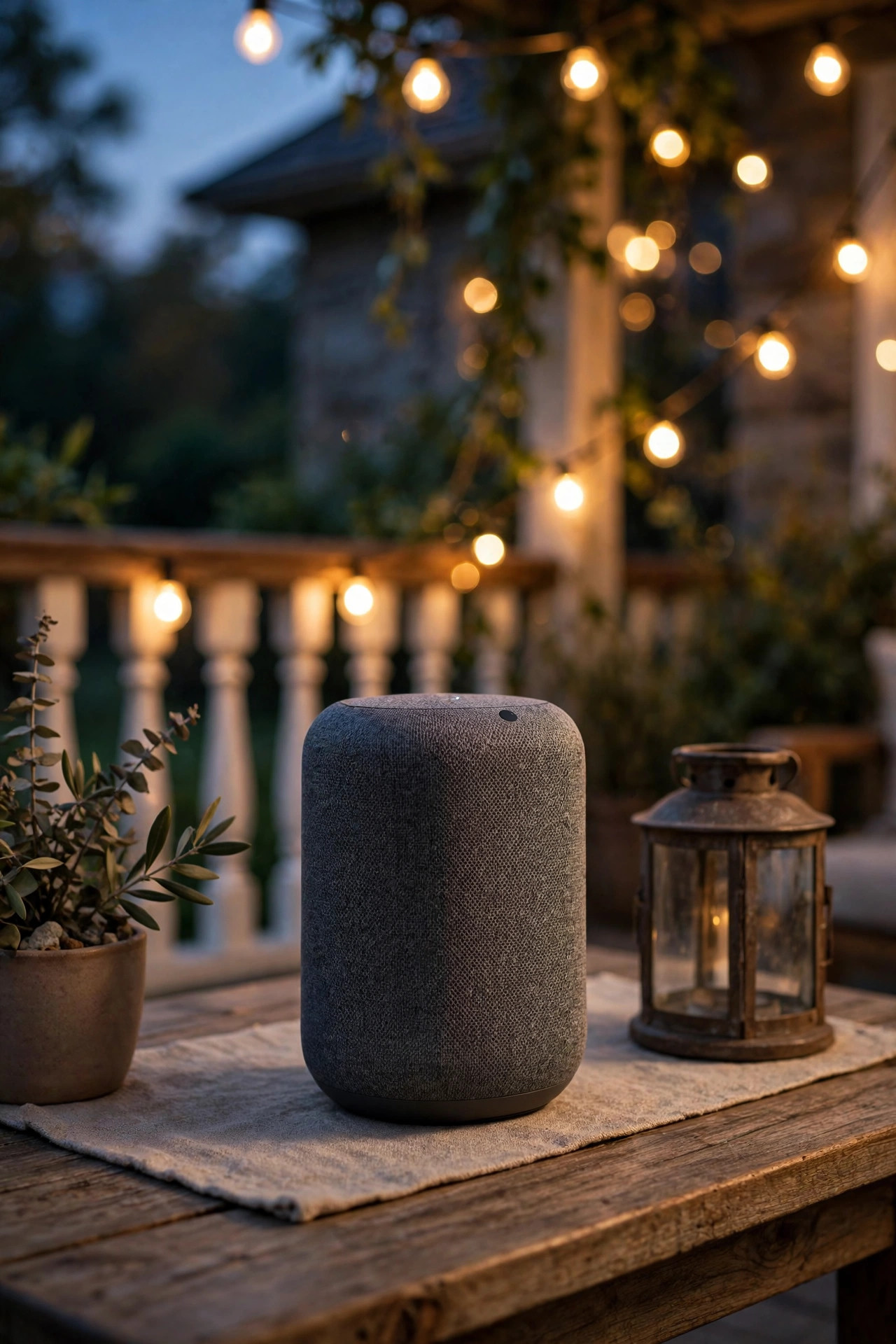
When you say "turn on the porch," your words travel further than you would think. Your smart speaker hears the command and sends it to your assistant's servers, which work out what you mean and send an instruction back home over your Wi-Fi. That instruction lands on one small control device — a smart bulb, a smart switch, or a smart plug — and that device is what actually switches the power. The fixture itself stays exactly as dumb as it always was; the brains live at the control point.
This is the idea that makes everything else in this guide click. You are not replacing your lighting, and you do not need special fixtures. You are adding one smart checkpoint between the power and each light, then teaching your assistant the checkpoint's name. Because both Alexa and Google talk to the same kinds of control devices, the hardware choice and the assistant choice are mostly separate decisions.
Two honest expectations before we start. First, voice commands need the internet, so an outage means the wall switch becomes king again — plan for that rather than resenting it. Second, there is about a second of delay between speaking and glowing. That pause is normal, not a fault. Think of voice as one layer in a layered system: voice for the moment, timers and photocells for the routine, and a plain switch for backup. My smart outdoor lighting guide covers that layering philosophy in more depth if you want the big picture before the practical steps.
The Three Control Points, Compared Honestly
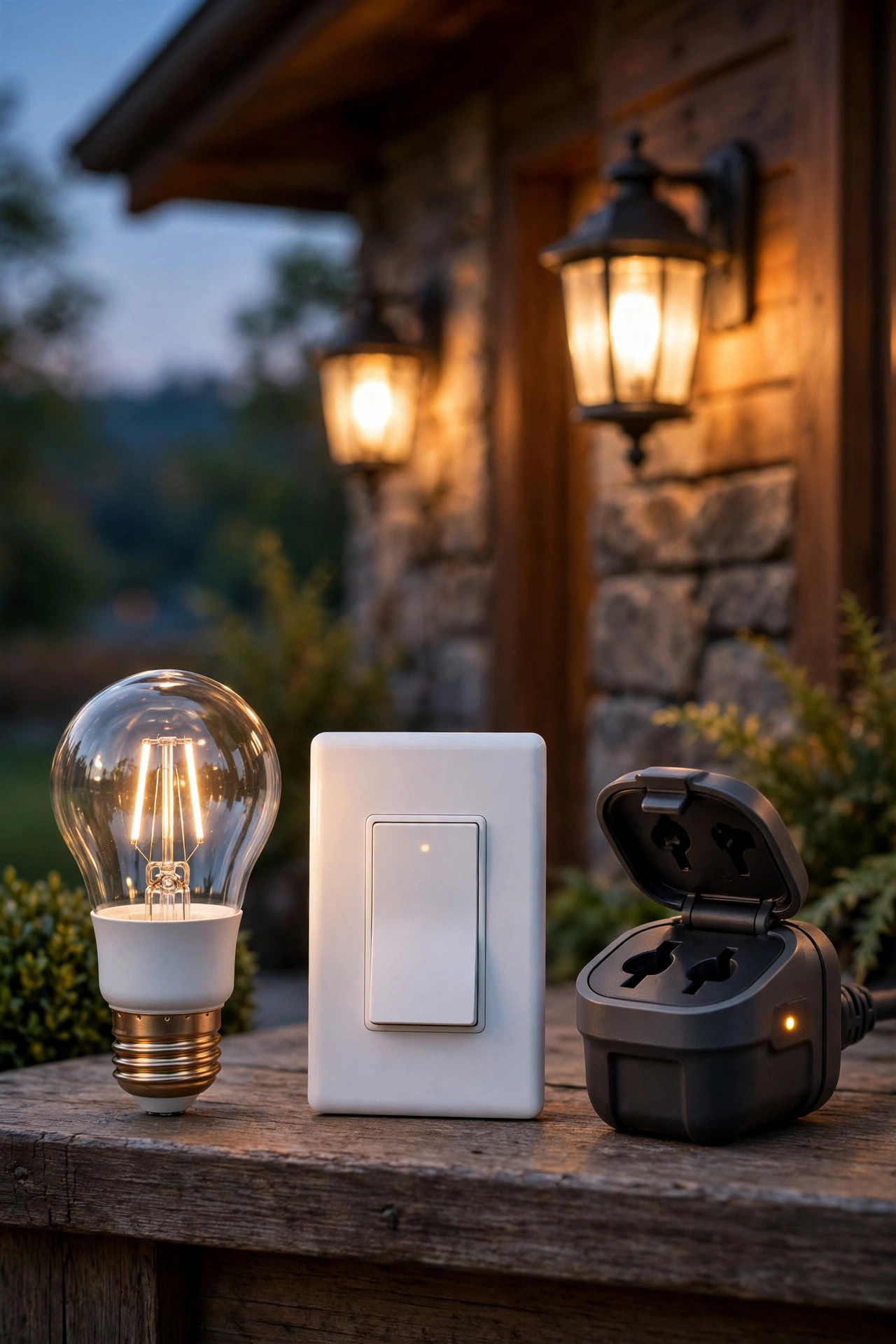
Every voice setup I have built uses one of three control points, and choosing the right one per fixture is ninety percent of a headache-free system.
Smart bulbs screw into existing fixtures and are the quickest win — perfect for a porch sconce or a pair of carriage lights. The catch: the wall switch must stay on forever, because a flipped switch cuts the bulb's power and your assistant reports it "not responding." Outdoors, use bulbs rated for enclosed fixtures and damp or wet locations, and expect exposed bulbs in open fixtures to have a shorter life.
Smart switches replace the wall switch and control the whole circuit — porch, garage, and flood lights together. Wall control still works for guests and grandparents, which I love. Most need a neutral wire in the switch box, so older homes should check before buying. Installation means working inside the box, so hire an electrician if that sentence made you nervous.
Smart plugs sit between an outlet and anything that plugs in: string lights, holiday displays, and — my favorite trick — the low-voltage landscape transformer, which puts your entire path and uplight system on voice at once. Outdoor plugs must be genuinely outdoor-rated, a point I will repeat until it sticks.
| Control point | Best for | DIY difficulty | Watch out for |
|---|---|---|---|
| Smart bulb | Single porch fixtures, sconces | Easiest — screw it in | Switch must stay on |
| Smart switch | Hardwired circuits, floods | Moderate — box wiring | May need a neutral wire |
| Smart plug | String lights, transformers | Easy — plug it in | Must be outdoor-rated |
What You Need Before You Start
A calm half hour of prep saves the entire afternoon of troubleshooting later. Here is my checklist:
1. A voice assistant home base. A smart speaker or display inside the house, or just the Alexa or Google Home app on your phone to begin with.
2. Your control devices, still in their boxes: bulbs, switches, or outdoor-rated plugs matched to your fixtures using the section above.
3. A 2.4 GHz Wi-Fi network. Nearly all smart lighting gear speaks only 2.4 GHz, not 5 GHz. Most routers broadcast both under one name and devices sort it out, but know this if a device refuses to pair.
4. The manufacturer's app for each device, installed and signed in, plus your Alexa or Google account signed in on the same phone.
5. A naming plan, written down: the zones you will control (porch, path, deck) and the exact words you will say. The naming section below explains why this matters so much.
6. Basic tools: a step ladder for sconces, a non-contact voltage tester if you are touching a switch, and your breaker locations noted.
One more prep step people skip: stand at your furthest fixture with your phone and check the Wi-Fi signal there. If your phone struggles, the smart device will too — read the Wi-Fi section before pairing anything, not after.
Step-by-Step: Setting Up With Alexa
Alexa's setup follows the same rhythm for every device, so learn it once and repeat it for each light.
1. Install the control device first. Screw in the bulb, plug in the plug, or wire the switch (breaker off, always). Turn the fixture on and leave it on.
2. Set the device up in its own manufacturer's app. Give it a plain temporary name and confirm it turns on and off from that app. If it fails here, it will fail everywhere — fix it in this app first.
3. Open the Alexa app and go to Devices, then the plus sign, then "Add Device." Choose the device type, then your device's brand, and enable its Alexa skill when prompted. Sign in to link the accounts.
4. Let Alexa discover devices. She usually finds the new device automatically after the skill links; if not, say "Alexa, discover my devices" or tap Discover in the app.
5. Rename the device in the Alexa app to your short spoken name — "Porch," not the string of model numbers the manufacturer chose.
6. Add it to a group matching the area: Front Porch, Backyard, Driveway. Groups let one command run several lights.
7. Test from outside. Walk to the driveway, speak at normal volume to your phone or through an open door, and confirm the right light answers. Test every name before you declare victory.
If discovery fails, the usual culprits are a device sitting on the wrong Wi-Fi band or the skill linked to a different account than the manufacturer's app. Unlink, relink, rediscover — boring, but it works nearly every time.
Step-by-Step: Setting Up With Google
Google's flow lives in the Google Home app and leans on "rooms" and "nicknames" instead of Alexa's groups and renames. The logic is identical; only the labels differ.
1. Install the control device and confirm the fixture is powered and on, exactly as with Alexa.
2. Complete setup in the manufacturer's app and test the light there first.
3. Open the Google Home app, tap the plus or "Set up device," choose "Works with Google," find your device's service in the list, and link your account.
4. Assign the device to your home and a room — Front Porch, Backyard, Driveway. Rooms are how Google bundles lights for single commands.
5. Set the nickname. Google lets each device carry a nickname, and the nickname is what you actually say. Keep it short and identical to the name you planned: "Porch," "Path," "String Lights."
6. Test with your voice: "Hey Google, turn on the porch." Then test the room version — "turn off the backyard" — to confirm the grouping works.
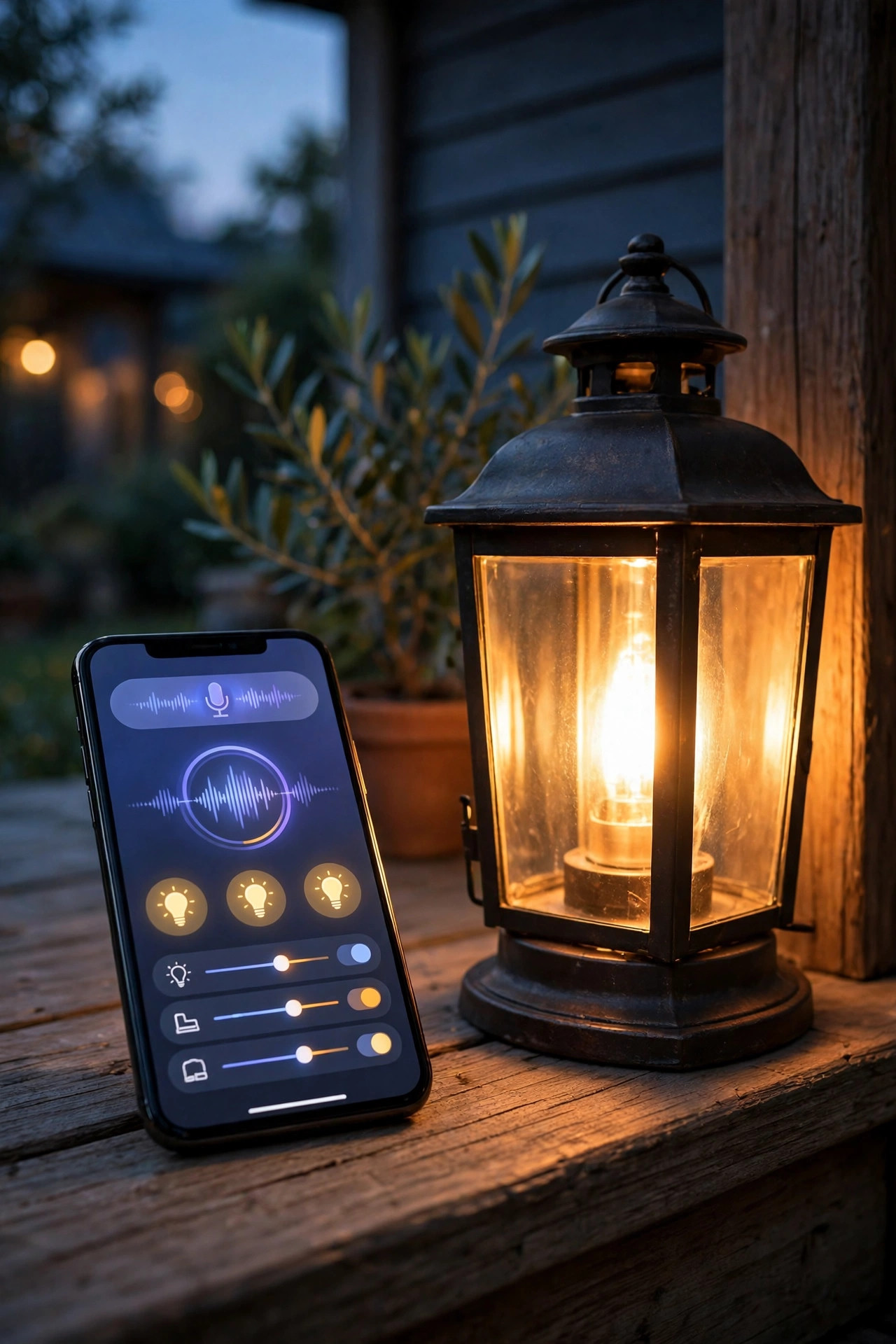
7. Build one starter routine under Routines: at sunset, turn the porch and path on; at 11 p.m., turn them off. You can grow it later.
One Google quirk worth knowing: if two devices share similar nicknames, Google picks its favorite and it will not be yours. The naming rules in the next section exist precisely because of assistants making these executive decisions.
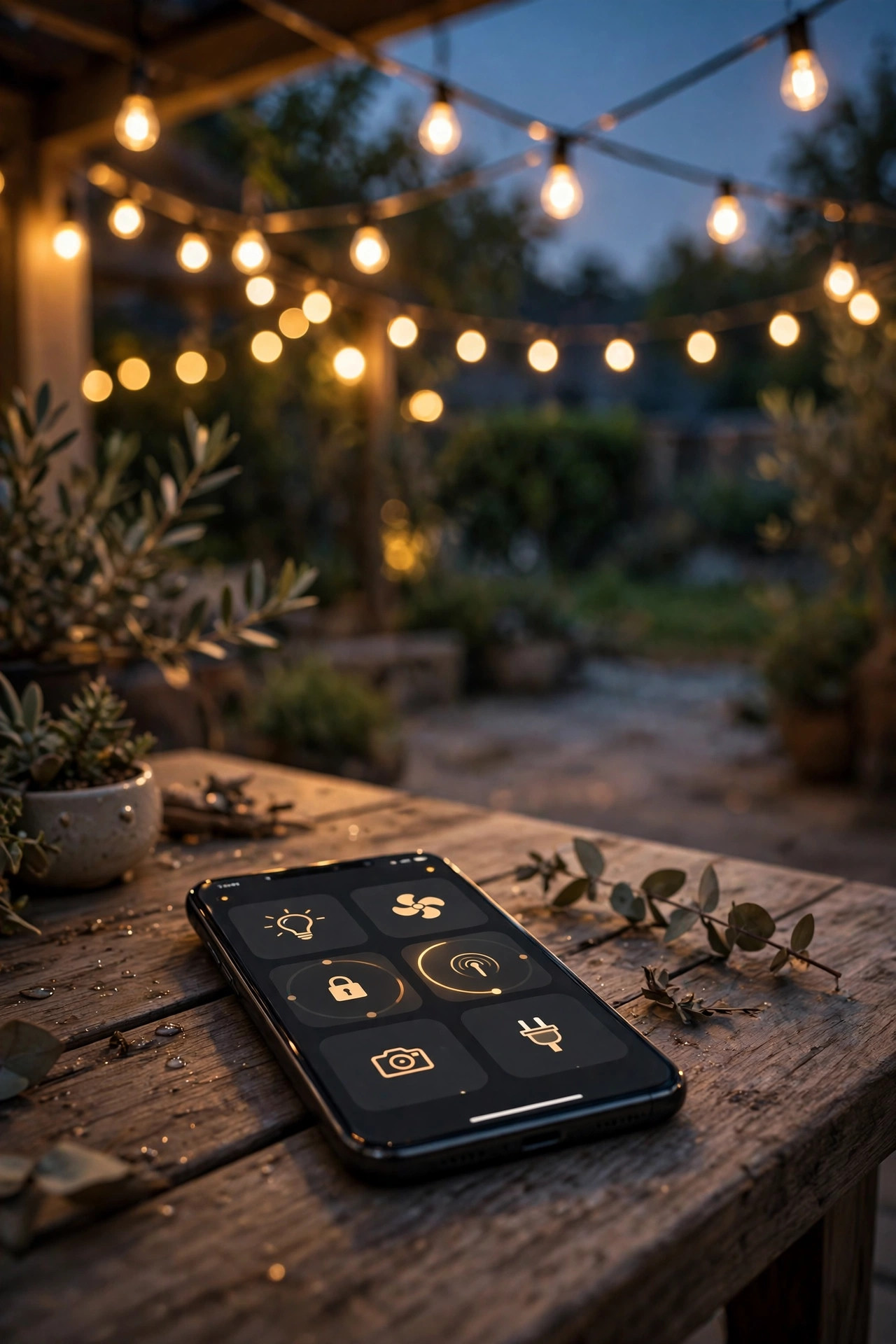
Naming Lights So Commands Actually Work
In my experience, naming is where voice setups quietly succeed or fail. The technology works; the vocabulary trips people. Follow the rules I landed on after renaming my own system three times.
Name the place, not the product. Say "Porch," "Path," "Driveway," "Deck," "Garden," "String Lights." These are the words you naturally shout across a house. Names like "Front Left Sconce" or "GE Bulb 2" are names nobody remembers at the door with wet hands.
Skip the word "light" in names. Assistants treat "the light" generically, so "turn off the light" while standing near three named lights invites chaos. "Turn off Porch" is unambiguous. (In commands you can still say "porch light" — the assistant strips it down to the name.)
Avoid sound-alike pairs. Porch and Patio blur together across a yard; I renamed my patio zone "Deck" and the misfires stopped. Also avoid numbers — "Path 1" and "Path 2" get misheard constantly.
Name zones, then group fixtures into them. Individual names for the fixtures you adjust alone (the flood, the string lights), zone names for everything else. And rename inside the assistant app even if the manufacturer's app keeps its own label — the assistant only cares about its own list. Renaming takes ten seconds now or an argument with your house every night forever. Choose wisely.

Groups, Scenes and Routines I Actually Use
Individual commands are fun for a week. Groups and routines are what make the system feel like it runs the house for you.
Groups by area are the workhorse: "Front Yard" holds my porch, path, and driveway lights, so "Alexa, turn off the front yard" ends the night in one sentence. My Welcome Home scene brings the porch and path to full brightness and adds the driveway flood for thirty minutes. Patio Night runs only the string lights at half brightness — enough to see faces, not enough to feel interrogated. Goodnight turns everything off except the porch at a low, warm dim.
Routines handle the clock. A sunset routine turns the porch and path on automatically, shifting with the seasons because sunset itself shifts — this alone is worth the whole setup. An 11 p.m. routine dims things down for the neighbors. When we travel, an away routine varies the on-times slightly so the house looks lived in rather than timer-obvious; my outdoor lighting timers and automation guide goes deeper on building schedules that look natural.
The balance I recommend: voice for the moment-to-moment moments, routines for anything that happens every day. If you are speaking the same command at the same time nightly, that command wants to be a routine.

Outdoor Wi-Fi: The Headache Nobody Warns You About
Most "my smart light is broken" stories are actually "my Wi-Fi does not reach my yard" stories. Wi-Fi weakens through every wall it crosses, and exterior walls are the worst offenders — brick, stone veneer, stucco on metal lath, and foil-faced insulation all eat signal. Your router may sit twenty feet from the porch bulb with a strong phone signal indoors, yet the bulb hangs on by a thread.
Diagnose before you buy: stand at the fixture, run a speed test or simply try loading a video on your phone. If it stutters there, no smart device will behave there.
Fixes, cheapest first. Move the router toward the front of the house or near a window facing the yard — even ten feet helps. Add a mesh satellite in the room nearest the problem fixtures; this single step solves most suburban yards. Use the 2.4 GHz band for outdoor devices, since it travels further than 5 GHz through walls. For large properties, an outdoor-rated access point under an eave is the honest answer. And when you plug a landscape transformer into a smart plug, mount the plug where signal is decent rather than behind a metal transformer box at the far fence line.
Do this section before you conclude any device is faulty. Nine times out of ten, the device is fine and the signal is not.

Safety and Electrical Basics
Voice control adds convenience, not invincibility, and outdoor electricity still deserves respect. Everything in this section is the unglamorous part that keeps the fun part safe.
Match the rating to the location. Plugs and bulbs used outdoors must be rated for it: outdoor-rated smart plugs with weather-resistant housings (look for IP64 or IP65), bulbs in enclosed, damp- or wet-location fixtures. An indoor plug on a porch is a failure scheduled for the first humid week.
Route power safely. Plug smart plugs into GFCI-protected outlets — the test/reset outlets kitchens and exteriors use. Keep plugs and connections elevated a few inches off the soil or mulch, never lying in a puddle-prone dip, and keep slack loops so water drips off rather than running into the housing. Extension cords are for temporary displays, not permanent installs.
Respect the switch install. Replacing a wall switch means working with household wiring: breaker off, verify with a tester, and if your box lacks a neutral wire or the wiring confuses you, an electrician's visit is money well spent. Never voice-control a circuit that also feeds something that must never cycle — a freezer outlet or a sump pump has no business sharing a smart switch.
One master per light. A fixture with a built-in dusk-to-dawn photocell will fight a smart bulb or plug, because the sensor keeps cutting power on its own schedule. Choose one controller per fixture — sensor or smart, never both — and the mysterious "haunted" behavior stops.
What It Costs in 2026: Voice Controlled Outdoor Lighting Budgets
Here is what a real setup costs this year, in honest ranges. A basic smart speaker runs $30–$60, and a display model $80–$130 — though plenty of households start with one they already own and spend nothing. Smart bulbs run $10–$25 each; outfitting two porch sconces and a garage light costs roughly $45–$75. Outdoor smart plugs run $15–$30 each; two of them — one for the landscape transformer, one for string lights — come to about $50 and control more lights than any other purchase on this list. Smart switches run $20–$45 each, plus an electrician at $150–$300 if you would rather not open the box. A single mesh Wi-Fi node, if your yard needs one, adds $70–$130.
Sample totals: a renter-friendly porch setup lands near $40–$60. A typical front yard — porch bulbs, a transformer plug, a switch for the flood — runs $120–$250. A whole-property system with backyard zones might reach $400–$700, usually phased in over a season rather than bought at once.
Running costs are nearly a rounding error: control devices sip standby power worth roughly $1–$3 per device per year. The lights themselves, being LED, cost what they always cost. For picking a plug that will survive outdoors, my roundup of the best outdoor smart plugs and timers compares the options I have actually used.

7 Mistakes That Ruin the Effect
1. Double control. A smart bulb behind a photocell or timer gets its power cut on a schedule it cannot see, then reports "not responding." Fix: one master per fixture.
2. The flipped switch. A smart bulb on a circuit that family members switch off out of habit. In my house the porch switch was the repeat offender until a two-dollar switch guard ended the war. Fix: switch guards, a smart switch instead, or retrain the household — in that order of realism.
3. An indoor plug outdoors. It works until the first steamy week. Fix: outdoor-rated gear, always.
4. Novel-length names. "Front Yard Left Sconce Number One" will be misheard forever. Fix: two words, maximum.
5. Two assistants, one house. Half the lights on Alexa, half on Google, and nobody remembers which. Fix: pick one platform for lighting, full stop.
6. Pairing on the wrong band. Devices that only speak 2.4 GHz sulk when a phone forces 5 GHz during setup. Fix: set up near the router, on the main network.
7. Automating before naming. Building routines on top of chaotic names multiplies the chaos. Fix: names first, groups second, routines third.
The encouraging part is that every one of these is a five-minute fix once you know to look for it, and none of them require buying anything you do not already own. Work the list top to bottom the first time something misbehaves and you will find your culprit.

Maintenance and Seasonal Tips
A voice system needs about fifteen minutes of attention per season, and skipping it is how small annoyances graduate into "the smart lights never work."
Each season, update the apps and device firmware, then walk the yard and test every voice name once from outside. It feels silly; it catches the bulb that quietly dropped off the network in March. Wipe fixture lenses while you are out there — a dusty lens dims even the smartest bulb.
After any router change — new equipment, new password — expect to reconnect devices. Keep a simple note in your phone listing each device, its zone name, and which control point it uses. Future you, standing in the driveway at dusk, will be grateful.
Seasonal shifts are easy wins. In summer, push the sunset routine later for patio season. In the holidays, rename the display plug "Christmas" and add it to the front-yard group, then retire the name in January. Check fixed-time routines after the clocks change in spring and fall — sunset-based routines adjust themselves, but clock-based ones drift an hour if you let them. Finally, leave a one-line instruction card near the door for house-sitters: which switch to leave alone, and the three voice commands that run the yard. Hospitality, automated.
Frequently Asked Questions
Can I control my existing landscape lighting with my voice?
Yes, and it is usually the easiest upgrade in this whole guide. Plug your low-voltage transformer into an outdoor-rated smart plug, set the transformer's own timer to its always-on or manual setting, and let the plug take over scheduling and voice commands. Your existing path lights, uplights, and cables stay exactly as they are — only the on/off brain changes. One check first: make sure the plug is rated for the transformer's wattage draw, and mount it where it gets a decent Wi-Fi signal, ideally on the house wall rather than at the far end of the yard.
What happens to voice control when the internet or power goes out?
Voice commands stop working, because your assistant does its thinking in the cloud. The lights themselves are not bricked, though: wall switches still work, smart switches still toggle by hand, and most devices return to their last state when power comes back, then reconnect to Wi-Fi on their own. Cloud-based routines may skip a beat during an outage, which is another reason I keep a photocell or timer layer under the porch light that matters most. Think of voice as the delightful layer, not the only layer.
Alexa or Google — which should I pick for outdoor lights?
Pick the one your household already talks to, and do not split your lighting between the two. Both assistants work with the same bulbs, switches, and plugs, follow the same setup logic, and handle groups and sunset routines well. The real-world difference is small; the difference between a tidy single-platform system and a mixed one is enormous. If you are starting from zero, choose based on the phones and speakers already in your home. Consistency beats platform loyalty every time.
Why does my light keep saying "not responding"?
Almost always, it is Wi-Fi at the fixture, not a broken device. Exterior walls and distance starve outdoor devices of signal, so stand where the light is and test your phone there. Other common causes: someone flipped the wall switch feeding a smart bulb, the device paired to a guest network that isolates devices, or a photocell upstream keeps cutting its power. Work the list in that order — signal, switch, network, sensor — and you will find the culprit within ten minutes, no ladder required for most of it.
Conclusion
Voice controlled outdoor lighting is not about novelty — it is about a house that responds the moment you need it, hands full, guests arriving, or a dog doing something suspicious by the fence. Start with one control point matched to the fixture, commit to a single assistant, give every light a name you would actually say out loud, and make sure your Wi-Fi truly reaches the yard. Do those four things and the headaches this guide warned about simply never show up. Start with the porch this weekend; the rest of the yard will talk you into itself by next season. For more inspiration, browse the lighting ideas across the site and pick your next zone.