
There is a particular kind of disappointment in watching your path lights glow beautifully at dusk, then fade to a sad yellow blink by nine o'clock. I used to assume the whole light was done for, but in my experience the fixture is almost never the problem — the little rechargeable battery inside it is. Once you learn how to replace solar light batteries the right way, a "dead" walkway set usually comes back to full brightness for a few dollars and about five minutes per light. The catch is that "right way" part. Solar lights are far pickier about their batteries than a TV remote is: grab the wrong chemistry, the wrong size, or a bargain cell with a fantasy capacity printed on the wrapper, and you'll be back out there next month wondering why the new batteries died too. In this guide I'll walk you through how these batteries actually work, how to tell a dead battery from a dirty panel, how to read the numbers on the cell, the exact swap step by step, which replacements are worth buying in 2026, and the habits that make a fresh set last for years instead of months.

The Short Answer
When a solar light fades early or stops working, the battery is the culprit about eight times out of ten, and swapping it is a five-minute job. Twist open the cap, note the size (usually AA or AAA) and chemistry (almost always NiMH, 1.2 volts), and fit a rechargeable cell of the same size and similar capacity. Never use a regular alkaline — it can't recharge and can leak. A good replacement costs roughly $1 to $3 per light in a multipack, so a whole path set typically runs under $20. Buy from a reputable seller, distrust any AA claiming more than about 2,500 mAh, and give new batteries two or three sunny days before judging them.
How a Solar Light Battery Actually Works
Every solar light is a tiny power plant with four parts: a solar panel, a rechargeable battery, a light sensor, and an LED. During the day, the panel — usually just an inch or two square — turns sunlight into a trickle of electricity and feeds it into the battery. At dusk, the sensor notices the light fading and switches the LED on, and the battery spends the night paying that stored energy back out. By morning a healthy setup has just enough left to hand the job back to the panel. The battery sits at the center of that whole cycle, which is exactly why it wears out first: it is charged and drained every single day, roughly 365 cycles a year, out in the heat, cold, and rain. Most cells in garden lights are nickel-metal hydride, or NiMH, rated at 1.2 volts. Very old lights may hold nickel-cadmium (NiCd) cells, and larger solar spotlights and floodlights increasingly use lithium cells instead — either 3.2-volt lithium iron phosphate or 3.7-volt lithium-ion. Those numbers matter enormously when you shop, because a circuit designed for a 1.2-volt cell will not usefully charge a 3.7-volt one. Think of the battery as a consumable, like the blade in a razor: the fixture is built to last for years, but the cell is meant to be swapped every one to three seasons. That's not a defect — it's the design.

Dead Battery or Something Else? A Quick Check Before You Buy
Before you order a single battery, spend two minutes confirming the battery is actually the problem, because a few other culprits wear the same disguise. First, wipe the solar panel clean — a film of pollen, dust, or water spots can starve a perfectly good battery. Second, check the little on/off switch under the cap; it gets bumped during fall cleanup more often than you'd think. Third, look for new shade: a shrub that grew six inches over the summer can quietly cut a panel's daily charge in half. Fourth, make sure no porch light or streetlight shines on the sensor all night, which tricks the light into thinking it's daytime. The most reliable test is a swap: take the battery from a light that's working well, put it in the dead one, and cover the panel with your hand. If the light springs on, your panel and LED are fine and the original battery is the problem. If it stays dark with a known-good battery, the light itself has a wiring or LED fault, and new batteries won't save it. I sort my whole yard this way every spring before buying anything — my routine in my guide to solar path lights covers the full seasonal check, and it saves me from re-batterying lights that were never going to wake up.

Know Your Cell: Size, Voltage, and Chemistry
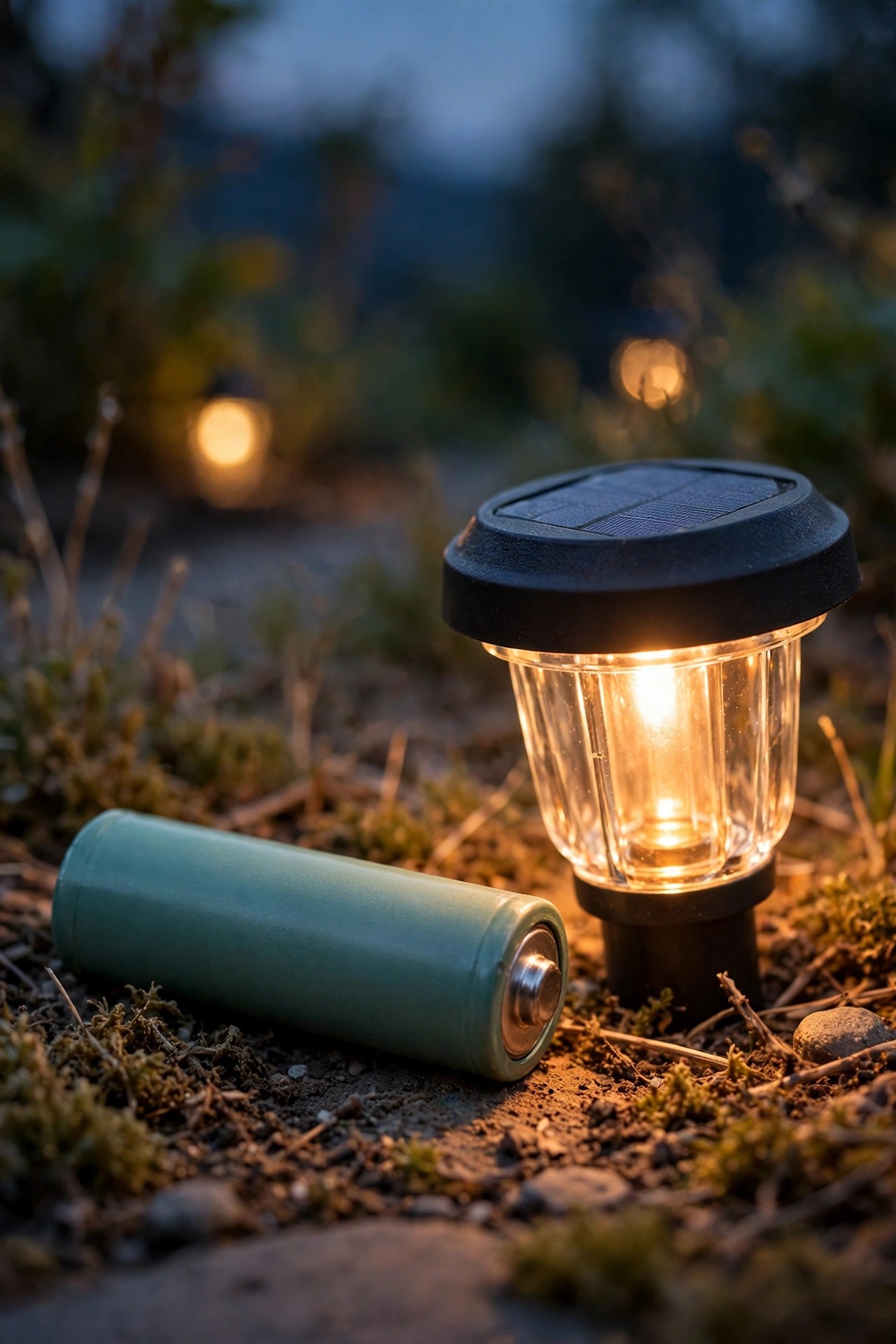
Replacement starts with reading the old cell, so pop it out and look at the wrapper — or take a photo of it before you toss anything. Size comes first. The great majority of path and accent lights use AA or AAA cells. You'll also meet a shorter "2/3 AA" in slim stakes, and occasionally tiny button cells in novelty accents. Larger solar spotlights, floodlights, and motion lights usually hide a chunkier lithium cell, most often a cylindrical 18650 or a 14500. Voltage comes second, and it is not negotiable: NiMH and NiCd cells are 1.2 volts, lithium iron phosphate is 3.2 volts, and standard lithium-ion is 3.7 volts. The replacement must match the original voltage, full stop. Chemistry comes third. If the old cell is NiCd, a modern NiMH of the same size and voltage is a safe, usually better swap — NiMH holds more charge and has largely replaced NiCd in garden lights. But never mix lithium chemistries: a 3.2-volt lithium iron phosphate cell and a 3.7-volt lithium-ion cell can share a size and still be wrong for the charger inside your light. If the wrapper on your old cell is too faded to read, measure it: an AA is about 2 inches long and a half-inch across, an AAA is about 1.75 inches long and slimmer, and matching those measurements against a size chart will identify almost anything.

Capacity (mAh): Why the Biggest Number Isn't the Best Buy
The mAh rating — milliamp hours — tells you how much energy a cell can store, and shoppers naturally reach for the biggest number. With solar lights, that instinct backfires. Your panel is tiny and charges at a trickle, so the real question is how much energy the light can actually collect in a day. A modest 600 mAh cell fills completely in a sunny day and delivers its full capacity every night. A huge 2,800 mAh cell behind the same little panel may never reach full charge in winter, and a rechargeable that lives chronically half-empty doesn't automatically give you longer runtime — it gives you unpredictable runtime. As a rule of thumb, match the capacity printed on your original cell, or go modestly higher, up to about half again as much. If the original was 600 mAh, anything from 600 to 900 mAh is a happy upgrade. There's a harder limit to know, too: no genuine AA NiMH cell holds more than roughly 2,500 to 2,700 mAh, and genuine AAAs top out near 1,100 mAh. Any listing bragging about a 3,800 or 9,800 mAh AA is printing fiction, and those cells usually hold less than the honest cheap ones. A quick sanity check I always use: a real AA NiMH weighs about an ounce. A feather-light "high capacity" cell is a warning, not a bargain.
Step-by-Step: How to Replace Solar Light Batteries
Here is the exact routine I use, and it genuinely takes about five minutes per light once you've done the first one.
1. Gather your supplies: the new cells, a small screwdriver (some caps are screwed down), a soft dry cloth, and a pencil eraser for contacts.
2. Bring the lights to a table or workbench. This is fiddly work with small parts, and doing it kneeling in a flower bed is how screws get lost.
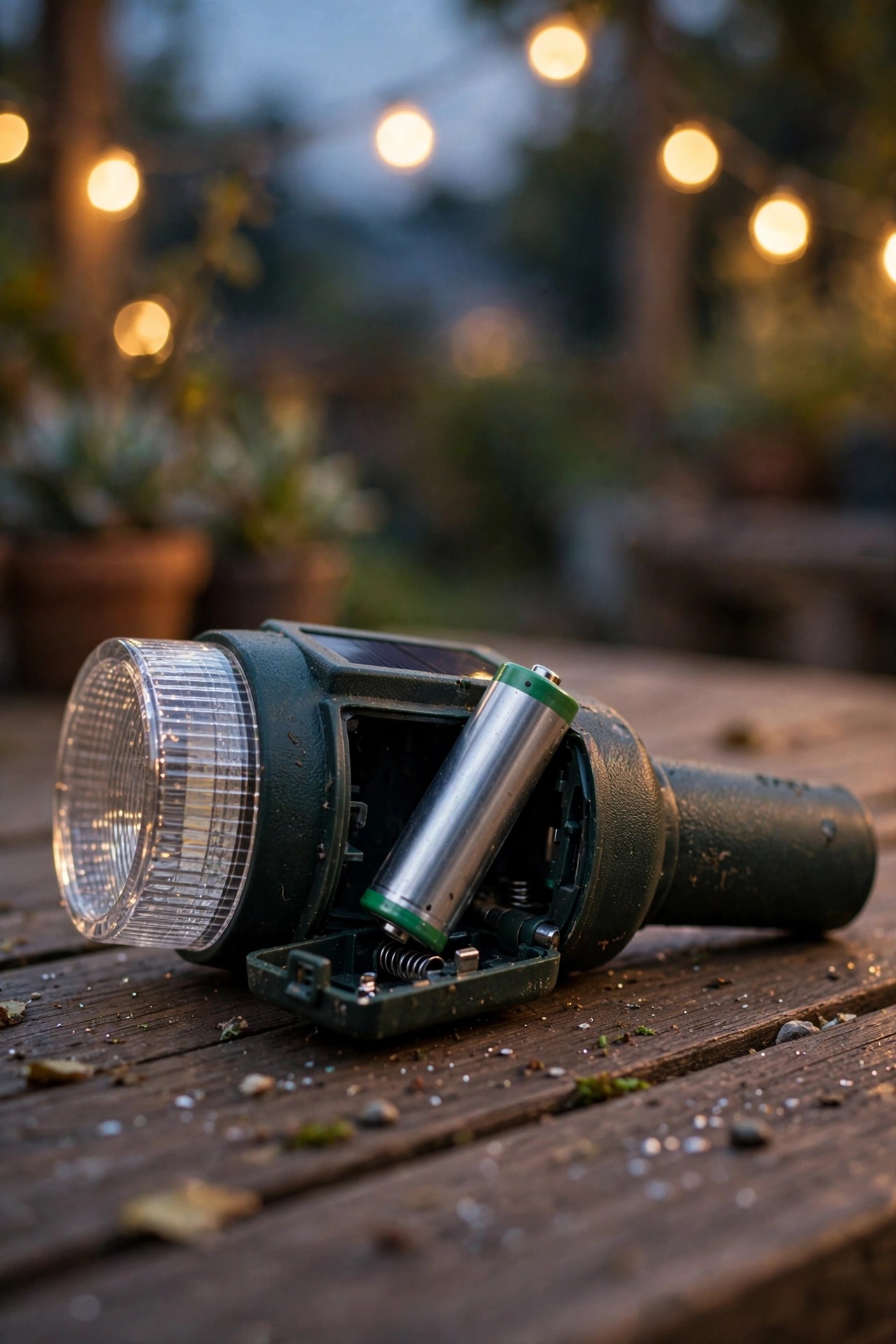
3. Open the battery compartment — most caps twist a quarter turn; others lift off or need two small screws removed.
4. Note the orientation before you remove anything. The flat end of the cell usually sits against the spring. A phone photo saves guessing later.
5. Pop the old cell out and inspect the compartment. White or green crust on the contacts means corrosion; rub it off with the eraser or a dry toothbrush until the metal shines.
6. Insert the new cell with the polarity matched to the markings, then close the cap firmly so the seal keeps water out.
7. Test in daylight by cupping your hand over the panel. The LED should glow. No glow with a fresh cell means a connection problem — reopen and check the contacts and orientation.
8. Set the light back out in its sunniest spot, make sure the switch is on, and let it charge. Judge the result after two or three full sunny days, not the first evening.
Finally, don't toss old cells in the trash. NiCd and lithium cells especially should go to a battery recycling drop-off — most hardware stores have a bin near the registers.
Which Replacement Batteries to Buy (and the Fakes to Avoid)
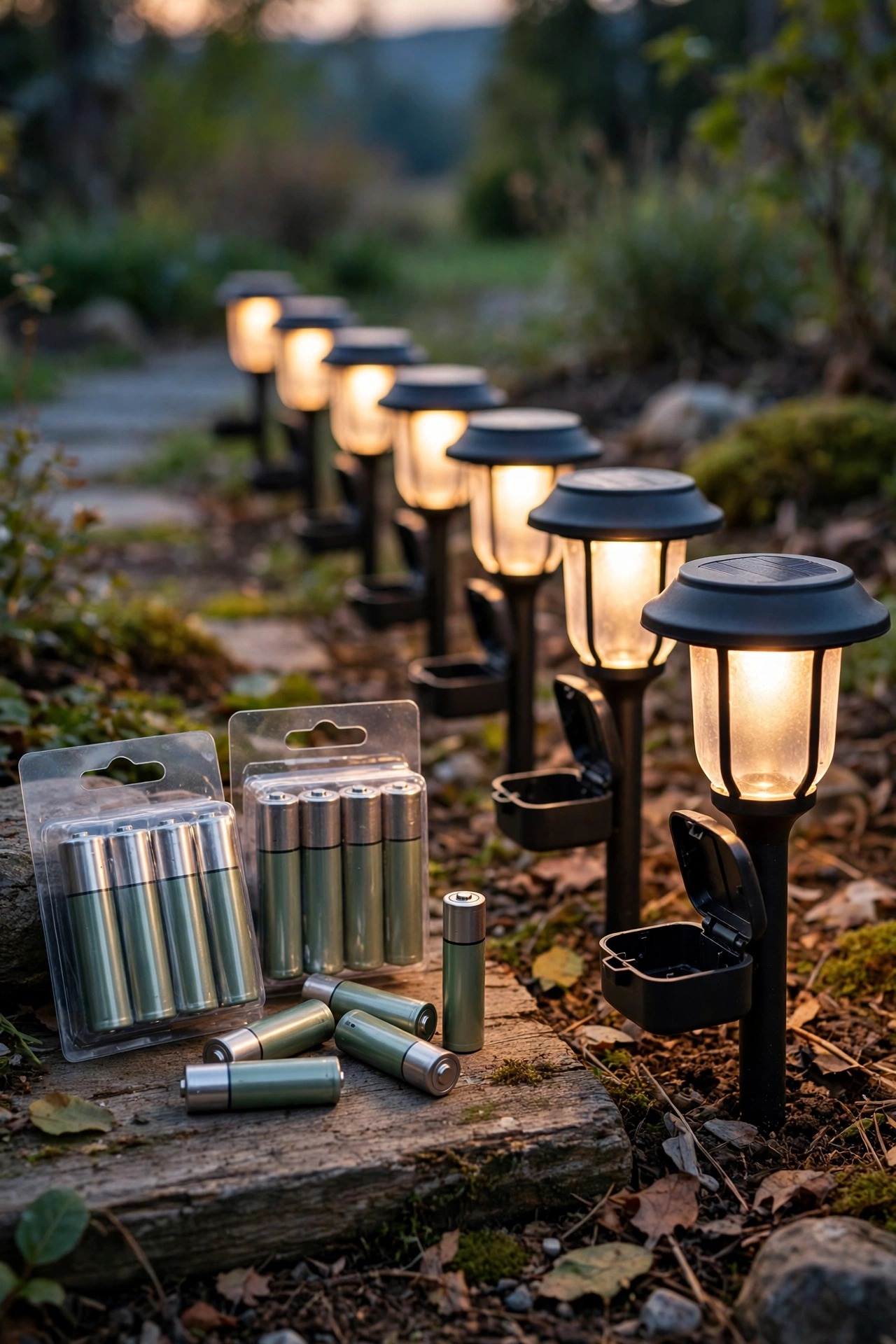
Honestly, the safest shopping rule is boring: buy rechargeable NiMH cells from a seller you'd trust with anything else, in a multipack sized to your yard. For most path lights, standard NiMH is all you need. If your lights spend months in storage, or you live somewhere with long gray winters, look for "low self-discharge" cells — often sold as pre-charged and ready to use — because they hold their charge on the shelf instead of quietly draining away. Buy enough to do every light at once, plus two spares; a set where every battery is the same age behaves evenly, while one fresh cell among five tired ones makes the layout look patchy. Now the fakes. Marketplace listings for ultra-cheap cells with impossible capacities are the biggest trap in this category: the wrapper says 3,800 mAh, the cell weighs almost nothing, and it performs worse than the worn battery you just removed. Check the listed weight, read reviews that mention actual runtime in solar lights, and walk away from any AA claiming more than about 2,500 mAh. For lithium lights, buy the exact chemistry and voltage printed on the original cell — lithium iron phosphate at 3.2 volts and lithium-ion at 3.7 volts are not interchangeable, even when the cans look identical. Spending a dollar more per cell on honest batteries is the cheapest upgrade in all of outdoor lighting.
What It Costs in 2026 to Replace Solar Light Batteries
The honest math is what makes this my favorite fix in the whole yard. Standard AA and AAA NiMH cells sell in multipacks for about $6 to $10 for four, or $10 to $16 for eight, which works out to roughly $1 to $2 per light. Low self-discharge versions cost a little more, around $2.50 to $3.50 per cell. Less common sizes — 2/3 AA cells and specialty sizes — run $2 to $4 each, mostly online. The lithium cells in larger spotlights and floodlights cost more, typically $5 to $9 each, but those lights hold only one or two. So re-batterying a typical twelve-light path set costs about $12 to $25 all in, against $35 to $80 for a comparable new set — and the new set would come with the same grade of bargain battery you just replaced. Expect a quality set of cells to last two to three seasons, which pencils out to well under a dollar per light per year. That said, I'll be honest about the limit: if you're re-batterying a very cheap set every single year because the fixtures themselves are cracking and fogging, the math changes, and my comparison of solar vs. wired landscape lighting is worth a look before you spend more on cells for lights that are near the end.

5 Mistakes That Ruin New Batteries
I've made most of these myself over the years, so learn from my mistakes instead of repeating them — each one below can quietly undo a perfectly good battery swap within weeks.
1. Using alkaline or "heavy duty" disposables. They can't accept a charge from the panel, they underperform within days, and they can leak and corrode the compartment. Rechargeable NiMH only.
2. Judging the swap on the first night. New cells ship partly charged at best. A light that seems weak on night one is often perfect by night three — give it two or three sunny days first.
3. Leaving corroded contacts in place. A brand-new battery pressing against green, crusty contacts is still a bad connection. Thirty seconds with an eraser matters as much as the battery itself.
4. Mixing old and new cells. In lights that hold two cells, replacing only one means the tired cell drags the fresh one down. Always swap the full set inside a light, and ideally across the whole run.
5. Storing lights all winter with dead batteries inside. A rechargeable left discharged in a freezing garage for four months often never recovers. Charge them fully before storage, or bring the batteries indoors — a point I build into my full outdoor lighting maintenance checklist routine every fall.

Making Fresh Batteries Last: Charging and Seasonal Habits
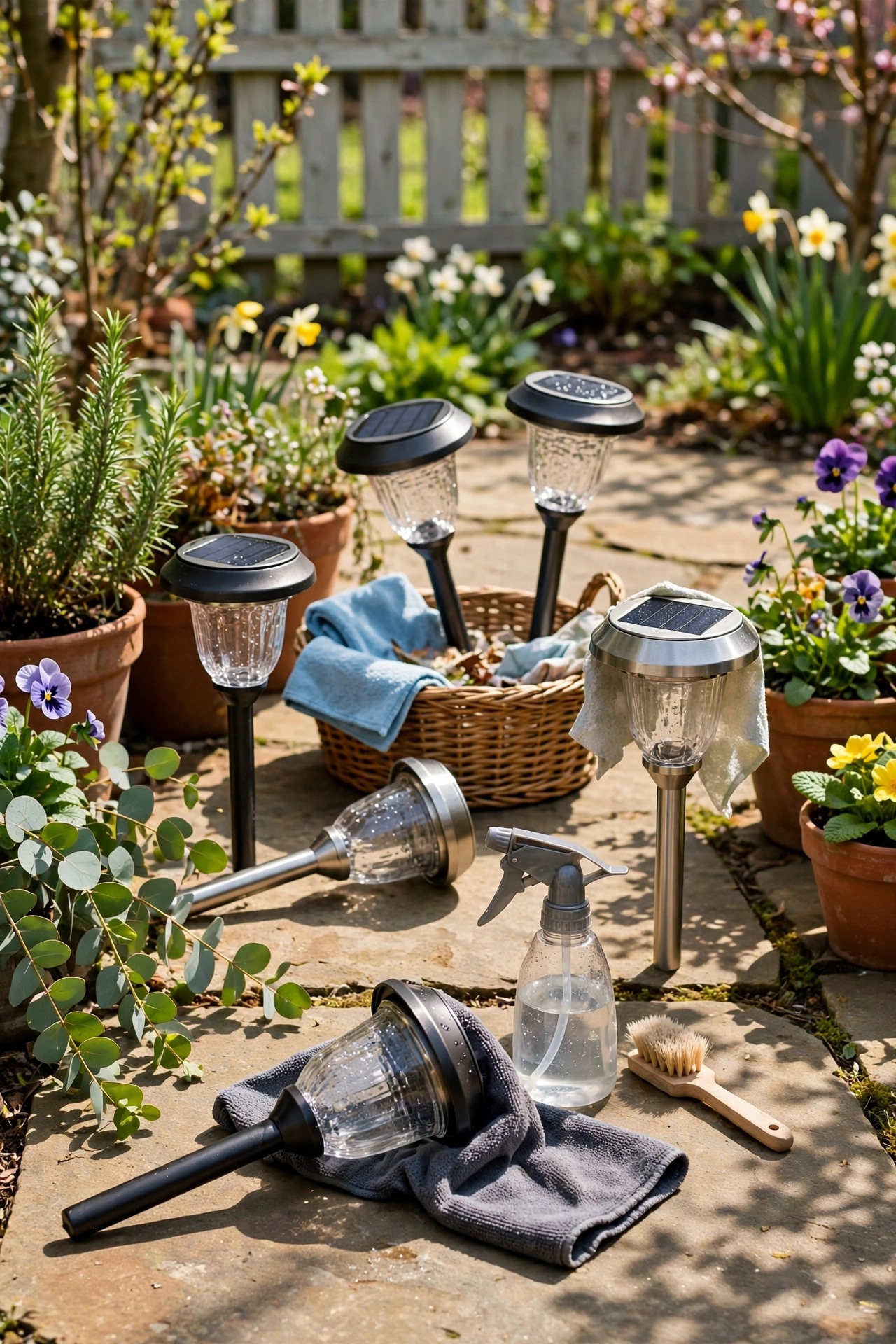
A few small habits easily double the life of a replacement set. Keep the panels clean — a ten-second wipe with a damp cloth once a month during the season, and after pollen-heavy spring weeks, because a dirty panel chronically undercharges the battery, and chronic undercharging is what shortens its life. Once a year, give every light one deliberate deep-charge: switch it off (on models where off still allows charging, leave it in full sun; where it doesn't, simply leave it in its sunniest spot) for two or three bright days to top the cells completely. Watch the shade line as your garden grows and nudge lights a few inches toward the sun when plantings creep over them. Before winter, decide honestly: in milder climates lights can stay out year-round, but where snow buries them for weeks, I pull mine, charge the batteries fully, and store everything dry indoors — lights in a bin, batteries in a labeled bag at room temperature, never in a freezing garage. Come spring, a quick panel wipe and one sunny day on the patio, and the whole set goes back out performing like new. Treat the battery as the small, hard-working consumable it is, and the fixtures themselves will outlast several generations of cells.
Frequently Asked Questions
Can I use regular AA batteries in my solar lights?
Only as a one-night emergency measure, and I really don't recommend it. Regular alkaline cells are not rechargeable, so the panel can't refill them — they'll fade within days. Worse, trying to charge an alkaline can make it leak or swell, corroding the compartment and ruining the light. Always replace with rechargeable NiMH cells of the same size.
How long do replacement solar light batteries last?
A quality NiMH cell typically lasts two to three seasons of daily cycling — roughly 500 to 1,000 charges — before runtime noticeably shortens. Low self-discharge cells in well-sited, sunny lights can stretch to four years. Heat, deep winter discharge, and chronic shade all shorten that span, which is why placement and storage habits matter so much.
Why are my solar lights still dim with brand-new batteries?
Almost always, the new cells simply haven't had a full charge yet — they ship partially drained and need two or three sunny days in place before they perform. If they're still dim after that, check for a dirty or hazy panel, new shade over the light, or a capacity mismatch: a very high-capacity cell behind a tiny panel may never fill completely.
Can I replace a NiCd battery with a NiMH one?
Yes, and it's usually an upgrade. NiCd and NiMH cells share the same 1.2-volt rating and sizes, and the NiMH will typically hold more charge and last longer per night. Just match the physical size and don't mix the two chemistries inside the same light. Take the old NiCd cells to a battery recycling drop-off rather than the trash.
Conclusion
Of all the fixes in my yard, learning to replace solar light batteries properly has saved me the most money for the least effort — most "dead" lights are just one honest, correctly matched cell away from glowing like new. Match the size, voltage, and chemistry, keep the capacity sensible for that little panel, buy from a seller you trust, and give fresh cells a few sunny days before you judge them. Do that, and your walkway will greet you at dusk for seasons to come. If you're planning the rest of your setup, browse the site's other solar and landscape lighting guides for placement, spacing, and styling ideas — there's a whole evening's worth of inspiration waiting.