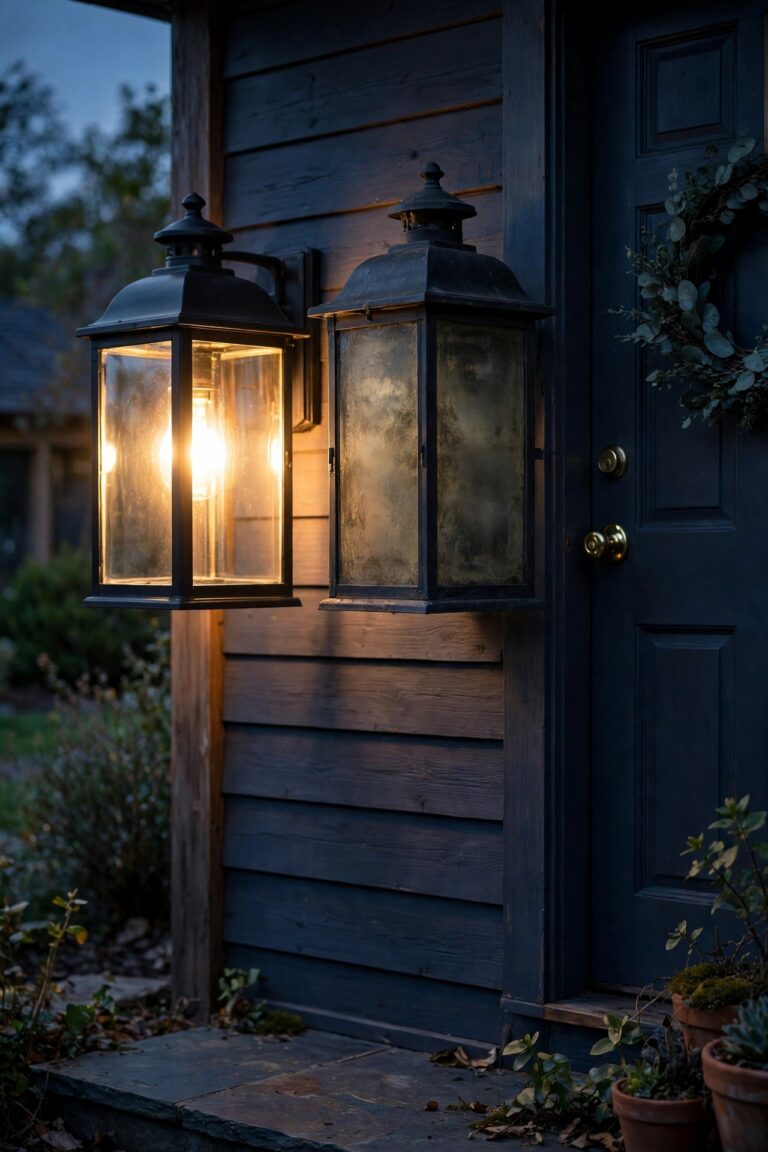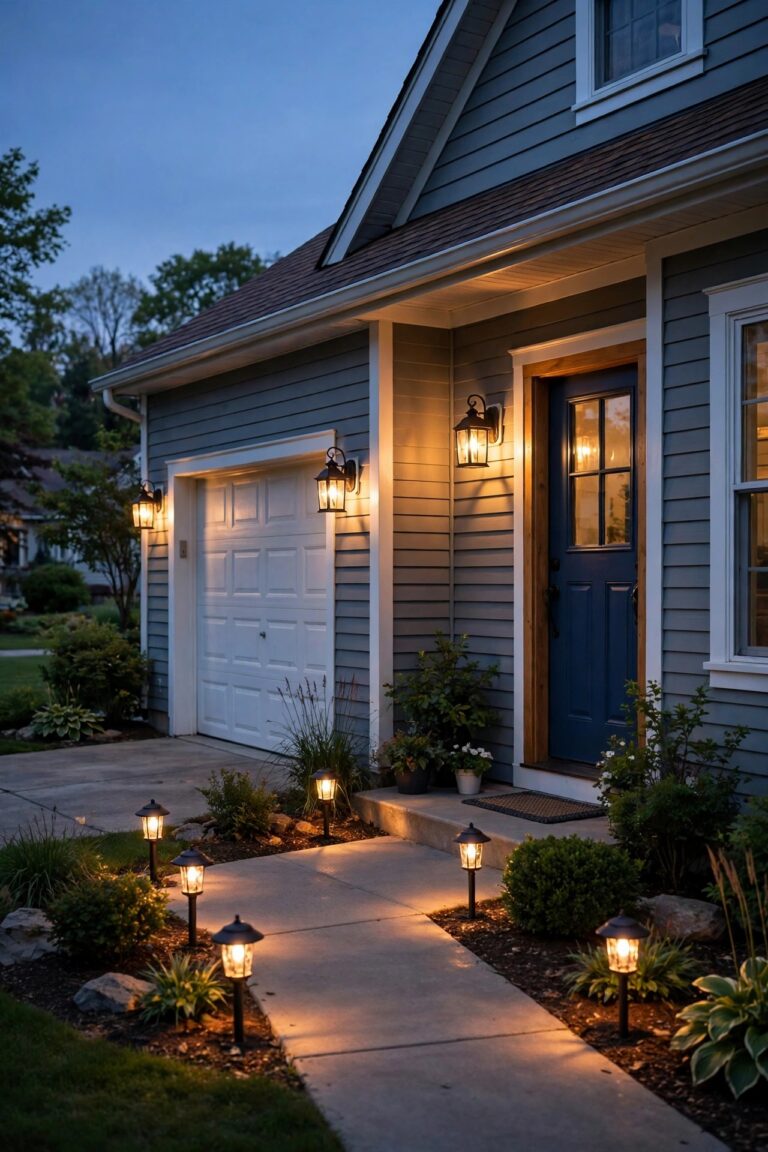
There are two kinds of porch lights on my street: the ones still burning at noon on a sunny Tuesday, and the ones that never came on when the delivery driver pulled up after dark. Mine was the first kind for years. I'd flip it on before heading out for the evening, then leave it blazing until I happened to remember it the next morning. If that sounds familiar, the fix is simpler than you think. You can add photocell to porch light fixtures so they switch on at dusk and off at dawn by themselves, or you can hardwire a timer that runs the porch on a schedule you set once and forget. Neither project needs an electrician for most homeowners, both work with the wiring already in your wall box, and each takes under an hour. In this guide I'll walk you through how a photocell actually senses light, how it honestly compares with a timer, the exact wiring order for both installs, where to mount the sensor so it doesn't fool itself, what the parts cost in 2026, and the handful of mistakes that make a brand-new install blink, buzz, or quit by Halloween.
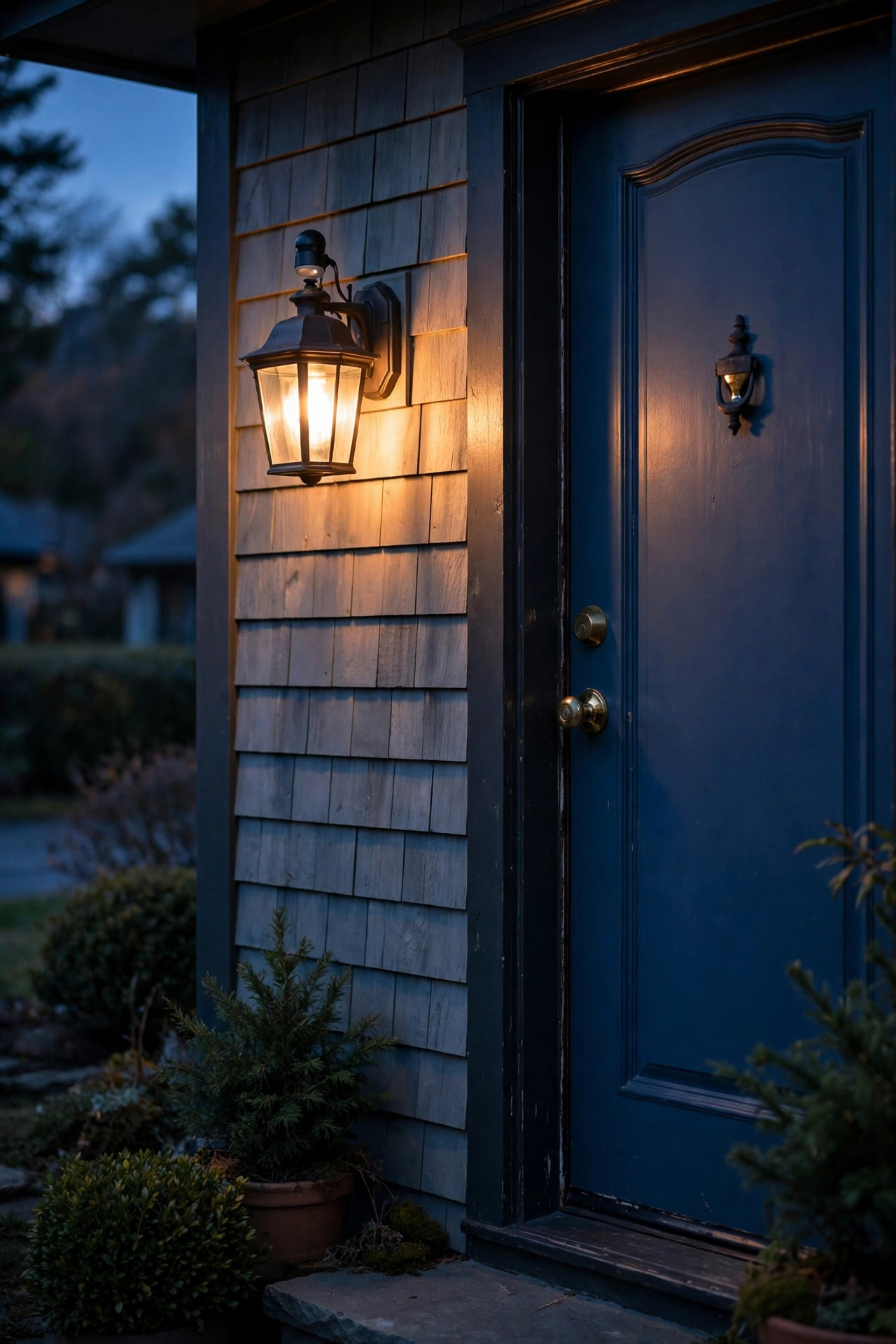
The Short Answer
Yes — for most fixtures, you can add photocell to porch light control in about 30 to 45 minutes with basic hand tools. A hardwired photocell splices into the fixture's hot wire and switches it on at dusk and off at dawn, automatically tracking the seasons as the days lengthen and shorten. An in-wall timer switch replaces your existing wall switch instead, and it's the better pick if you want the light off at midnight rather than burning all night. Parts run $8 to $35. Kill the breaker, test for power twice, match the wire colors, and mount the sensor where it sees open sky — never its own bulb's glow.
How a Photocell Actually Works
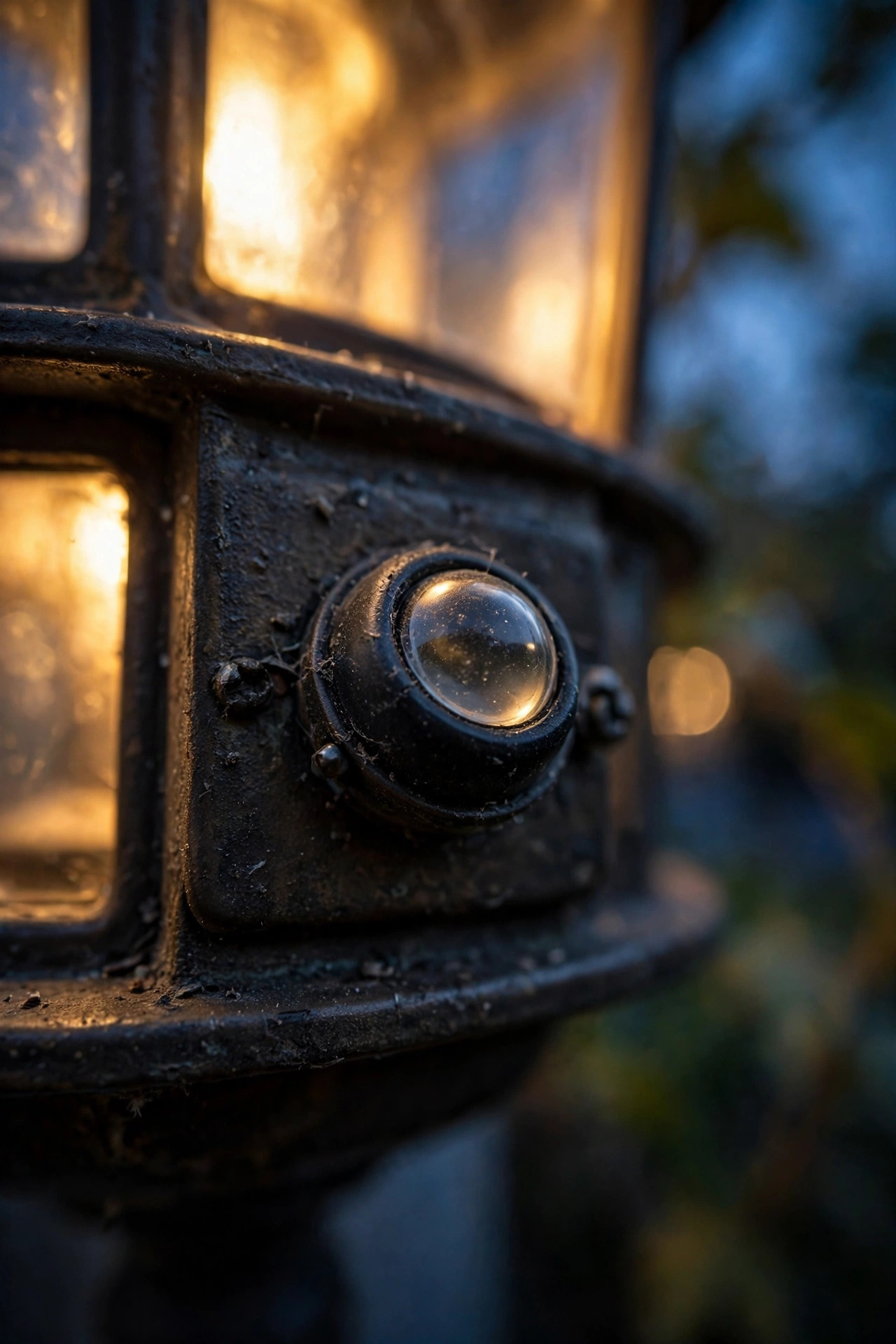
A photocell — sometimes labeled a photo control or dusk-to-dawn sensor — is really just a light-operated switch. Inside that little button or stem sits a photoresistor, a component whose electrical resistance changes with the light hitting it. In bright daylight its resistance is high and the circuit stays open, so your porch light stays off. As evening falls and the light level drops below a set threshold, usually around dusk, the resistance drops, the internal switch closes, and power flows to the bulb. Come morning, the process reverses. Most modern controls add a short built-in delay of 30 seconds to a minute so a passing car's headlights or a flash of lightning don't fool the light into switching off mid-evening.
Two practical things follow from that. First, the sensor only knows what it can see, which is why placement matters so much (more on that below). Second, the photocell has to be rated for your bulb type. Older thermal-style controls and cheap electronic ones sometimes misbehave with LEDs, causing flicker or a faint glow when the light should be off, so look for "LED compatible" on the package. Once it's wired in, the result is a genuine set-and-forget dusk-to-dawn outdoor light that adjusts itself all year with zero effort from you.
Photocell vs. Timer: Which Control Fits Your Porch?
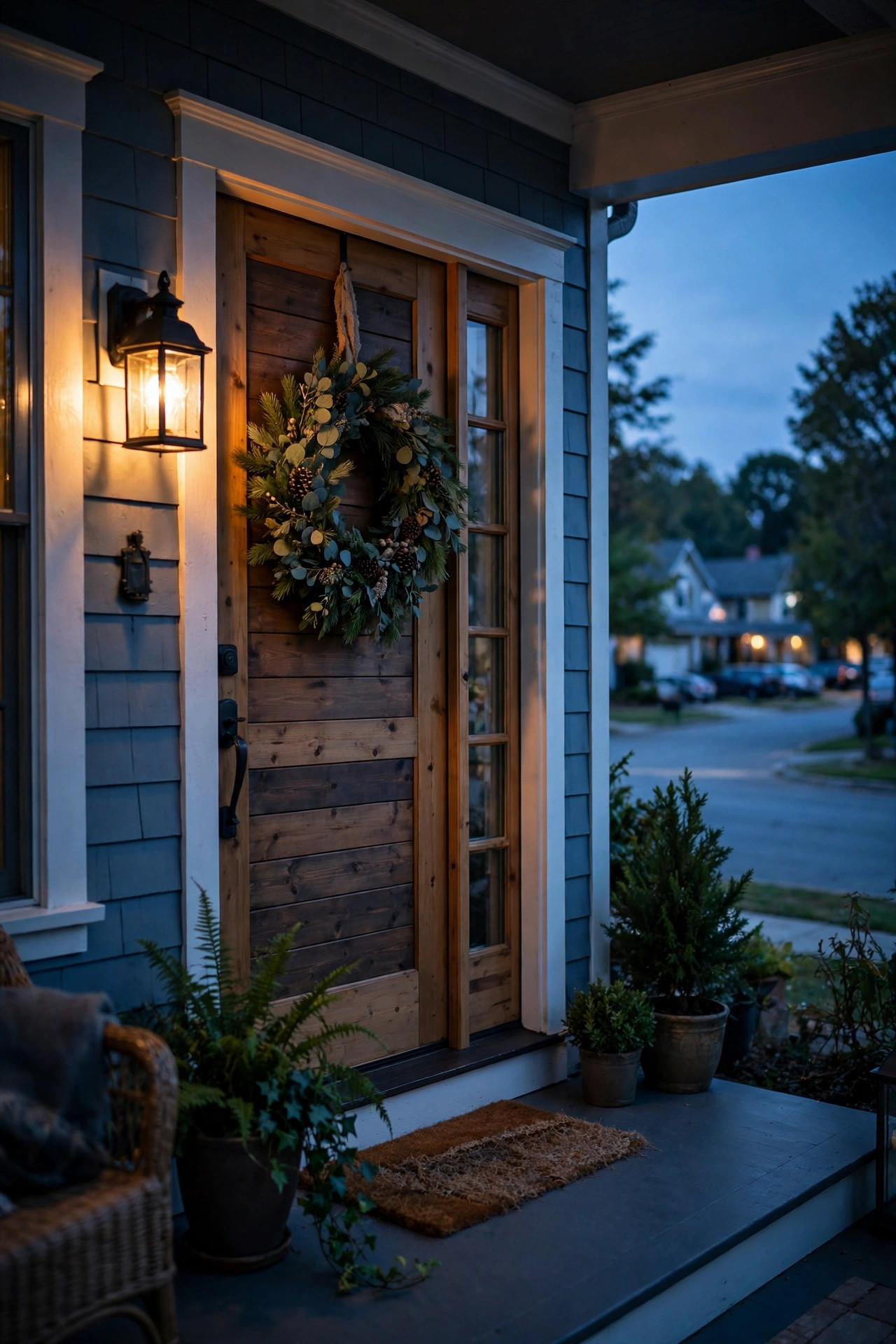
Honestly, this is the decision that matters most, and there's no universal winner — it depends on what you want the light to do after it comes on. A photocell is a creature of the sky: it turns the light on when it gets dark and off when it gets light, every single day, shifting minutes at a time with the seasons. You never program it, never reset it after a power outage, and never think about it again. What you give up is any say over the off time — the light burns from dusk to dawn whether you're home, away, or fast asleep.
A timer trades that simplicity for control. An astronomic in-wall timer calculates sunset from your location and date, then switches off at a clock time you choose — 11 p.m., say — so you're not lighting an empty porch at 3 a.m. Most also offer a random vacation mode that varies the schedule slightly so the house looks lived-in. The catch: timers need programming, most need a neutral wire in the switch box, and a basic fixed-time model drifts out of sync with actual darkness as the seasons change unless it's astronomic. If you want to explore the wider menu, my guide to outdoor lighting timers and automation compares every style side by side. Here's the short version:
| Control | Turns on | Turns off | Best for |
|---|---|---|---|
| Photocell | At dusk, automatically | At dawn | Set-and-forget, all-night welcome light |
| Astronomic timer | At sunset, calculated daily | At a time you set | Saving energy, lights-out by midnight |
| Fixed/mechanical timer | At a set clock time | At a set clock time | Predictable routines, holiday displays |
The Main Types of Photocells and Timers, Compared Honestly
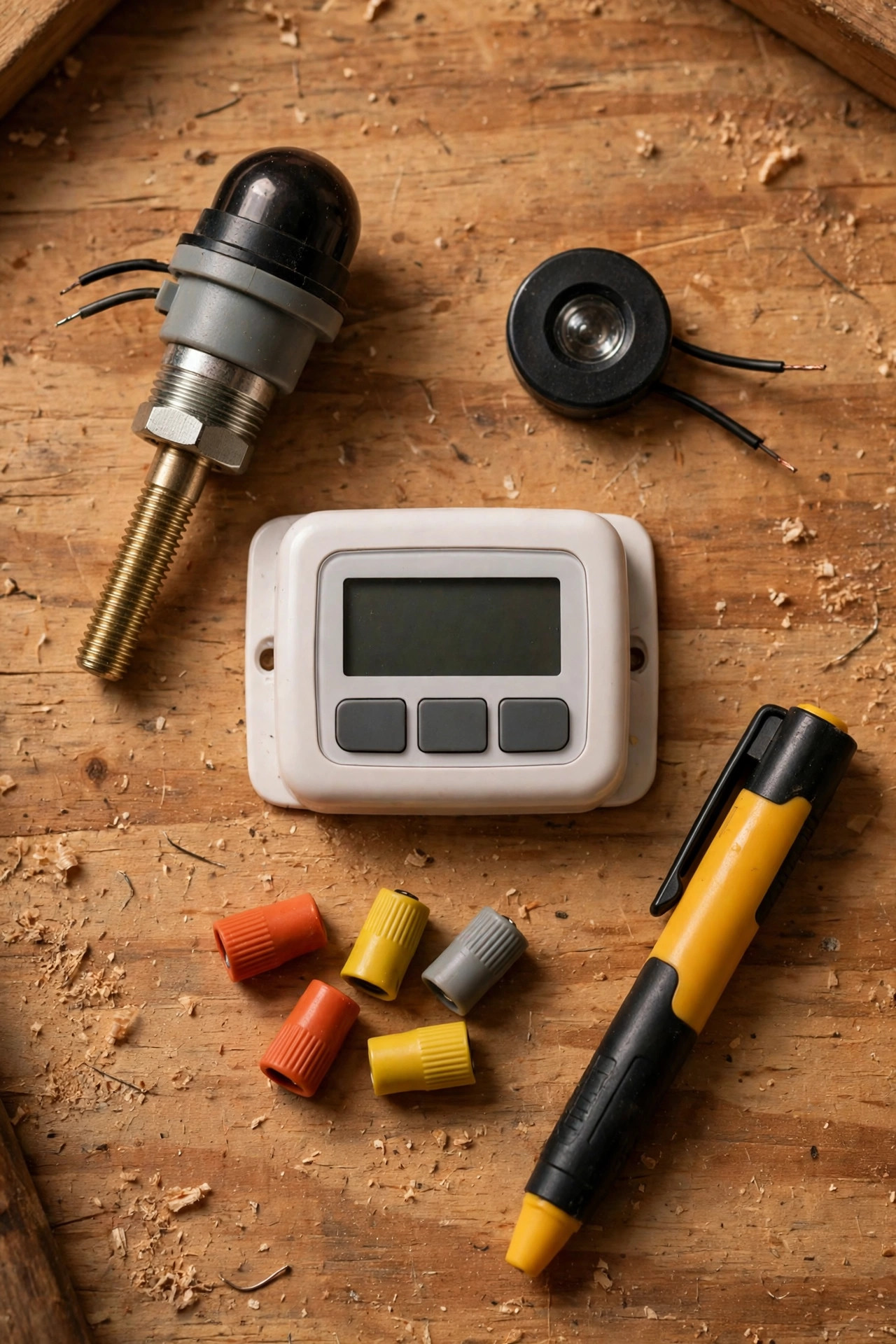
Walk into the electrical aisle and you'll find four realistic ways to automate an existing porch light. The classic stem-mount or button photocell is a small hardwired unit with three wires that splices between your house wiring and the fixture. It's the cheapest route, hides inside the fixture canopy or pokes through a knockout, and works with almost any standard fixture — this is the one most of this guide covers. A screw-in socket adapter twists between the bulb and socket and adds a little sensor eye; it's not hardwired and it's not elegant, but renters love it because it takes ninety seconds and leaves no trace.
Next, replacement fixtures with a built-in photocell put the sensor in the lantern from the factory. If your current fixture is corroded or dated anyway, this skips the splicing entirely and looks the cleanest. Finally, in-wall timer switches replace the switch inside your home, which means one timer can run every fixture on that switch — handy if your porch, garage sconces, and coach lights all share a circuit. The plug-in cousins of these, covered in my roundup of outdoor smart plugs and timers, only suit corded lights, so for a hardwired porch fixture the four options above are your real menu. My honest take: photocell for one fixture, timer switch when several fixtures share a switch or you want a lights-out time.
Before You Add Photocell to Porch Light: Tools, Parts, and Safety Checks
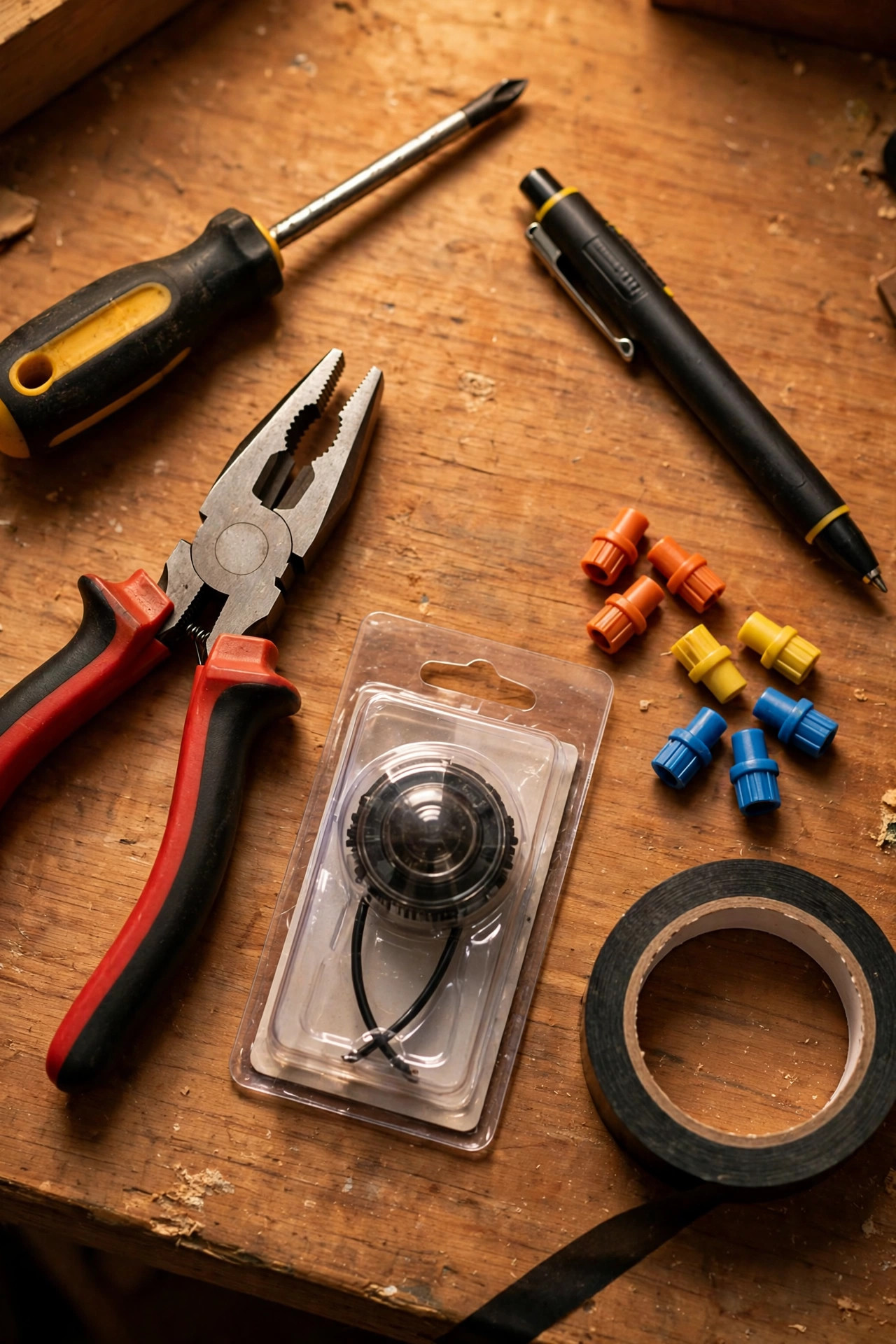
Gather everything first and this job stays pleasant. You'll need a screwdriver set, a non-contact voltage tester (non-negotiable), wire strippers, a handful of wire nuts sized for 14- and 12-gauge wire, electrical tape, and a tube of outdoor silicone sealant. Add a step ladder for high fixtures and a drill only if your fixture has no spare knockout for the sensor stem. For parts, buy a photocell rated for outdoor wet locations, rated at or above your fixture's wattage, and explicitly LED compatible if you run LED bulbs — most porch lights do now. If you're going the timer route, check one thing before you buy: most in-wall timers need a neutral wire in the switch box. Pop the switch plate off (power off first) and look for a bundle of white wires capped together in the back of the box. Houses wired before the mid-1980s sometimes lack one, and discovering that mid-install is miserable.
Safety is short but absolute. Turn the breaker off at the panel — not just the wall switch — then test the fixture wires with your voltage tester before touching them, and test again after. Work on a dry day, never reach into a damp box, and make sure every splice ends up inside the electrical box or fixture canopy, never exposed. All parts that live outdoors must be rated for wet locations. This is like-for-like control wiring, which most homeowners handle comfortably; if you open the box and find crumbling insulation, aluminum wiring, or anything scorched, that's your sign to close it up and call an electrician.
Step by Step: How to Add Photocell to Porch Light Wiring
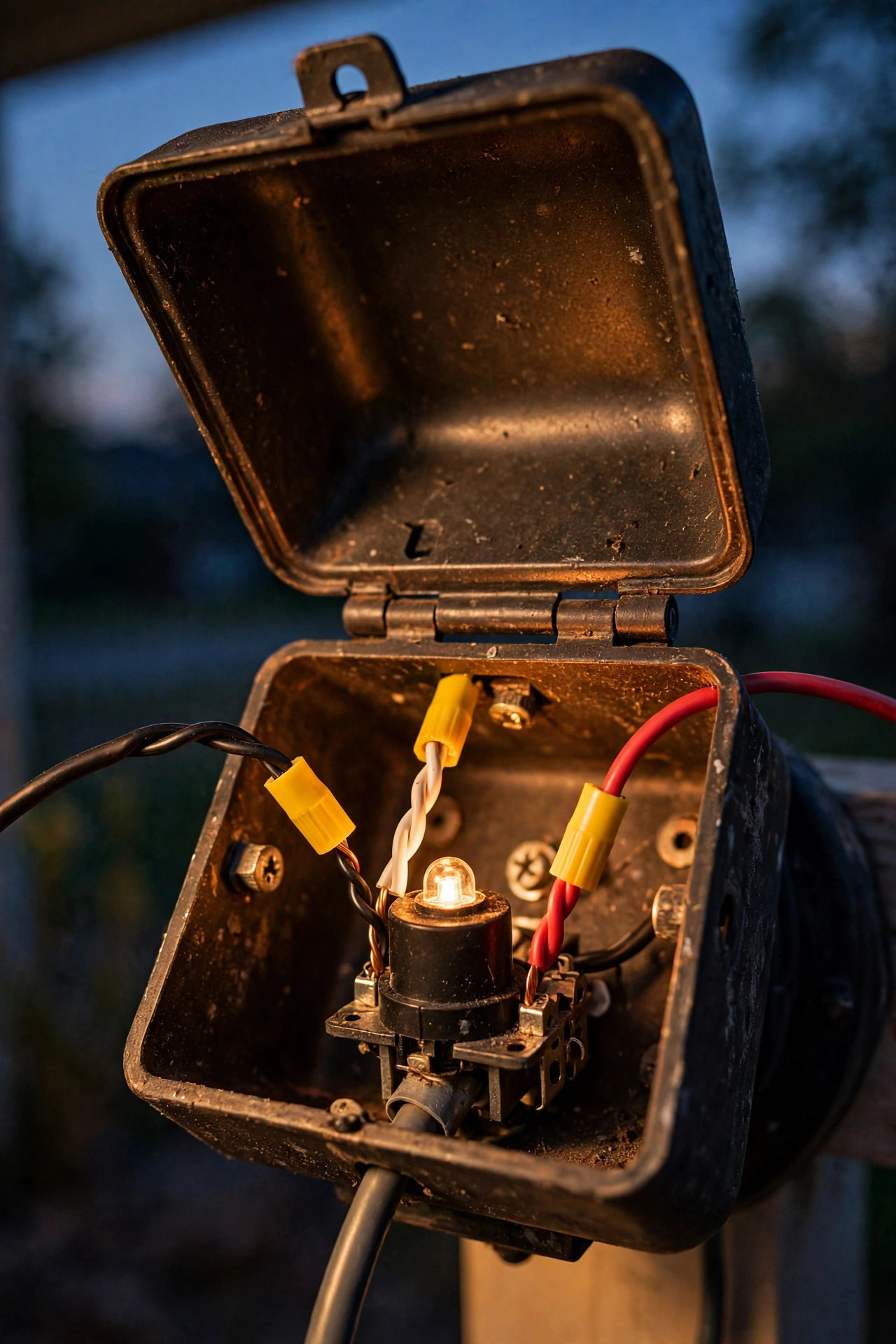
This is the core install — a stem or button photocell spliced into an existing hardwired fixture. Plan on 30 to 45 minutes.
1. Kill the power. Switch the breaker off, tape a note over the panel so nobody flips it back on, and confirm the light is dead at the switch.
2. Remove the fixture. Unscrew the canopy nuts, ease the fixture away from the wall box, and support it — don't let it dangle by its wires. Test every wire with your voltage tester before touching bare copper.
3. Photograph the wiring. A phone photo of the existing connections saves real grief later.
4. Identify the wires. From the house you'll typically find black (hot), white (neutral), and bare or green (ground). The photocell has three leads: black (line), red (load), and white (neutral).
5. Wire the photocell in series. Connect the photocell's black lead to the house hot wire, and its red lead to the fixture's black wire. Connect the photocell's white lead into the white neutral bundle — house white and fixture white together. Ground wires stay connected as they were. Cap every splice with a wire nut, tug-test each one, and wrap with tape if you like the extra security.
6. Mount the sensor. Thread the photocell's stem through a canopy knockout or the hole provided, tighten its locknut, and aim the eye outward and slightly down. Run a bead of silicone around the stem where it exits so water can't follow it in.
7. Reassemble and restore power. Tuck the wires in neatly, remount the fixture, and flip the breaker back on.
8. Test it. In daylight the light should be off. Cover the sensor eye with electrical tape or your thumb and wait 30 to 60 seconds — the light should come on. Uncover it, and after a similar delay it should switch off. Done.
Bonus: if several fixtures share one switch and circuit, a photocell in the first fixture controls everything downstream of it — that's how I automated both porch sconces with one $10 part.
Step by Step: Wiring an In-Wall Timer Switch Instead
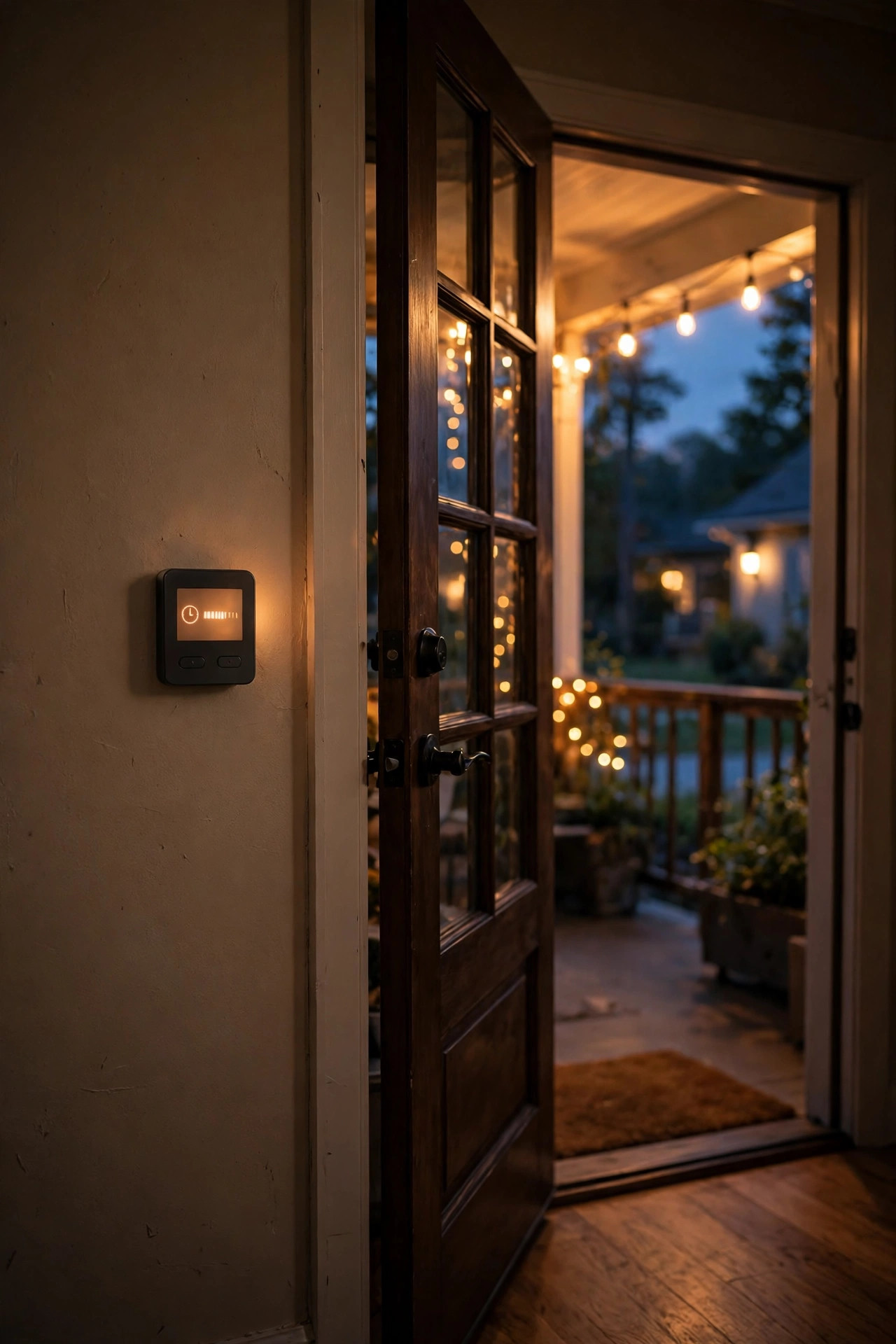
If you chose the timer route, the work moves indoors to the switch box, and the fixture itself stays untouched.
1. Kill the power at the breaker and verify the switch is dead with your voltage tester.
2. Remove the old switch. Unscrew it, pull it gently from the box, and photograph the wiring before disconnecting anything.
3. Find your four wires. You need line (hot coming from the panel), load (hot going out to the fixture), neutral (the white bundle capped in the back of the box), and ground. On the old switch, the two black wires are line and load — if they're not labeled, the one that tests live with the breaker temporarily on is line; when in doubt, an electrician can identify them in minutes.
4. Connect the timer following its printed diagram: line to line, load to load, the timer's white lead into the neutral bundle with a wire nut, ground to ground. If your porch light is on a three-way setup (two switches), check the timer is three-way compatible or has a companion switch — many basic timers are single-pole only.
5. Mount and program. Screw the timer in, snap on the plate, restore power, and set the date and time. Choose astronomic or dusk mode if offered, then set your off time — 11 or 11:30 p.m. is the sweet spot at our house. Enable the random or vacation mode if you'll travel.
6. Test the override. Every timer has a manual on/off tap. Confirm you can still flip the porch light on instantly for a late-night dog walk or an unexpected guest.
Most timers carry a small battery or capacitor backup, so a brief outage won't erase your schedule — confirm yours does, or you'll be reprogramming after every storm.
Where to Mount the Photocell So It Actually Reads the Sky
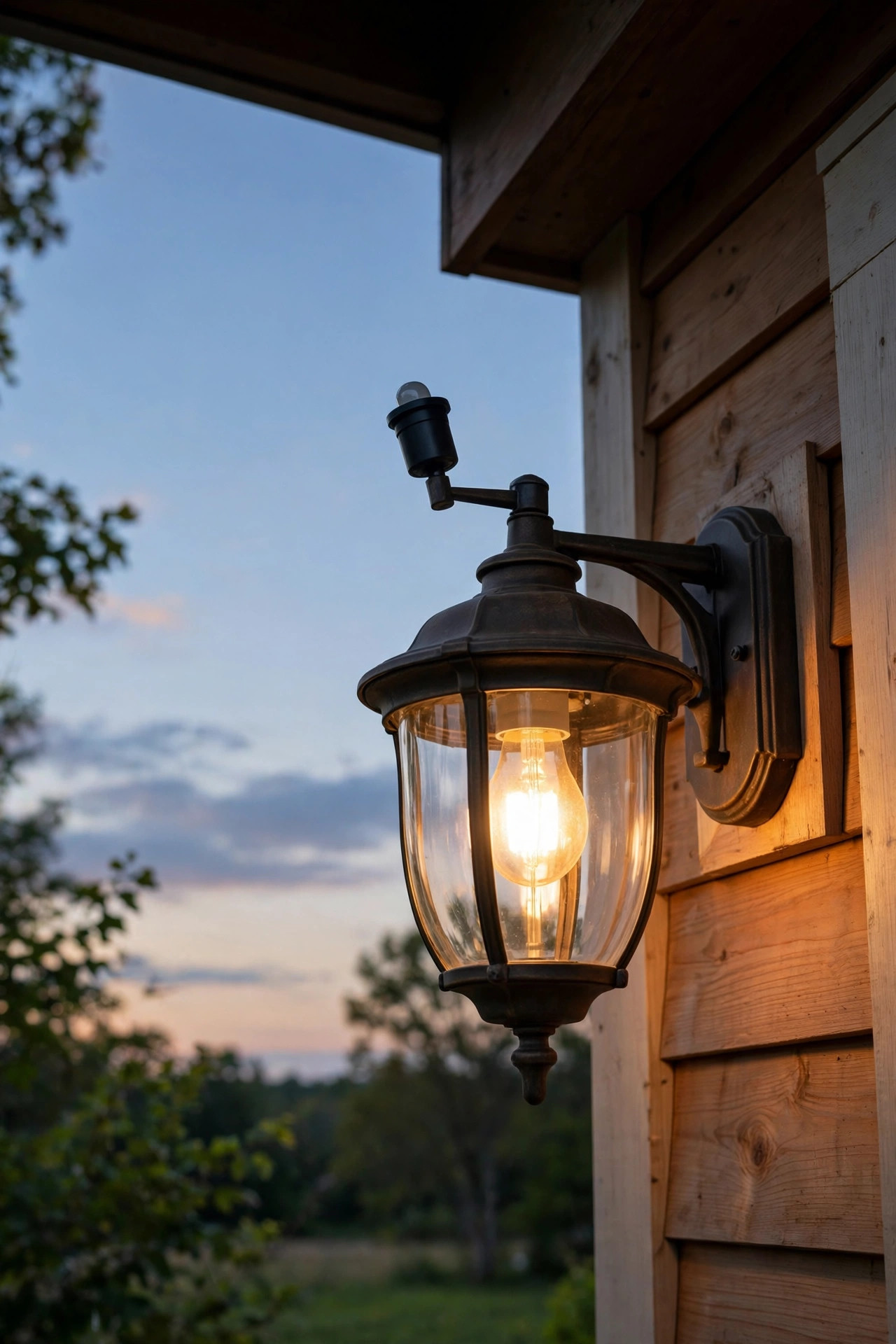
More photocell installs fail from placement than from wiring. The sensor judges the whole world by the light falling on its tiny eye, so give it an honest view. It needs open sky — not the deep shadow of your porch roof, which reads as "evening" by mid-afternoon and keeps the light burning half the day, and not tucked behind a storm door or glass panel, which dims and distorts what it sees. On our northern-hemisphere homes, a north-facing or upward-tilted eye gets the most even, glare-free read of ambient light; an eye staring straight into the setting sun will hold the light off well past dark, and one facing bright sunrise can shut things off early on winter mornings.
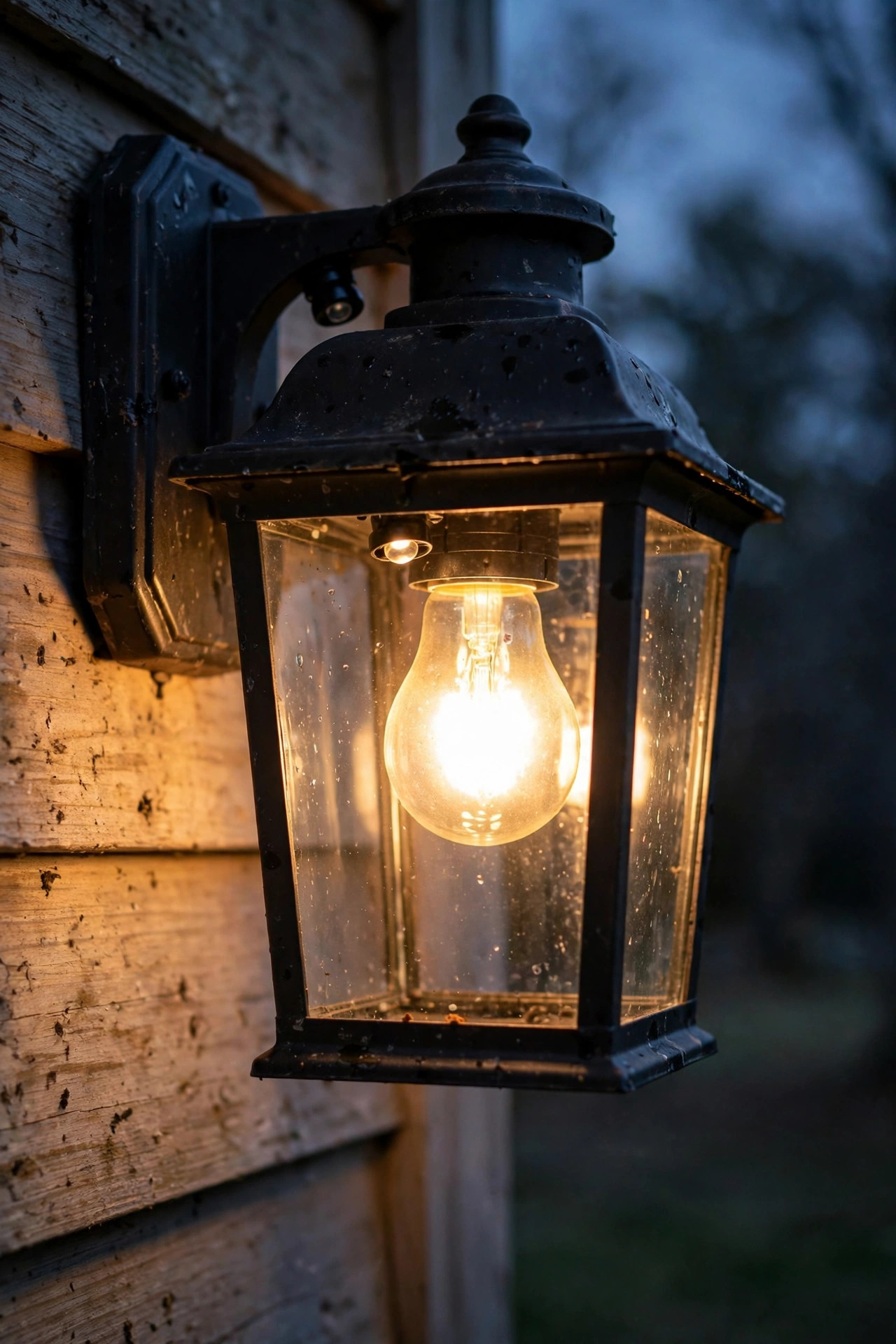
The other enemy is the light itself. If the sensor can "see" the bulb it controls — directly or bouncing off a pale wall, a white column, or a glossy ceiling — the light turns on at dusk, the sensor sees brightness and turns it off, darkness returns, and it turns back on, cycling all night long. Keep the eye at least a few feet from the bulb where the design allows, shield it with the fixture's own housing, and avoid aiming it at reflective surfaces. Also keep it away from streetlights and the sweep of driveway headlights, which can cause random mid-night shutoffs. Spend two minutes standing at the fixture at noon and at dusk asking, "What does the eye see right now?" That one check prevents nearly every callback.
Testing and Troubleshooting Your New Setup
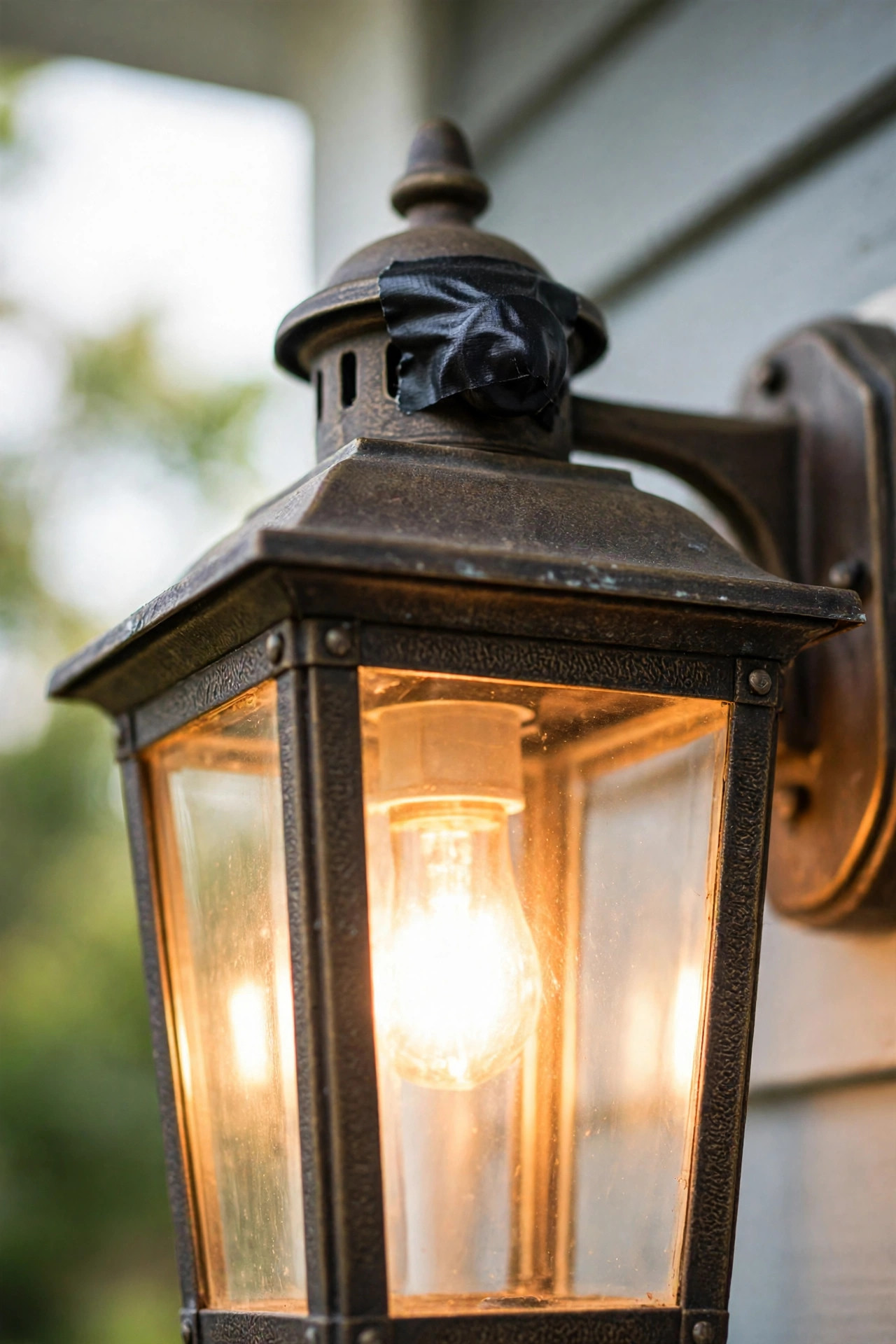
Start with the tape test from the install: cover the eye fully, wait a full minute, and the light should be on; uncover it and it should drop out within a minute or so. If it behaves, check it once more at real dusk that evening — that's the honest test. When something's off, the symptom usually names the culprit. Light blinks or cycles on and off all night: the sensor is seeing its own bulb. Reposition or shield the eye, or move it farther from the fixture; this is the most common problem by far and almost never a wiring fault. Light never comes on: the line and load leads are usually swapped — if the photocell's black and red are reversed, the control never powers the fixture. Kill the breaker and swap them. Light never turns off: the eye sits in permanent shadow (deep eave, behind a column), the eye has been painted over, or the control has failed closed; clean or reposition first, replace second — a new photocell is under $15.
LED flickers, strobes, or glows faintly when off: your photocell isn't LED-rated, or it's an older style that leaks a trickle of current to sense the circuit. Swap in an LED-compatible control and the ghost behavior almost always disappears. Timer keeps losing its schedule: the backup battery is dead, or the model has none — replace the battery or the timer. And if everything works in June but the light starts coming on at 3 p.m. in November, suspect new shade: a tree that grew, or the sun's lower angle throwing the porch into shadow. The fix is placement, not parts.
5 Mistakes That Ruin the Effect
1. Letting the sensor watch its own light. Covered above because it deserves the top spot — the on-off cycling wears out bulbs and annoys the whole street. Placement and shielding fix it every time.
2. Swapping the line and load wires. The photocell's black lead takes power in from the house; the red lead sends it out to the fixture. Reversed, you get a dead light or a confused control. Colors vary by maker, so read the little diagram on the unit itself, not just my steps.
3. Pairing a bargain photocell with an LED bulb. Non-LED-rated controls are the number one cause of flicker, buzzing, and that eerie half-glow at 2 a.m. The LED-compatible version costs two dollars more. Buy that one.
4. Stacking two automatic controls. A photocell fixture fed by a timer switch fed by a dusk-to-dawn bulb is a committee, and committees deadlock — usually with the light off when you want it on. Pick one layer of automation per fixture and let it do its job.
5. Discovering mid-install that your timer needs a neutral you don't have. Check the switch box before you buy, especially in older homes. If there's no neutral bundle, choose a photocell at the fixture instead, or pick one of the few no-neutral timer models and accept its small battery-maintenance trade-off.
Maintenance and Seasonal Tweaks
The good news: an automatic porch light mostly takes care of itself, and the upkeep list fits on a sticky note. Twice a year — I do it when I swap the porch decor in spring and fall — wipe the sensor eye with a damp cloth. Dust, pollen film, and one determined spiderweb can dim its view enough to start the light an hour early every day, which quietly defeats the purpose. While you're up there, check the silicone seal around a stem-mount sensor and refresh it if it's cracked, and give the fixture lens a quick clean so you're judging brightness honestly.
Seasonal tweaks depend on your control. A photocell needs none — it tracks the sunset all by itself, which is its whole charm. A timer deserves a glance at each equinox and after any long outage: confirm the clock is right, that astronomic mode is still enabled, and that your off-time still matches the household's rhythm. Around the holidays, remember that if your porch outlet or string lights share the controlled circuit, they'll follow the same schedule — usually a happy accident. Expect a photocell to serve five to eight years before its eye clouds over and its judgment drifts; replacement is the same 30-minute job you already know how to do. When the day comes, you'll smile at how easy it feels the second time.
Frequently Asked Questions
Can I add a photocell to any porch light?
Almost any standard hardwired fixture, yes — if there's room in the canopy or box for the small control and a way to route its eye to daylight. Very small fixtures sometimes need a stem-mount sensor through a knockout instead. Photocells only work on line-voltage (120V) fixtures, not low-voltage landscape lights, and the control must be rated for your bulb type — LED-compatible for LED bulbs.
Do I need an electrician to hardwire a photocell or timer?
Most homeowners do this themselves in under an hour with the power off and a voltage tester in hand, and like-for-like control swaps like this generally don't require a permit. Call a pro instead if you find aluminum wiring, a damaged or overcrowded box, no neutral where a timer needs one, or anything that doesn't match the diagrams — that's money well spent.
Why does my porch light turn on and off all night?
That's the classic feedback loop: the sensor sees its own bulb's light, decides it's daytime, switches off, then sees darkness and switches back on. Shield or reposition the eye so it can't see the fixture's glow or its reflection off walls and columns. A streetlight aimed at the sensor can cause the same cycling, so check what else shines on it after dark.
Which saves more money, a photocell or a timer?
Usually the timer, because it adds an off-time: a photocell's light burns all night, while a timer can shut down at 11 p.m. and cut roughly a third of the run time. The photocell wins on convenience — nothing to program, nothing to reset. Either way, pairing automatic control with an LED bulb means the whole conversation is about a few dollars a year, not real money.
What It Costs in 2026
Here's the honest math, gathered in one place. A stem- or button-mount photocell runs $8 to $15, and the LED-compatible versions sit at the top of that range — pay it. A screw-in socket adapter costs $10 to $18. Stepping up to a new fixture with the photocell built in runs $40 to $90 for a good-looking lantern. An in-wall digital timer switch with astronomic programming costs $22 to $35; simpler mechanical in-wall timers go for $12 to $20. If your toolbox lacks the basics, add about $8 for wire nuts, tape, and silicone — most of us already own them. Having an electrician do the whole job instead typically runs $125 to $250 for a single fixture visit, which is exactly why this is such a satisfying DIY.
Running costs are where the automation pays you back. A 9-watt LED on a photocell, lit dusk to dawn, burns roughly 11 hours a night on average across the year — about 36 kilowatt-hours, or near $6 a year at 17 cents per kilowatt-hour. A timer that shuts off at 11 p.m. trims that to around $4. Compare that with the same LED simply forgotten and left on around the clock: about 79 kilowatt-hours and $13 a year. And if your porch still holds a 60-watt incandescent on a forgetful switch, you could be spending $50 or more a year lighting the daytime sidewalk. The parts pay for themselves in the first season.
Conclusion
A porch light that thinks for itself is one of those small upgrades you feel every single evening — no more noon burn, no more dark doorstep, no more mental note nagging you at bedtime. Whether you decide to add photocell to porch light fixtures for true set-and-forget dusk-to-dawn service, or hardwire a timer so the house goes politely dark at eleven, you're one breaker flip and a few wire nuts away from done. Start with the fixture you use most, take the placement check seriously, and let the sky handle the schedule from here on out. When you're ready to take the same idea further into the yard, browse more of my lighting guides here on the site — your front walk is going to look wonderful.